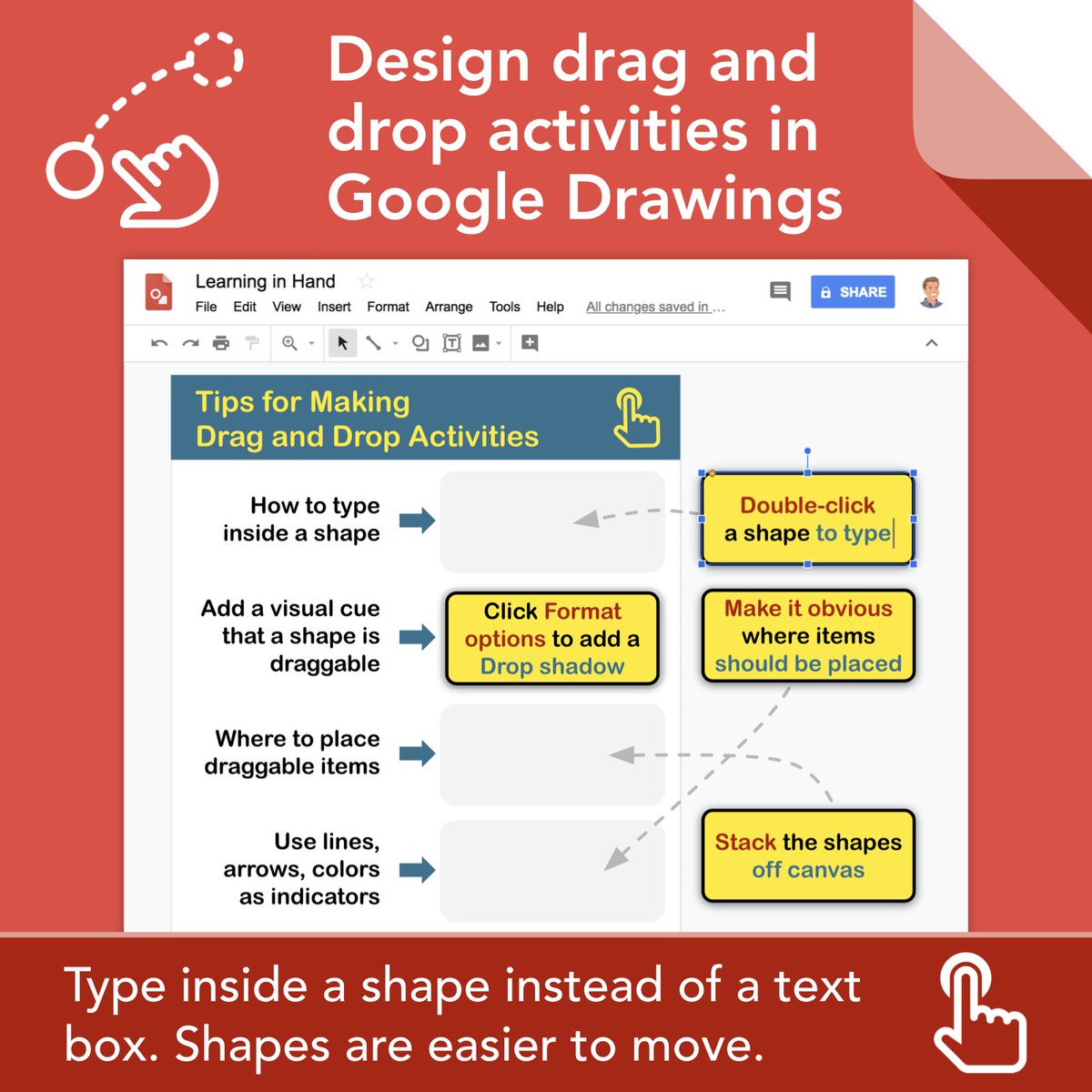
👆 Designing a Google Drawings or Slides document where you want students to drag and drop words, phrases, or sentences? Type inside a shape instead of a text box. Shapes are easier to drag.
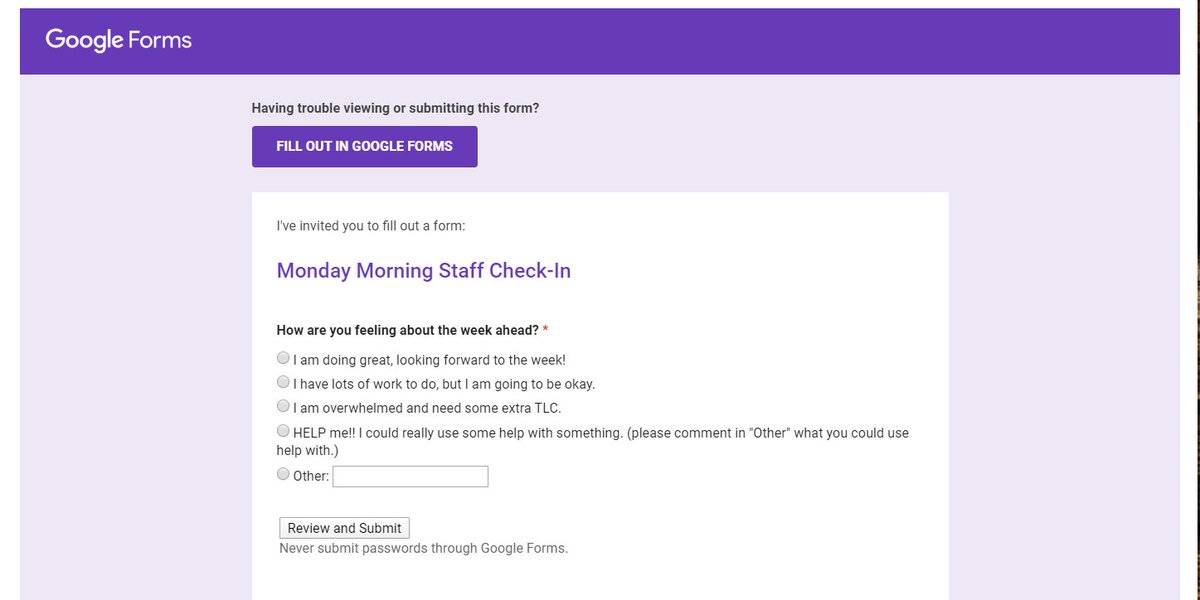
The BEST idea I have implemented in years!! The simplest and easiest too. Check it out:
The Power and Simplicity of a Weekly Staff Check-In
https://t.co/80AFc5tsPe
#SerendipityEDU
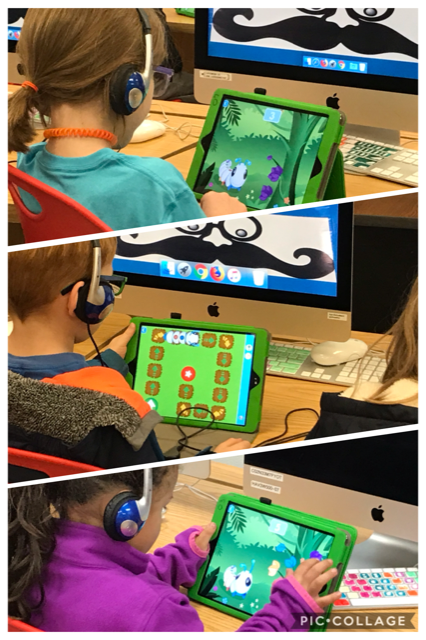
We're kicking off @CSEdWeek today and celebrating this year's #HourOfCode theme, #CSforGood! Learn computer science. Change the world ❤️️🌎🖥 https://t.co/KbuUqFlb5b
Use #googleSlides to GET information. Create an interactive inquiry activity in Slides and instead of telling the whole class how to use it, use @Screencastify to embed video instructions on each slide.#googleEDU
💡 I recently learned if you right click on a slide in Google Slides, you can copy it then go into a Google Doc and paste the slide as an image. This is quite handy when trying to create visuals inside of a Google Doc. Before, I did Insert > Drawing to make visuals within Docs.
Girls got so excited after coding for the first time , earning an online certificate on @codeorg during our School Code Tour Program in Abuja, our mission is to ensure every girl is given the opportunity to code . #Tech4Good@NITDANigeria @FMoCDENigeria @DrIsaPantami
The post includes the step-by-step process for what this #EduGIF shows: creating creative #StopMotionSlides that S's can 🎙 over, much like they can with Blabberize or ChatterPix, but with more flexibility & avoiding an add'l tool! #GAFEChat#GAFE https://t.co/S8xErbA6Cr