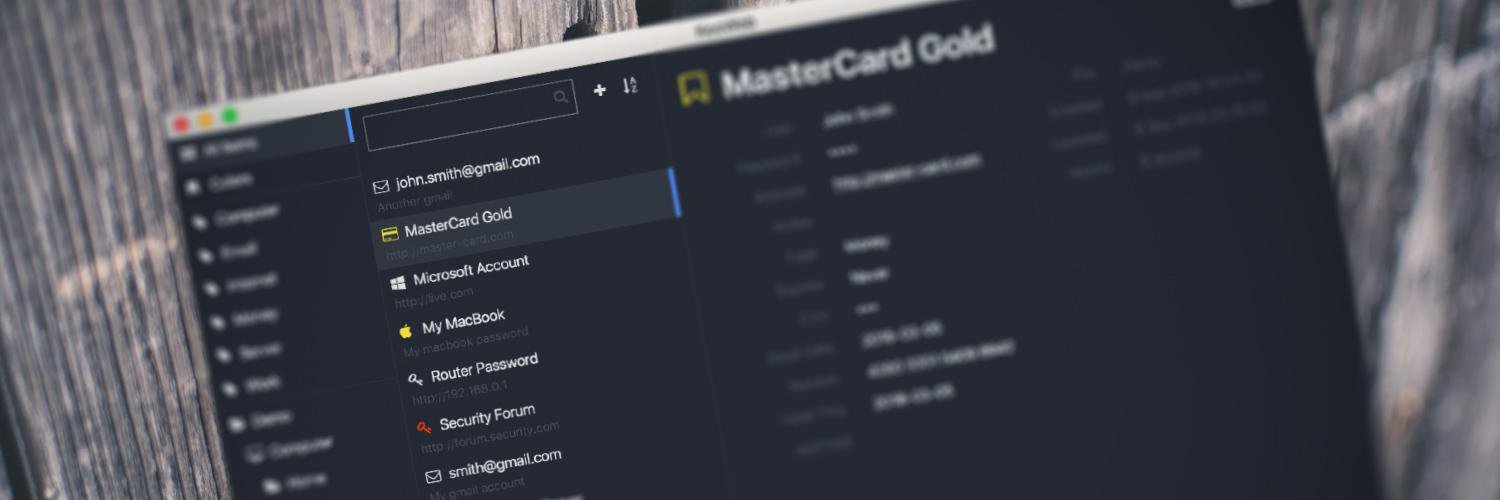
@HonestCitizen1 We don't have our own apps, but you can use any app compatible with KeePass, here's an independent iOS app list: https://t.co/opK6J9VVN3
New KeeWeb with browser extensions is released! Two unique features or it are password auto-fill on ChromeOS and Safari! Latest release: https://t.co/gzOc5WRHq5
Our official browser extension for Chrome, 🦊 Firefox, Edge, and 🧭 Safari will be released soon! Interested in trying it out? Follow the instruction here: https://t.co/rFhfpbDE0o. How it works: https://t.co/zA6DDMFpSd
Auto-type has been rebuilt in latest KeeWeb, now it should become more stable because there are less moving parts. Furthermore, the auto-type code is extracted as a library for other developers. Do you have issues with it? Let us know: https://t.co/DOtqTkI6yo
v1.17 released! ✨ Touch ID on macOS, custom title bar on Windows, checking passwords on @haveibeenpwned, new auto-type, and much more: https://t.co/gzOc5WRHq5
Feature preview for 2021: password checks on @haveibeenpwned, this will be an opt-in (disabled by default) setting, you can give it a try on https://t.co/X7zL7YaSH7.
A word of thanks to @github, we're using:
- git repositories
- code contributions via pull requests
- issue tracker
- release assets hosting
- infrastructure to build desktop apps
- wiki
- donations
and it costs $0 per month.
Introducing #CloudflarePages beta! Deploy your JAMstack sites to our network for free, with incredible performance, security, and scalability! Just grab your repo, and go! https://t.co/RWSYmZdAWd
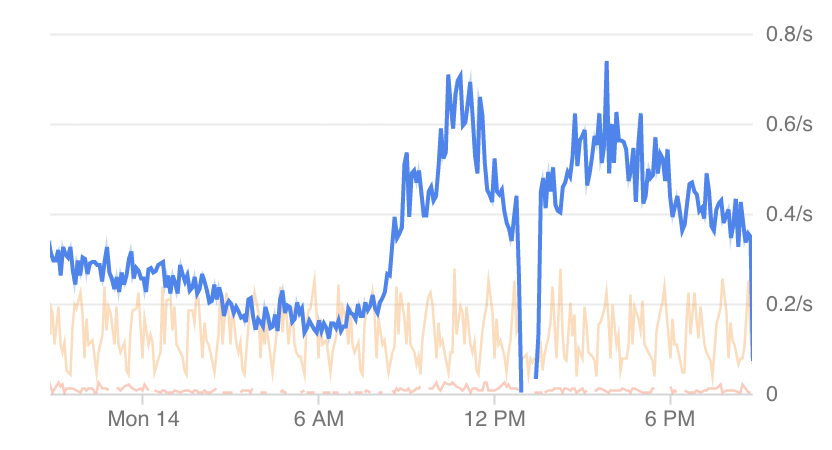
About the #Google outage today, we've seen some file sync issues too, of course. Make sure you have your kdbx files saved locally because this can happen in future. KeeWeb also provides offline cache of your data for you to maximize availability.
@m1ck_k3y Depends on what exactly you expect to see. If you would like to make the footer black (see the screenshot here), it's available as a plugin called "theme-darker". Old themes with spacing and bordered buttons are gone.