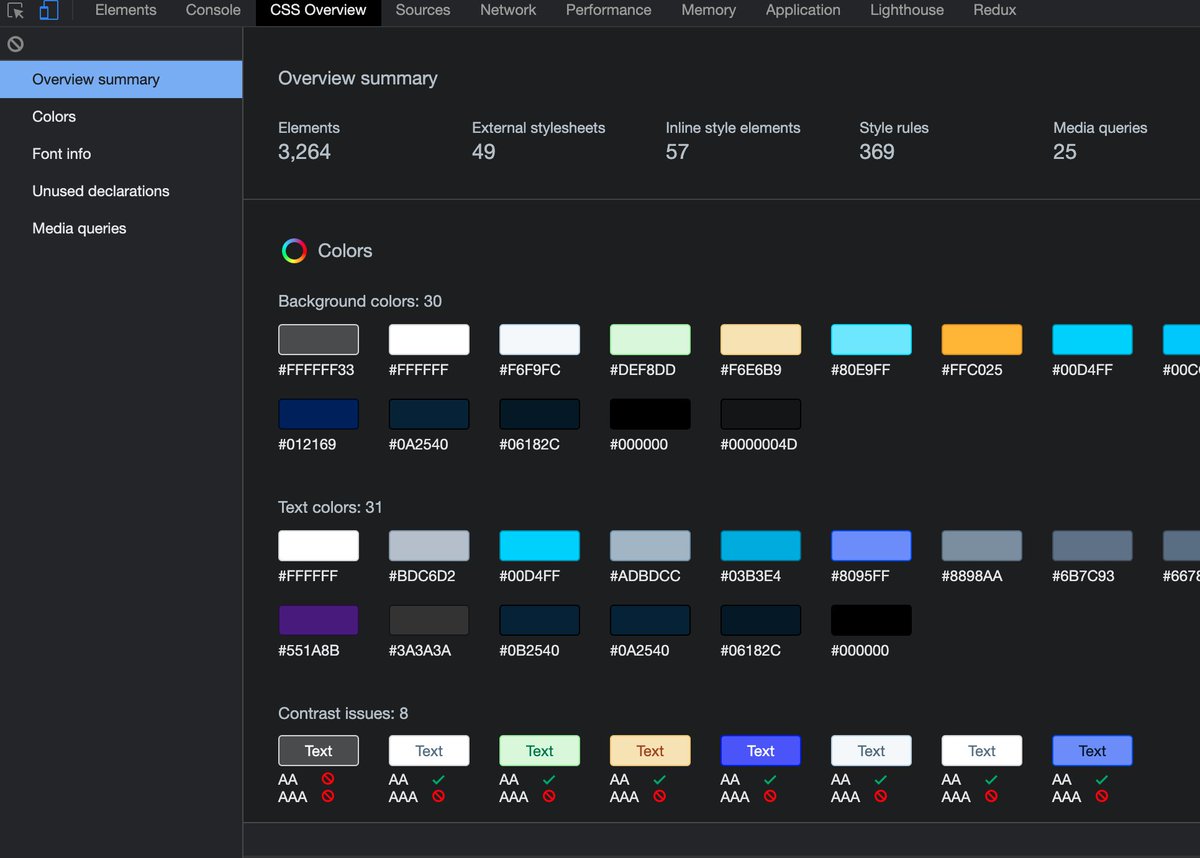
🔥Cool Tip: How to get fonts and colors from any website.
1. Enable CSS Overview under settings > experiments > CSS Overview. (you should see a new CSS Overview tab after this)
2. Click on Capture Overview from CSS Overview tab.
3. Enjoy!
Tip:
Take full-size screenshots of websites.
1. Open Dev Tools
2. Right-click on the `<body>` tag, and select "Node Screenshot"
Works in both Chrome and FF.