@christoph_hellm @figma Let me know if you ever run into any issues with it! I can’t promise it’s 100% perfect on day one but we can fix issues very quickly :)
@RealSkyHartman@figma Hm, can you say more what you mean by "quickly editable" — is it that the endpoint dragging behavior is different, or something else?
@RealSkyHartman@figma …a 1px line snapped to grid fills one exact pixel row, rather than half of two pixel rows, which would rasterize as a 2px half-opacity line).
Flattening a line layer converts it to a vector layer, which renders strokes as centered.
@RealSkyHartman@figma Hi! If you flatten this, it will render its stroke centered as you'd expect.
Longer explanation: this is an interesting quirk of line layers (vs vector layers). Lines render their strokes to one side (an old decision that allows them to perfectly align to the pixel grid — …
@danielsun_ui@Krisleedesigns@figma Hey, these should work as SVG (both the texture effect and the new brushes)! If you're seeing something not exporting well as SVG, I would love to look into it if you can send me an example!
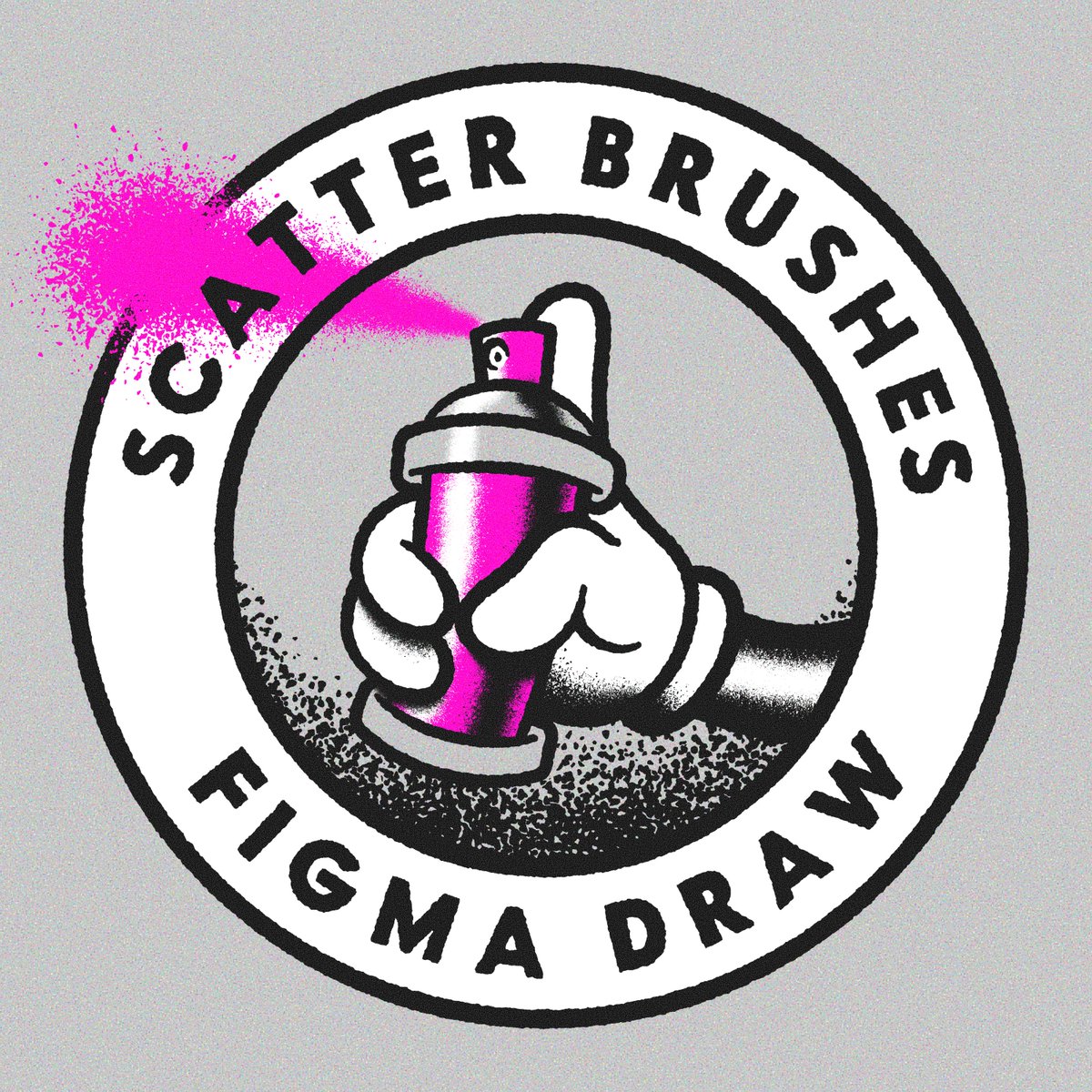
We just launched a brand new brush type in @figma: Scatter brushes! So proud of my incredible engineers on getting this one out the door and in your hands.
I made this art using them and it was fun as hell.
1/n
All credit to @rogie the SVG filter mad scientist, and Yassir, his effect rendering eng partner in crime. All I did was act as PM driving them crazy with my insistence “keep going, it HAS to be SVG-able!” 🤭
Made a lil illustration in @figma draw with dynamic stroke and texture effects and text on a path. I dared to paste the SVG code into @CodePen ... this is what happened...
Spoiler alert... It worked! @rogie@lbudorick@maxvoltar you super amazing brilliant beautiful people! This is delight!