$100k in 7 days because of advertorials.
Really simple strategy:
1: Copy Advertorials from the USA
2: Translate them into a random EU Markets (Germany, France, Netherlands)
3: Use curiosity based images
4: 1 CBO, 100 USD testing budget
5: Scale to the moon
Like & Retweet to get my advertorial template.
$1.7m per month selling a Cooling Blanket ❄️
Look how simple that creative is
Easy content to film for reels, solid AOV, great for upsells, huge niche.
Always finding new products with this new strategy I found
Like + follow and reply “GUIDE” to learn about my product research strategy 🔥
2025 Dropshipping | How to make over $1M selling a single product. 🧵 Part 1
The exact store structure:
One product store
→ Main store (USA 🇺🇸)
→ Multiple (EU 🇪🇺) stores
- Netherlands 🇳🇱
- Germany 🇩🇪
- Italy 🇮🇹
-Denmark 🇩🇰
→ Hire appropriate VA’s to help with the stores
→ Simple but effective landing page
-Good product images
-Great offers (Bundle, BOGO, Free gifts)
-Social proof (Visual reviews +)
→ 1-1 Translation of all product pages, ads to the target countries Ex: 🇳🇱🇩🇪🇮🇹🇩🇰
-Better CVR
-Better Pixel optimization
Started this store 4 weeks ago.
Now I am doing 6k per day CONSISTENTLY.
How?
Funnelish X EU Markets.
Like & Retweet + Comment "EU" to get more information.
Spring is coming.
Right not you should have:
-Gardening products(s)
-Offer(s)
-Ads
All in queue, or at least you should start prepping now.
Start testing right after Valentine Day.
More below 👇
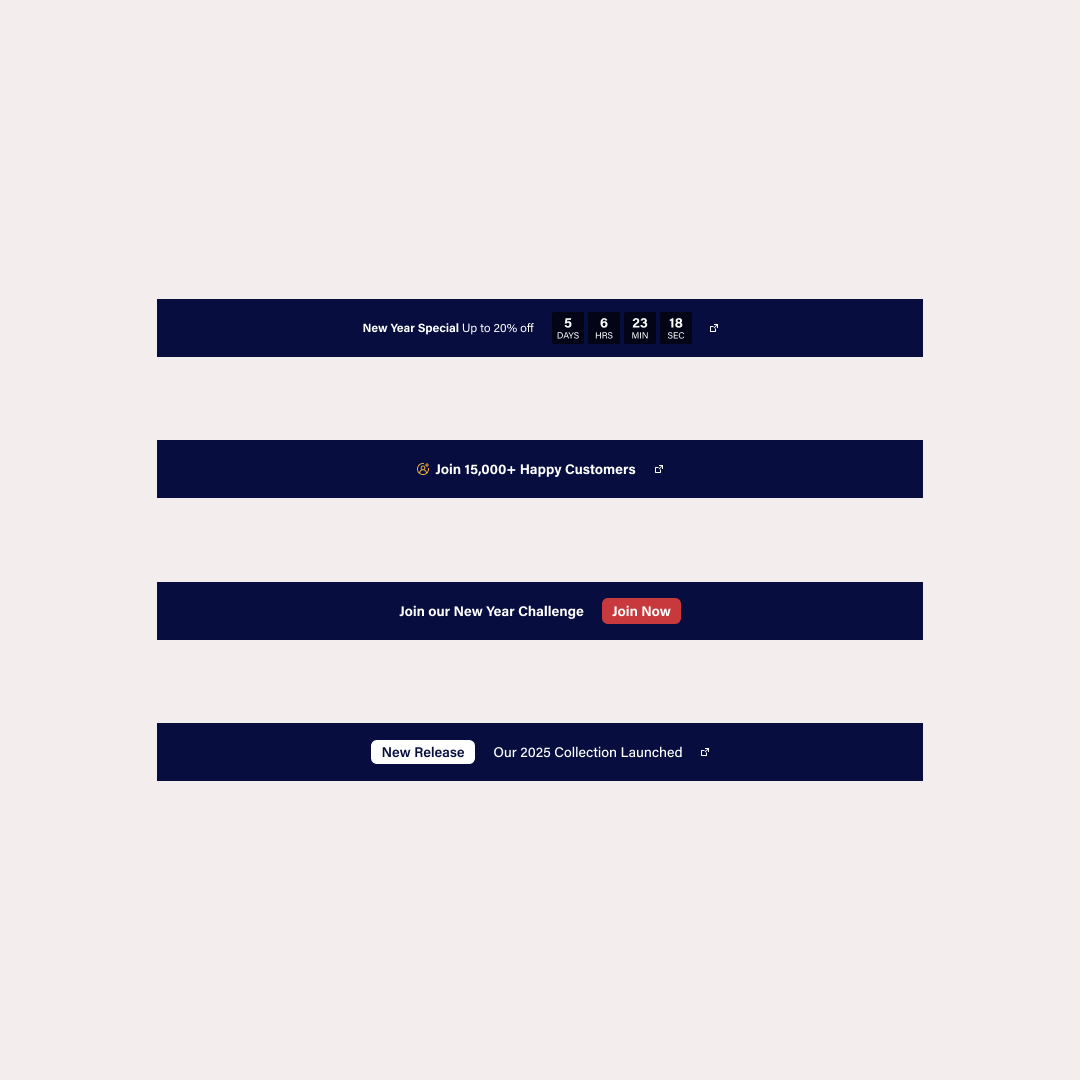
Free "4-in-1 Announcement Bar" Shopify Liquid Section.
Go to "edit code"
↓
In your sections folder find a file named "announcement-bar.liquid" (the name depends on the theme but always includes "announcement")
↓
Paste this code: https://t.co/TJtbbPrpli
↓
Go to "customize theme," change the announcement bar, and select any of your preferred versions.
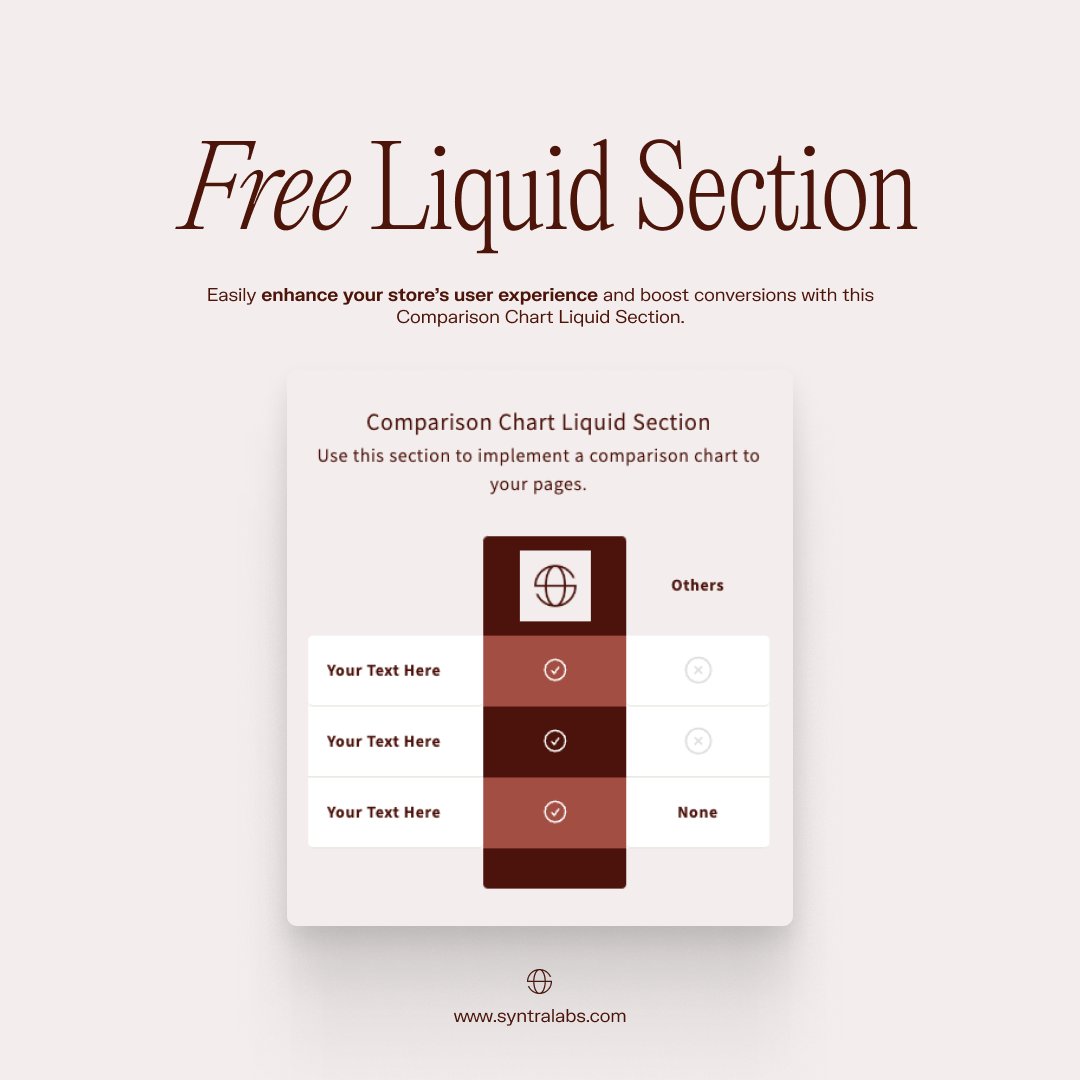
Free "Comparison Chart" Shopify Liquid Section.
Go to "edit code"
↓
In your sections folder create a new file named "comparison-chart.liquid"
↓
Paste this code: https://t.co/S4ROOk4x43
↓
Go to "customize theme" and add the "Comparison Chart" section.
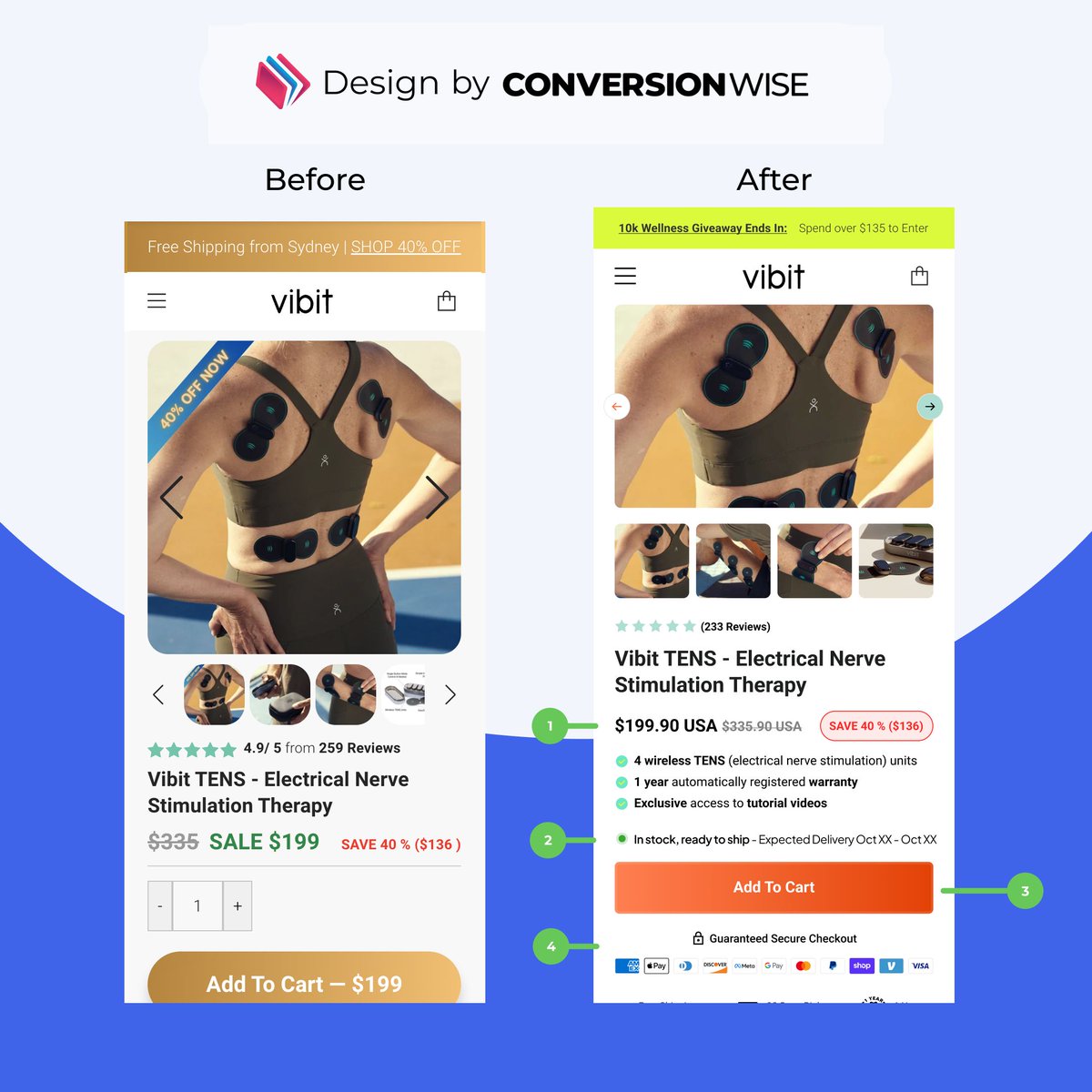
Stop copying Amazon's delivery dates?
No.
Copy them exactly.
Here's why...
When optimizing Shopify stores, here's what matters:
Everyone's competing with Amazon.
And here's the truth:
Whether delivery takes 1 day or 4 days doesn't matter.
What matters?
Customers knowing EXACTLY when it arrives.
That's why we add expected delivery dates to all product pages.
It lets customers clearly see when their item will get to them - just like on Amazon.
Want to see how we implement this?
Full breakdown of CRO Insights #85 in the comments 👇
✅ Product validation checklist
1. 🔎Search keywords on TikTok
things to look out for:
-are there any videos of that product going viral recently? (1 day to 1 week ago, up to 1 month ago) 💡lookout for any recent comments
💡recent comments = in demand right now
2. 👀Identify who’s posting the video
-dropshippers?
-organic creators?
💡AVOID - if when you searched up keywords for your keywords and you noticed multiple dropshippers (5-10) actively posting for that product(s)
Start the New Year right with this free "Product Features Strip" Shopify Liquid Section.
Go to "edit code"
↓
In your sections folder create a new file named "product-features-strip.liquid"
↓
Paste this code: https://t.co/juVIhswh4r
↓
Go to "customize theme" and add the "Product Features Strip" section.