Have you ever found a plugin on your WordPress site that you didn't install? With Logtivity you can track silently installed plugins on your WordPress sites: https://t.co/lsxjmSLoKd
Sometimes plugins are silently installed on WordPress sites. Here we explain why these silent plugin installs happen and what you can do about them. https://t.co/JRZ10f6pqx
One of the major benefits of Logtivity is that it can track all your WordPress sites from one dashboard. Here we show how to quickly install Logtivity so that you can have an activity log for all the sites in your multisite network. https://t.co/Qqf4umzGPs
With Logtivity, you can build custom alerts to stay updated on changes to your WordPress sites. But.are you having problems with just one of your sites, like a specific user or plugin? With Logtivity, you can trigger those alerts for just one site. https://t.co/4q85sLpsEC
Have you ever found a plugin on your WordPress site that you didn't install? With Logtivity you can track silently installed plugins on your WordPress sites: https://t.co/lsxjmSLoKd
Error logs are one of the most useful tools for anyone running a WordPress. Your site’s error log will record all the error messages generated by WordPress. Here we show how to find your WordPress error logs: https://t.co/yEW2JbxNTA
In our commitment to centralize as many features as possible, we've just released a big update for alerts. Previously these were controlled individually for each site. Now you can manage them all from one central dashboard. 🎉 https://t.co/7256YcW3uQ
Logtivity 2.2 is available now and it has lots of improvements for your site’s hosted activity logs. These new improvements make it easier to find exactly the log entries you want: https://t.co/CvOpJLdUKQ
2022 was a year of pivoting for Logtivity. Here we recap our 2022 experience. We look at our misjudgements and how with the help of our customers we ultimately improved our product. Thank you to all who supported us in 2022! https://t.co/aq0cusCDdy
Logtivity 2.0 is here 🚀
This release arrives with hosted error logs for all your WordPress sites. These logs are easy to read, search, and filter. If something goes wrong in WordPress site, you can use this new feature to quickly understand the problem:
https://t.co/Y58OgtttWM
@mattradford@wpmark@1ralphmorris Thanks Matt
Yes, @wpmark it's worth looking at Logtivity if you run an agency and have multiple sites to manage. It's one dashboard for logging all your sites.
WordPress automatically generates emails to notify you of certain events happening on your sites. Here we help you understand what emails are sent from WordPress, and how to customize them: https://t.co/qjqXsiTPT9
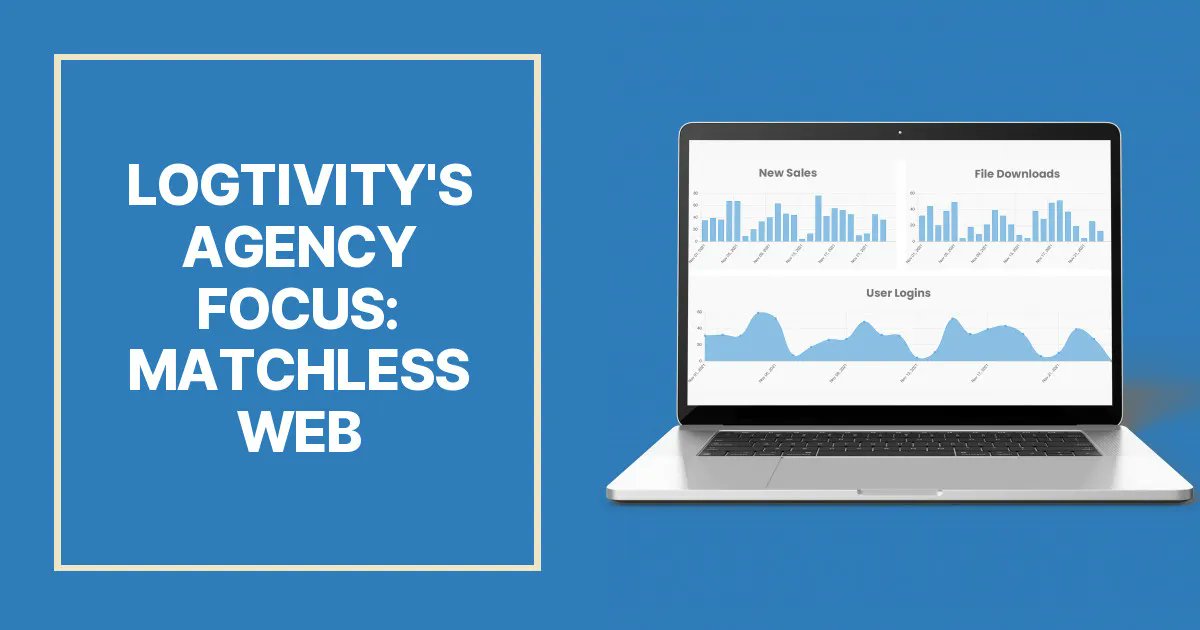
We chat with many agency owners as we build Logtivity. Recently we spoke with Jon Phillips who runs Matchless Web. Jon provides WordPress maintenance services and also teaches people how to build super-fast WordPress sites. Check out our conversation here: https://t.co/zbsq7m2Huj