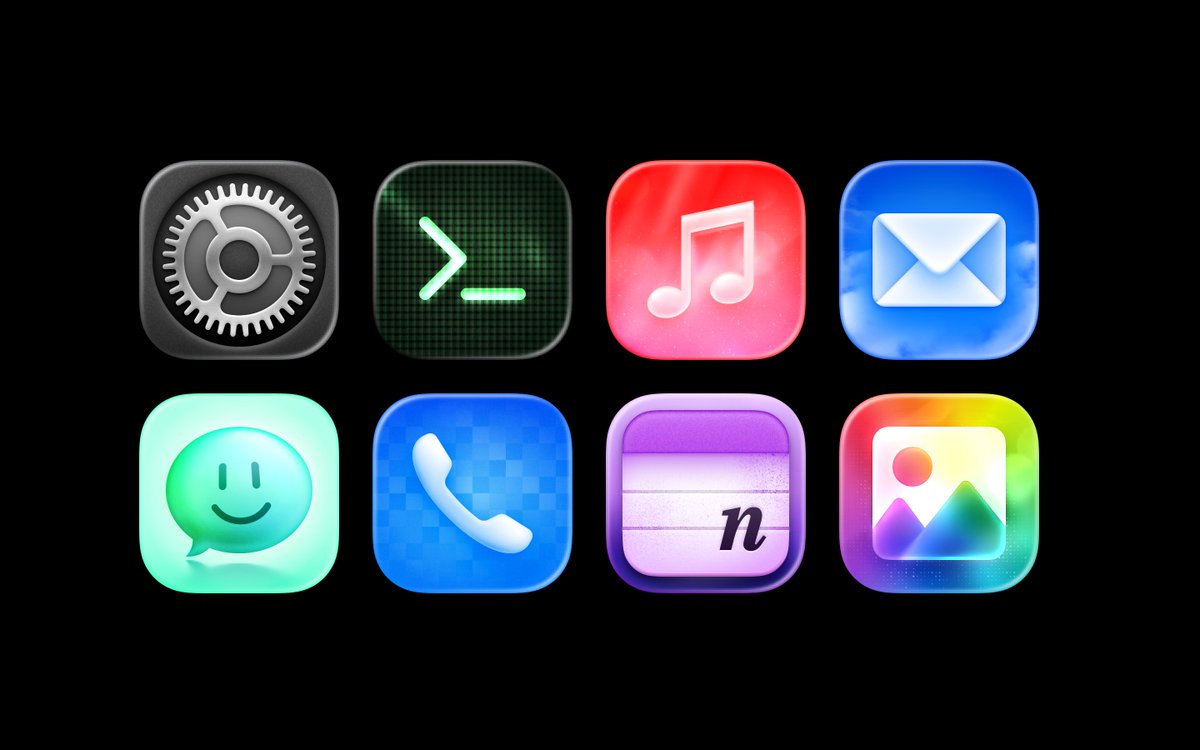
Previews in @sketch , your new way of sharing: choose which pages or prototypes from a document to share, keeping the rest hidden. In the browser. No account required.
Available right now.
@0matm *Notes down “The day Sketch catch up with all the variables stuff, I will push so hard for using Sketch everywhere people will avoid me.”*
First up is Variants (which we’re working on right now, beta soon), but we’ll get there.
See you soon Mat!
Sketch update screen should be required viewing for anyone building software.
Instead of dumping a changelog on users, it turns every release into a quick product tour.
That’s a much better way to introduce new features.
🆕 A small-but-mighty update, full of good stuff™ for you! 🆕
First up — perceptual (Oklab) and vibrant (Oklch) gradients. Standard RGB blending can get a little muddy, but now you can have your gradients look smoother or more punchy. 🧵 ↓
I just updated the extension to retrieve the entire CSS code, including all variables, and now I mostly only need to manually fix height and width issues for components. @sketch 🫶
@nicol3a@supersleep_app I love seeing other people’s processes!
Personally, I use @sketch only for specific icons and app icons.
Otherwise, I use @NotabilityApp to think through screens and flows. Then I build it.
Here’s the Sketch file for Time Left V3. I’ll release it on the App Store soon.
I made a little Sketch plugin for Apple’s Icon Composer.
Select your icon frame, and it copies all layers as full-frame SVGs to paste straight into the app. 🚀
Honestly @sketch, this would be amazing as a built-in feature. ✨
😂 Just updated the extension to generate prompts based on the entire component structure. Now I can simply copy/paste the prompt along with the CSS code, and the whole component gets built automatically. :D
Update the code, npm run build, and the extension is ready. @sketch 🫶