Are you an educator feeling overworked or short on time? Save hours each day with a professional avatar.
https://t.co/lSr0NUgz4k
#highered#professorlife
3) Pair it with slides or diagrams.
Let the avatar guide attention, not compete with it.
4) Avoid visual tricks.
• No floating text
• No flashy transitions
• No novelty for its own sake
If it looks like a normal lecture clip, students accept it immediately.
1) Use a neutral setting.
• Office
• Classroom
• Lecture hall
• Plain background
Not a “tech demo” environment.
2) Speak at a natural lecture pace.
Not fast. Not overly energetic.
The same rhythm you use in class.
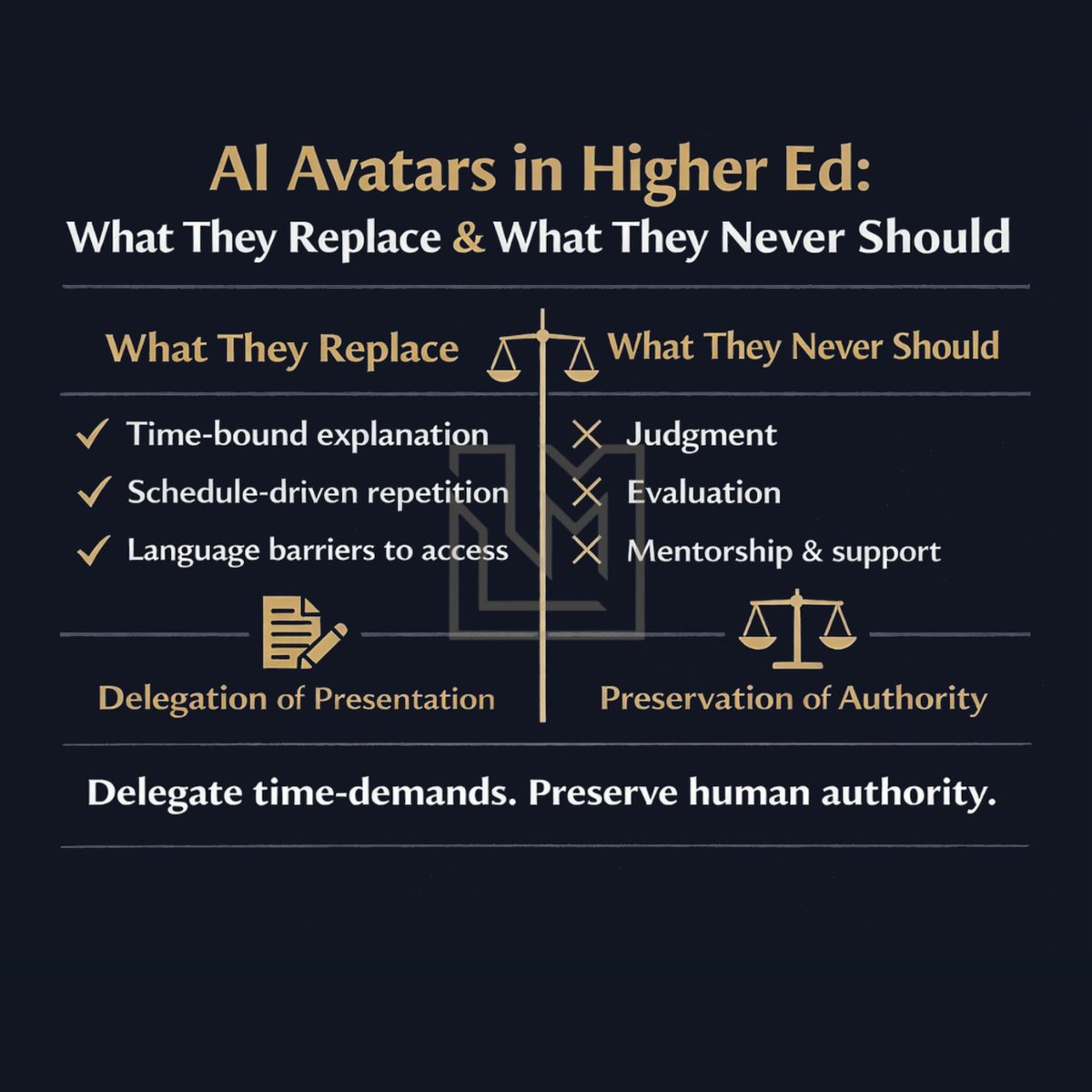
AI avatars can responsibly replace:
• Time-bound explanation
• Schedule-driven repetition
• Language barriers to access
They should never replace:
• Instructor judgment
• Evaluation
• Mentorship and support
AI avatars aren’t here to replace teaching.
They’re here to extend it.
Use them for:
• Class intros
• Presentations
• Research summaries
• Break language barriers
Save your live time for what matters most: discussion, mentorship, and human connection.
The goal is "boring" in the best way.
The teaching should be the only thing students notice.
When students stop thinking about the format, they start thinking about the concept.
The biggest mistake educators make with AI avatars is trying to make them impressive.
They add motion, effects, dramatic lighting, or cinematic pacing.
Students don’t want impressive...
I’ve put together a free guide that shows the exact workflow professors can use to build this using free tools.
If you want fewer hours spent on prep work, grab it here: https://t.co/wS19zH0rzD
Imagine: one script →
🎥 a video lesson
🔊 an audio version
📄 slides
🧠 interactive learning version
All from the same source.
That’s the power of an AI teaching avatar.