@caseyliss@Joe_Duffy@dimitribouniol Are you holding alt then clicking scaled to unlock specific resolution options? Also, Mac display menu can be buggy but there should also be a hertz option to choose from as well if you have a hertz over 60.
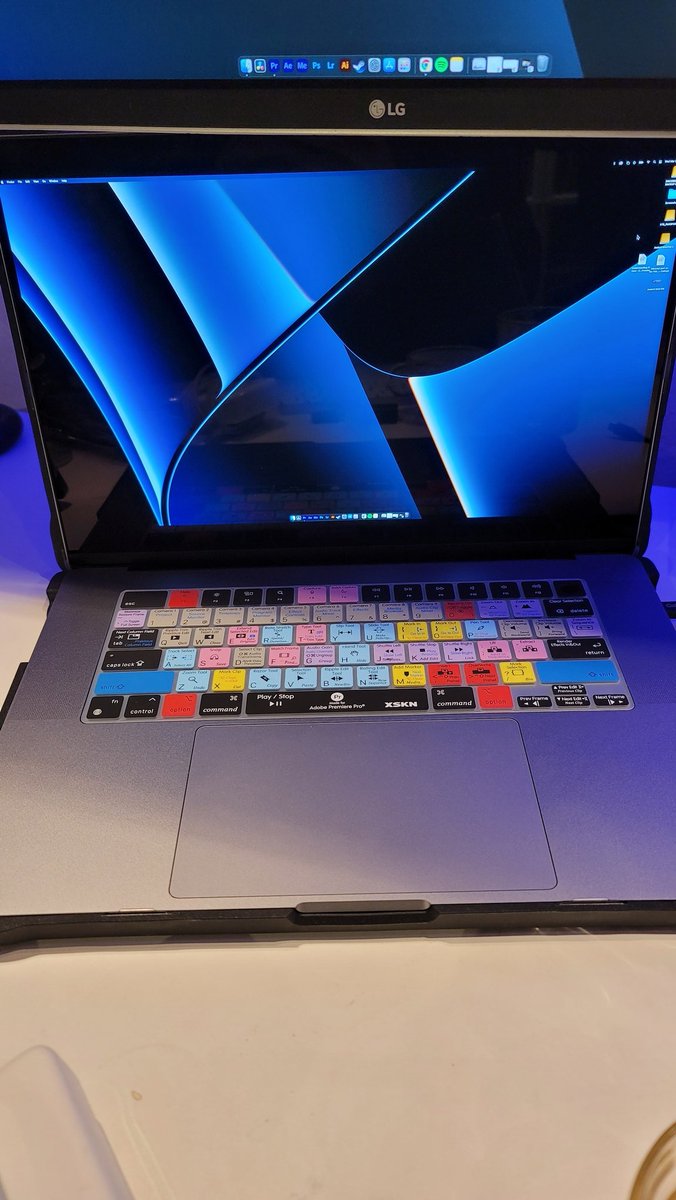
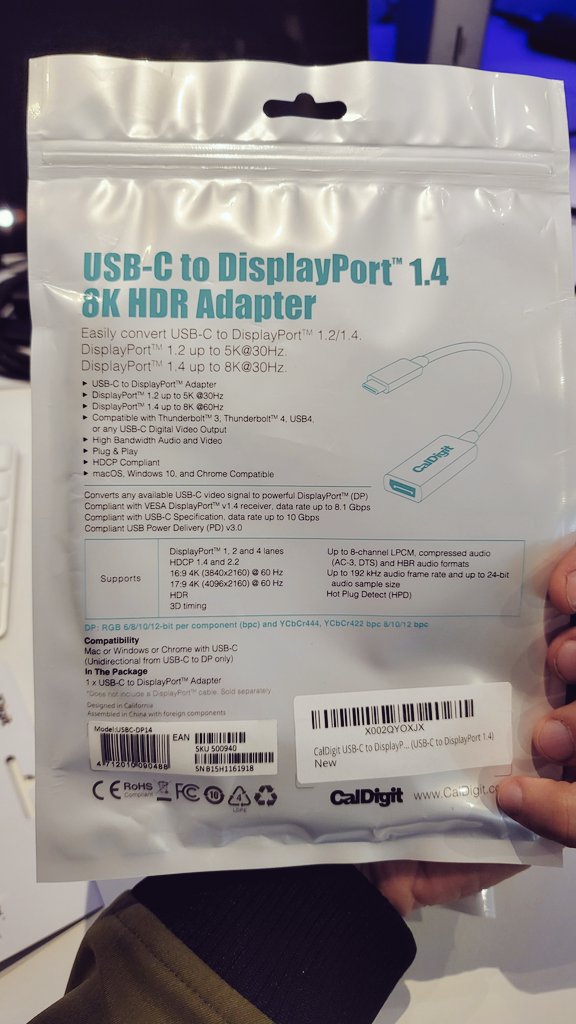
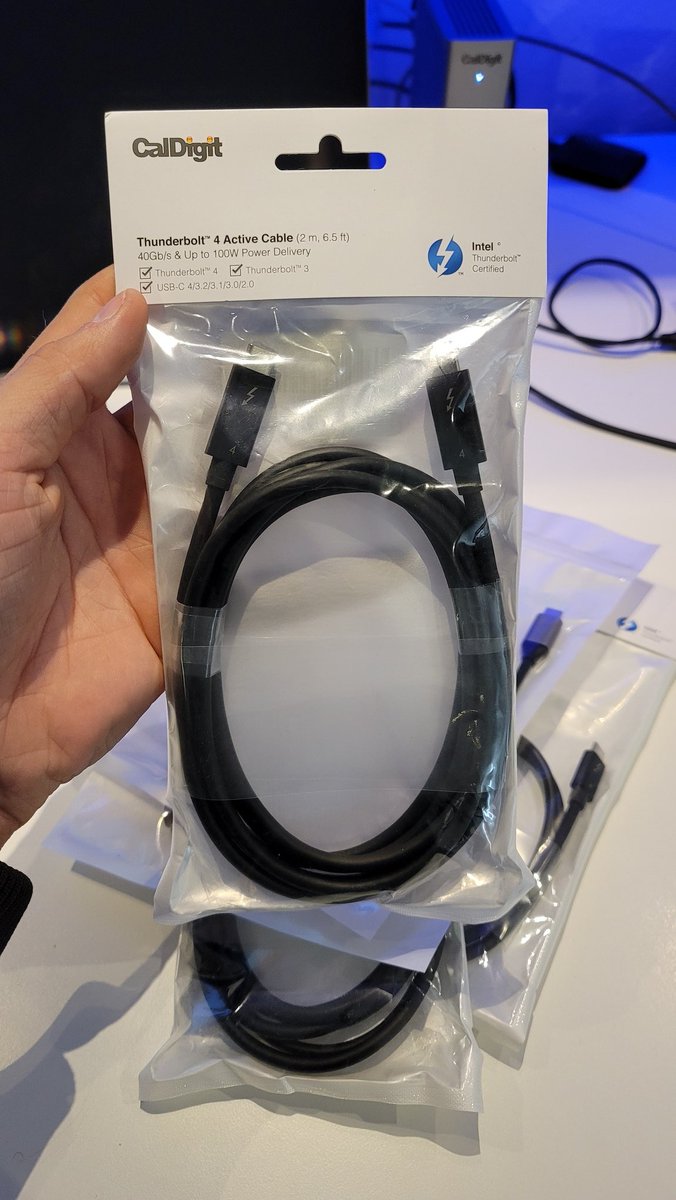
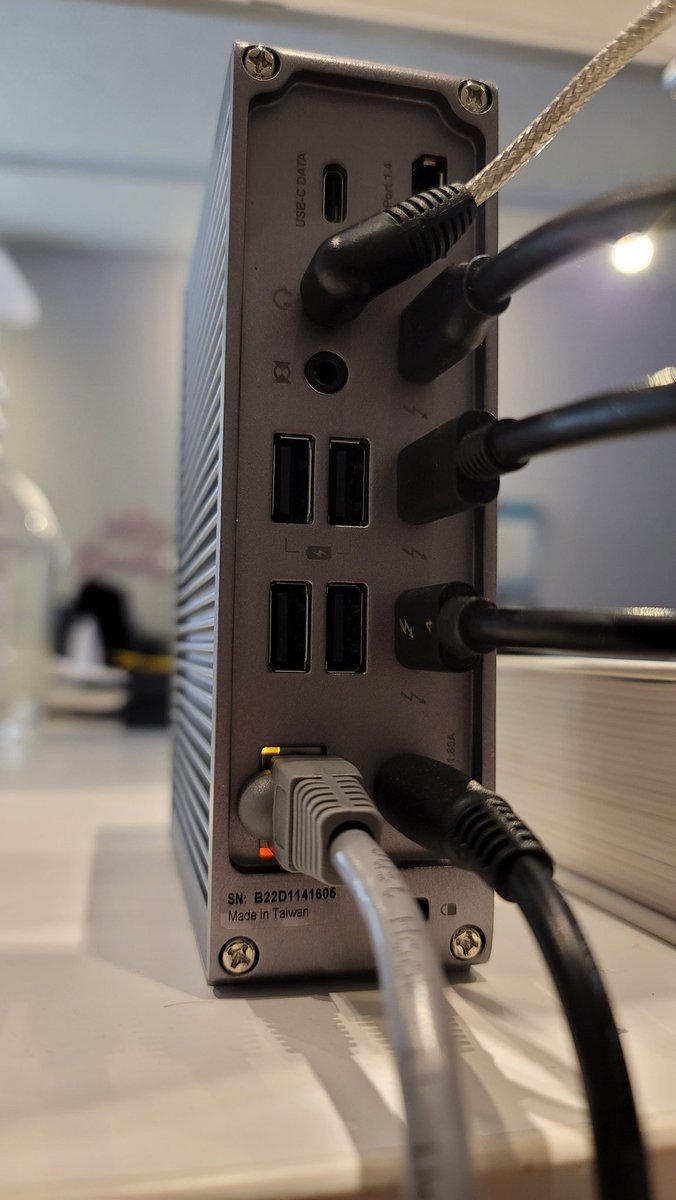
4 New 6.5' Thunderbolt4 cables came in from @CalDigit for @Apple#m1max 16inch dual 4k monitors and my thunderbolt ssds. I got the displayport adaptors just in case I take the laptop somewhere to plug in and all they have is displayport. May opt in to get the hdmi ones as well!
@verge A lot of people who don't have a thunderbolt workflow, or even understand thunderbolt let alone own a thunderbolt cable or piece of hardware with a thunderbolt port on it, LOVE commenting on the price of the thunderbolt cable.....
@apple#m1max 16inch internal drive speed test. How about them apples. If only there were thunderbolt 4 externals. There are in fact some pretty solid thunderbolt 3 external drives that can hit 2800mbps but very pricey for 4TB. Most of the ssd externals range from 300-800mbps.
@CalDigit@dominik_ritter@Apple I'm using the thunderbolt cable from m1 max 16inch to dock, then using two usb-c cables to each monitor. I have had friends who mix up the monitor connections usb-c and hdmi, or usb-c and display port and they have issues with docks in general. Perhaps try two of same connection?
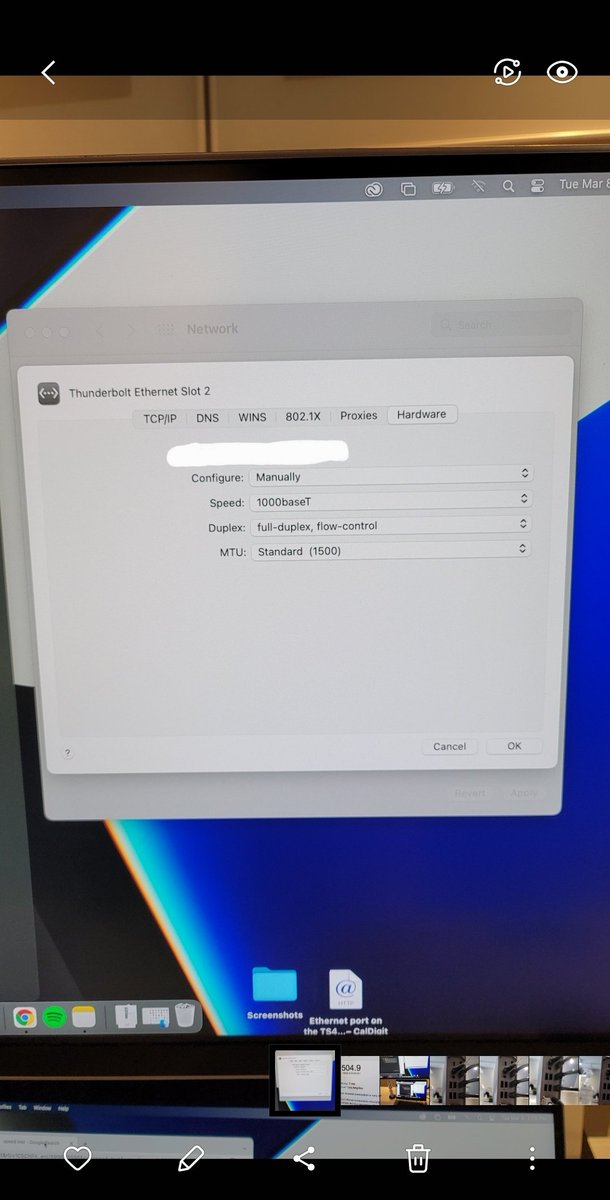
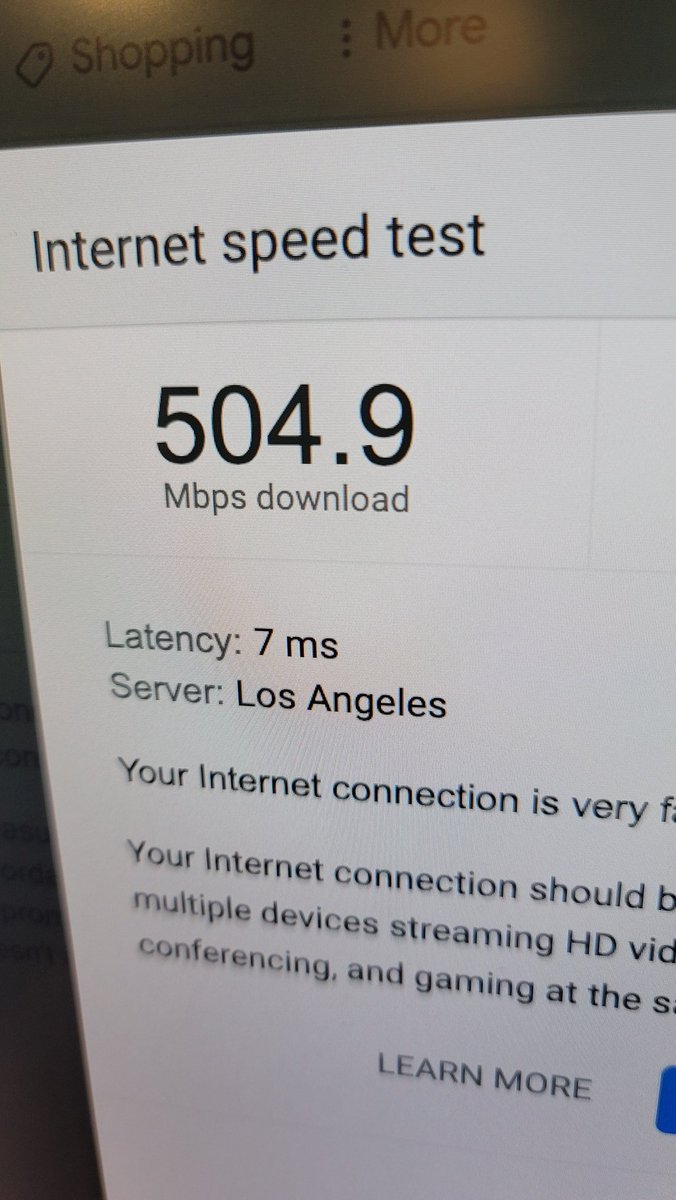
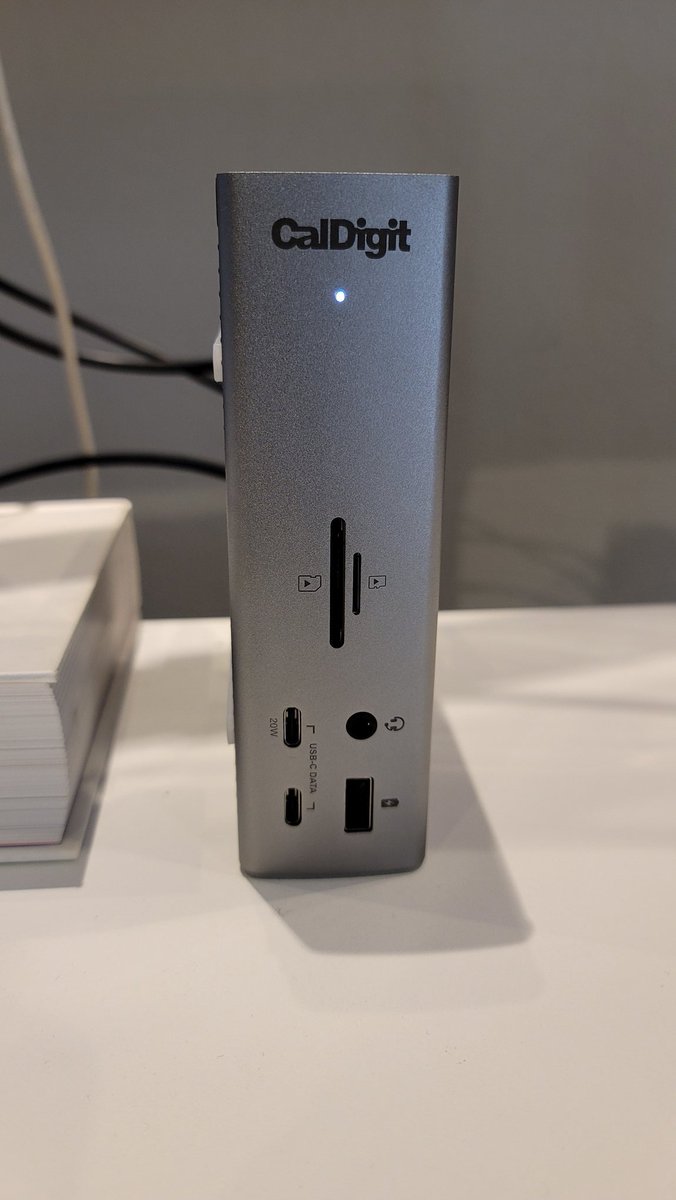
Added ethernet to my @CalDigit#ts4 for my @apple#m1max and w/ help of CalDigit's manual instructions (see settings picture), this thing flys and all funneled through the single Thunderbolt 4 cable! It's somehow faster using the dock after two tests, I don't know how but it is.
M1 Max tip for connecting two external monitors in 4k 60hz. Often the resolution will bump down to 1080p and 30hz when you first plug in, making everything feel laggy. Have no fear. Hold Alt then click on scaled, bump up to 4k and choose 60hz, boom, no more lag. @CalDigit#TS4
Sound test with Thunderbolt 4 with @apple#m1max on the @CalDigit#ts4 complete success. Plugged in @harmankardon speakers to rear of dock via output 3.5mm jack, M1 Max recognized the output and viola, lush sound. All of this with one cable to the dock AND laptop is charging!!!
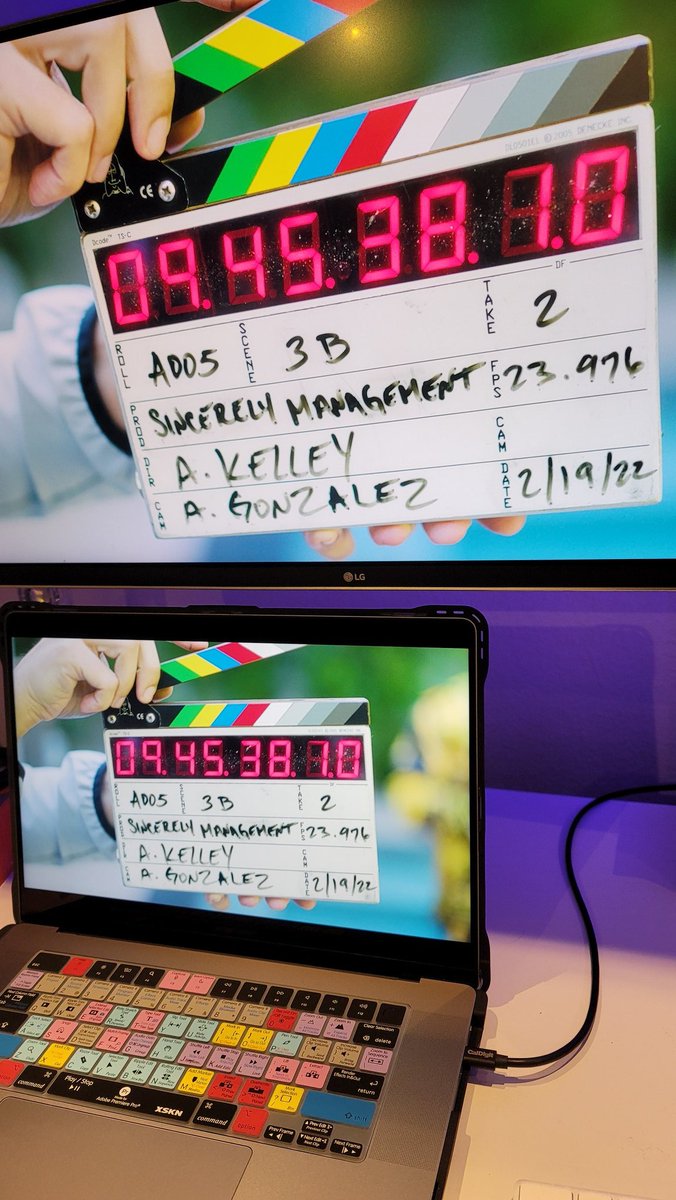
Initial dual 4k LG monitor plug-in test to the @CalDigit#ts4 using USB-C was an instant breeze. Took 30seconds between choosing USB-C on monitors and choosing @Apple#m1max and monitor 1 to mirror and #2 to be the extention- But yes you can use both to extend for a total of 3!!