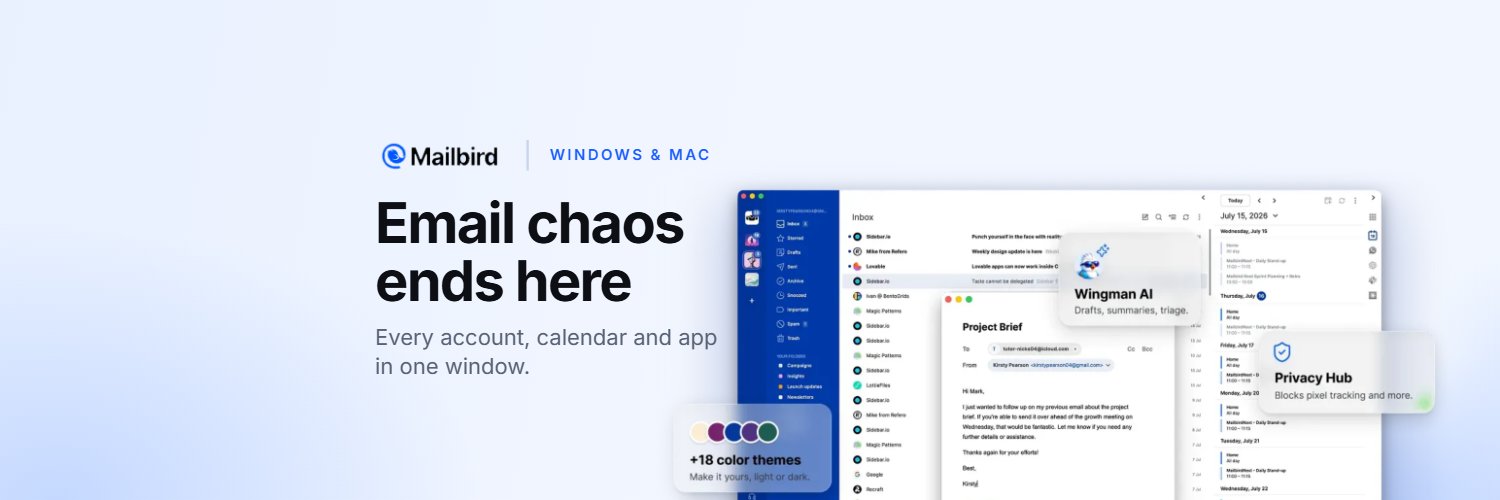
Remember those sidebar backgrounds we teased? They’re here. 🎨 Mailbird Next 4.37 is out, with 25+ new features and improvements, and almost all of them started as requests from our users.
You can now give your sidebar a picture: pick one of ours, upload your own, or describe one and let AI create it. The conversation list groups by date or sender, the composer finally has font sizes, and Move to can create the folder you searched for and drop the email straight in. To Do and To Read now work on every account, so sorting your inbox on the phone and finishing it at your desk is a lot smoother. Also, Mailbird now speaks Hebrew, with full right-to-left writing.
@albertkinng Thank you for giving it a real try, and for saying so. If you are up for it, what was missing from your ecosystem? Devices, platforms, an integration? We are building a few of those right now and it helps to know which one would have kept you.
Mailbird for iPhone and Android is officially here! 🥳
The inbox you have on your computer, with all your accounts in one place, now comes with you wherever you go.
To celebrate, we made sure that everyone who starts using the app before January 1, 2027 gets Premium for Mobile free until January 1, 2028, with multi-account support.
@asteng88 Thank you, glad you have both. The Android app runs on Chromebooks but is not laid out for the big screen yet; noted as a request for the mobile team.
@d3layd Yes. If you have Mailbird Next Premium, mobile is included, just sign in with the same account on the phone. And everyone who starts before Jan 1, 2027 gets Premium for Mobile free until Jan 1, 2028
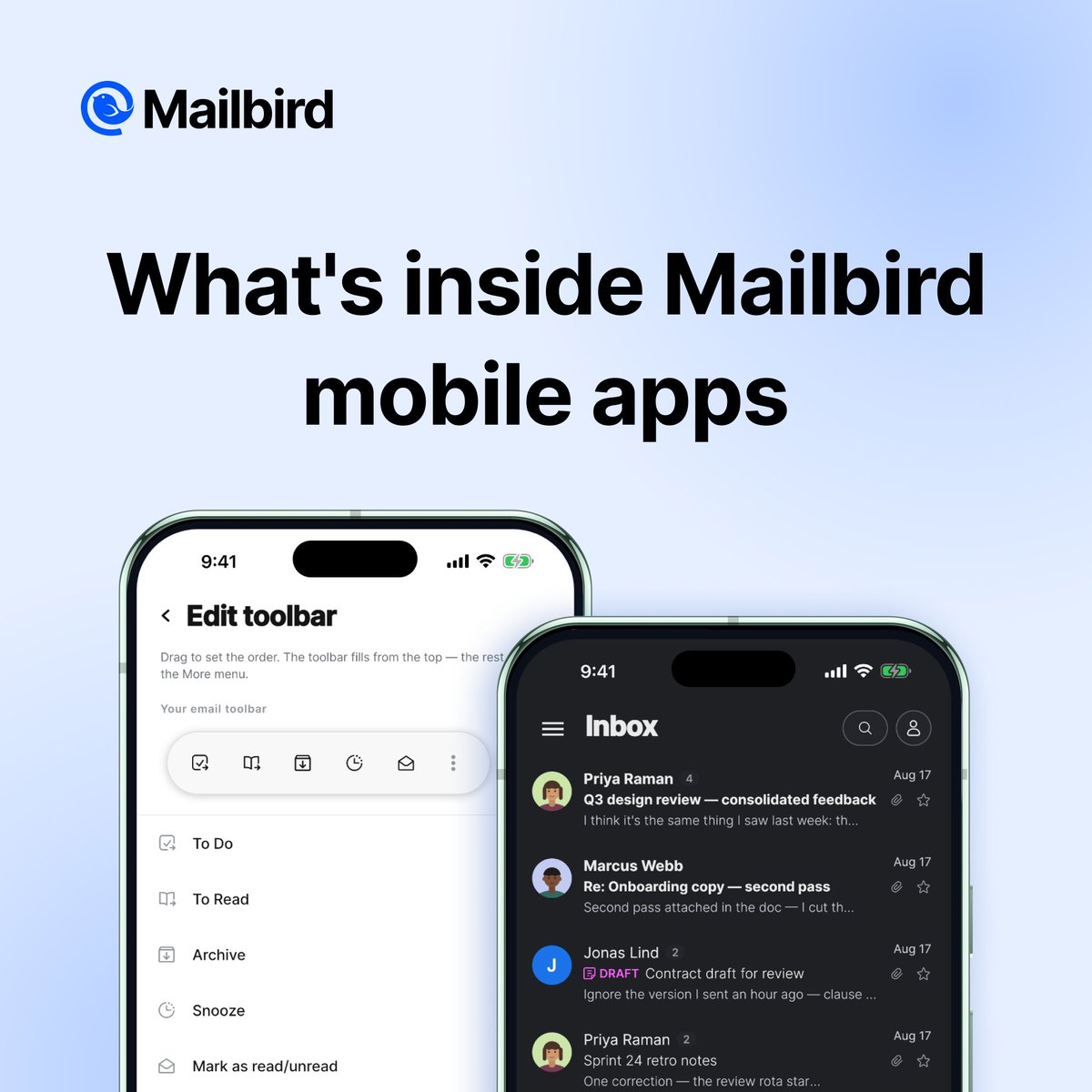
What’s inside Mailbird for iPhone and Android? Here’s the tour 🧵
📬 All your accounts in one inbox: Gmail, Outlook, iCloud, together, with one search across all of them.
👆 Clear your inbox with a swipe: archive, snooze, or send an email to To Do or To Read lists.
⏰ Snooze emails until later today, next week, or a date and time you pick.
🔍 See only the emails you’re after: unread, starred, with attachments, or a filter you build yourself.
🛠️ Your go-to actions on speed dial: put the ones you use most on the toolbar.
🎨 Nine themes, light or dark. The inbox can look however you like it.
📎 Every attachment in one list, sorted by date, size, or name.
Everyone who starts using the app before January 1, 2027 gets Premium for Mobile free until January 1, 2028, with multi-account support. Get your free year of Premium today!
One of the nicer things about launching Mailbird Next has been the mail we get back. 💌 Users write in with feedback, and we’ve been turning those into new features as fast as we can. The highlights, and a peek at what’s next 🧵
@d3layd Understood, and it is coming: a one-time setup that brings your accounts over from the desktop to the phone is being built now. Until then the phone needs them added once. We will let you know here when it ships.
@theogbtcgorilla@d3layd That is not how it should work, and we want to fix it. Please send the account type and your log files (Settings, Support, Prepare log files) to https://t.co/esPr7KWMHI and the team will take it from there. Thanks!
@d3layd Sorry about that. The update that went out this week fixes the stalls on large mailboxes that made Gmail accounts feel slow. If it is still lagging after the update, send your logs (Settings, Support, Prepare log files) to support and we will have a look.
https://t.co/esPr7KWMHI
Loving modern interface and primary email client are the words we like to hear. Thank you @cravingtech for the full review. Mailbird Next is free to try on Windows, Mac, iOS and Android. 💙
🙋Want to become a Mailbirdian? Install Next today at https://t.co/4SVpb3qUOE. And if you’re already on Next, opt in to early adopter updates under Settings > General to get the newest features a couple of weeks ahead of everyone else. 😎
What's next? The upcoming release is already with early adopters, and it carries the requests we heard most often, including sidebar background images you can upload or generate from a description, and an app for finding any attachment you’ve ever received. A Linux beta version is on the way too! 🐧