KIMI FOUNDER JUST DROPPED A 40-MINUTE MASTERCLASS.
The exact architecture behind a $20B valuation — there's no faster way to learn how to build AI agents right now.
Bookmark this for the weekend.
40 minutes. zero fluff. from the person who built it.
Optimization → Linear Attention → Sub-Agents → Open Systems → Cash
Best GitHub repos for Claude Code that will 10x your next project in 2026
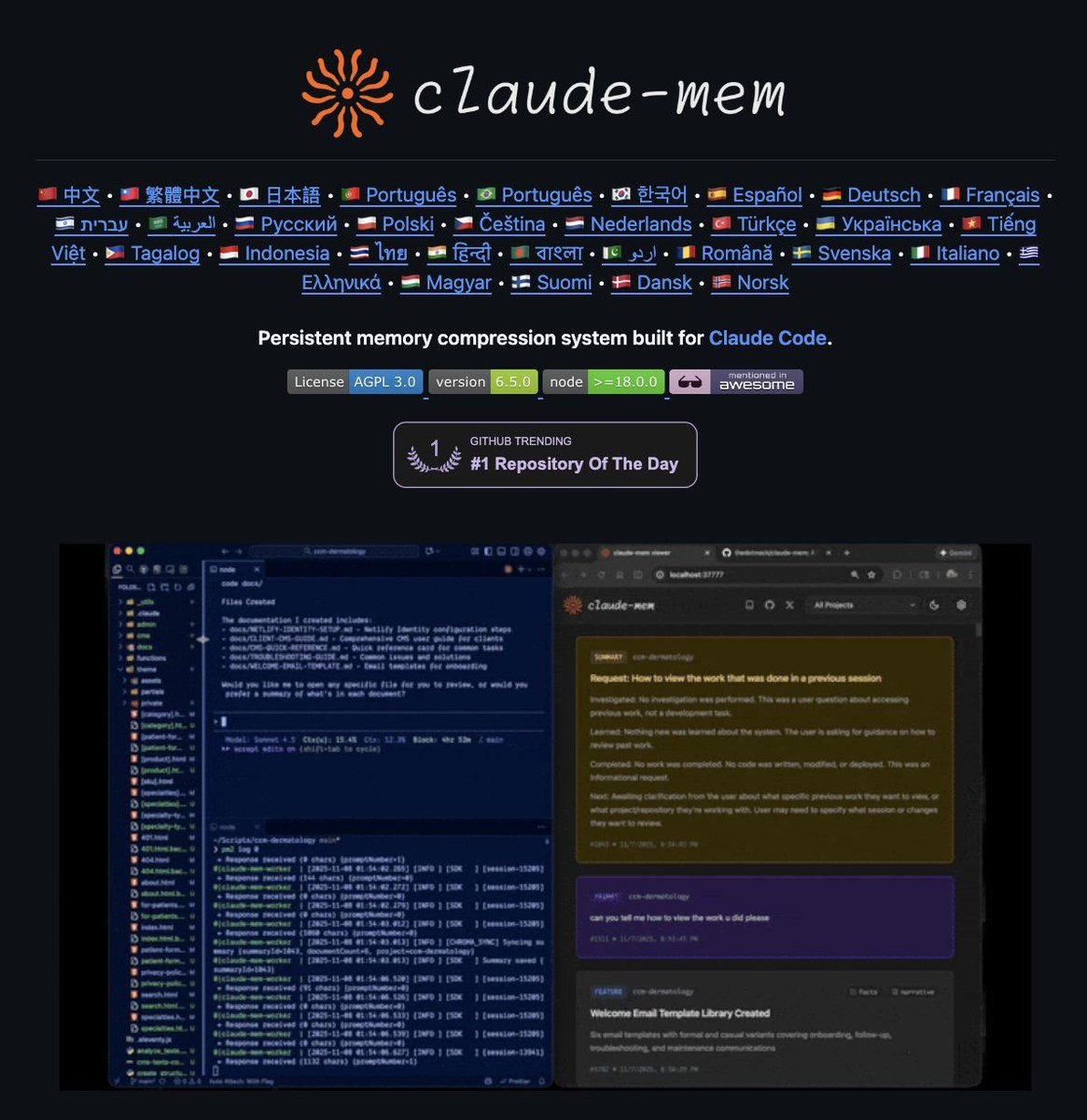
1. Claude Mem
https://t.co/bVq2E9j48K
Persistent memory across sessions — stop re-teaching Claude your codebase
2. UI UX Pro Max
https://t.co/vc8VeEJWgl
50+ styles, 161 color palettes, 99 UX guidelines — Claude stops building ugly UIs
3. n8n-MCP
https://t.co/jCEvyT3jEp
Connect Claude Code to 400+ n8n integrations via MCP
4. LightRAG
https://t.co/d6ow6HSadt
Graph + vector RAG — lets Claude understand large codebases structurally
5. Everything Claude Code
https://t.co/7qLwhN18N0
Skills, instincts, security scanning, multi-language coverage — full agent harness
6. Awesome Claude Code
https://t.co/QPxBMYtHLu
Community bible — curated skills, hooks, slash commands, orchestrators
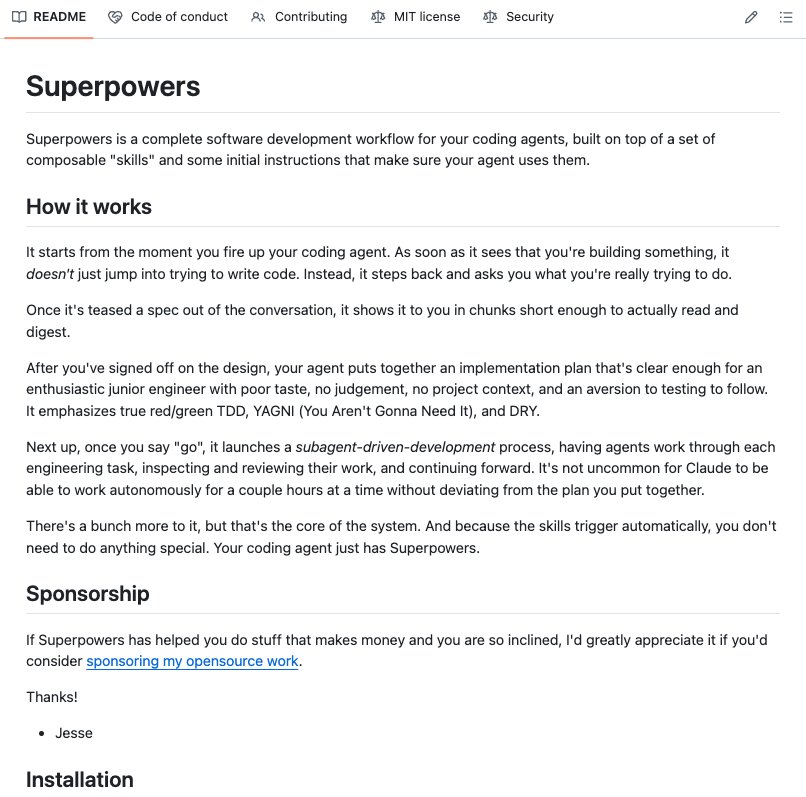
7. Superpowers
https://t.co/248MDMad0Z
Forces structured thinking before writing a single line of code
8. Claude Code Ultimate Guide
https://t.co/cL6JWd5jj3
23K+ lines of docs, 219 templates, 271 quizzes — beginner to power user
9. Antigravity Awesome Skills
https://t.co/nFAffkUMMs
1,200+ ready-to-use skills — one of the largest collections
10. Claude Agent Blueprints
https://t.co/M2iNMZdPDZ
75+ agent workspace templates beyond coding
11. VoiceMode MCP
https://t.co/kOI5M6P7ac
Natural voice conversations with Claude Code via Whisper + Kokoro
12. Awesome Claude Plugins
https://t.co/QW2aHNnHdx
9,000+ repos indexed with adoption metrics — find what people actually install
Bookmark this before your next build.
The Linux kernel AI guidelines are the first sane that I read. It is not a coincidence. Where high level work is done, high level work is pretended, regardless of the tools. https://t.co/yMqJZtOBU1
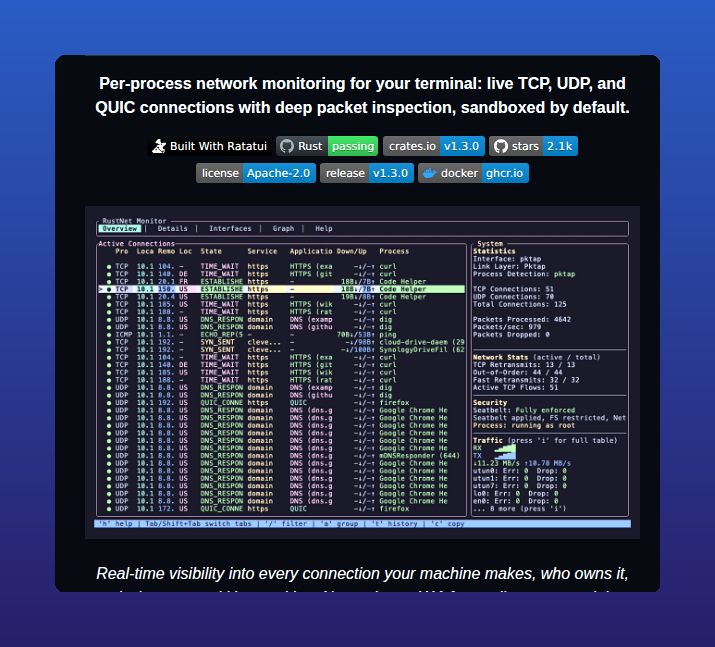
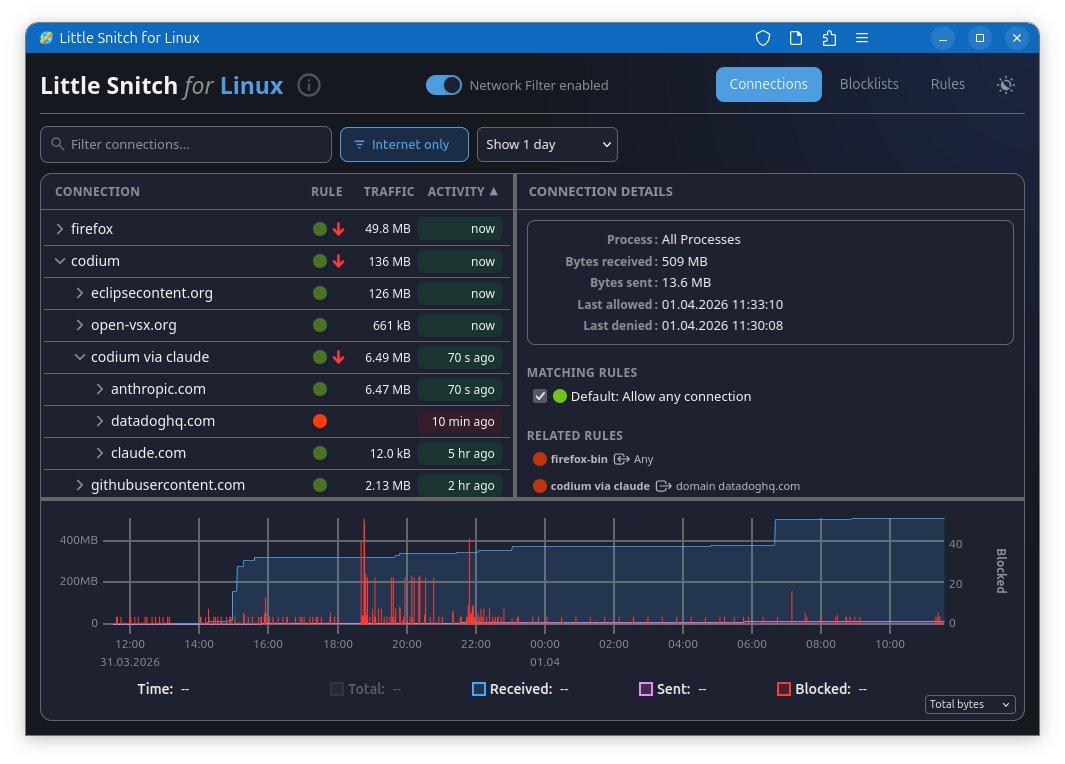
Little Snitch for Linux https://t.co/yEWmzHiPsD This app shows every network connections and lets you block unwanted traffic instantly from the UI. This coming from same authors who wrote macOS/OS X version
⚡ WARNING - Axios npm (83M weekly downloads) was compromised, turning installs into a malware delivery path.
Versions 1.14.1 and 0.30.4 pulled a fake dependency that dropped a cross-platform RAT, then erased evidence. Published using stolen maintainer credentials.
🔗 What happened and how the attack worked → https://t.co/6BquPCKtID
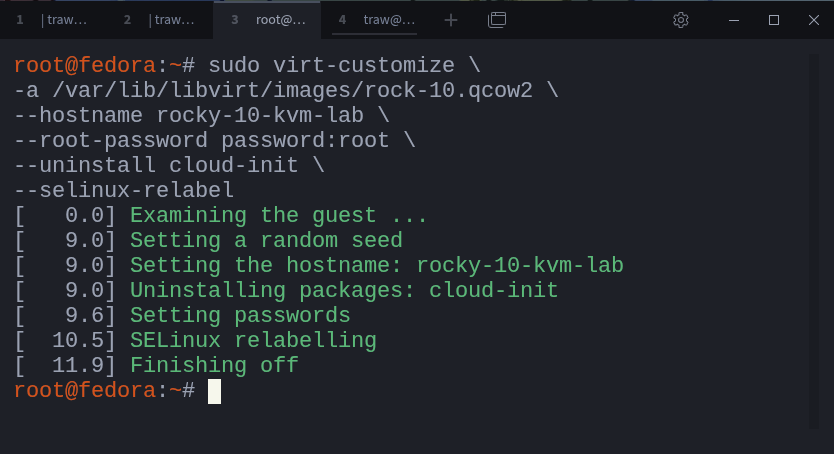
Spin Up Linux Virtual Machines Quickly with KVM Using Cloud Images
When most people start with virtualization, they reach for tools like VirtualBox or VMware.
You install the software, open the interface, create a new virtual machine, attach an ISO, and go through the operating system installation step by step.
It works.
Linux also provides a native virtualization stack built around KVM and QEMU.
With it, you can work directly with virtual machine disk images and build systems in a faster and more flexible way.
Instead of performing a full operating system installation each time, you can start from an existing image, prepare it for your environment, and run it as a virtual machine.
This approach is common in real-world environments where systems need to be created quickly, tested, replaced, or rebuilt without repeating the same installation process each time.
In this guide, you will use KVM to build a simple lab environment by importing and working with disk images.
You will go through the process step by step, from preparing the image to creating the virtual machine and accessing it.
Continue reading:
https://t.co/v3D7amyhSV
NEW POST
Conversations with AI are ephemeral, decisions made early lose attention as the conversation continues, and disappear entirely with a new session. @techygarg explains how to externalize the decision context into a living document.
https://t.co/sZ58ZGWYEQ
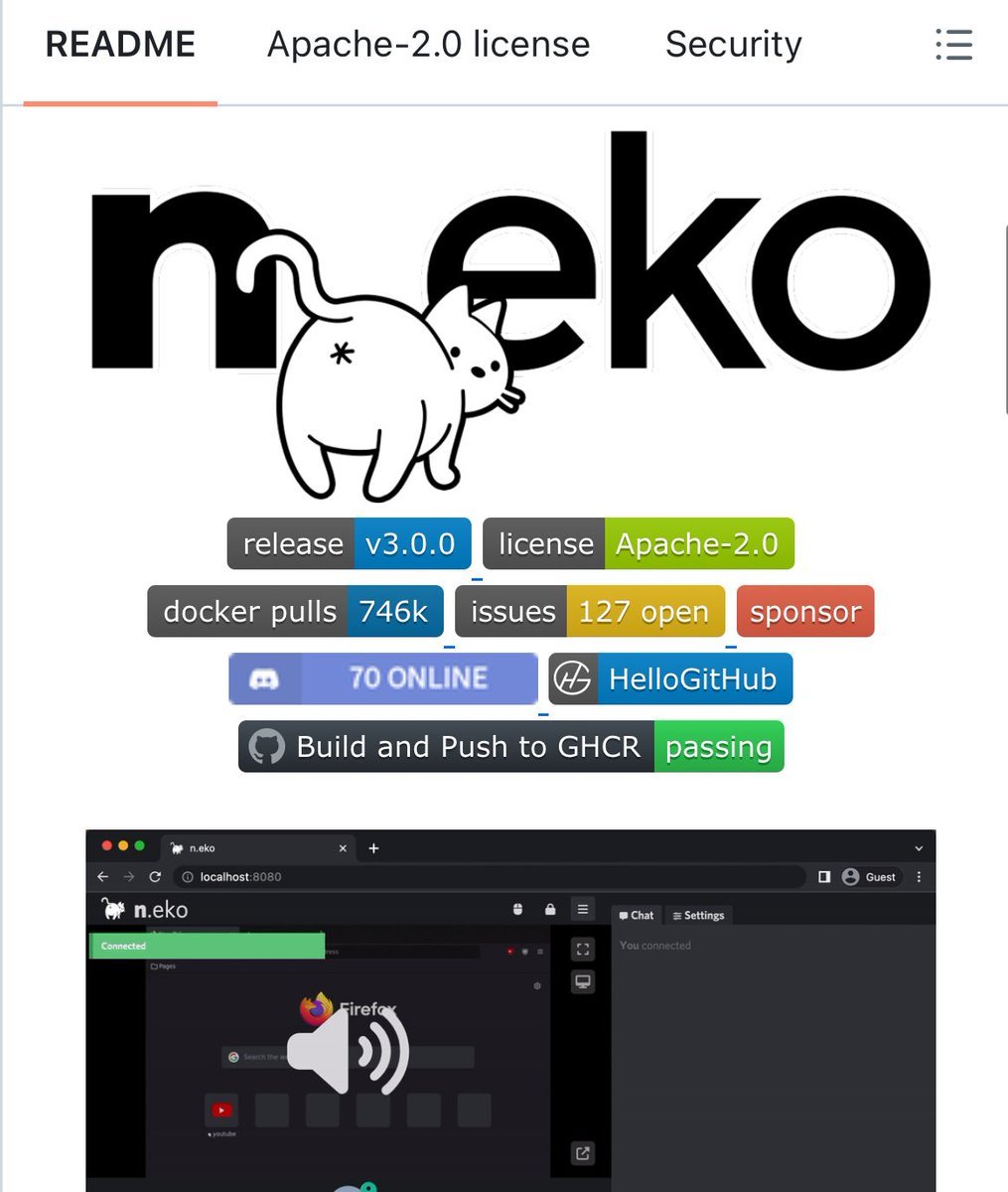
🚨 Someone built a full virtual computer that runs inside your browser.
No downloads. No installs. No VMs. Just a Docker command.
It's called Neko. It runs a complete desktop environment inside a Docker container and streams it to your browser using WebRTC.
Not a screen share. Not a remote desktop. A real computer running in a container that you control from any browser tab.
No VNC lag. No RDP setup. No TeamViewer watermarks. Just smooth, real-time video and audio.
Here's what this thing can do:
→ Run Firefox, Chrome, Brave, Edge, Tor Browser, or Opera in an isolated container
→ Run full desktop environments like XFCE or KDE
→ Multiple users can watch and control the same session simultaneously
→ Built-in audio streaming. Watch videos together with perfect sync
→ Persistent sessions. Close the tab, come back later, everything is still there
→ GPU acceleration for smooth rendering
→ Embed it in your own web app via API
Here's why people are losing their minds over this:
Watch parties. Open a movie, invite friends, everyone sees the same screen in real-time with synced audio. Open source alternative to Hyperbeam.
Throwaway browsing. Need to visit a sketchy site? Do it in a disposable container. Nothing touches your real machine. Pair it with Tor Browser and a VPN for full anonymity.
Team collaboration. Debug code together. Brainstorm on a shared whiteboard. Give a live demo where your audience can actually click around.
Secure jump host. Access internal company apps from anywhere without a VPN. Only video leaves the container. No cookies, no tokens, no data on the client.
Here's the wildest part:
The backstory. The creator built this because https://t.co/FEdEkGNdbS shut down and he just wanted to watch anime with his friends. Discord kept crashing. His internet couldn't handle streaming. So he built an entire virtual browser platform from scratch.
One Docker command to start:
docker run -d -p 8080:8080 m1k1o/neko:firefox
Open localhost:8080. You now have a full browser running in the cloud that anyone can join.
17.3K GitHub stars. 1.2K forks. 2,133 commits. 57 contributors.
100% Open Source. Apache 2.0 License.