v2.2.18 of Cleanmeter is rolling out today! Here is what’s new:
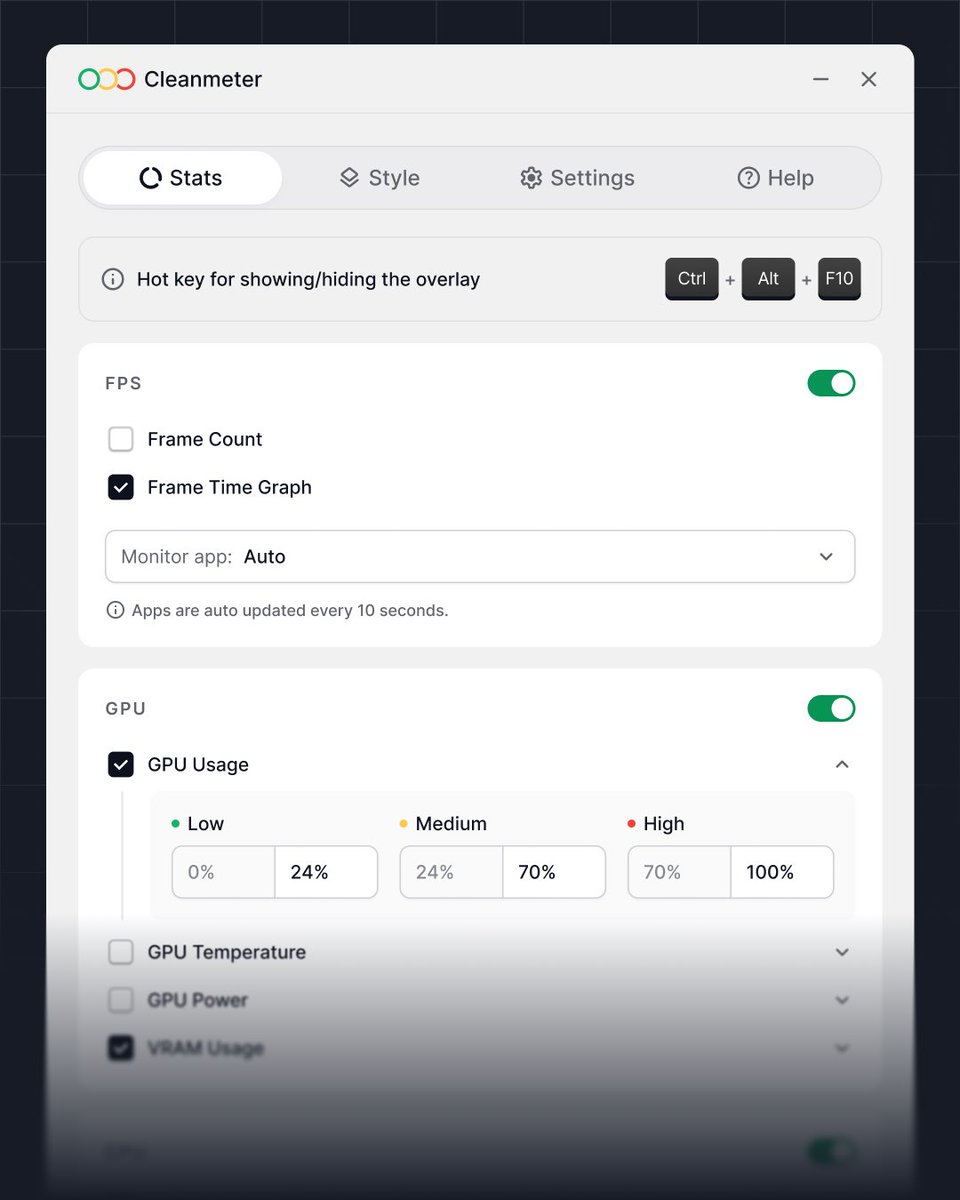
- Added CPU and GPU clock speed readings to the overlay
- Added distance and frequency options for Pixel Shift
- Added an option to reset all settings to defaults
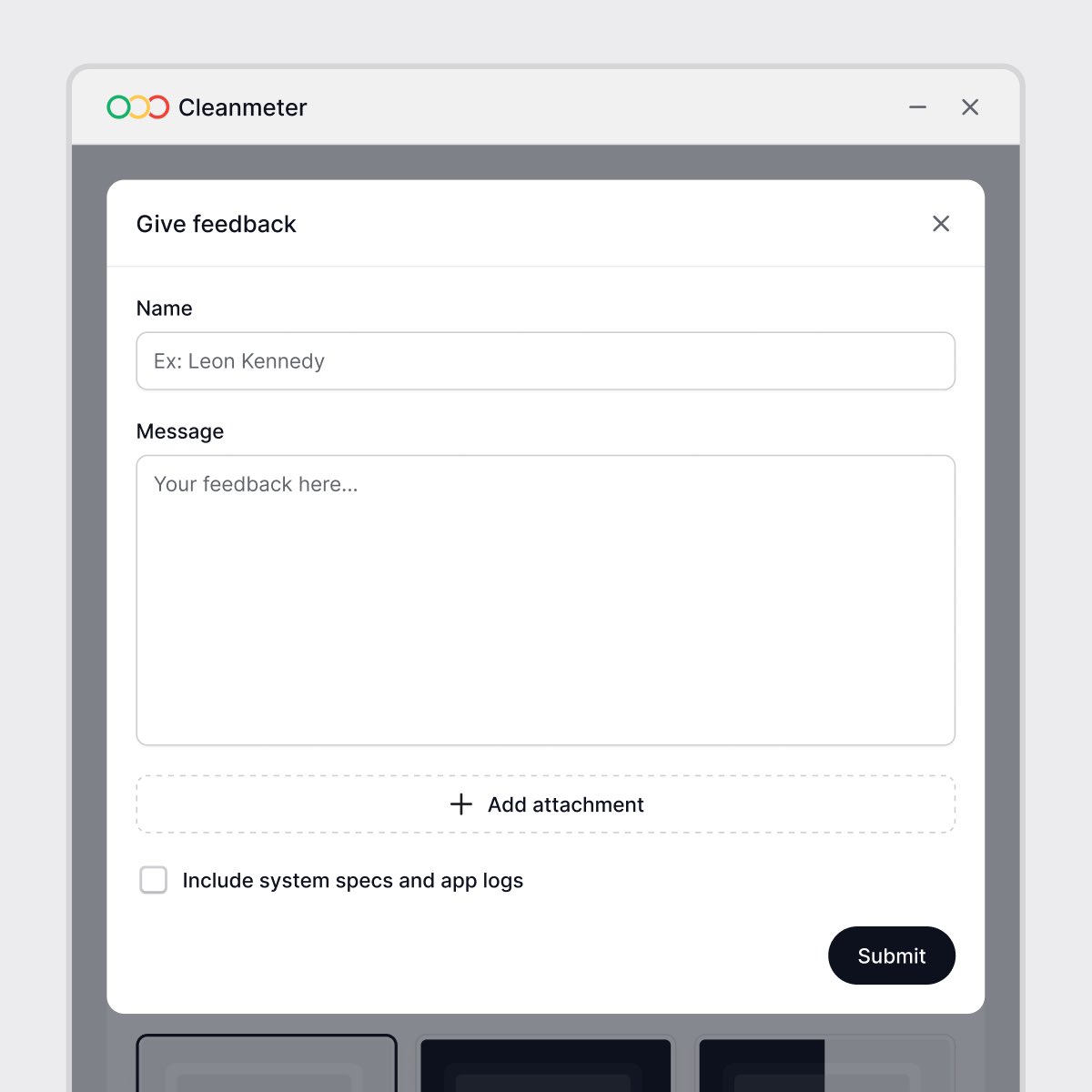
- Feedback reports can now include a log file and your system specs (So i can finally understand the issues better 😭hopefully)
- Moved the overlay closer to the screen edge when it uses preset position.
- Minor UI fixes and polishes
P.S linux build is on the horizon :>
Cleanmeter reached 2500+ downloads!
Really grateful to everyone who tried it out and gave their feedback and suggestions 🙌🏻 . And huge shoutout to my friends who helped bring it all together 💪🏻
More exciting updates coming soon .
Recreating videos 1:1 is the best way to learn from animators better than you.
Copied @linear's loops video — their stuff is my go-to for learning, simple yet complex. Loved it.
Chances are you don't know me: I'm Bilal, 16, in India, trying to get good at animating :)👽
Cleanmeter v2.2.17 is out now!
Here is everything new:
- Added 1% low and 0.1% low FPS readings to the overlay
- Added custom shortcuts. The overlay toggle and the FPS lows hotkey are now editable in Settings
after using a ton of performance monitoring tools on pc, I wanted to build something that was simple to use, good to look at and didn’t require a ton of configuration to set up. So I built Cleanmeter, hoping to solve this… one feature at a time.
Try it out https://t.co/kxDje4EVJt