Chrome DevTools for Agents is powerful. If you don't already have it in your workflow, I would strongly consider it! It's been useful for testing, and works with all my various agents
The video shows scaffolding and then testing WebMCP tooling right in one prompt:
That’s a first: GitHub’s Advisory Database (incorrectly) flags Puppeteer as malware. https://t.co/temhdomjPt We are no longer able to publish new releases.
Anyone at @github or @Microsoft who can escalate this, please?
@Cloudflare https://t.co/q92ZqmZdJ3 has an encoding issue (see the text following “Cloudflare zones”). Instead of `content-type: text/markdown`, consider serving as `content-type: text/markdown;charset=utf-8` and updating the skill accordingly.
@addyosmani@alperortac Currently chrome-devtools-mcp supports global network throttling, but not on a per-request basis (yet). To help us prioritize per-request throttling support in chrome-devtools-mcp, please file a feature request with a motivating use case here: https://t.co/46dbGZlkTz
Announcing @ChromeDevTools MCP! 🚀
Connect your AI coding agent to Chrome's powerful automation & debugging capabilities with ease.
Key features:
✅ Reliable automation: It can programmatically handle clicks, form fills, dialogs, and page navigation with ease.
✅ Performance insights: Go beyond simple audits. Instruct your agent to record a performance trace and extract actionable insights to optimize your web apps.
✅ Advanced debugging: Empower your AI to analyze network requests, list console messages, take screenshots, and even evaluate scripts in the browser context.
✅ Browser emulation: Easily test different conditions by emulating CPU slowdowns, network throttling, or various screen sizes.
Works well with modern web apps and believe this will unlock new workflows for automated testing, AI-driven debugging, and interactive web development.
And there's much more to come!
Unicode 17 is released.
The process for upgrading in js tooling is:
1. wait for @mathias to land unicode 17 in test262, e.g. https://t.co/V2TRRscsHi
2. in js, upgrade to `@unicode/unicode-17.0.0`, e.g. https://t.co/W7Jb5PmcWR
3. in Rust, upgrade https://t.co/Bsd5k8J9G4, which I maintain.
https://t.co/QYPNgO0g3Y
https://t.co/9tFLqfF6y3
Ever spent ages trying to figure out which element is actually scrolling on a page? #ChromeDevTools added a new scroll badge to help you spot them easier!
Ionut & @jecfish will walk us through the technical implementation behind the scenes.
Read: https://t.co/lr1TF29um2
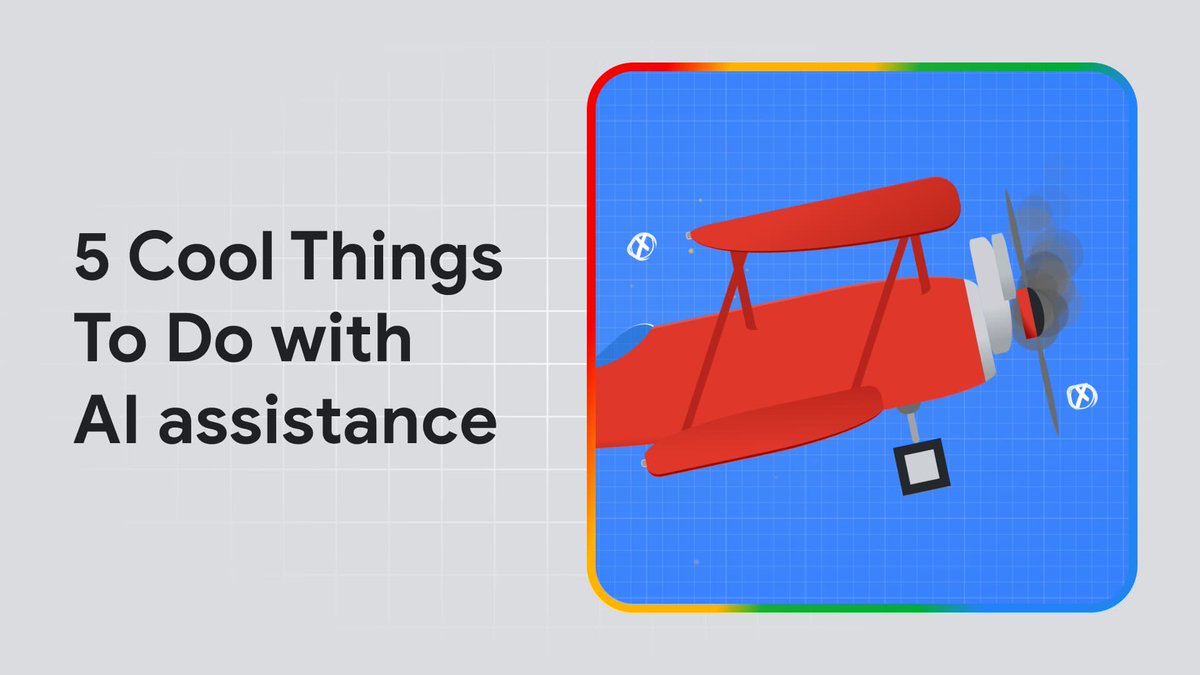
✈️💺 Fasten your seatbelts! DevTools got a turbocharged upgrade with the new AI assistance panel. Debug styling issues, understand layouts, and fix airplanes. Ready for take-off? ➡️ https://t.co/txBbzJTtoj
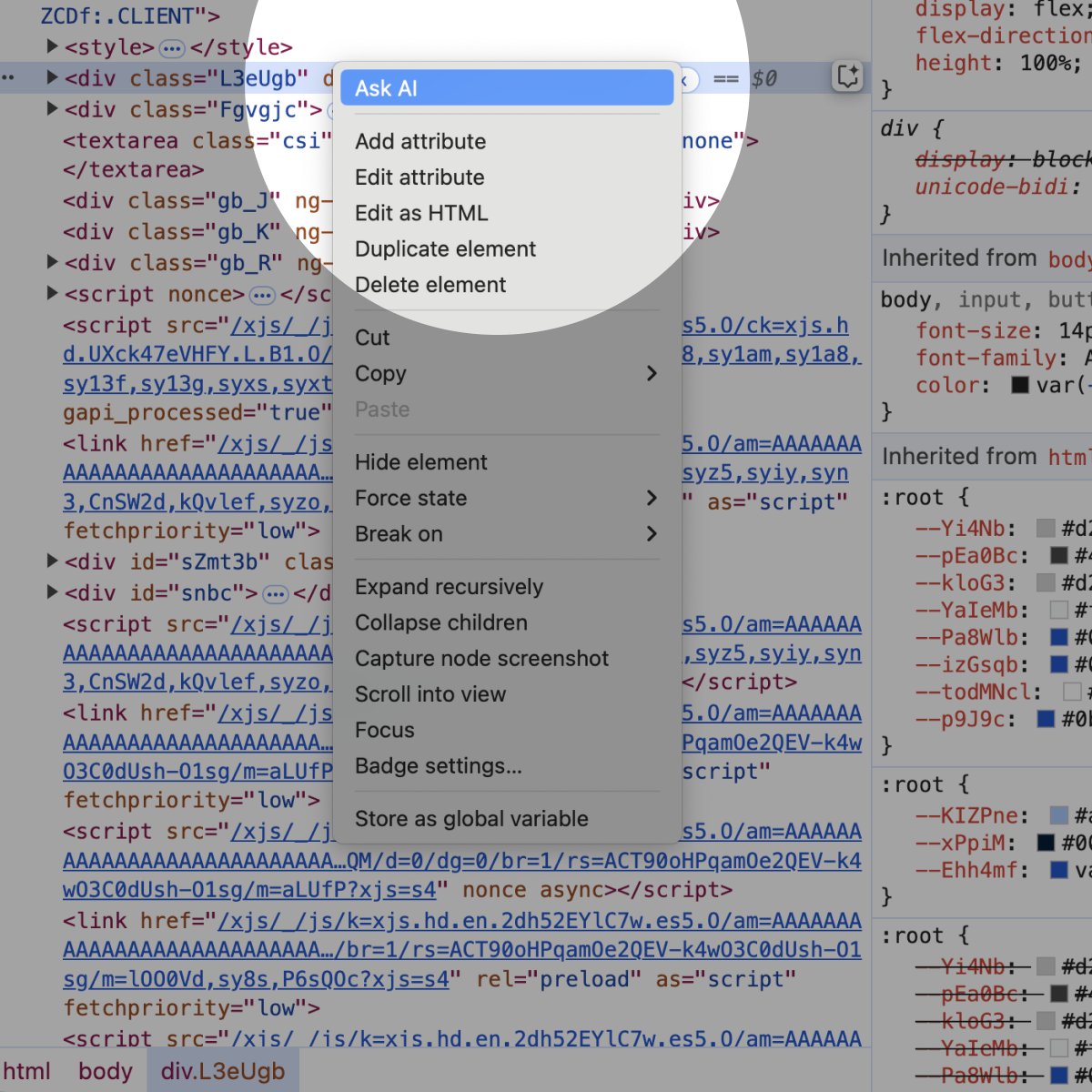
Introducing AI Assistance in @ChromeDevTools! 🤯🚀
Ever wish you could have a coding buddy to help you with CSS and layout? Well, your wish is granted! The new AI Assistance in Chrome DevTools is here to make your life as a developer easier, powered by Gemini.
The new panel aims to help you find and fix issues. Just ask it questions about your code, and it provides tailored explanations and even suggests solutions. This is our first exploration into agentic AI in DevTools and we're excited to hear what you think of it.
Some key features:
1. Conversational prompts: Get tailored suggestions and code snippets.
2. Contextual understanding: AI understands the code you're working on.
3. Step-by-step guidance: Get help with everything from styling to debugging.
Want to see it in action? Check out my screencast below to see how I used it to add a dark mode.
✨ More Gemini is coming to DevTools! ✨ Try the new experimental AI assistance panel in Chrome Canary 131 and later to get help understanding layouts and debugging your CSS. Learn more at https://t.co/TWJ01bJKkY