#onted curriculum needs to be supported by rich, ready-made, standardized materials, such as textbooks and consumables. This alone will substantially improve educational outcomes.
Teachers — it’s time to embrace AI in education. Today, with ETS, ISTE, and Khan Academy, we’re launching AI 101 for Teachers, a free professional learning series to help every teacher use AI safely and ethically in their classrooms. https://t.co/qioeDnIIWv #ai101
ICYMI our new #GoogleClassroom course is now LIVE! Whether you’re a newbie or a whiz exploring advanced functions, this course covers features that help simplify class management, accelerate grading, & more: https://t.co/LYv8rfn2zJ
For more resources: https://t.co/twE0HuFexe
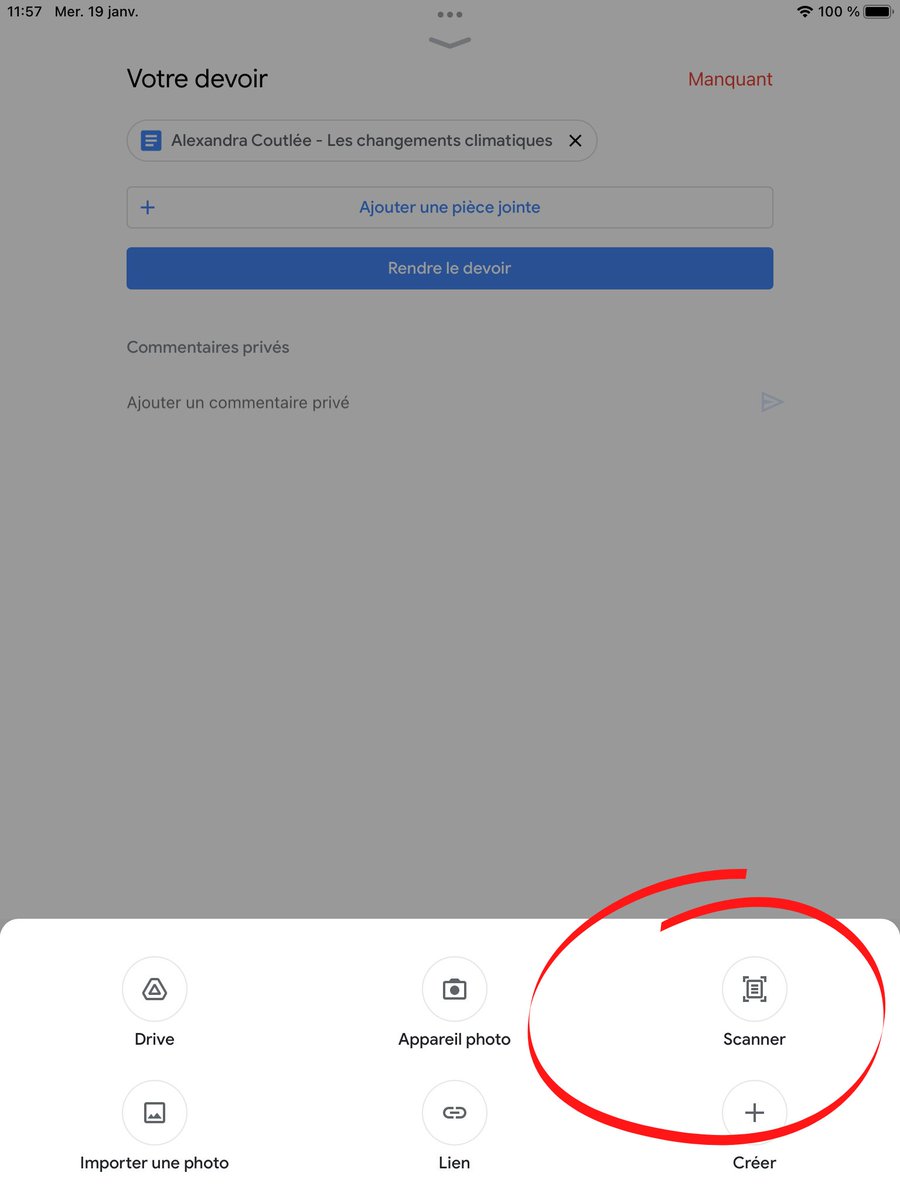
Nouvelle fonction Scanner dans l’application mobile Google Classroom. Elle permet à l’élève d’ajouter une suite de travaux papier!
Disponible sur Apple et Android!
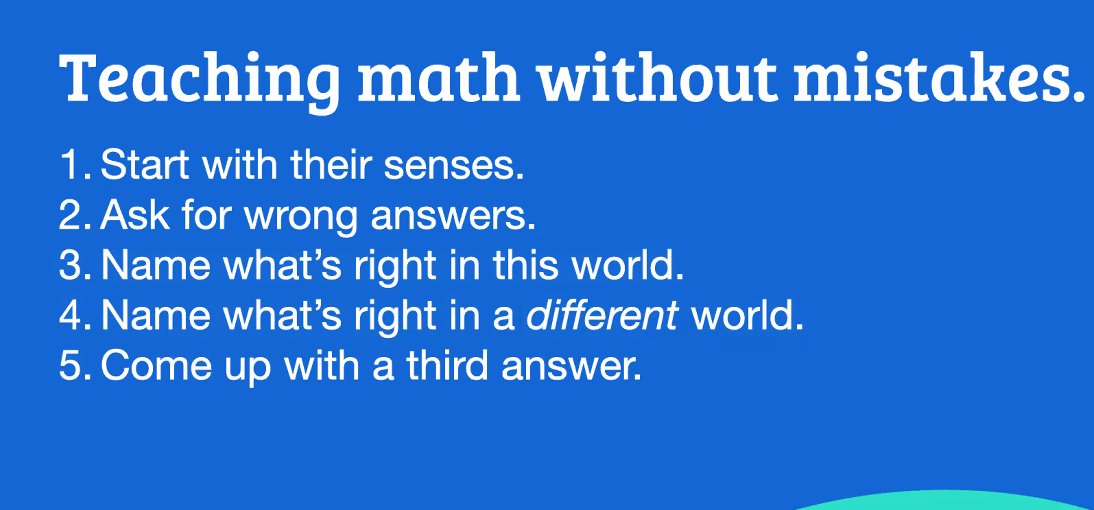
Main Points from @ddmeyer's Keynote session "Teaching Math Without Mistakes": Start with senses, ask for wrong answers, ask what's right (and could be right), come up with a 3rd answer. Thanks for an engaging opening to our #OAME2021#AOEM2021 Conference
Love this from @ddmeyer's Math Without Mistakes keynote at #OAME2021
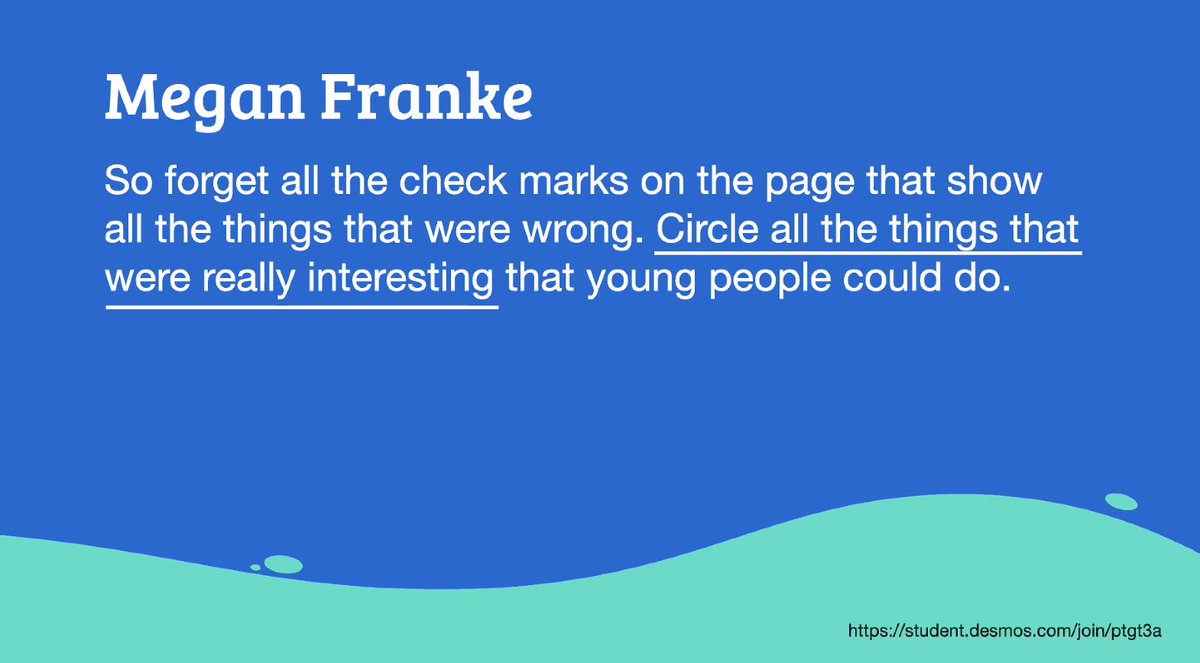
"So forget all the checks on the page that show all the the things that were wrong. Circle all the things that were really interesting that young people can do." -@meganlfranke
#MathChat#MTBoS#iTeachMath
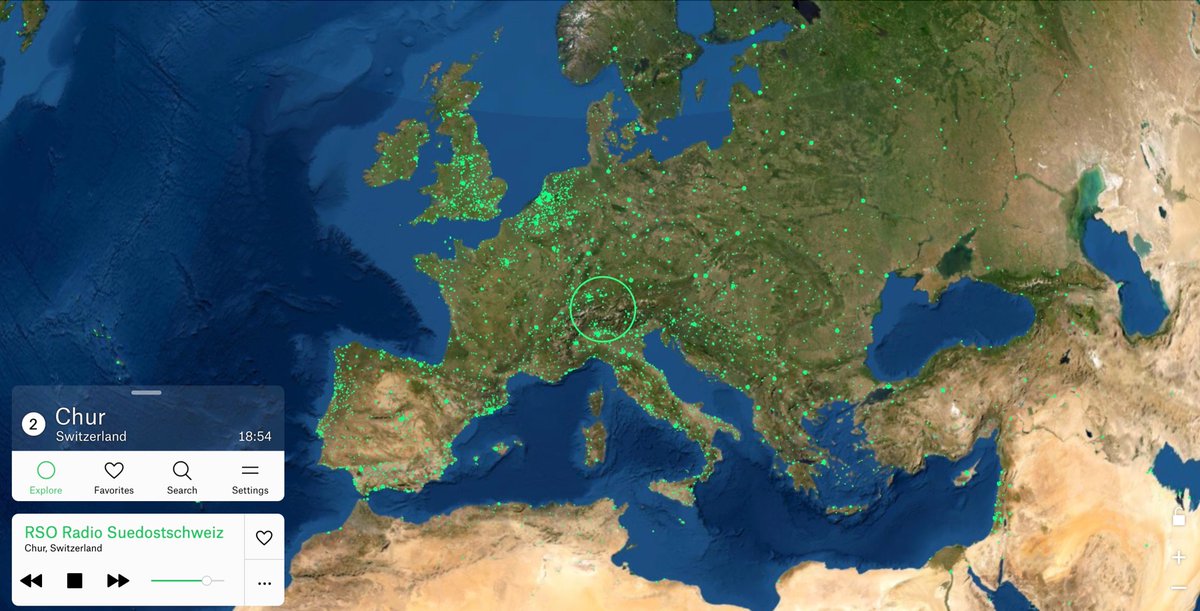
This is the COOLEST. A Google Earth-type representation of the planet. Every green dot is a radio station. Click any dot to listen in. It’s like cultural teleportation. You could spend hours with this thing… https://t.co/rdEHUUfgvk
“We need to help our students actually see math all around them.” Here’s how using pictures in math class can spark great conversations. @edutopia@KristenMAcosta https://t.co/66nM1EsL7E
👋 Hey @GoogleForEdu schools:
You can now create Google Classroom assignments on Screencastify Submit.
📆 Schedule assignments for later
🏫 Differentiate based on class and students
👀 View all videos on #GoogleClassroom
Learn more: https://t.co/xGPNmxcMwg
Chromebooks have a built-in screen reader!
Use Ctrl + Alt + Z to activate.
Also, on Android mobile devices, ask the Google Assistant "read this" on an article to hear it aloud.
#googleedu#ditchbook#techlap#remotelearning