3D modelling is dead
1 artist, 100x your workflow with CityBLD
Here is New York City recreated in Unreal. A totally playable 1:1 representation of the city made by one person 🤯
The tools that creatives will have at their disposals are pure wild fire
A thread🧵
Did you know that in Blender you can easily distribute objects along curves? ✨
1. Press Shift+A to add a bezier curve
2. In the geometry nodes editor press 'New'
3. Press Shift+A to add 'Curve to Points' and 'Instance on Points' nodes
4. Drag the object you want to distribute from the outliner onto the geonode editor and connect the sockets
5. Use 'Align Euler to Vector' node to align the objects!
Pro Tip: To quickly search for a node press Shift+A,S
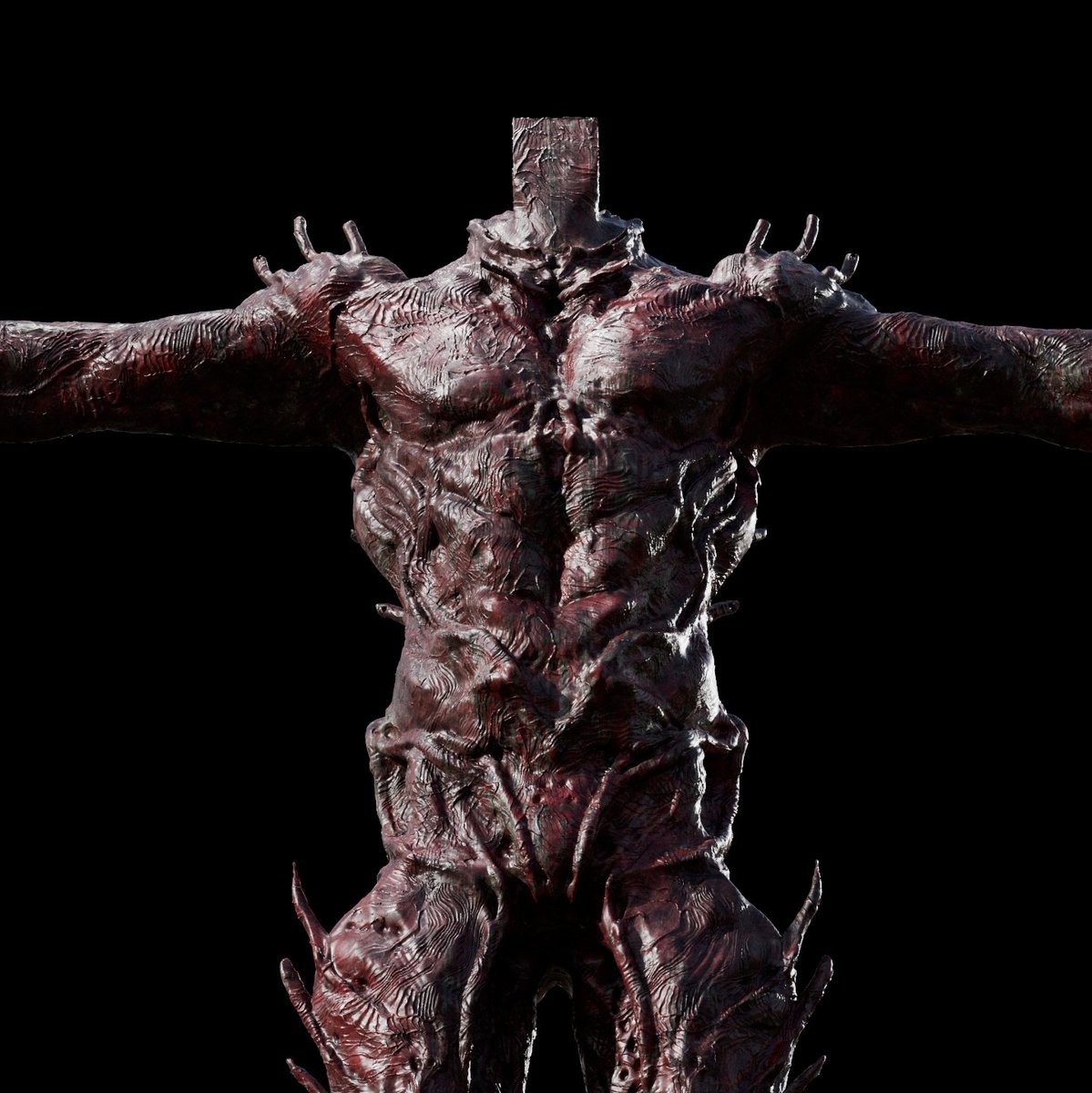
I use an odd blend of programs in my personal 3D character creating pipeline. Some of the programs I use in no particular order. Zbrush, 3D coat, Photoshop, C4D, Corona Renderer, Substance painter...
-
https://t.co/tqUd8CWXoL
5. Unity X RealityScan
Look at this stunning 3D environment created by using RealityScan(mobile app) and Unreal Engine 5's modeling tools.
Looking forward to games of this quality.
Our Bank Heist Unreal Pack is now live on ArtStation! Immerse yourself in captivating Renders and Embark on the ultimate heist adventure and elevate your game development! 🔥🔧💼
https://t.co/UFXuUutAnO
#blender3D #maya3D #zbrush #substancepainter#unrealengine5