@ifpindy I'm sorry. I am a bit confused. The answer is to download the latest update to MediaShout 6. If you are having any further trouble, please email [email protected] so we can look into this deeper.
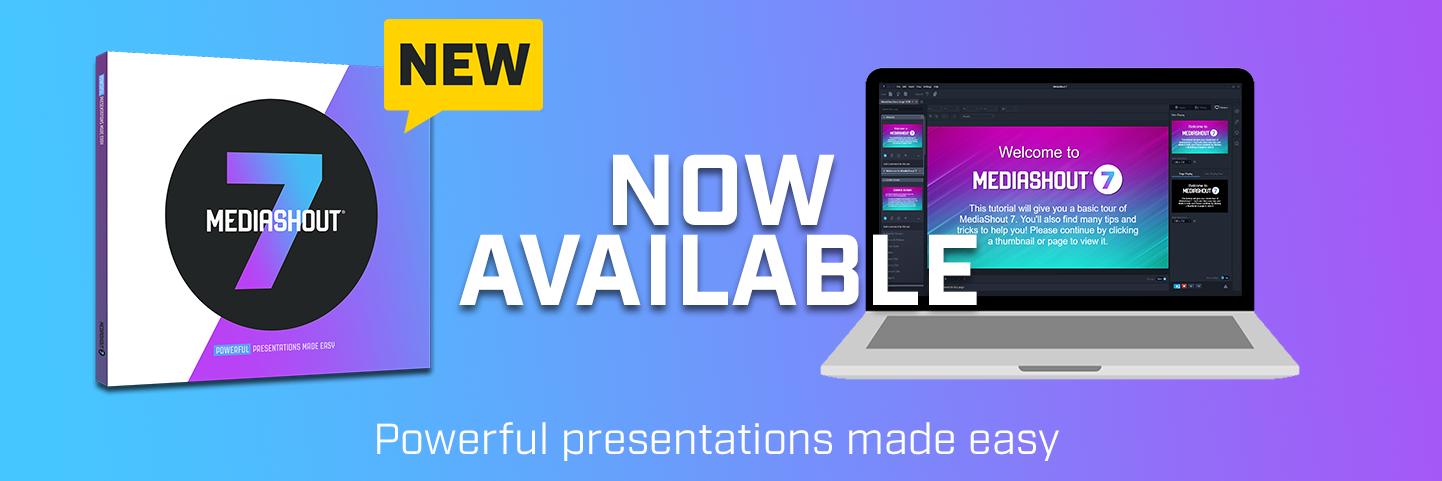
@Kim_filho Happy to help. Depends on what version you have, but version 6 and 7 are available at https://t.co/8aienu42LX. Find your license code in your existing program under Help and About MediaShout in V7, or on the "i" on the top right of V6.
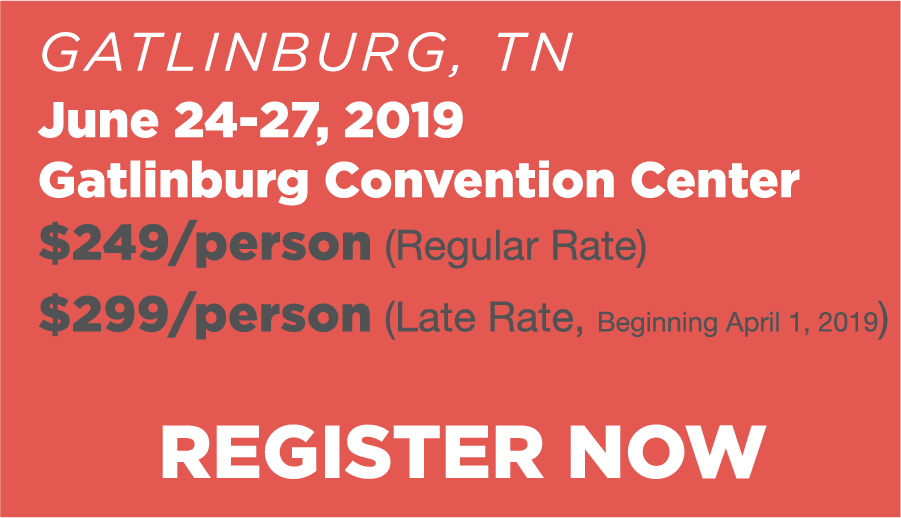
In less than a month, we will be at WorshipLife in Gatlinburg, TN. Aaron will be teaching some classes and be at the booth, so make sure you drop by and check out the new things MediaShout has going on. If you haven't registered or want more info, visit https://t.co/QbrU2HxJz9 .
@brandyer13 That issue is actually an indication that your screens may not be setup correctly. Here is an article that should help you through this:
https://t.co/q1t9odHF5F
@oe_simon I apologize for the inconvenience. Do us a favor and email [email protected] and provide your License Number. Once we have that, we'd be happy to help!
@ProfTshepo Please download and run this tool. It will take about 6 seconds to run and you should be able to use the trial version afterwards. The tool is in this article: https://t.co/Z4zdXMFf4t -- it's called Activation Fix.bat