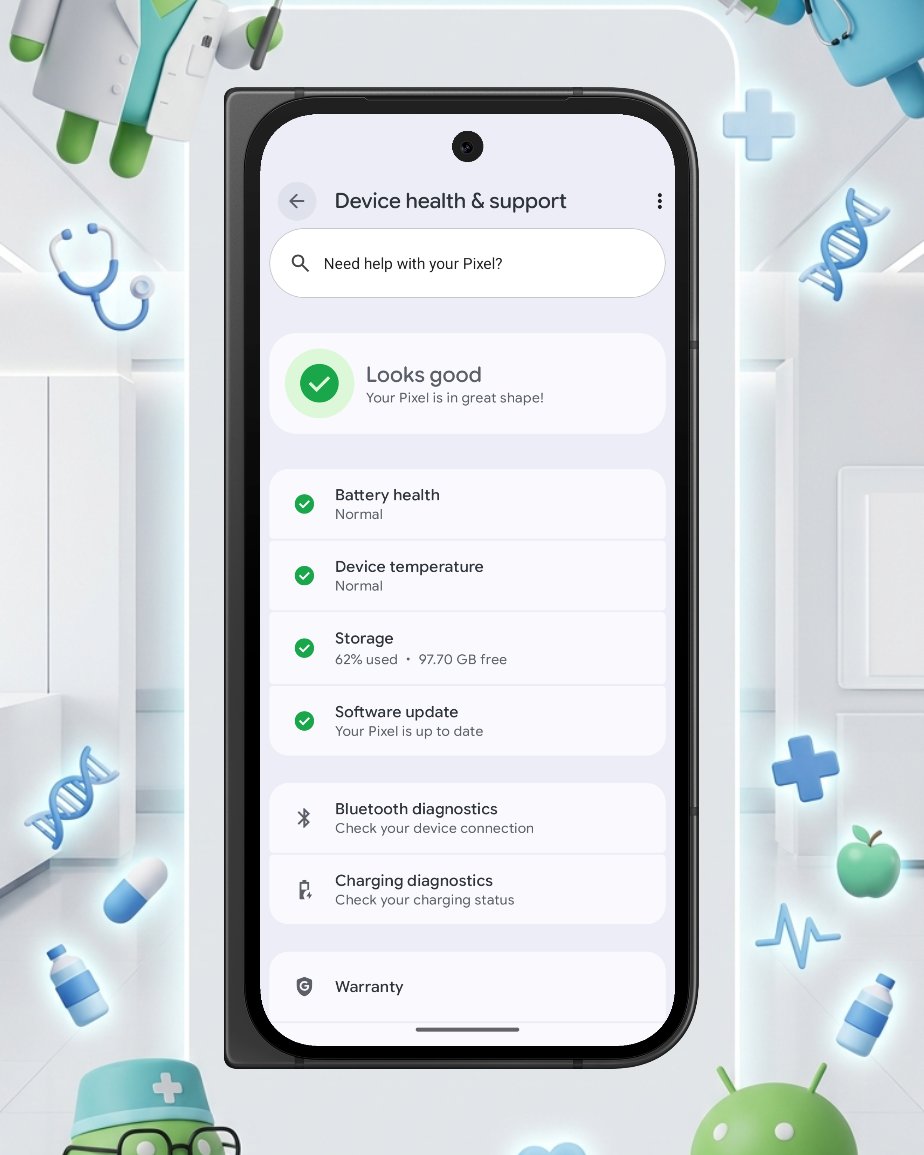
Introducing Frames for Pixel™, a screenshot mockup tool made for Pixel fans, by a Pixel fan.
Check out Frames for Pixel™ in the Google Play Store. https://t.co/IVDiQLE8ep
NEW VIDEO - Everything you need to know about Android 17 on Google Pixel: Gemini Live, Lock Screen Widgets, and Pixel Screenshots—so you don't have to spend 45 minutes digging through the settings yourself:
https://t.co/FggbCk8oSD
@joshwoodward@GeminiApp For premium Android devices, allow Gemini to be able to do more locally.
For example, ask Gemini to search for specific photos in Google Photos (which it can already do well) and send those specific photos to a group chat in Google Messages.
Switching from iPhone to Pixel? Here is a hard pill to swallow:
Apple builds software to sell iPhones. Google builds Pixels to showcase software they ultimately hope you find useful everywhere.
Pixel Habit Tracker is officially live on the Google Play Store!
from the beginning, i was heavily inspired by Google's Material 3 Expressive and always thought "why would no developer apply this design system to their apps?"
it's the first-ever habit tracker with M3E! i am so proud!
download the app and try it yourself:
https://t.co/qItuPrIxlW
consider buying me a coffee 😝:
https://t.co/ptU8JhPj8a
@GoogleDesign@materialdesign@GooglePlay@AndroidDev@Android@Google
🤝 Android is making it easier to share, switch, and connect securely
Sharing is hard when not everybody has the same phone as you, which is why we're introducing new ways to stay connected regardless of what device you or your friends use.
Here's what we're bringing 🧵
Starting today, end-to-end encrypted RCS messaging begins rolling out for Android and iPhone users. 🔒 A huge thank you to the teams that have been working for years to bring you a more secure, private way to communicate – regardless of your device. Terrific milestone!
New subtle M3 Expressive updates coming to the Frames for Pixel app just before Google I/O.
I'll publish my write-up on it once it's released on the Play Store. Let me know what you think.
Frames for Pixel app: https://t.co/IVDiQLE8ep
Someone finally made Claude understand Android UI. The Material Design 3 Skill:
- Generates proper Material 3 code
- 30+ components covered
- Web, Flutter, Compose
- Built-in MD3 audit scoring
- All latest expressive updates
If you care about design systems, this is a must.
As always! I'd love to hear your feedback, feature requests, and more. Head to Settings > Feedback to report a bug, provide feedback, or simply share a feature request within the Frames for Pixel app.
https://t.co/IVDiQLE8ep
Frames for Pixel Update Drop! 🥳🎉
What's new?
- Frames Pro users can now use Text within their frame! Add your own watermark, caption, or just fun text with a few options of fonts.
- No more Google Form. Now just share your feedback within the app
https://t.co/IVDiQLE8ep
Frames for Pixel Update Drop! 🥳🎉
What's new?
- Frames Pro users can now use Text within their frame! Add your own watermark, caption, or just fun text with a few options of fonts.
- No more Google Form. Now just share your feedback within the app
https://t.co/IVDiQLE8ep
Performance Check-in: 🚀 How’s your Pixel performing lately?
Are you experiencing smooth operation, or are there any areas where you’d prefer to see even more performance?
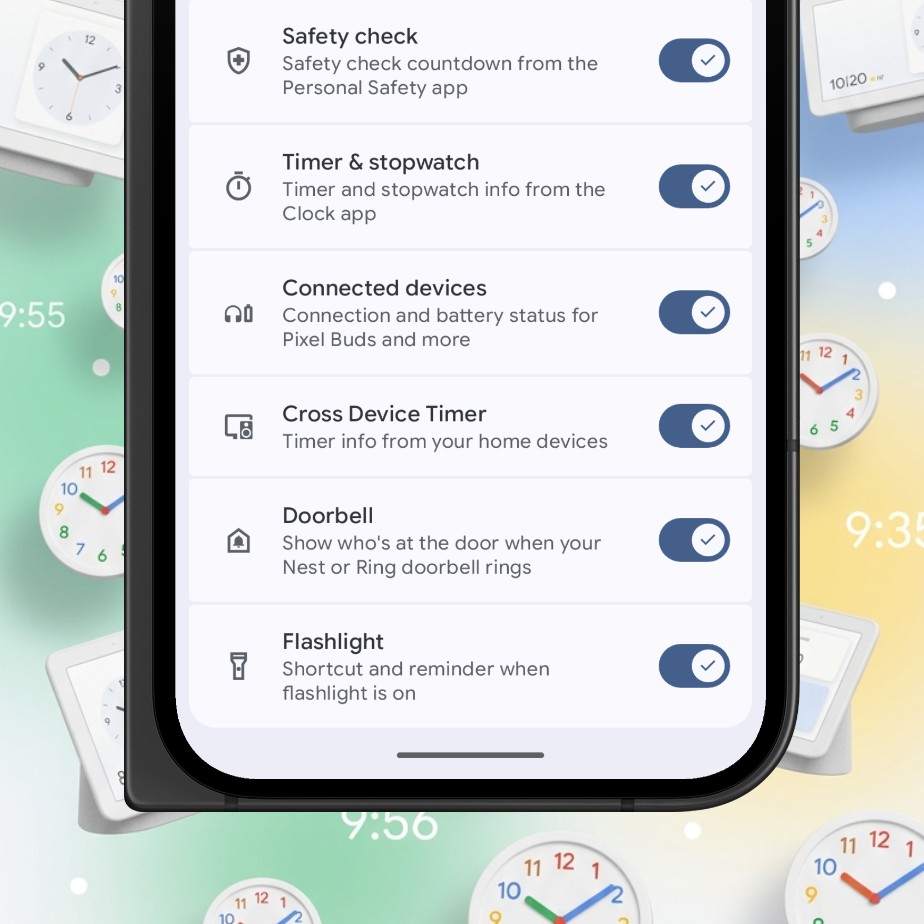
Pixel's At A Glance widget has a lot of useful features that a lot of people don't know about.
Take, "Cross Device Timer" for example. You can tell Gemini on your Nest Hub or Google Nest Mini to set a timer and the time will also show up on your Pixel Homescreen.