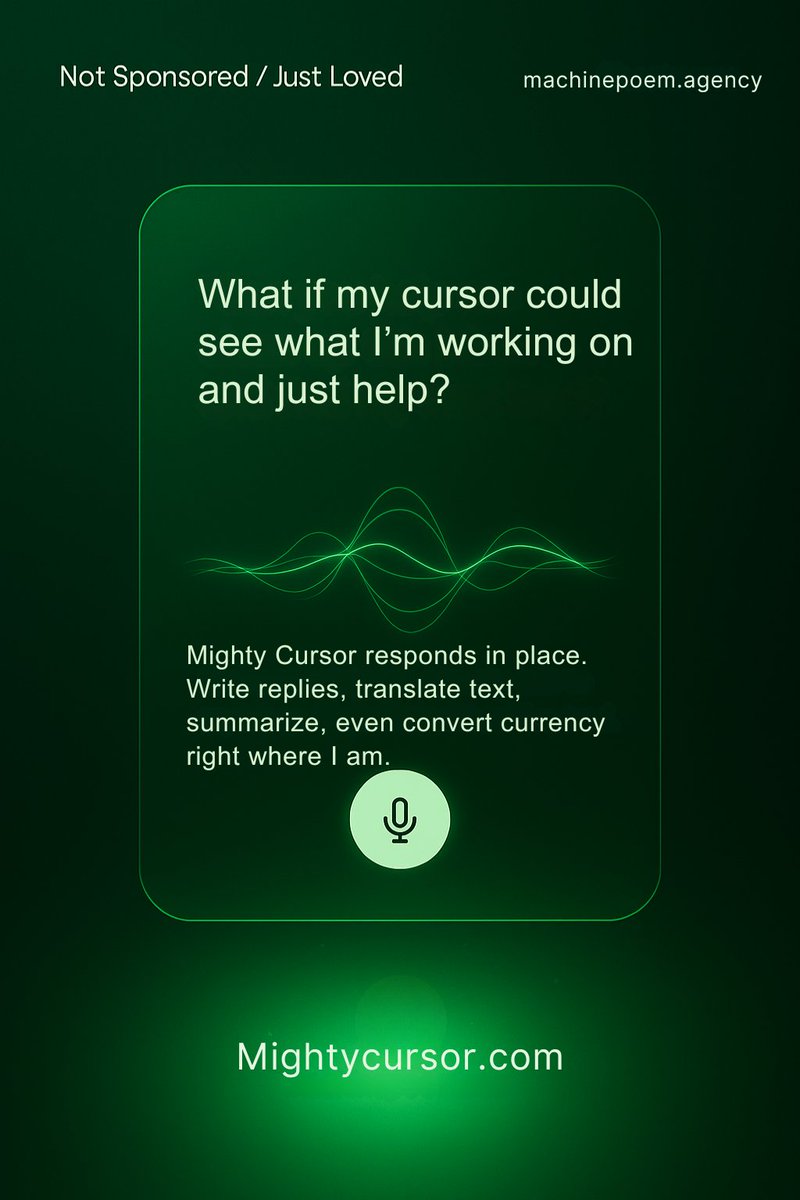
Still waiting for Siri to get smart?
Talk to your cursor instead.
Mighty Cursor brings AI to any app or document on your Mac—just select and speak.
Try it free: https://t.co/kaRR88OSXm
Demo video: https://t.co/bmUjiiy3wz
#productivity#VoiceAI#frictionless
A few significant updates to share.
👉 MC is now only available as a standalone licensed version (bring your own API keys)
👉 Dictation is now part of the app. This means we have 3 pillars: dictation, writing assistance, and reading assistance, all in one app.
Download at https://t.co/yjTdmZov0Z
We are in the final phases of testing the license key version of Mighty Cursor. It is working brilliantly across the big AI Providers: Google, OpenAI, and Anthropic. We have also added Search Providers (@tavilyai , @brave ) and Speech Providers (@elevenlabs). Next week 🚀
Referencing one article to write another is a common task. Here's an example of how @mightycursor helps to write a LinkedIn post by referring to a news article.
#mightyscenarios
Big updates today 🚀
👉 Better speech-to-text and text-to-speech models
👉 Amazing new feature: Refer This: You can now reference one document while writing in another—no more switching tabs or copy-pasting.
Download a free trial today:
https://t.co/H4BX3EJFkn
@Microsoft is rolling out "Describe Image" feature for Copilot Plus PCs. @macOS can do this today with Mighty Cursor. Select an image and have a conversation around it, system-wide. https://t.co/PL9s09csg1
@linasbeliunas shared a video from Google's Project Astra on how AI can help in learning. I've created a video that shows you can do the same thing with Mighty Cursor today! 🚀
Linas's original post: https://t.co/7Q6PP1NXUx
My reply: https://t.co/79jSIZAtmn 💪
Imagine being able to talk to your mouse cursor and having it take actions for you. Meet @mightycursor.
Some features:
🔍 Ask questions anywhere
📖 Understands text and images
🌐 Query webpages on any browser
🧠 Visualize with diagrams
🗒️ Take instant notes
📄 Analyze PDFs and Office docs
@MaximeRivest I am happy that voice interactions are going mainstream. Check out https://t.co/H4BX3EJ7uP
You can use your voice not just for code, but everywhere.
Stop copy-pasting. Start TALKING to your Mac cursor. 🤯 Mighty Cursor: Voice AI for answers & writing in-app. Zero app switching. Pure productivity flow.
Try FREE (1 month, no CC!): https://t.co/ETaqn33qf4
🔥 Demo: https://t.co/ULseQoxJFh #VoiceAI#MacApps#MightyCursor
🎉 We’re live!
You can now download Mighty Cursor—your voice-powered AI assistant for the Mac.
Push. Speak. Release. That’s it.
Try it free (1 month, no credit card):
👉 https://t.co/ETaqn33qf4
#voiceai#ai#app#mac
Another feature added to the Mighty Cursor experience - Diagrams.
Go to any webpage or document and ask MC to create concept maps, flowcharts, mindmaps, Gantt charts, and more.
https://t.co/edOpVBQbYV
Introducing Mighty Cursor Doc Assist.
Ask questions about any document or get writing assistance right where you are - no copy-paste, no file uploads, no going to an AI app. Just use your voice.
Check out the video
https://t.co/UP2h54jg5I