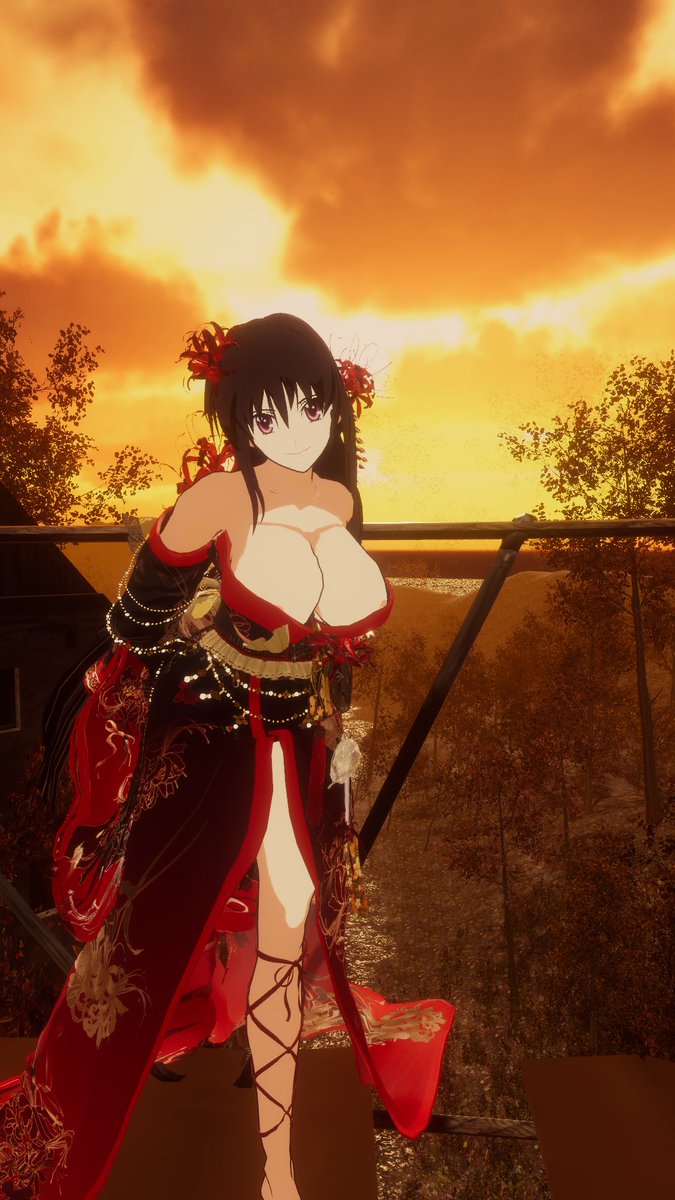
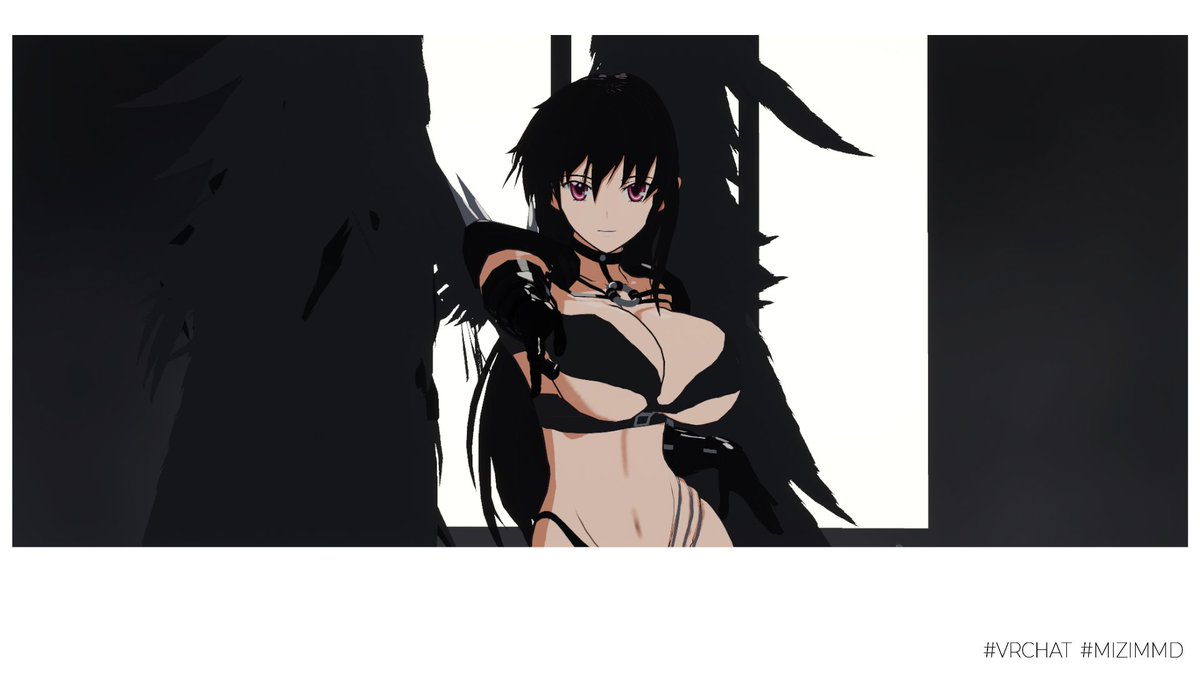
Should I rename the application to "MMD Anywhere" instead? The upcoming version NOW SUPPORT MMD CAMERA! Now you can dance anywhere, anyworld !!! #VRChat#MMD#OSC
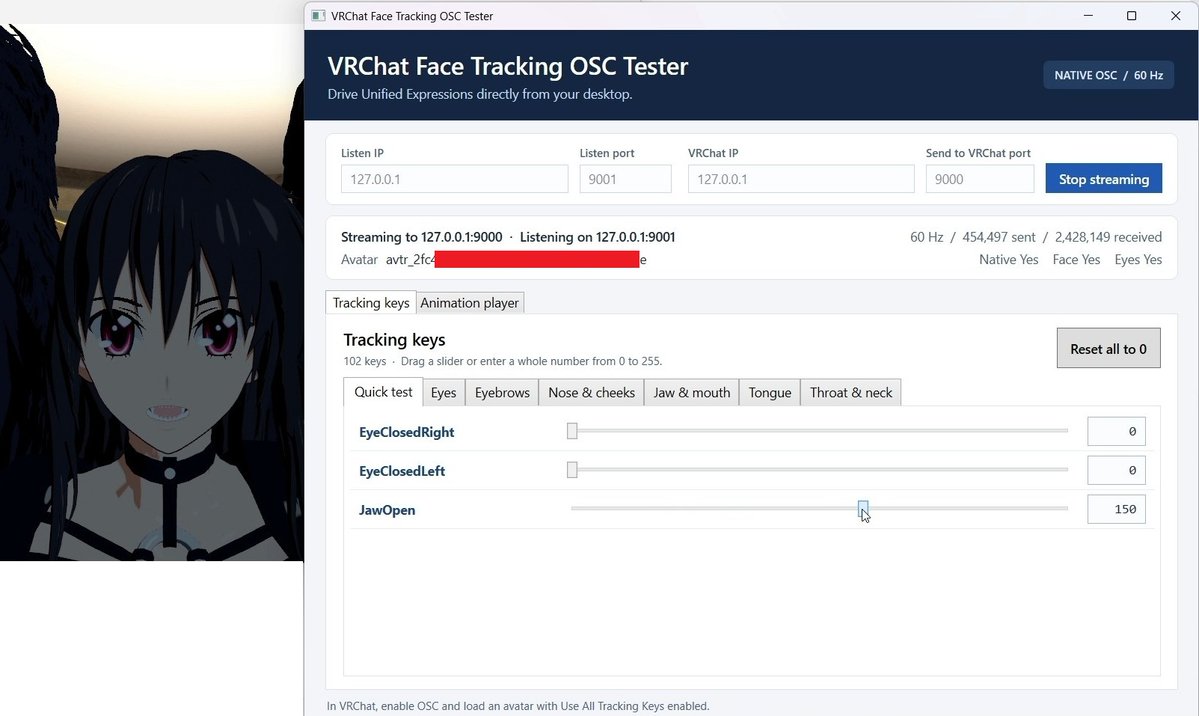
The VRChat native face tracking OSC tester is now release!!!! https://t.co/WxwxfNdnwW 🎊🎊🎊 . It also have the MMD animation clip player (this likely to be the main usecase 🤣🤣🤣) #VRChat#MMD#FaceTracking
I am going to release this as open source soon. This is small utility program which help to send the face tracking data to #VRChat 's new Native Face Tracking OSC . This application also support the "unity3d" asset file and unity's animation clip so you can use to play MMD too!
From Native Face Tracking tester now turned into almost full featured MMD Player. My application now able to pose entire avatar from MMD clip. We no longer need to be in #MMD world anymore 🤣🤣🤣
Note that it work on Local only and required my prefab setup #VRChat
The idea is that I have the Action Controller which take parameter sent via OSC to move each of the Unity's standard humanoid muscle (around 95 channel). The prefab is required VRCFury or Modular Avatar. You can manually install by yourself too... Releasing soon :)
I am going to release this as open source soon. This is small utility program which help to send the face tracking data to #VRChat 's new Native Face Tracking OSC . This application also support the "unity3d" asset file and unity's animation clip so you can use to play MMD too!
To test the new #VRChat Native Face Tracking over network and compatibility with MMD World. I wrote a C# Windows application (or should I say I prompted lol) to send the OSC packet. It turned out nicely.
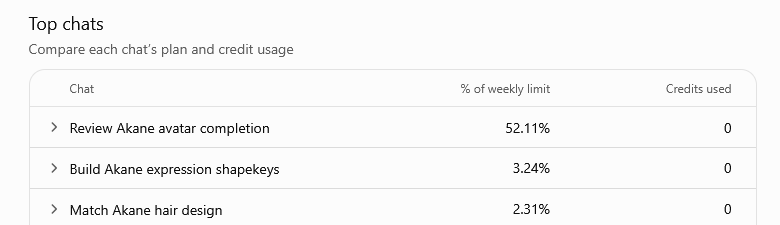
@meghrajai I just burn my weekly limit from 70% down to 8% in around 8 hour... so no , I don't think 5h limit is a good idea. Some people have burst usage.
@shinyflvres Wow, This is so cool!, I will give it a try. I normally use the Space Calibrator with continous calibration with Quest Pro + VIVE Tracker 3.0 mounting at the top of HMD