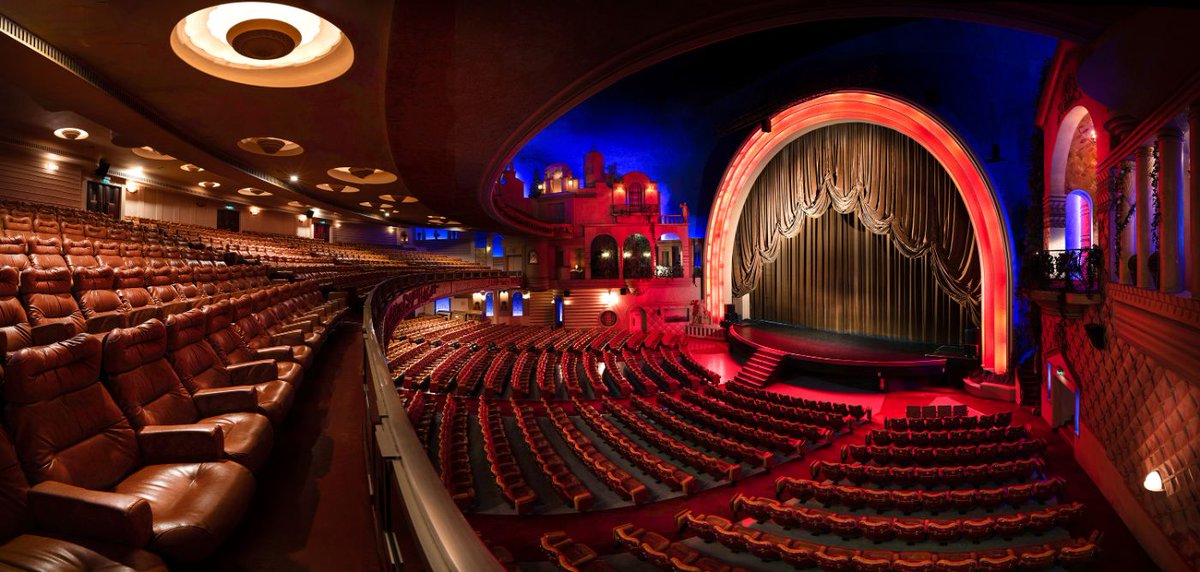
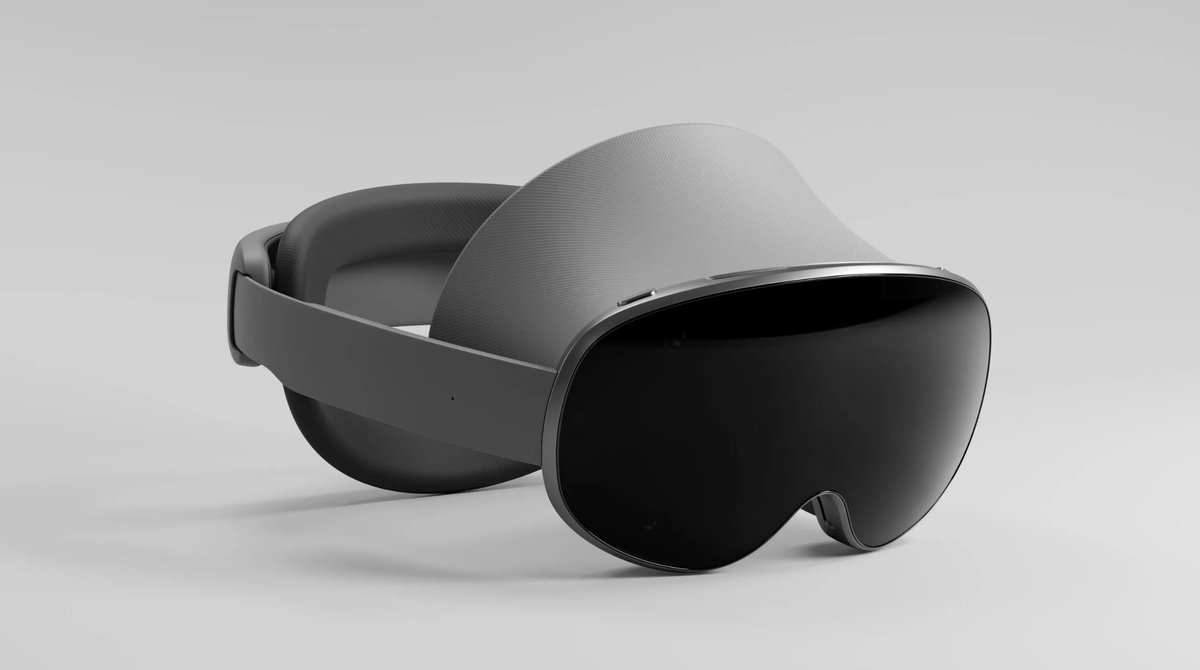
Nouvelle vidéo :
"Apprendre le dev rapidement à l'ère des IA"
https://t.co/hfbnu3NcBv
C'est une des vidéos dont je suis le plus fier. Avec la participation de @m_nebra de @OpenClassrooms
J'ai tenté de faire un guide pour les dev de demain, tous les nouveaux curieux.
Peace ✌️
OpenAI Launches ‘Images in ChatGPT’ with Groundbreaking Features(curious to compare it with the new Gemini 2.5 Pro as well)
Very quick test:
Draw on a white board hello world and show a cat on a chair near this board
🚀Major update to Blender MCP:
🌄 Generate high-quality 3D assets in Blender by just prompting, thanks to @DeemosTech's Rodin AI.
🎬 Demo: Creating a cozy scene with a cat. Just describe the assets you want, and it will show up right in Blender. No manual modeling needed!
@DeemosTech@ikrasinski@sidahuj Hi, that's very interesting, thank you. However, with the free API key, I'm still on the waiting list, and Claude hasn't been able to generate the object yet.
Built an MCP that lets Claude talk directly to Unity. It helps you create entire games from a single prompt!
Here’s a demo of me creating a “Mario clone” game with one prompt. ��
Curious to test this new solution by @convergence_ai_ and compare it with @manusai .
Also looking forward to soon finding an open-source equivalent, like OpenManus.
If you're in XR I recommend attending next week's Experience Vision conference in Paris!
I'll be there, along with 80+ speakers, from
🇺🇸Meta, Snap, HTC, AWE
🇪🇺Inversive, HABS, VRRoom, Louvre Museum, Dassault, Air France, Chanel, Ubisoft & a guest from the 🇫🇷 AI community ✨
Can’t wait to see my friends from the AI and XR community! Who’s going?
Page Blanche 0.0.1 is here!
If you’ve been following me over the past few months, you know we’ve been building something exciting with @tina__nigro. Page Blanche is our prototyping tool for creating native experiences for the Vision Pro!
TestFlight below 👇
@LelloucheNico@elias_bhills Merci pour toutes ces infos. Juste si tu as 5 min, je serai curieux d'avoir ton avis sur la comédie musicale sur laquelle j'ai travaillé avec mon équipe de @WilkinsAvenueAR
https://t.co/7WmHIhyYk5
Android XR is coming in 2025, with developer preview announced now. And Samsung’s making a Vision Pro-like headset, and glasses after that. I wore the headset and Astra prototype glasses with displays…and all-seeing Gemini AI is the center of it all. https://t.co/txYEVOpraO
A first look at Samsung's 2025 headset: https://t.co/jUIfq8l2SD
Some interesting tidbits form this early look:
- Runs on Snapdragon XR2+ Gen 2 chip
- Has eye and hand tracking
- Runs "Android XR" OS
- Google Maps with full immersion
- Typing in the air with a virtual keyboard
Porting from #MetaQuest to #AppleVisionPro. What was it like?
Short answer:
It was hardcore, but I very much enjoyed the process 😅
Long Answer:
As some of you may know, @FigminXR is the oldest mixed reality app that is still in development, it pre-dates even the oldest XR development toolkit. What this means is that “everything” related to the UX was hand crafted & designed by yours truly, a tremendous amount of work but on the flip side all the knowledge of how it works is readily available, so ports are possible. My porting experience may differ from yours depending on your infrastructure.
I was rather upset at Vision OS 1, in short it was impossible to port my app and I assure you I can make it run on a fridge.
Vision OS 2 changed everything, so I thought to myself: “Heck… I’ll give it 1 week of my time just to see”
So I jumped in, got a Frankenstein build up and running in just 1 day, by combining bits and pieces from different ports. That was rather exciting… for a short while.
You see, my app was built on Unity’s older render pipeline, at first glance Vision OS 2 supports it… on paper.
A vision OS app running on the older pipeline renders at an appalling low resolution, I swear to you it looks like Super Nintendo graphics no joke! I don’t understand why they even offer that option, nobody should ship an AVP app with SNES graphics, it’s hilariously bad.
So the first challenge was to update the render pipeline, and OHHH MY! Was that one monstrous undertaking. I don’t want to get into the technical details but just to start I had to rewrite ALL THE SHADERS, not just from my own app but all the brushes from TiltBrush.
It was during this arduous time that I got a glimpse of Figmin XR for AVP and I just fell in-love 🥰
You see… there is some astonishing Tilt Brush artwork out there, and experiencing it in HD and on an updated renderer was a mind-blowing experience to me. At this point I just realized the port HAD to be done.
I almost miss this torturous period of my life, every time I was done porting a brush I just had to jump in and see what the artwork looked like, It felt so good, so rewarding!
At some point I was kind of done with the shaders, and decided to take a look at what else needed work. Which in essence meant everything else 🤣
Hand tracking needed a huge amount of work, hand physics was also totally busted.
Spatial mapping: Redo
Anchor persistence: Redo
Passthrough Relighting: Redo
Line drawing: Redo
The worst and scariest part was that Tilt Brush has a very complex selection mechanism that heavily relies on the old render pipeline (that I was just done getting rid of!). It was scary because honestly I had no idea how I could do this, it required some hardcore knowledge of the new render pipeline… But alas, it got done... somehow...
And then just ship it right?… NOPE! the app relied on hand tracking for controls and I was very much afraid customers would give me bad reviews because we don’t support eye tracking, such an essential part of the Vision OS experience.
Luckily this was not my first attempt at eye tracking in Figmin XR, not only had I designed the control mechanics long ago with this in mind but attempted this task for HoloLens 2 and Quest Pro. I never got too far with that though, back then eye tracking was not good enough and let me tell you something… if you are going to support eye tracking, it either works next to PERFECT or you don’t do it at all. There is nothing as infuriating in the XR world as attempting to control an app with your eyes that fails to do what you want. Kudos to Apple because eye tracking is must amazing.
But still, I had to start my eye tracking journey from scratch because my previous attempt was flawed and had to be tossed away.
At the end of the day I was very happy with how it came out, I addressed all my gripes with how the eye tracking UX works with Vision OS, Key differences with Figmin XR:
1) Multimodal: use eyes, fingers or rays (Up to you)
2) You can't grab things with your eyes (Duh!)
3) No highlight effect (redundant)
4) No automatic push and pull of objects, this is done by an extra gaze step on your hand ui.
And yes… now finally time to SHIP IT! 😊 I am delighted to release this app, it is most certainly the ultimate Figmin XR experience.
I had no support from Apple, Unity or anybody. In the past manufacturers have reached out to lend a hand, most of them provided funds and/or at least some exposure and publicity.
It’s too bad Apple is catering only to the well funded startups and corporations. This is not how new technologies are pushed forward, historically speaking it’s been the Indie developers that have pushed new devices to the spotlight, we don’t do it for the money it’s our passion and you can’t buy passion. Meta understands this very well… I hope Apple will take note.
Anyway, if you are still reading this thank you for your support through the years. You see… it doesn’t matter if Apple ignores us, we have YOU, real people to rely on, you have our back and we are so incredibly thankful to you, we could not exist without your support. ❤️