@clive_gibson@OneNoteEDU@mtholfsen I am ok ish ‘my flower’-having back surgery early next year so hopefully be much better after that. How are you doing? Still doing all that silly exercise stuff?
Check out this amazing, curated library of projects from all across the world. Students taking action for the #GoalsProject May this inspire other educators and students to learn more about the @SDGoals
Thanks to @JenWilliamsEdu#OneandAllGroup1
https://t.co/y14tF2WBUl
🚨Introducing Read Mode!🚨
You can now view the text from articles directly within a Wakelet collection!
Best of all - we’ve combined it with @MicrosoftEDU's Immersive Reader, making your collections more inclusive and accessible than ever! 💙
#BetterTogether
NEW! Individual Page Lock/Unlock 🔐 comes to #OneNote Class Notebooks for Windows 10, Online, Mac and iPad 💜 Also improved last name/first name sorting for Review Student Work #edtech#MIEExpert
Video 👇
NEW! Transform a Word Online document into a Sway web page in just a few clicks 😍 Super easy for students to create beautiful and shareable web pages 🌎 #edtech#edchat#MIEExpert#MicrosoftEDU
🎥 is below
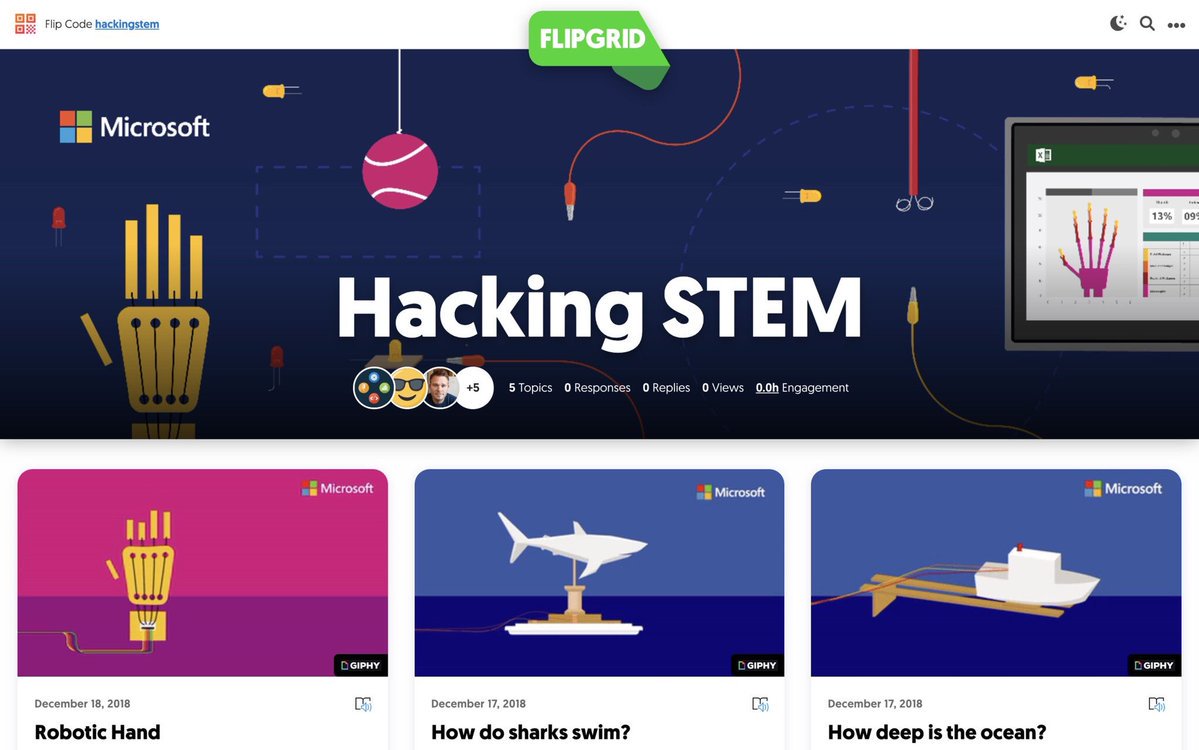
Spark your students' curiosity + creativity with @Hacking_STEM's launch-ready Hacking STEM activities!
The FREE teacher-tested projects leverage everyday materials to make STEM affordable, accessible, and fun for all!
Ready, set, STEM 👇
https://t.co/ttl9L1akgK
#FlipgridFever
2019 OneNote Teacher Diary is ready for download. It's free and it works across all platforms. Head to https://t.co/PG5oSB6BDn to download your copy. Thanks to @townesy77 for co-creating this doc and @MSAUedu for helping us to get it to teachers everywhere. #onenote@OneNoteEDU