Day 1/21 - Ugadi
Lovely tym wid 7mon old son. Saw him crawling 1st tym fr 3-4 ft. Demands continu’s entertainment wen awake. Gets mad wen v dnt tak him out fr walk.
He voluntarily kissed me fr 1st tym 😘😍 slept in my arms twice 🥰
Had gud food! 1st best Ugadi wid Simba😇😊
@MohiniWealth If you're living in a country where u don't have access to fresh cut meat, always buy without skin. in India, chicken is burnt with skin before cutting and is cooked well for eating. Other countries, packed & stored. So I prefer without skin, wash with turmeric before cooking
@airtelindia Appreciate it Ajay. But not even once I have received an acceptable solution from Airtel even though some of your colleagues are admitting it as a billing error. I have ended up paying to keep the number active.
@airtelindia@Airtel_Presence frauds stopped charging me for SMS I didn't use after complaining. Now they're charging me for calls. Neither I received a call nor dialed anyone. I have 2 phones & do not use the Indian number apart from OTP uses.
Good work @airtelindia 👏👏
Came here to share this useful info.
How to Submit Your Life Certificate Online: A Step-by-Step Guide:
Each November, all pensioners must submit their life certificate to their respective bank branches to ensure their pension continues without interruption. Failure to do so can result in pension payments being paused starting in January.
To make this process easier for senior citizens, the Government of India (GoI) has introduced a digital method for submitting the life certificate online through mobile app using facial recognition technology.
What You’ll Need before proceeding:
1.Your Aadhar card duly linked with your mobile number.
2.Your mobile number
3.Your email ID
4.Your Pension Payment Order (PPO) number
5.Your bank account number (linked to where your pension is credited)
Steps to Submit Your Life Certificate Online:
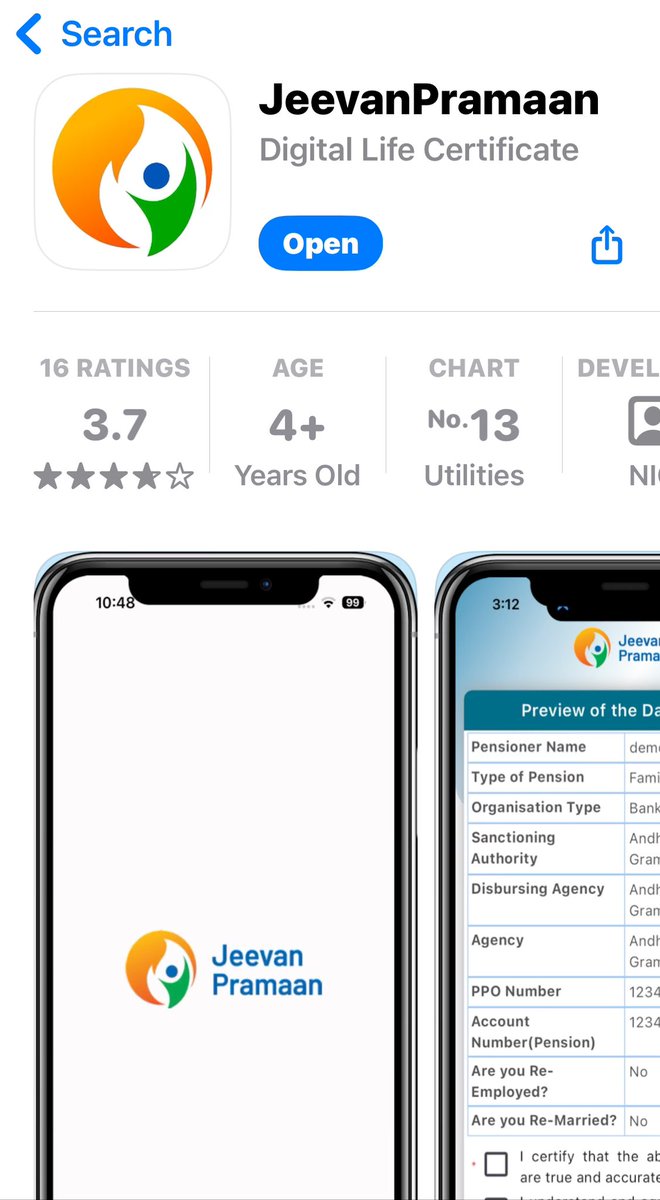
https://t.co/p6FlzzG1R6 the Required Apps You’ll need to download the following two apps on your phone:
•JeevanPramaan - Digital Life Certificate
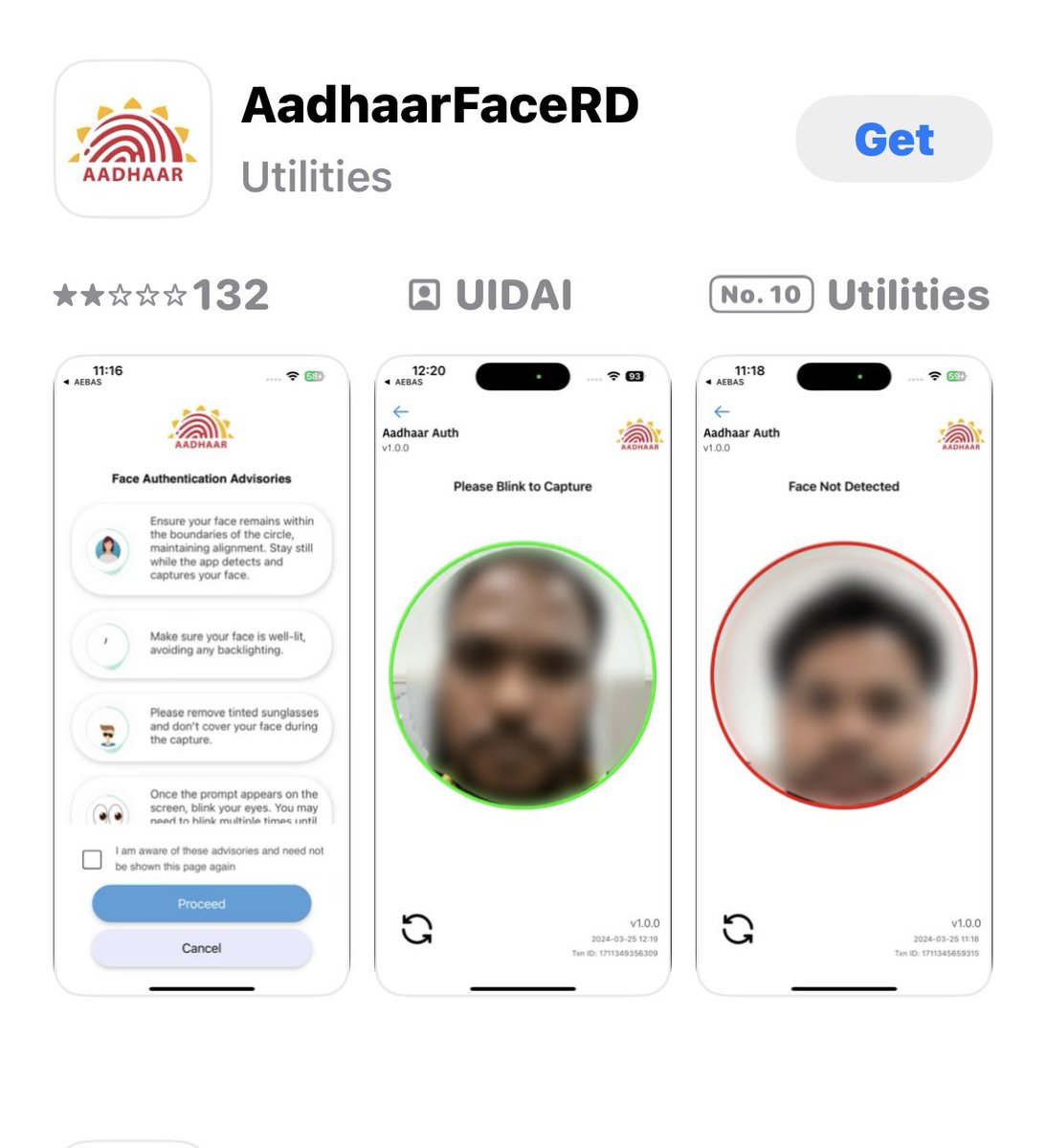
•AadhaarFaceRD
2.Enter Your Details
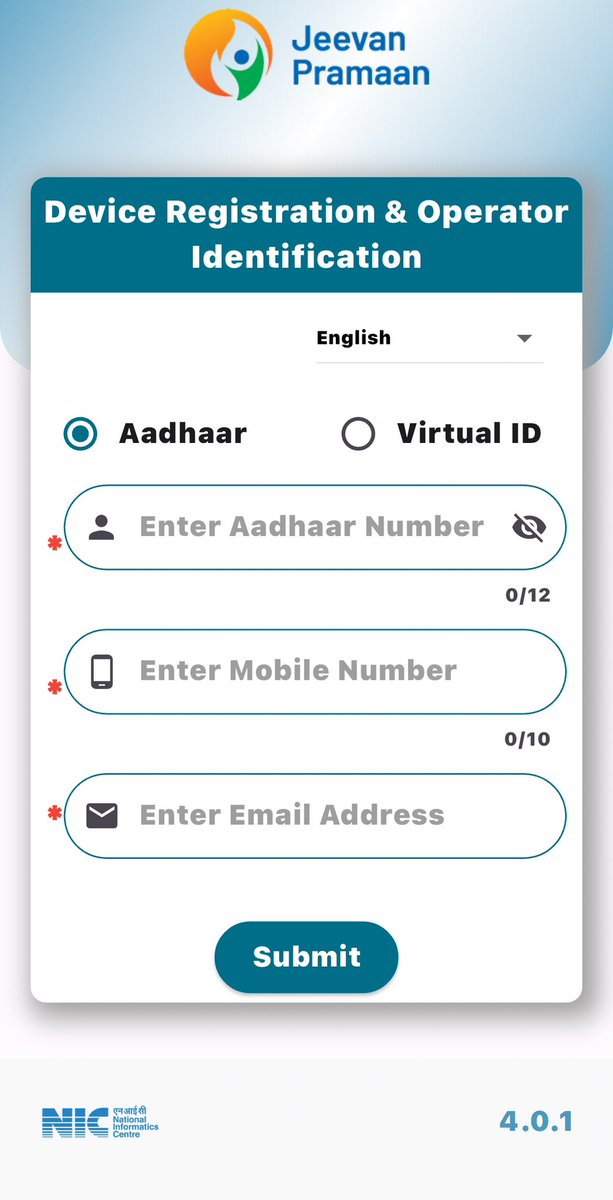
•Open the JeevanPramaan app.
•Enter your Aadhaar number, mobile number, and email ID.
•You’ll receive a One-Time Password (OTP); enter it to proceed.
3.Complete Your Pension Details
•On the next page, enter your PPO number and the bank account number linked to your pension.
4.Facial Recognition Verification
•The app will prompt you to look into the camera and blink a few times.
•Try to open your eyes a bit wider for the camera to capture your facial ID accurately.
5.Confirmation
•Once the process is complete, you’ll receive a digital confirmation for successfully submitting your life certificate.
Now, you’ve completed your life certificate submission from the comfort of your home. Please share this information with those who may find it helpful, especially senior citizens who may need guidance.
ಎಲ್ಲೇ ಇದ್ದರೂ ನಮ್ಮ ಧರ್ಮ ನಮ್ಮ ಅಸ್ತಿತ್ವ ಎಂದೆಂದು ಶಾಶ್ವತ
ಕನ್ನಡ ಎನೆ ಕುಣಿದಾಡುವುದೆನ್ನೆದೆ
ಕನ್ನಡ ಎನೆ ಕಿವಿ ನಿಮಿರುವುದು ||
ಕಾಮನ ಬಿಲ್ಲನು ಕಾಣುವ ಕವಿಯೊಳು
ತೆಕ್ಕನೆ ಮನ ಮೈ ಮರೆಯುವುದು ||