After months of work, my new app is finally available to preorder on the Mac App Store. It's called Kickstart, and it has just one job: to help indie app developers make more money on the App Store. How does it do that? Let me explain…
Not one, but six new Agent Skills! Early adopters improved Xcode build times by 78%.
https://t.co/hXkhUGzN4n
After weeks of work, I launched my latest Agent Skill at Let’s Vision in Shanghai. Here’s how it works:
It runs 3 clean + 3 incremental builds
It analyzes build logs and project settings
It proposes an optimization plan
It applies improvements after you approve
It re-benchmarks and reports the improvement
All free → try it on your Xcode projects.
Let me know how it goes in the replies, and open a PR if you add your results to the README!
If you care about UI performance at the deepest level of your soul, you need to use UIKit for scrolling lists and timelines
Use SwiftUI for onboarding, settings, modals, etc.
https://t.co/gnA9tlX6iT
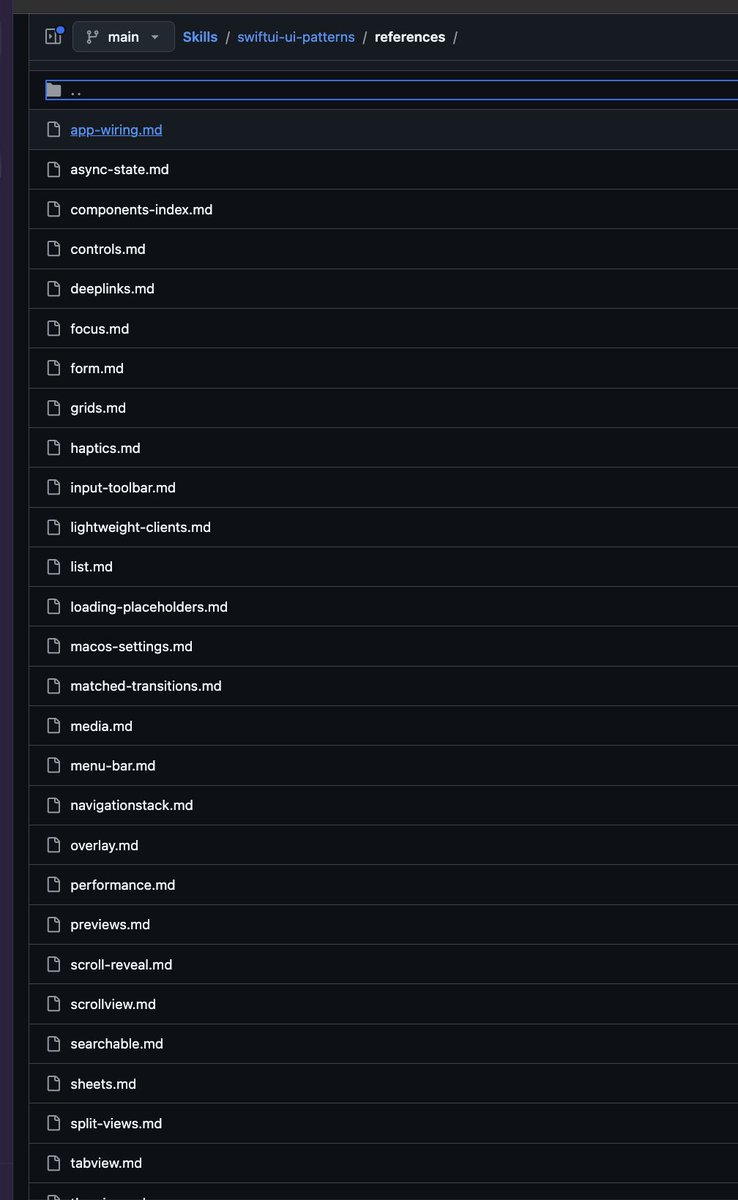
I've made quite a bit of improvements for my SwiftUI pattern agent skill, one of my favorite skill for working on SwiftUI apps.
It distills all the patterns I use, with many examples, so the agent can do clean SwiftUI!
https://t.co/oHjAfGf0Nf
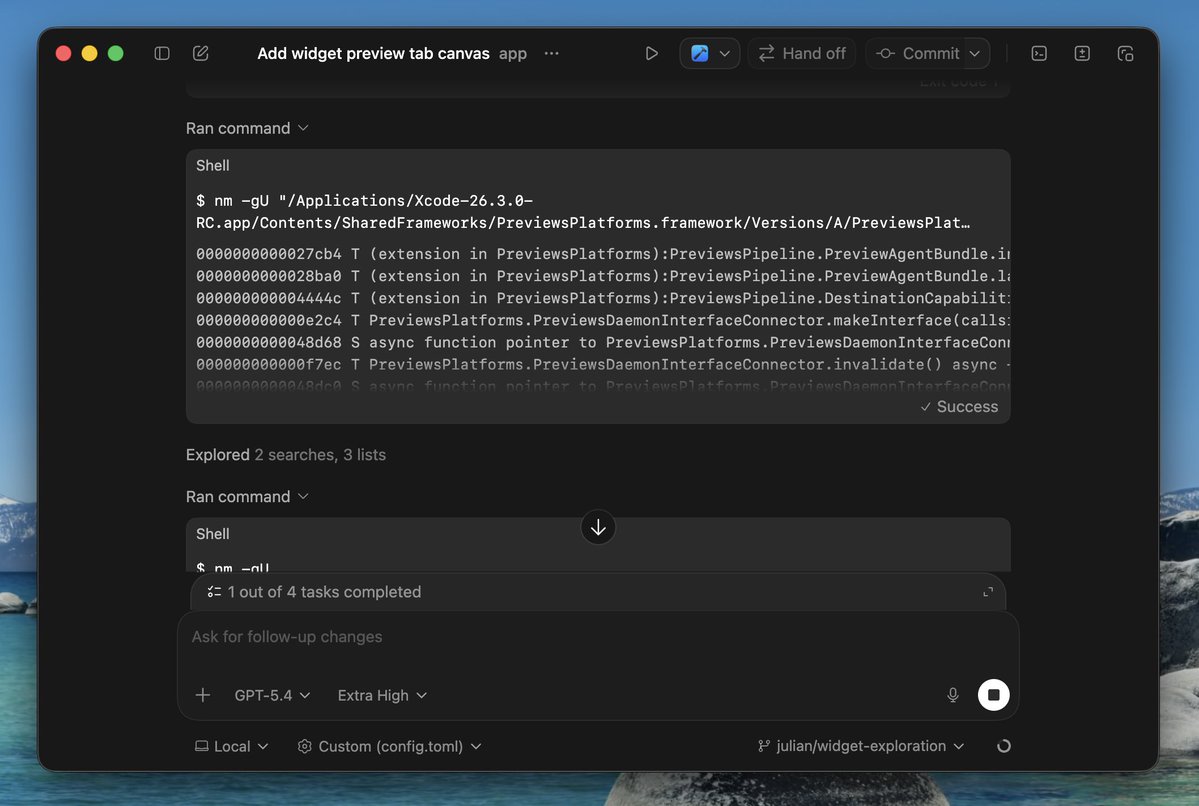
Fun fact: you can just tell Codex to go figure out how to use a private framework you need on macOS. It is insanely good at dumping symbols and making its own `.swiftinterface` for the framework, which you can then link against when compiling.
One tip to speed up your SwiftUI previews 🤩
I wanted to centralize constants like opacity, spacing, or sizes used by my View to speed up prototyping.
Stored properties: slow 🐌 as Xcode recompiles the file every time I tweak a value.
Computed properties: instant updates 🏎️
❓What does the span parameter do in a ContainerRelativeFrame?
💡The span parameter tells the view how many parts it should use out of the total count. With span: 5, it fills all parts, span: 3 uses 3/5 parts, and span: 2 uses 2/5 parts.
���Free #SwiftUI picture book at https://t.co/E14RMGp2fW
SwiftUI Tip 💡
By default, searchable() hides the navigation bar while searching.
In iOS 17.1+, use searchPresentationToolbarBehavior(.avoidHidingContent) to keep it visible.
→ https://t.co/l0YMqzafRl
Custom HTTP headers in SwiftUI WebViews are easier than you think in iOS 26. I walk through default headers, custom requests, and a reusable solution you can drop into any app. #SwiftUI#iOS#Swift
https://t.co/Y5oqjtGSCs
SwiftUI Tip 💡
Did you know? You can show the navigation title large and inline using
.toolbarTitleDisplayMode(.inlineLarge)
(iOS 17.0+)
→ https://t.co/JnFQ3zO29q
Your SwiftUI views might be slowing you down — and it’s not what you think.
Most developers focus on runtime performance.
But the real slowdown often happens before you even hit Run: during compilation.
Here’s how to spot the culprits 👇
1️⃣ Open Xcode’s Build Settings
2️⃣ Search for Swift Flags
3️⃣ Add:
OTHER_SWIFT_FLAGS[config=Debug] = -Xfrontend -warn-long-function-bodies=100 -Xfrontend -warn-long-expression-type-checking=100
4️⃣ Recompile
Xcode will now warn you for any method taking longer than 100ms to type-check — often your longest SwiftUI bodies.
⚡️ Note: this is not about slow rendering at runtime, this is about slow compilation time.
Not only SwiftUI bodies, but also complex code can slow down builds.
Want to know how to fix it?
Check the reply for a deep-dive article 🔗
#swiftdevelopment #iosdevelopment #swiftui #swiftlanguage
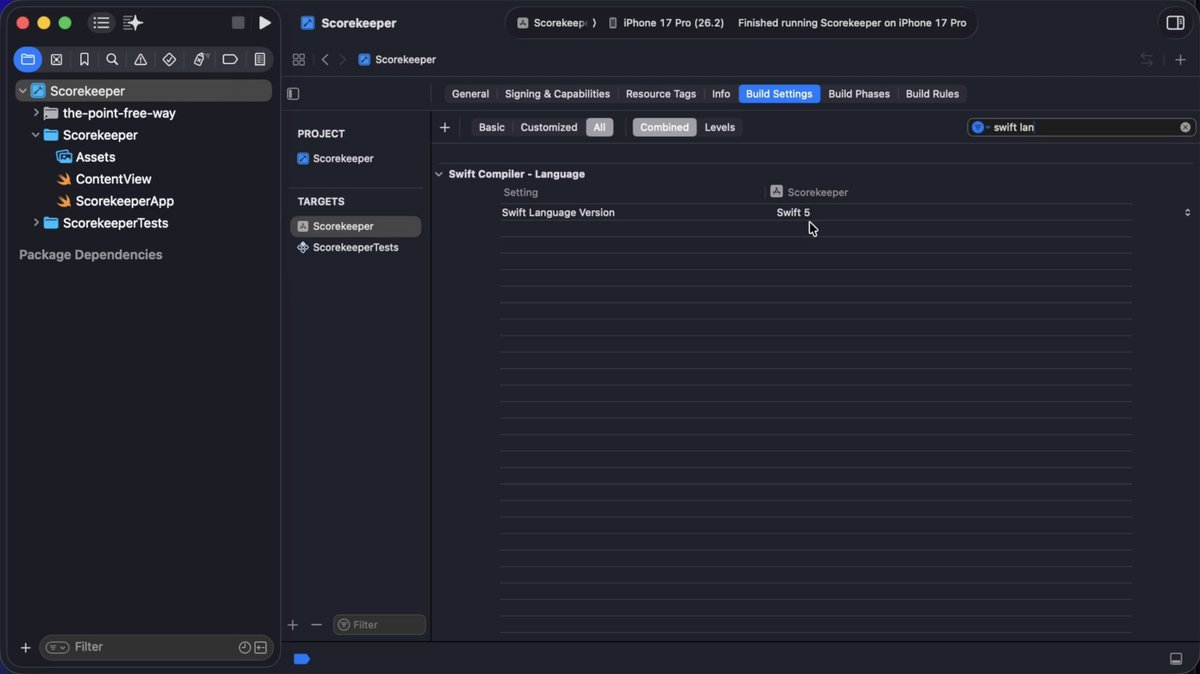
New Xcode 26 projects come configured with:
• Approachable Concurrency
• MainActor Isolation
• Swift Language Version 5
This makes it very easy to write warning-free code that crashes at runtime! We *strongly* recommend bumping to Swift 6 with complete concurrency checking.
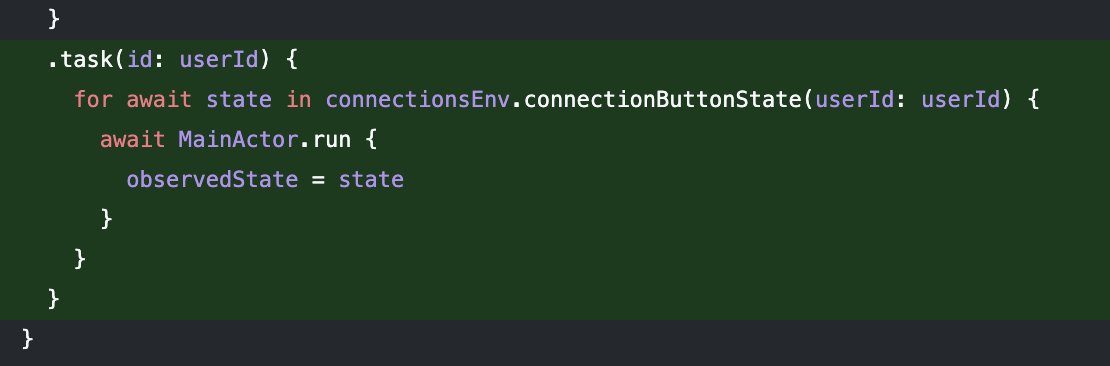
The @Observable macro in SwiftUI is powerful, but only when used correctly. @nilcoalescing explains the pitfalls and their solutions.
Curated in this week's #swiftleeweekly https://t.co/mBHYY4foh1










![twannl's tweet photo. Your SwiftUI views might be slowing you down — and it’s not what you think.
Most developers focus on runtime performance.
But the real slowdown often happens before you even hit Run: during compilation.
Here’s how to spot the culprits 👇
1️⃣ Open Xcode’s Build Settings
2️⃣ Search for Swift Flags
3️⃣ Add:
OTHER_SWIFT_FLAGS[config=Debug] = -Xfrontend -warn-long-function-bodies=100 -Xfrontend -warn-long-expression-type-checking=100
4️⃣ Recompile
Xcode will now warn you for any method taking longer than 100ms to type-check — often your longest SwiftUI bodies.
⚡️ Note: this is not about slow rendering at runtime, this is about slow compilation time.
Not only SwiftUI bodies, but also complex code can slow down builds.
Want to know how to fix it?
Check the reply for a deep-dive article 🔗
#swiftdevelopment #iosdevelopment #swiftui #swiftlanguage](https://pbs.twimg.com/media/G4VeURfXUAAZ1Uz.jpg)