The biggest advancement in AI coding this year has been /goal
And it isn't even close
It allows your AI agent to quite literally work for days without stopping. You give a mission. It works until the mission is complete
Here's the thing though: /goal is useless if you don't use it properly
You NEED a good prompt for it
I found basically any prompt I hand write after /goal is never good enough. It produces results that might as well have been a normal prompt
Meta prompting is the answer
Go to any AI that has context around the project you're working on
Say "I'm working with Codex and I want to use their new /goal feature. Please research their /goal feature. Then, take a look at our project and give me 3 options for how we could use /goal to be maximally productive. Then give me a highly detailed /goal prompt for each"
Take one of the prompts then go into the Codex CLI and type /goal then give the new prompt
I 100% guarantee the AI does better work than you've ever seen before
this guy literally just dropped a full 3D building editor that runs 100% in your browser 🤯
no autocad. no yearly license.
100% FREE and open-source.
app + repo in 🧵↓
LLM Knowledge Bases
Something I'm finding very useful recently: using LLMs to build personal knowledge bases for various topics of research interest. In this way, a large fraction of my recent token throughput is going less into manipulating code, and more into manipulating knowledge (stored as markdown and images). The latest LLMs are quite good at it. So:
Data ingest:
I index source documents (articles, papers, repos, datasets, images, etc.) into a raw/ directory, then I use an LLM to incrementally "compile" a wiki, which is just a collection of .md files in a directory structure. The wiki includes summaries of all the data in raw/, backlinks, and then it categorizes data into concepts, writes articles for them, and links them all. To convert web articles into .md files I like to use the Obsidian Web Clipper extension, and then I also use a hotkey to download all the related images to local so that my LLM can easily reference them.
IDE:
I use Obsidian as the IDE "frontend" where I can view the raw data, the the compiled wiki, and the derived visualizations. Important to note that the LLM writes and maintains all of the data of the wiki, I rarely touch it directly. I've played with a few Obsidian plugins to render and view data in other ways (e.g. Marp for slides).
Q&A:
Where things get interesting is that once your wiki is big enough (e.g. mine on some recent research is ~100 articles and ~400K words), you can ask your LLM agent all kinds of complex questions against the wiki, and it will go off, research the answers, etc. I thought I had to reach for fancy RAG, but the LLM has been pretty good about auto-maintaining index files and brief summaries of all the documents and it reads all the important related data fairly easily at this ~small scale.
Output:
Instead of getting answers in text/terminal, I like to have it render markdown files for me, or slide shows (Marp format), or matplotlib images, all of which I then view again in Obsidian. You can imagine many other visual output formats depending on the query. Often, I end up "filing" the outputs back into the wiki to enhance it for further queries. So my own explorations and queries always "add up" in the knowledge base.
Linting:
I've run some LLM "health checks" over the wiki to e.g. find inconsistent data, impute missing data (with web searchers), find interesting connections for new article candidates, etc., to incrementally clean up the wiki and enhance its overall data integrity. The LLMs are quite good at suggesting further questions to ask and look into.
Extra tools:
I find myself developing additional tools to process the data, e.g. I vibe coded a small and naive search engine over the wiki, which I both use directly (in a web ui), but more often I want to hand it off to an LLM via CLI as a tool for larger queries.
Further explorations:
As the repo grows, the natural desire is to also think about synthetic data generation + finetuning to have your LLM "know" the data in its weights instead of just context windows.
TLDR: raw data from a given number of sources is collected, then compiled by an LLM into a .md wiki, then operated on by various CLIs by the LLM to do Q&A and to incrementally enhance the wiki, and all of it viewable in Obsidian. You rarely ever write or edit the wiki manually, it's the domain of the LLM. I think there is room here for an incredible new product instead of a hacky collection of scripts.
Advanced vibe coding is here!
And I made it FREE for non-coders! 🎉
[⚠️ Comment "GSD" & I'll DM you the link]
I used to think I could only vibe code simple stuff.
Then I found GSD (built by @official_taches)
By now, you've probably tried basic vibe coding:
→ Prompt Claude, get code, feel like a wizard.
But after using it a bit more, you realize:
Claude starts strong... then gets worse as the session goes on.
Or your requirements were bad and Claude made a bunch of lazy assumptions.
And nothing works.
Enter: GSD = Get Sh!t Done
It's the most popular framework for building production-grade apps with Claude Code.
I personally use GSD for every serious project.
So I built... 🥁🥁🥁
The Complete Guide to GSD!
🔹 Build production-grade apps, not demos
🔹 Keep AI quality consistent start to finish
🔹 Break huge projects into manageable pieces
The most awesome part:
→ You build a REAL app while learning!
Not videos. Not reading. You learn GSD by DOING in Claude Code.
Even if you are completely non-technical, this guide helps you at every step.
Here's exactly what's in the lesson:
🚀 3.1: Context rot problem & the fix
🎯 3.2: /gsd:new-project in action
📋 3.3: Atomic plans & wave parallelism
⚡ 3.4: Fresh agents build your app
✅ 3.5: Goal-backward QA & quick mode
GSD changed how I build with AI.
I bet it will change how you build too.
This is a project for the $CCFE project to contribute to the $GSD community.
$CCFE: 9vVh1mamReHwwHx8GShKr7vZsVWCKYWN514BmRvSBAGS
⚠️ Repost this post + comment "GSD"
→ I'll DM you
(must be following so I can DM)
$𝗧𝗔𝗧𝗢 𝗶𝘀 𝗻𝗼𝘄 𝗩𝗲𝗿𝗶𝗳𝗶𝗲𝗱 𝗼𝗻 @SlushWallet! ✅
This ensures $TATO appears correctly across the wallet, so users will see the proper token information and be able to swap $TATO once it goes live!
Another solid step toward a secure, reliable, and growing Pawtato ecosystem! 🚀
𝗣𝗼𝗿𝘁𝗳𝗼𝗹𝗶𝗼 𝗨𝗽𝗱𝗮𝘁𝗲: ZO Protocol Vaults Integrated 🌊
We’ve integrated @zofaiperps vaults into your Pawtato Dashboard! ✨
Easily check your positions, track yields and rewards in real-time, and stay on top of your DeFi moves. 💎
One dashboard to rule them all. 💙 🐾
Check it out now!
🔗 https://t.co/qsYTjHW3yC
𝗣𝗼𝗿𝘁𝗳𝗼𝗹𝗶𝗼 𝗨𝗽𝗱𝗮𝘁𝗲: 𝗘𝗺𝗯𝗲𝗿 𝗩𝗮𝘂𝗹𝘁𝘀 𝗜𝗻𝘁𝗲𝗴𝗿𝗮𝘁𝗲𝗱 🔥
We’ve integrated @emberprotocol vaults straight into your Pawtato Dashboard! ✨
Check your vault positions, track yields and rewards in real-time, and follow your DeFi growth with ease. 💎
Manage. Monitor. Grow. All in one cozy dashboard. 💙
Check it out now!
🔗 https://t.co/qsYTjHW3yC
🌱✨ 𝗣𝗮𝘄𝘁𝗮𝘁𝗼 𝗟𝗮𝗻𝗱 𝗥𝗼𝗮𝗱𝗺𝗮𝗽 ✨🌱
Every great adventure has its chapters… 🚀
We already unveiled both the unlocked and hidden parts of our roadmap, and the community response has been incredible. But the story isn’t over.
The tools you craft now face their greatest trial. 𝗗𝘂𝗿𝗮𝗯𝗶𝗹𝗶𝘁𝘆 & 𝗥𝗲𝗽𝗮𝗶𝗿𝘀 has arrived, letting every Architect test their creations and keep them battle-ready. 🛠️
And beyond crafting… a storm is coming. ⚡ 𝗧𝗵𝗲 𝗕𝗶𝗴 𝗠𝗲𝗿𝗴𝗲 𝗹𝗼𝗼𝗺𝘀 𝗼𝗻 𝘁𝗵𝗲 𝗵𝗼𝗿𝗶𝘇𝗼𝗻, 𝗮 𝗺𝗶𝗹𝗲𝘀𝘁𝗼𝗻𝗲 𝘁𝗵𝗮𝘁 𝘄𝗶𝗹𝗹 𝗿𝗲𝘀𝗵𝗮𝗽𝗲 #𝗣𝗮𝘄𝘁𝗮𝘁𝗼𝗟𝗮𝗻𝗱 𝗮𝗻𝗱 𝘀𝗲𝘁 𝘁𝗵𝗲 𝘀𝘁𝗮𝗴𝗲 𝗳𝗼𝗿 𝗲𝘃𝗲𝗿𝘆𝘁𝗵𝗶𝗻𝗴 𝘁𝗼 𝗰𝗼𝗺𝗲.
Every corner of Pawtato Land is packed with stories waiting to unfold. 🌍🔥
𝘞𝘩𝘢𝘵 𝘸𝘦’𝘷𝘦 𝘴𝘦𝘦𝘯 𝘴𝘰 𝘧𝘢𝘳? 𝘑𝘶𝘴𝘵 𝘵𝘩𝘦 𝘰𝘱𝘦𝘯𝘪𝘯𝘨 𝘤𝘩𝘢𝘱𝘵𝘦𝘳.
About a little over a week ago, we opened our #PawtatoCommunity here on X. 🥔
Fast forward 10 days… and 3,400 amazing members have joined us! Each and every one of you is helping our community grow, stay active, and full of energy every single day. 💛
We’re beyond grateful for everyone who’s joined and for those keeping the conversation alive across all our platforms.
Now, we want you to help spread the word! Tag your friends 👇, let them join the everyday chats, share their stories, and connect with fellow Land Owners.
Let’s keep building one of the most supportive, fun communities in @SuiNetwork! 🚀✨
Join here 👇
https://t.co/78YB9TUyPD
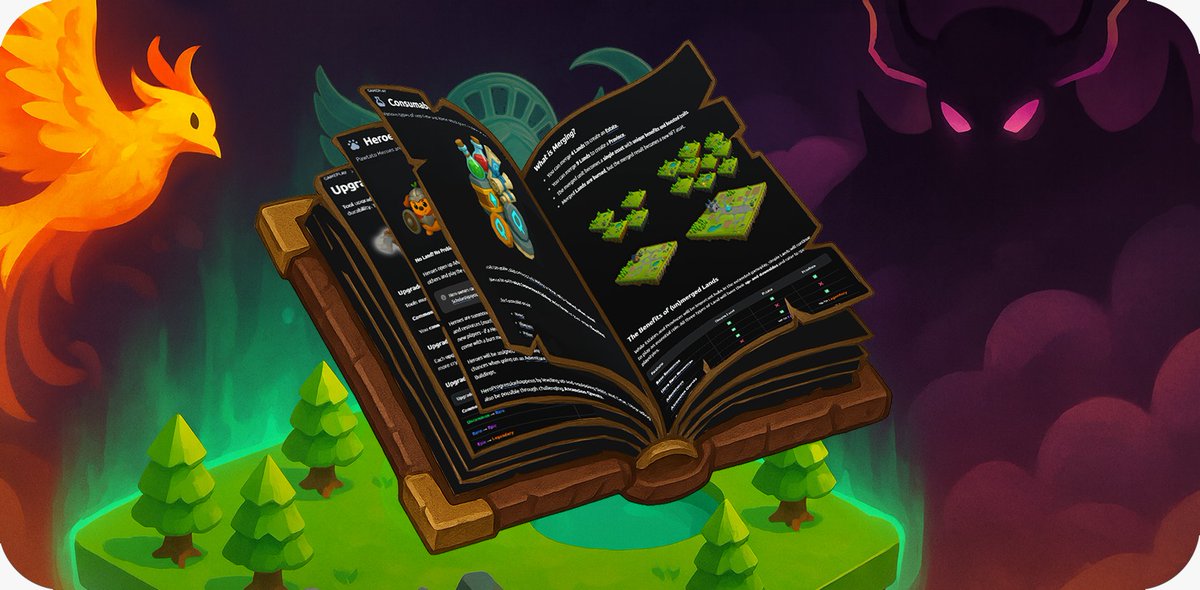
Curious about the Lore and inner workings of Pawtato Land? 🥔🌍 The #PawtatoDocs are finally live! 🎉
Dive into our ever-growing hub of knowledge - packed with game insights, mechanics, and even unrevealed Alpha. 👀
📕 https://t.co/fhP67bDT4d
Just joined the Pawtato wheelbarrow giveaway!
Hoping to be 1 of 5 lucky wheelbarrow winners
I need a wheelbarrow to collect more resources!
📍 https://t.co/ybCZuvCkLs
🕘 Ends July 28, 2025
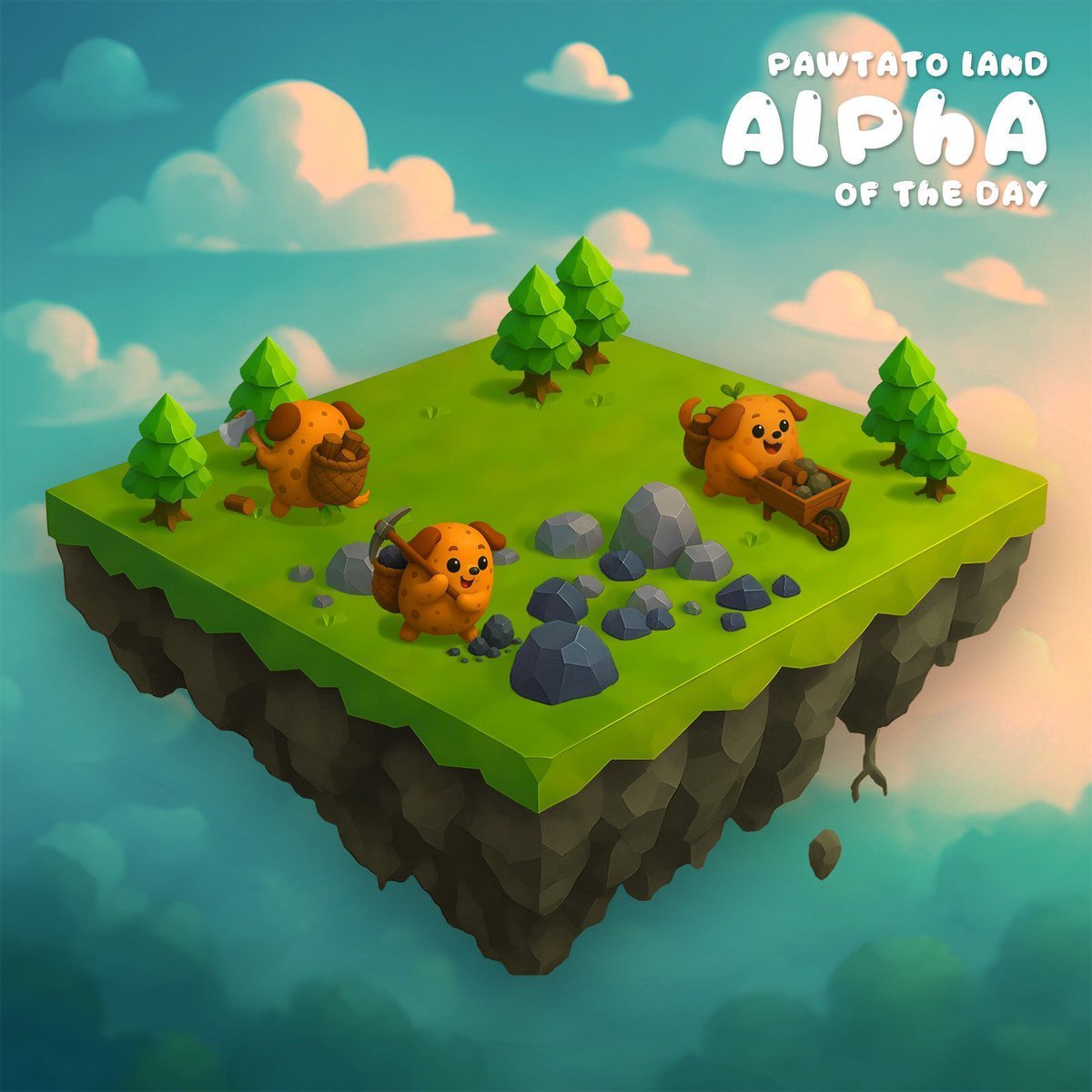
#PawtatoLandAlpha of the Day: While buildings are still a while out (we need estates and provinces first) we are introducing our first #tools: One of those is the #wheelbarrow, which increases the storage for all your lands. If you own and stake a wheelbarrow, your workers can gather more resources before you need to claim them. 🌱
Once crafting is released, you can build your own wheelbarrow, which will require various resources and also other tools to process those first. If you are in a hurry to increase your storage, you can also decide to save your resources and #mint a wheelbarrow for a small fee right now. ✨








![carlvellotti's tweet photo. Advanced vibe coding is here!
And I made it FREE for non-coders! 🎉
[⚠️ Comment "GSD" & I'll DM you the link]
I used to think I could only vibe code simple stuff.
Then I found GSD (built by @official_taches)
By now, you've probably tried basic vibe coding:
→ Prompt Claude, get code, feel like a wizard.
But after using it a bit more, you realize:
Claude starts strong... then gets worse as the session goes on.
Or your requirements were bad and Claude made a bunch of lazy assumptions.
And nothing works.
Enter: GSD = Get Sh!t Done
It's the most popular framework for building production-grade apps with Claude Code.
I personally use GSD for every serious project.
So I built... 🥁🥁🥁
The Complete Guide to GSD!
🔹 Build production-grade apps, not demos
🔹 Keep AI quality consistent start to finish
🔹 Break huge projects into manageable pieces
The most awesome part:
→ You build a REAL app while learning!
Not videos. Not reading. You learn GSD by DOING in Claude Code.
Even if you are completely non-technical, this guide helps you at every step.
Here's exactly what's in the lesson:
🚀 3.1: Context rot problem & the fix
🎯 3.2: /gsd:new-project in action
📋 3.3: Atomic plans & wave parallelism
⚡ 3.4: Fresh agents build your app
✅ 3.5: Goal-backward QA & quick mode
GSD changed how I build with AI.
I bet it will change how you build too.
This is a project for the $CCFE project to contribute to the $GSD community.
$CCFE: 9vVh1mamReHwwHx8GShKr7vZsVWCKYWN514BmRvSBAGS
⚠️ Repost this post + comment "GSD"
→ I'll DM you
(must be following so I can DM)](https://pbs.twimg.com/media/HAVNUxjawAAVNNI.png)