Anyone actually know if there's a way to rebind the Tab completion in @SupermavenAI VSCode?
Tried looking everywhere, even in their discord couldn't find anything 😕
guy selling post trained oss models: if you don’t own your models you don’t own anything
guy selling harness on top of models: if you rely on one model you are cooked
guy selling tokens: instead of manually prompting your models just put them in a loop where they prompt themselves
📢 If your team is hiring React Native / Expo devs, this one's worth a look 👇
@ChitrakshTarun just wrapped up his CS degree and already builds like a senior. He's active in the React Native community, has contributed to @expo, and even to some of my open source projects like QuickPush.
Full-stack, strong in RN + Expo, based in New Delhi and open to remote.
Go give him a follow and reach out. Talented and genuinely passionate about this stuff.
https://t.co/mWa2CDhFO0
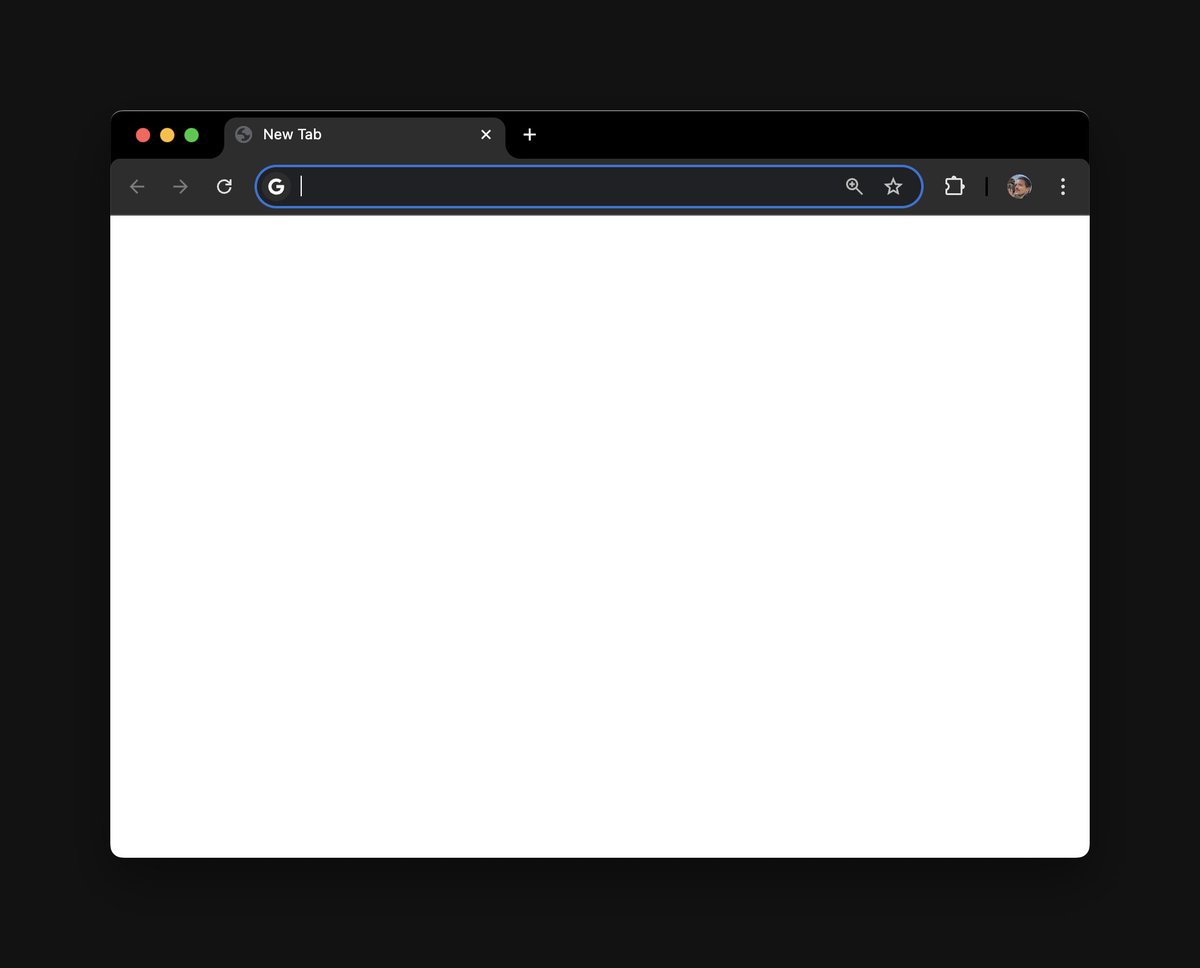
Browser makers: this is what peak new tab experience looks like. I love AI and imma let you finish, but I don't want to see the weather, the news, AOL slop.
I press ⌘+T because I already know what I'm gonna do next, so your suggestions are actually noise.
ps: believe it or not, to get this in Chrome you have to install an extension 🤨 I believe only Safari makes this extremely easy to set up (front and center of "General" settings)
Anyone actually know if there's a way to rebind the Tab completion in @SupermavenAI VSCode?
Tried looking everywhere, even in their discord couldn't find anything 😕
@webdevcody Visual block mode is great! Especially for macros
One of the newer neovim releases gave us the `gc` as the comment keybind as a part of vanilla though and it's awesome.
`gcip` for comment inside paragraph!