Evening spent getting my pulumi+reactjs+azure stack deploying. Taking notes to turn into a few blog posts.
In related news, I just heard about the Microsoft #aspire release and it sounds like some good stuff.
A bit more reading and now have the resource group and app service being created, plus a config layer for a bit of abstraction. Enjoying being able to code IAC in a familiar language and having all the features (eg. interfaces) vs. YAML.
Tonight's #checklisttrainer update: created a dev Pulumi stack, beginning to wrap my head around roles for the service principal, and got "pulumi up" creating resources in #azure. Nice that envs (eg. dev/stage/prod) seem to be baked in with Pulumi.
Goal for tonight is get the basic react+nextjs frontend running again that I wrote a few months back. The twist: on a new PC now, so I'm expecting mostly installing and configuring things.
Also keen to hear preferred ways of running a react app on Azure.
Helpful things (from prev. post):
General guide: https://t.co/fp7CbAgVbd (needs tweaks if on Windows).
AZ CLI login with service principal: https://t.co/ICovTXrWgT
Pulumi state backends: https://t.co/dLRMvKbWQk
Assign roles in Azure portal: https://t.co/I8eccYI6K6
'Pete learns Azure' update. Today's goal: use Azure as a store for Pulumi state.
Steps:
- Create service principal and log in to Azure CLI
- Create the container
- Assign 'Storage Blob Data Contributor' role
- 'pulumi login <container-url>'
#checklisttrainer#azure
Evening progress report:
- Install+configure git
- Check out old repo, remembered I was using Pulumi
- Access existing Azure account (MFA with new phone)
- Install+configure Pulumi
Next: use AZ blob storage for state instead of Pulumi cloud; get `pulumi up` working.
I'll get into the motivation another time, but it's something I've wanted to use for a while.
It's a web app to practice emergency checklists & other flows (eg. Part 135). Support for training mode (walk me through) and test mode (no prompts, grade me). (2/2)
Things are starting to settle down now after moving to Chicago from NZ, buying a house, furnishing a house, buying a car, fixing the car, sorting out preschool...
It must be time for a project. I'm going to pick up where I left off with the airplane checklist simulator... (1/2)
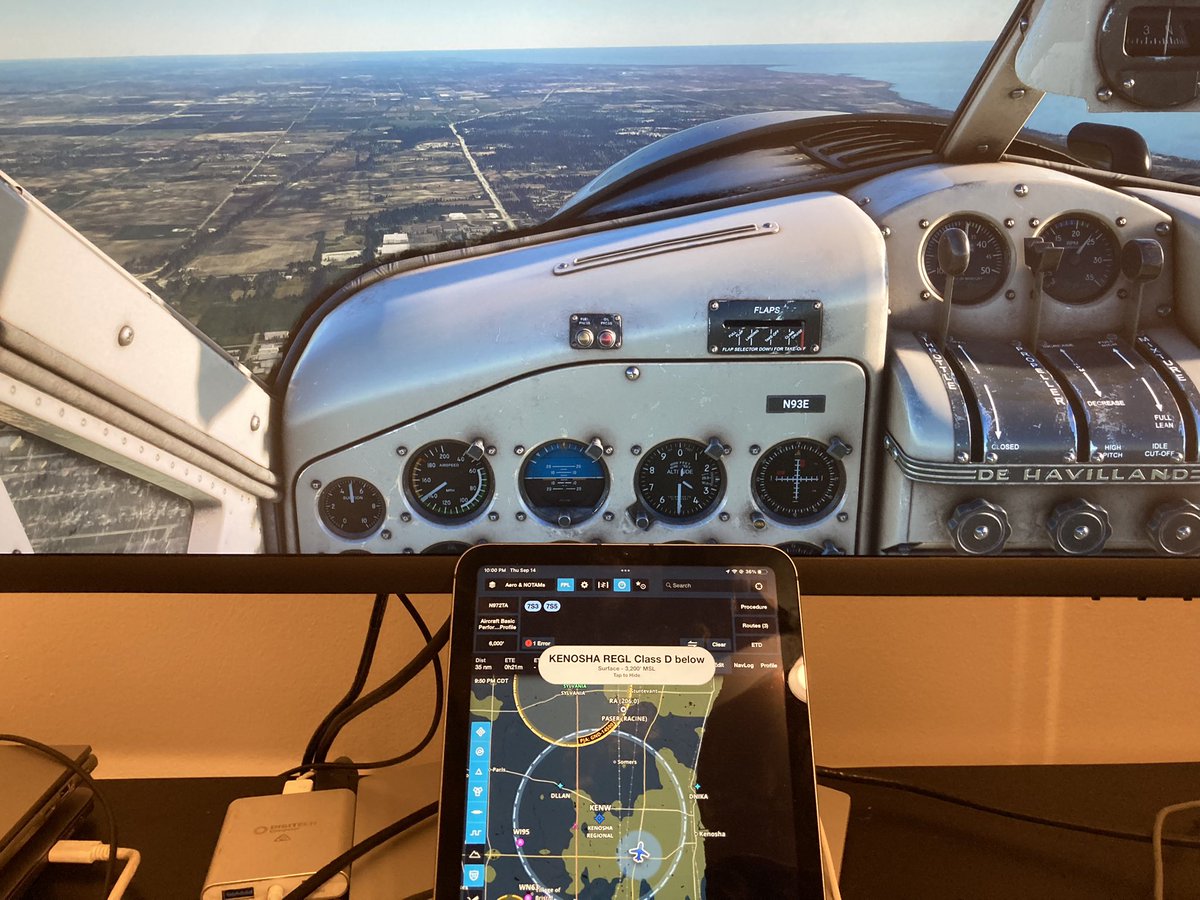
Ohhh buddy, that was too easy. Followed the steps on the Foreflight website to connect via Flight Events. Took about 5 minutes and most of that was getting distracted and flying around in MSFS.
Significantly cheaper to sell my old PC in NZ and build a new one in the US.
1-2 day delivery for parts in the US has been amazing. Except for the graphics card, which got forwarded by USPS and has taken two weeks to reroute 3.5 miles.
BUT IT'S OUT FOR DELIVERY TODAY!
I need to reduce the size of a PDF from 2.4 -> 2 MB. On my Macbook (which is at home...) it's built in. On Windows 10... it's been ~2 hours, one Adobe Acrobat Pro purchase, and I still can't do it. Only half-joking that I'm on the verge of buying a Macbook for this one PDF.