🚨 Your CI/CD Tools Can Become Your Attack Surface. 🔥
🔥 Telegram: https://t.co/upuP8k8ckB
✴️ Twitter: https://t.co/Za7rYILz6E
Meet LOTP — Living Off The Pipeline.
The idea is simple:
Attackers don't always need to modify the pipeline.
They can abuse development tools already running inside CI/CD environments when those tools process untrusted code, configuration, inputs, or environment variables.
🧨 Examples include:
🔹 npm / npx
🔹 pip
🔹 Docker
🔹 Terraform
🔹 Make
🔹 Maven / Gradle
🔹 Go Generate
🔹 ESLint
🔹 Prettier
🔹 GitHub Actions
🔹 Webpack
🔹 Trivy
…and many more.
⚠️ These tools can expose RCE-by-design "foot guns" when used with untrusted inputs.
📚 Explore the LOTP knowledge base:
https://t.co/Hb5ye2sfMz
Think beyond the application.
Secure the pipeline that builds it. 🛡️
♻️ Repost for AppSec & DevSecOps teams.
#CICD #DevSecOps #AppSec #SupplyChainSecurity #CyberSecurity #RedTeam #CloudSecurity #GitHubActions
Explorando la mayor biblioteca de malware
Un estudiante de ingeniería informática y embajador de Microsoft Learn ha creado la mayor biblioteca de malware con más de 53 años de historia para ayudar a los equipos de defensa
https://t.co/kdpI5py9J1
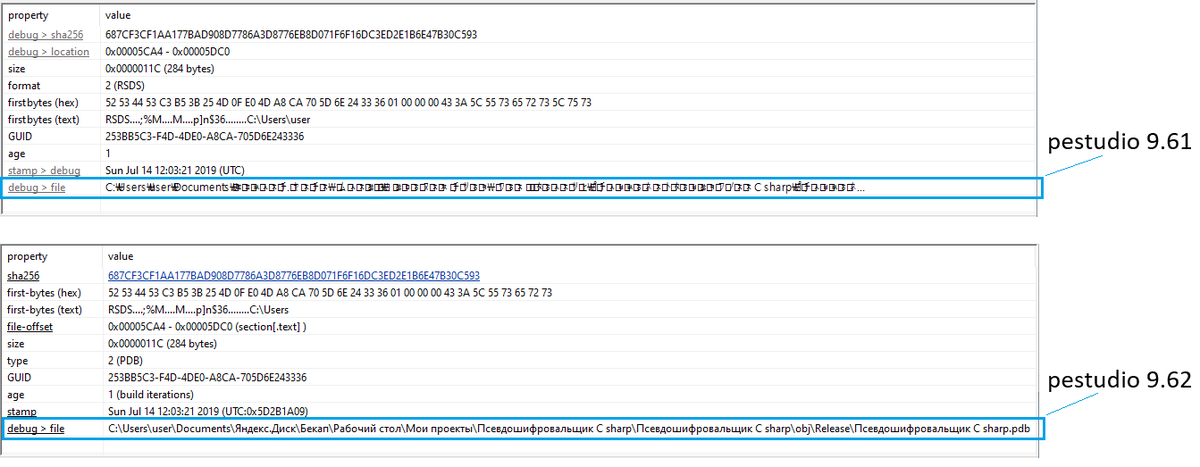
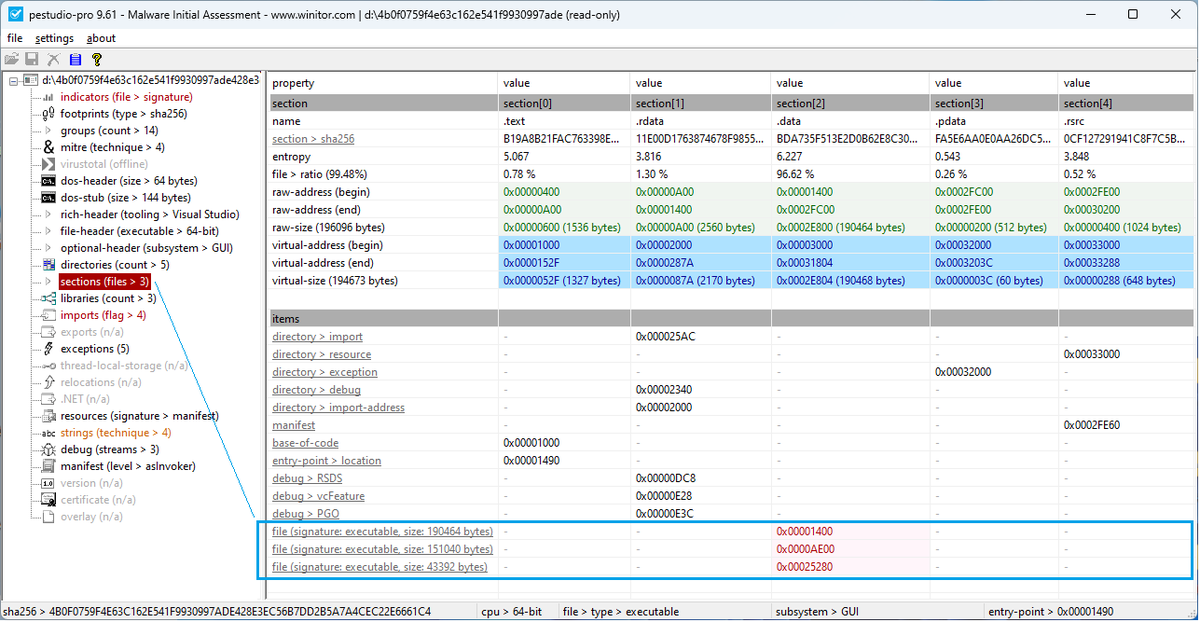
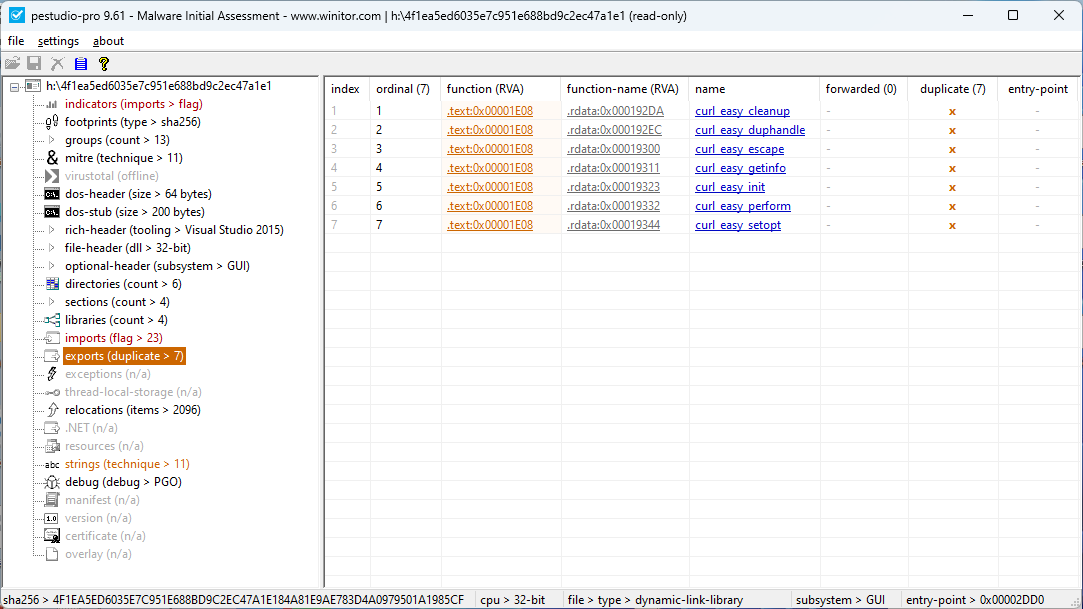
Next update of #pestudio to extend the detection of Certificate embedding a tail... (which is here, obviously, a based64 encoded Executable!)
#malware#dfir
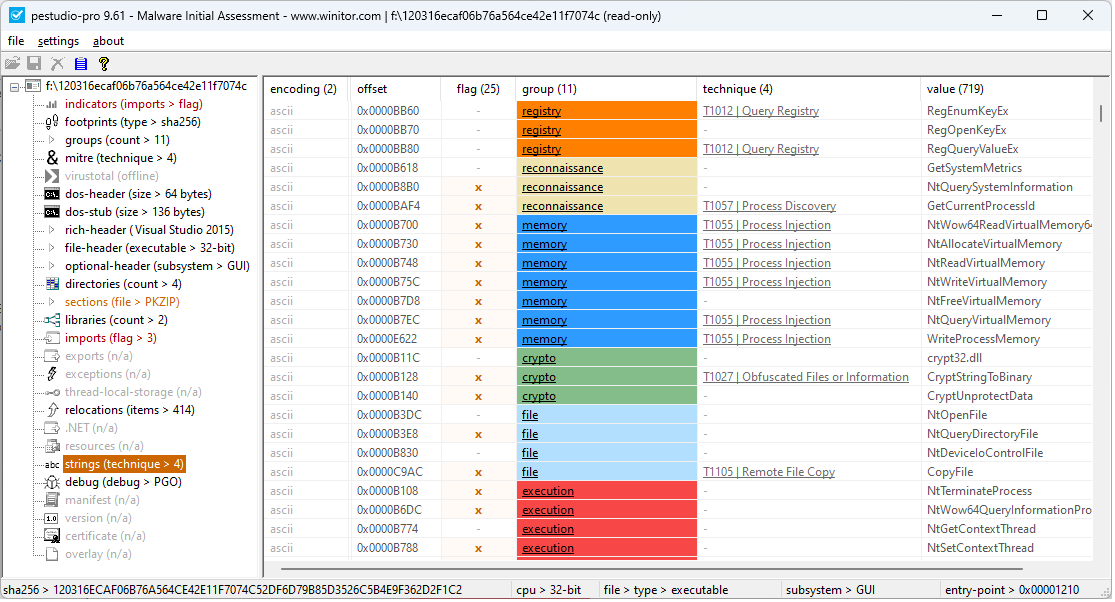
One of the fastest ways to understand an unfamiliar malware sample is to stop looking at the code first and start looking at its strings and imported APIs. Before you spend hours reversing assembly, ask yourself what the binary already tells you about itself. Many samples expose valuable clues long before execution begins.
In this IDA Pro analysis, the Strings window immediately reveals references to browser data, login databases, registry paths, and user profile locations. Those artifacts alone suggest the malware is interested in credential theft and data collection. The Imports window complements this by showing which Windows APIs the malware relies on. Functions such as VirtualAlloc, CreateFileA, registry APIs, and Winsock networking calls can quickly paint a picture of the malware’s capabilities before a single function is fully reversed.
As analysts, we should never rely on one indicator alone. A suspicious string could be left over from a previous build, and an imported API may never actually be called. The real value comes from correlating strings, imports, control flow, memory behavior, and runtime observations from debuggers or sandboxes. That is how you separate assumptions from evidence.
One lesson I have learned over the years is that good reverse engineering starts with asking questions, not writing notes. Why does this binary access these registry keys? Why these APIs? Why allocate executable memory? Every answer leads to another question until the malware has no secrets left to hide.
The goal of malware analysis is not just to identify a malware family. It is to understand how it operates, what it targets, how defenders can detect it earlier, and what indicators can help stop the next attack before it reaches another victim.
🚨 WARNING: Microsoft confirmed active exploitation of a Windows flaw → CVE-2026-32202.
The bug stems from an incomplete fix, allowing attackers to steal credentials via SMB authentication when a malicious file is opened.
🔗 Read details → https://t.co/Nd4bdCv7IP
Attacking heavy applications through named pipes: an attack surface often overlooked due to its complexity.
In this article, @TurboThonSec explains how we designed a tool abusing legitimate processes to attack higly privileged components of heavy clients.
Article⬇️
https://t.co/Y9tAU0xGAi
I uploaded all the malware samples used in my book #EvasiveMalware to my Github:
https://t.co/qaxENwi2Ge
I received some questions about the lab samples, so just posting it for everyone here 🤓