@Daniel_Latimer@j_ssuarez Hi Daniel,
We can take a look at the timeouts you are seeing, if you would like to reach out to us on the forum: https://t.co/IgHvGXBqp1
Thanks!
@adamzea Hi @adamzea . This is an integrity check that odrive has, by default. Unfortunately some storage services misreport the size of the files, so it mismatches what is actually downloaded. You can bypass this check with an advanced setting https://t.co/LwplERBTIM
@Nullcopy0 @YouTube Hi @Nullcopy0 It looks like we need to do some UI adjustments for the directory listings. Thanks for the heads-up! Is there anything else you need?
@russdpale @googledrive Hi @russdpale. So sorry this response is coming this late and that you are having issues. This should not be possible, so it is surprising and alarming. odrive can't upload placeholders (.cloud) or edit/upload/delete Gdocs. Would really like to investigate this if you are willing
@JayAlt13 Hi Jay. Our sincere apologies for not seeing this earlier. We are very responsive on our forum, but sometimes miss tweets.
Unfortunately this is a limitation imposed by Facebook. You can read more about it here: https://t.co/AZgbDqU78X
@bressane@flaviorb Hi Rodrigo! We added a backup feature to odrive not too long ago that provides more of a "traditional" backup function. I'm not sure if this is what you are looking for, but I wanted to mention it: https://t.co/f8QigjDOPp
@tcjdesign Hi Taylor. Sorry about that. This was meant to be a proactive notification against potential data loss if there were sync issues, but the initial implementation was very aggressive. Our latest version, released yesterday, should make it much better. https://t.co/uM8RWTWwF7
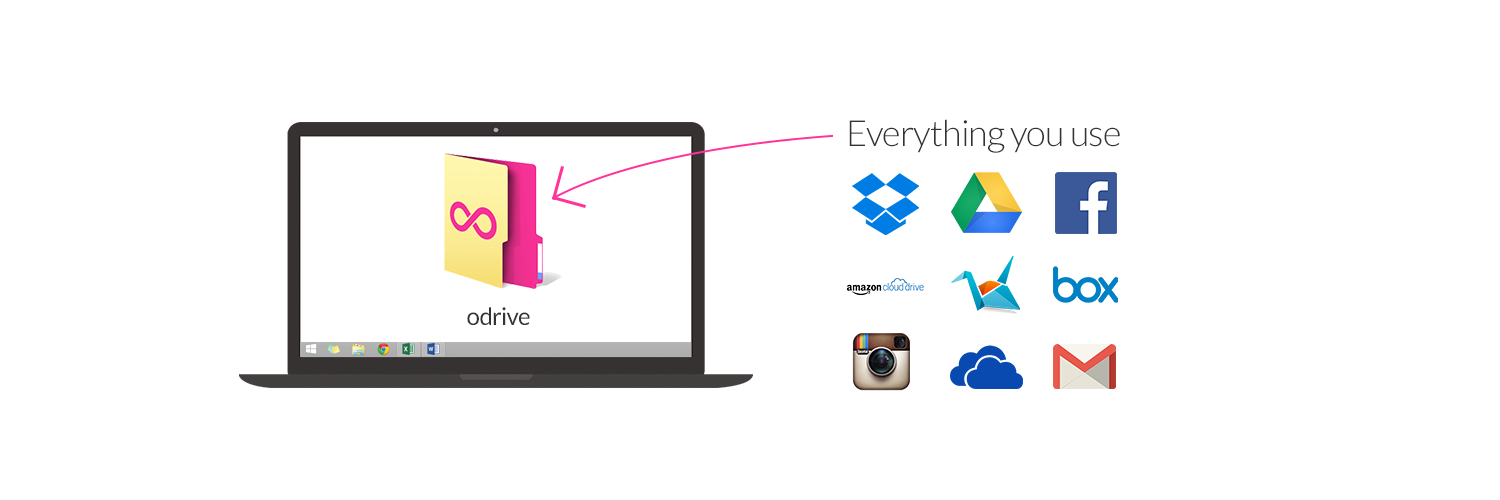
Cloud storage still hasn't evolved much beyond its initial 1.0 capabilities. See how odrive is pushing the state of the technology forward. Discover a better way to access your storage!
https://t.co/BSZAaRu15c
@GarethMarlow@MattLondre@afit Ouch... "evil"?? 😉
We're glad to hear odrive worked for you @GarethMarlow! The Finder extension should've been available directly within PowerPoint to allow odrive actions, like syncing folders and files, without exiting the PP save dialog.
@ispcolohost@Box Hi Shabba! You could give our app, odrive, a look. It allows you to sync your Box and other storage (Google Drive, Dropbox, OneDrive, Slack, S3, and more) on your M1 (no kernel extensions). https://t.co/Z1TkWGzQ0f
If contemplating storage migration has ever ruined your day (or week or month), take a look at how you can genuinely avoid it so you can move forward with bigger, more important things.
https://t.co/rH5qG8NwGE
@yasutomo57jp The odrive sync app works with M1 Macs. You can use it instead of Box Drive. You can also sync all of your other storage (Google Drive, Dropbox, OneDrive, and more) with just our free plan. So try it, it's free! https://t.co/Z1TkWGif8H
@jeffnolan@levie@Box While you're waiting, you could check out the odrive sync app for your M1 Mac. Sync your Box and other storage (Google Drive, Dropbox, OneDrive, Slack, S3, and more). Our free plan includes sync for unlimited storage accounts. So give it a shot, it's free! https://t.co/Z1TkWGif8H