Your agent doesn't need thousands of tool schemas loaded before it does anything. it needs four commands. list, search, knowledge, execute. across
725+ platforms, 100,000+ verified actions, every one scoped before it runs.
How do you let an AI assistant into your Salesforce, your email, your calendar, without just handing over a password and hoping for the best?
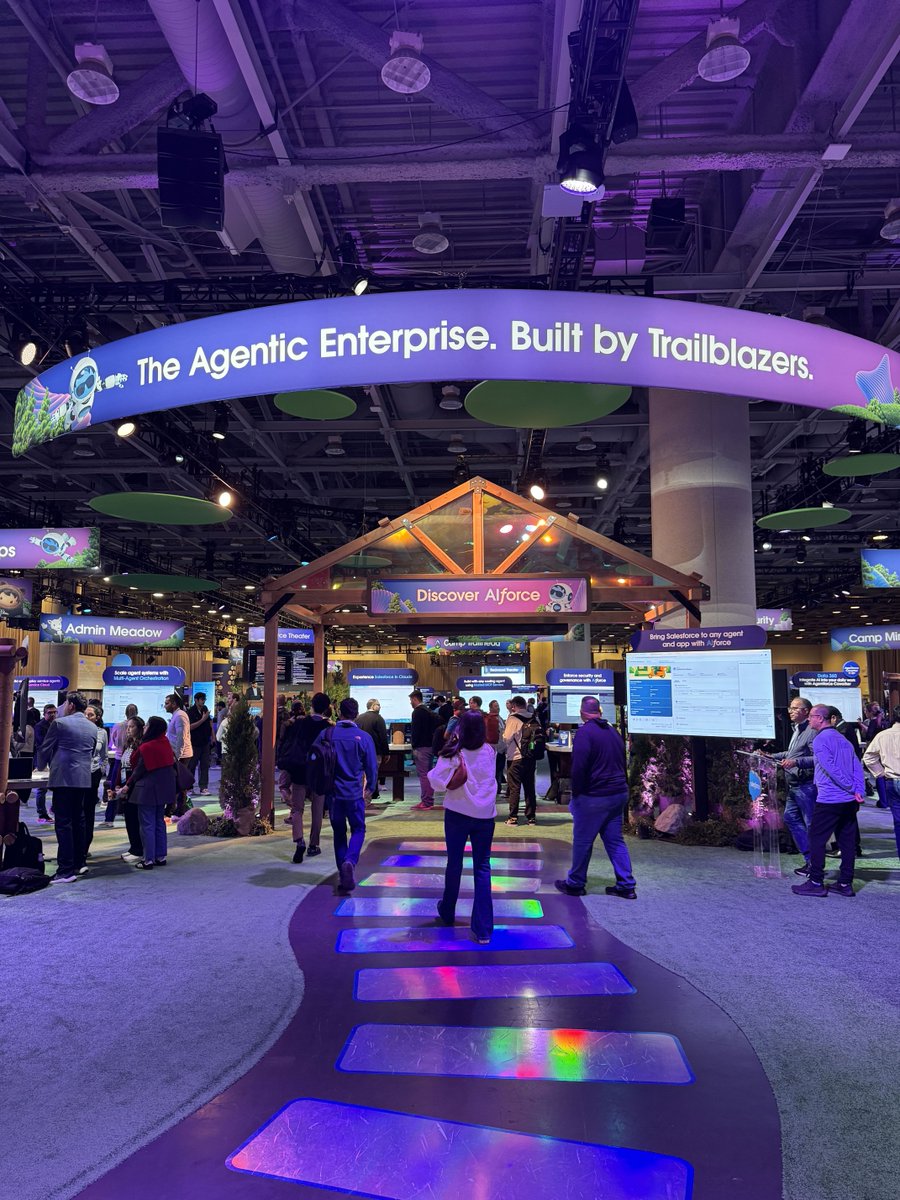
That question came up over and over this week at Dreamforce - Salesforce where Jacob Rissman, our Head of GTM, spent a few days on the floor talking to people from every corner of the business software world: sales teams, ops, IT, and founders.
People are excited about AI doing real work for them, not just answering questions.
But almost everyone has the same worry underneath that excitement.
That's exactly the problem we built One to solve.
Good to hear it confirmed by person after person, not just in our own heads.
A few great conversations this week. More to come.
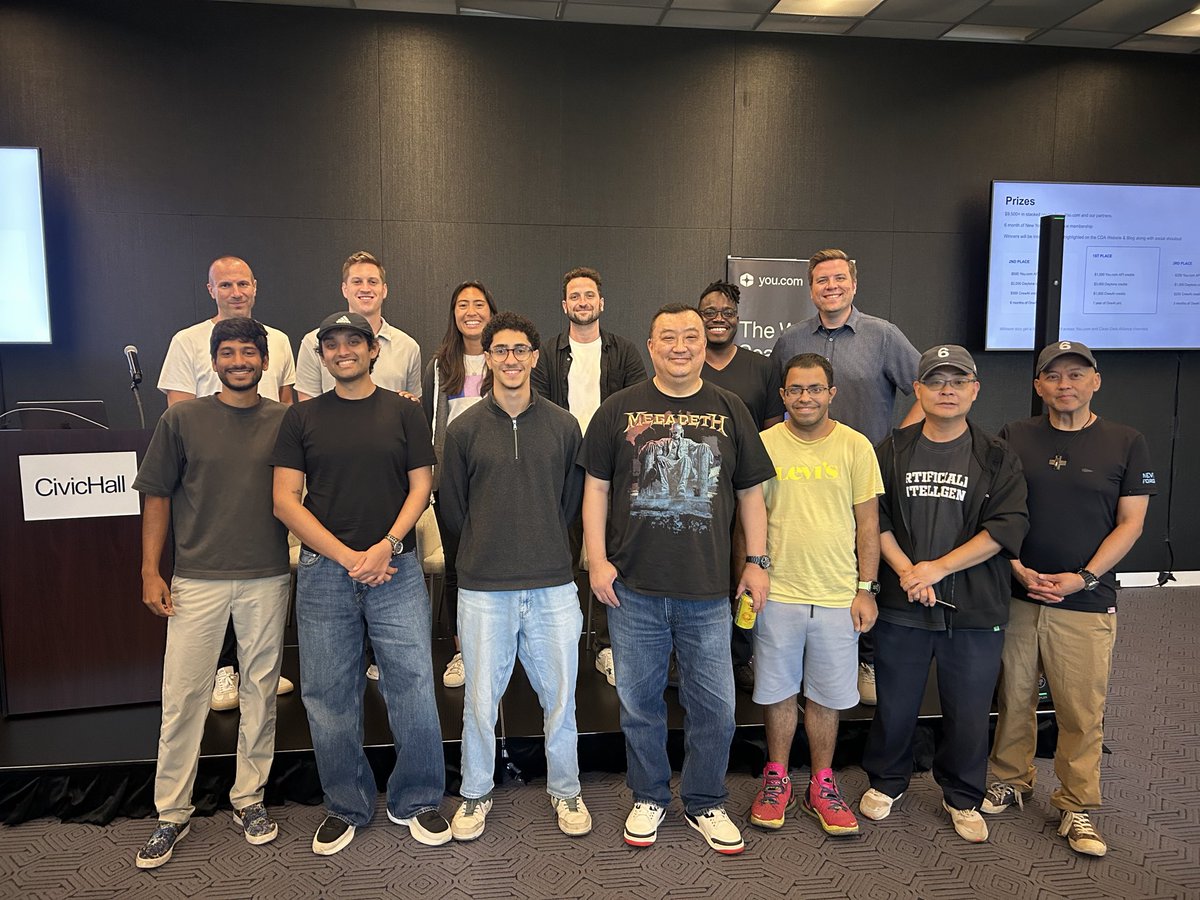
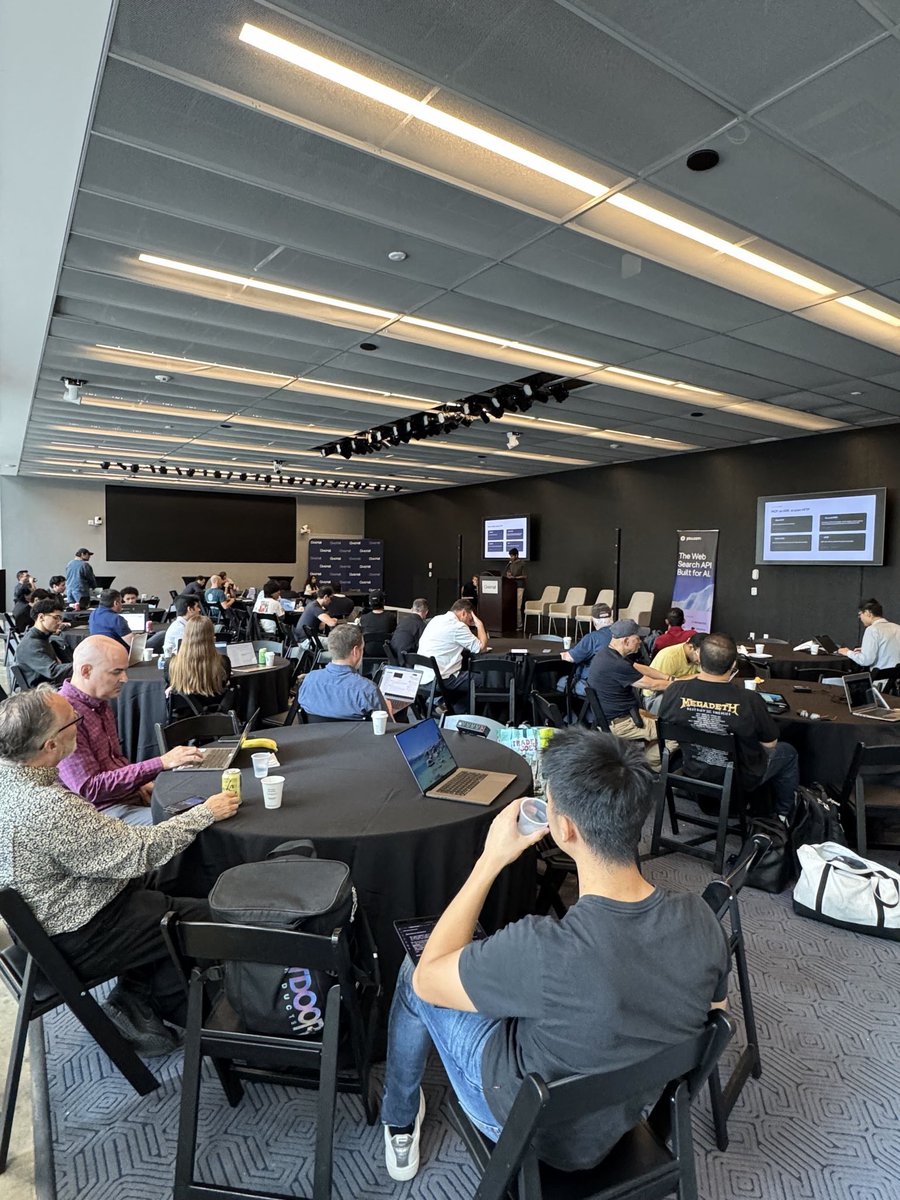
At Build with YOU, @youdotcom's first Live Web Agent Hackathon in New York, builders had 8 hours to go from idea to working prototype. Jacob, our Head of GTM, was on the judging panel. All three winning teams built on @onedotnew.
1st place: LaunchGuard, built by Belal Ezat. It's a launch control system for founders: feed it a release candidate and it returns one call, ship, hold, or revise. No dashboards to read, no reports to interpret, just a decision, backed by the work behind it.
Three CrewAI agents split the judgment. Growth pulls live market, competitive, and financial signals through @youdotcom and recommends the next feature to build. Churn scores retention risk and what could mitigate it. Release validates blockers by running real checks in a Daytona sandbox. A deterministic policy combiner takes all three and turns it into one auditable call, so the decision isn't a black box.
Here's where it stops being a report and starts being work: when the call isn't "ship," LaunchGuard doesn't just say so. It opens the remediation itself, a Linear ticket for what needs fixing, a GitHub PR for the fix, a logged decision in Notion explaining why. @onedotnew handled the auth and execution across all three tools, so nothing needed a separate login or a separate integration built from scratch. The agent's judgment turned directly into tracked, real work.
2nd place: Cleanroom, built by Shreyas Sreenivas. A web scraper that learns to extract data instead of being told how, testing its own code in a sandbox and getting measurably better at reading a page the more it sees. @onedotnew held the credentials and the memory between runs.
3rd place: F You Money, built by Forrest Pan and team. An agent that finds unclaimed money owed to people, settlements, rebates, refunds, drafts the claim, then stops before sending so a human signs it. @onedotnew handled the messaging across email, Slack, and WhatsApp.
Same pattern across all three: an agent that doesn't stop at an answer. It acts on it, checks itself, and hands off to a human at the right moment.
Good to be part of a day like that with @youdotcom, @crewAIInc, and Daytona.
Jacob Rissman, our Head of GTM, spent September 11th at Build with YOU, @youdotcom Live Web Agent Hackathon in New York, representing @onedotnew.
The theme: self-repairing and learning agents. A room full of AI engineers had one day to build, break, and fix live. One provided the managed auth behind the day, connecting builders to 850+ apps through four tools: list, search, knowledge, execute.
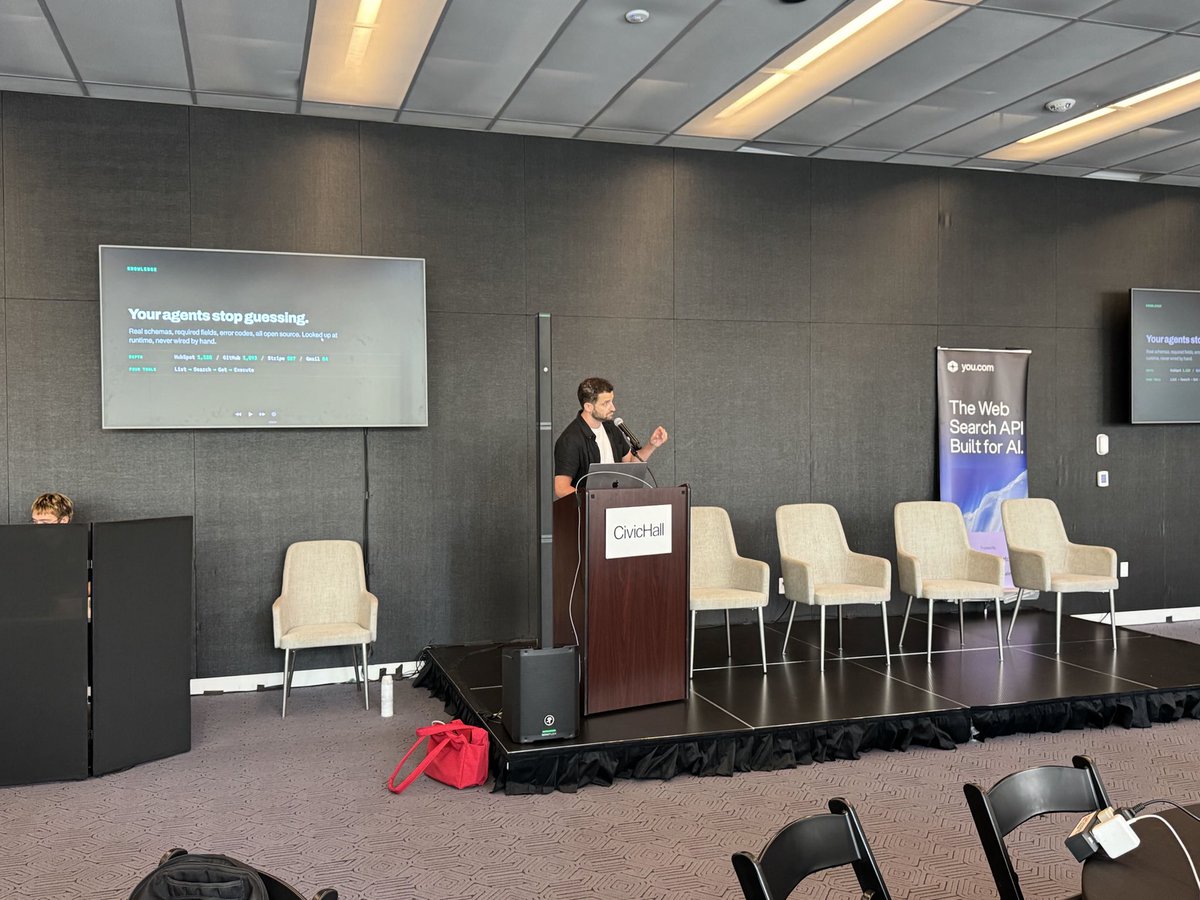
Jacob took the stage to talk about why agents fail: not because the model is weak, but because it's wired to guess instead of looking things up. Real schemas, required fields, and error codes, resolved live at runtime instead of hardcoded by hand ahead of time.
That idea showed up in what got built. Every team that submitted a project used @onedotnew.
One standout was LaunchGuard, a launch-readiness system for founders that turns a release candidate into one clear call: ship, hold, or revise. It runs live market and competitive research, then opens the actual follow-up work itself: remediation tickets in Linear, PRs in GitHub, and a logged decision in Notion.
One handled the auth and execution across all three, so the agent's decision became real, tracked work instead of just a recommendation on a screen.
Good to spend a day like that alongside @youdotcom, Daytona, and @crewAIInc, watching people ship working agents instead of just talking about them.
Your AI agent needs Gmail access.
That doesn’t mean it needs all of Gmail.
Read → ON
Send → OFF
Delete → OFF
With @onedotnew, you control permissions at the action level.
Give agents exactly the access they need, and nothing more.
@onedotnew is a partner for Build with YOU, @youdotcom's Live Web Agent Hackathon, on September 11 in New York.
AI engineers and builders get one day to turn live web data into a working agent prototype. Track: self-repairing and learning agents. Teams build, break, and fix in real time, then demo to judges by end of day.
Access on the day: @youdotcom’s Search, Research, and Deep Research APIs, Daytona sandboxes to run and fail code safely, CrewAI for orchestration, and One for managed auth and integrations behind a CLI or MCP.
Jacob Rissman, our Head of GTM, will be there representing One alongside teams from @daytonaio and @crewAIInc, and the engineers behind the https://t.co/uWV4ahF1eb APIs.
Top teams split a prize pool including API credits, sandbox credits, and up to a year of @onedotnew. Every builder who shows up walks away with a month of @onedotnew Pro.
If you're building agents in New York, request a spot:
https://t.co/ERG0Gq2JE8
Installing one MCP server per app does not scale. Ten apps, ten servers, a tool list your agent has to wade through before it does anything.
One is a single hosted endpoint. Actions are discovered on demand, so connecting more apps never grows the tool surface.
Now live on @chatmcp: https://t.co/S36YkLPJXT
One is now on @cursor_ai.
700+ apps in your agent through one MCP server and four tools. Real API docs for 100,000+ actions, so it stops guessing field names. OAuth sign-in, no API keys, nothing to install.
https://t.co/lgHmBa8iCV
100K+ actions. One agent knows them all.
One now gives your AI access to 100,000+ actions across all of our supported apps through a single integration layer.
Find the right action. Understand it. Execute it.
One connection. 100K+ actions.
Your @boltdotnew app can now talk to any app. Send SMS. Send email. Fetch contacts from your CRM. Charge a card. Post to Slack.
Just by prompting. Here's how it works.
We just made integration knowledge for 600+ apps available to every engineer building in https://t.co/B64aexLZHu through one remote MCP server. Slack, Stripe, HubSpot, Notion, Airtable... and 100,000+ actions behind them.
For this demo, we used Gmail.
The setup:
1/ We connected Gmail inside One through managed OAuth.
2/ We added One's Remote MCP to the Bolt project and enabled knowledge-only mode.
3/ We prompted Bolt to hook the contact form up to Gmail.
4/ We added the Gmail Connection Key and One API Key through Bolt's secrets panel, submitted the form, and watched the email arrive.
With knowledge-only mode enabled, Bolt could search One's catalog and retrieve the exact Gmail guidance it needed: endpoints, auth pattern, required fields, payload shape, examples, and failure modes.
It could use all of that to write the server-side integration without accessing the live Gmail connection or executing an action during the build.
For the builder, that means no Gmail API docs to parse and no custom OAuth flow to implement.
We're working with Bolt so builders can stay in one place from the first prompt to the moment the email lands.
Introducing the One Remote MCP.
592+ apps. 94,357+ tools. 4 tools in your context and a flat 3,000 tokens.
It's the MCP that connects your AI to everything.
One URL, nothing to install.
Try it out now: https://t.co/kUyvDm2zaH
You asked for it, we shipped it ⚡️ on a Friday!
Organizations. Projects. Members.
With full-stack access control, connector isolation, and agent-level permissions.
Not just “multi-user”, multi-everything.