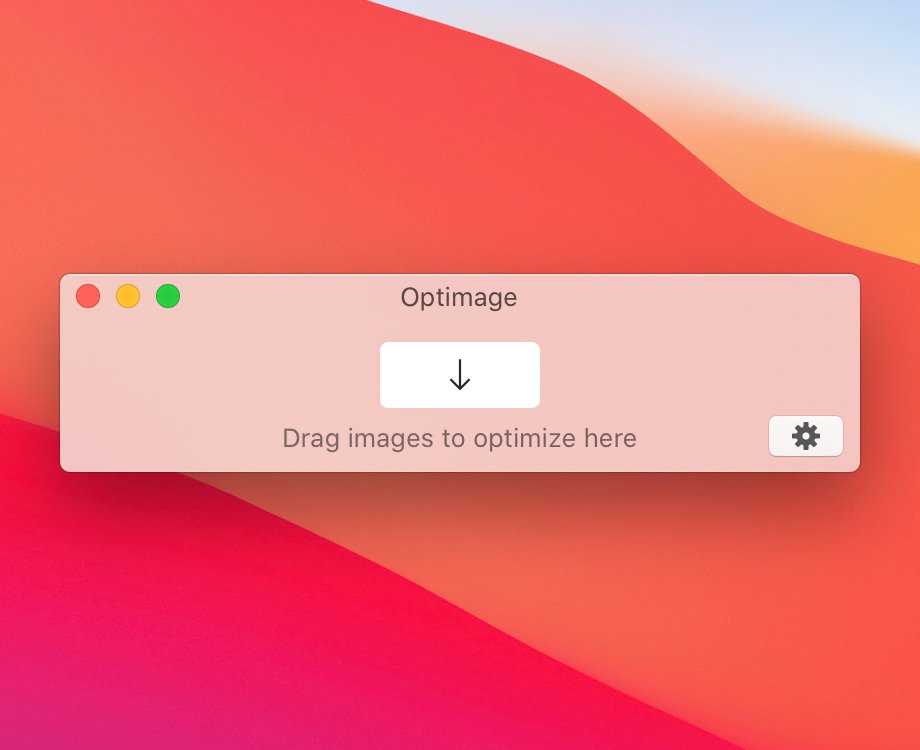
Optimage 3.5.0 is out!
🎞 Per-file multithreaded video compression
🧰 Convert to APNG and HEVC formats
💎 Higher-quality GIFs with local palettes
and more
👉https://t.co/TcbtldI9CD
Update for @optimageapp! Now compresses to HEVC and APNG, now remembers where the Preferences panel was, better overall.
I still recommend this app for your daily optimization needs. Handles all images formats but also PDFs and videos.
@ottohak You're welcome! Native Apple Silicone support is coming soonish. But coincidentally, there is a new update this week that will make video compression an order of magnitude faster. What a timely question!🙃
Optimage 3.4.3 is here! This belated update fixes the remaining annoyances on latest macOS, brings some nice touches to UI and, of course, improved image compression. Much more to come! 👉https://t.co/TcbtldI9CD
@optimageapp Is there currently an issue with keys? I got promped to enter it again which I did, "thanks" pops up, but it doesn't really apply, I get stuck on the free version cc @vmdanilov
With all the #NFTs buzz, I’ve been playing with animated loops.
I highly, highly recommend Optimage for Mac for compression.
Yesterday: .mov with JPEG encoding: 62.5MB —> 836KB
And it looks great.
That’s like 1% of original size 🤯🤯🤯
https://t.co/eUMo0KznMR
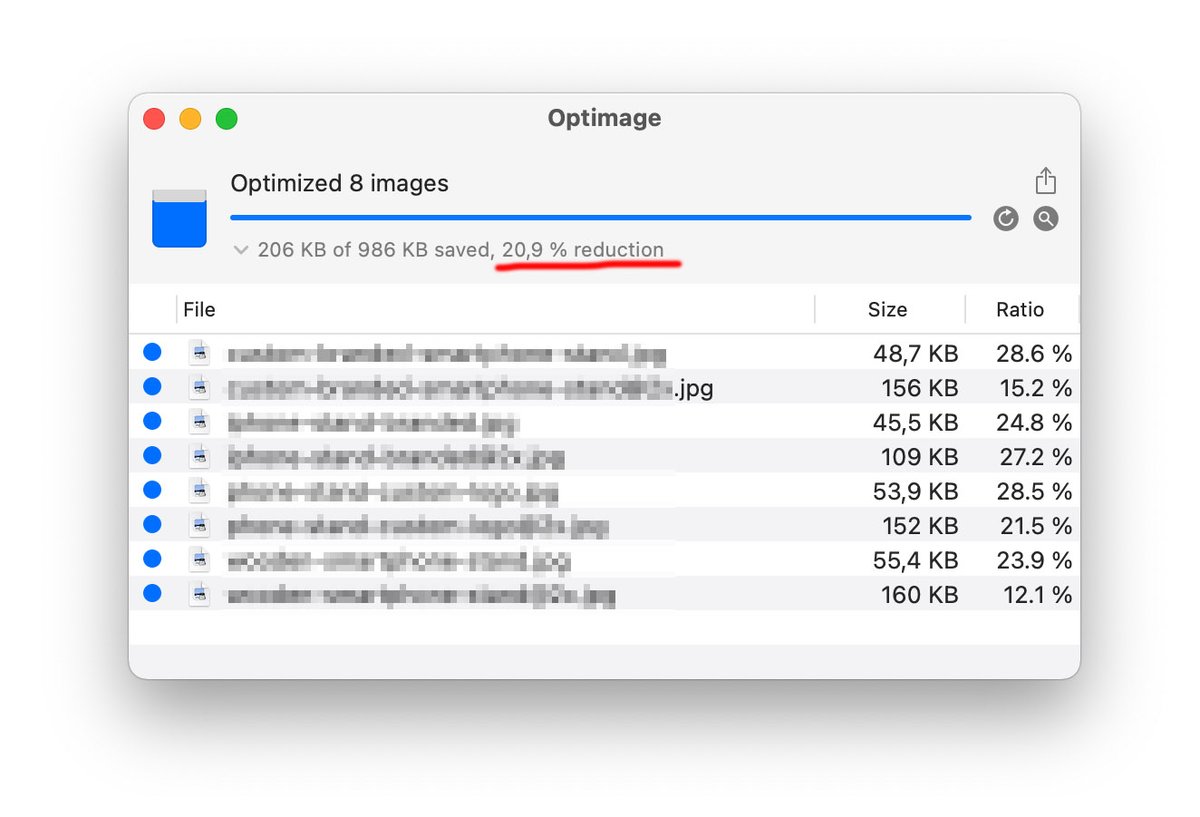
.@optimageapp is the best tool for image size optimisation I've found 👏 Great for improving your websites load-time.
It just compressed additional 20% *after* I already optimized 18% with ImageOptim 🤯
@songcarver Hey! If that’s the warning to replace the original file, it’s intended. By default, no warning is shown if the original can be moved to Trash, same as Finder. If that’s something else, I'd like to know more details! (Feature discoverability is something I want to address).