I honestly did not expect to like Grok Bot enough to make it this week's newsletter topic.
But it's actually worth your time. Trust me.
Is it a tempting shiny new AI tool? Absolutely.
Does Scooby Doo and the Mystery Machine play a role? Yep.
I dug in a couple weeks ago and found the platform extremely easy and powerful. Grok Bot is like hiring an employee, giving it a role, and letting it get to work. It's a team of always-on agents. They have their own computer, work inside tools and apps like you do, and keep working 24/7.
I've been wanting a better presence on X and Threads and figured I'd see if Grok Bot could help. Not a replacement for a real social media marketing team - a great support team to help me get more involved.
I walk through how I set it up, the role it plays, and how you can get started.
You'll also get to know Velma. She's my team lead and she's amazing!
https://t.co/14ozdwWf37
A seat measures access. Usage (tokens, premium requests, agent minutes) measures work.
When vendors meter work but finance budgets seats, forecasts fail quietly until month four.
Ask for one month of real consumption beside the license count. If the forecast was built before the vendor changed its meter, you're measuring something they stopped selling.
Pooling and spend alerts stop overruns. They don't by themselves fix a bad forecast.
CRM write-back needs an approval UX, not a leap of faith.
Separate four permissions: read, recommend, approve, execute. Seeing a field is not permission to write it.
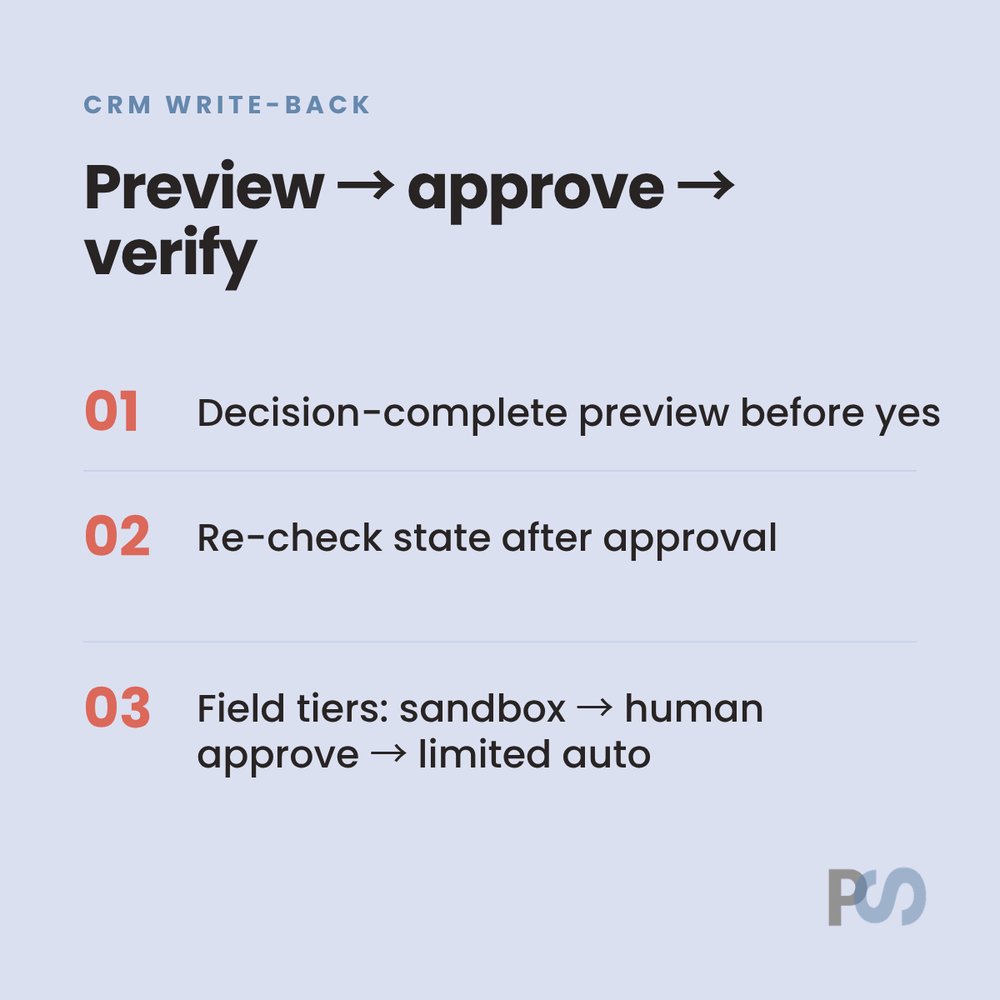
Decision-complete preview before anyone clicks yes:
- Stable record ID
- Current value
- Proposed value
- Evidence link
- Executing identity
Re-check state after approval. If owner, stage, or amount moved between preview and execute, invalidate the approval. Stale approval is a new decision.
Then field tiers: sandbox notes first, human approve for owner/stage/forecast/consent, limited auto only for low-impact reversible writes after a clean sample week.
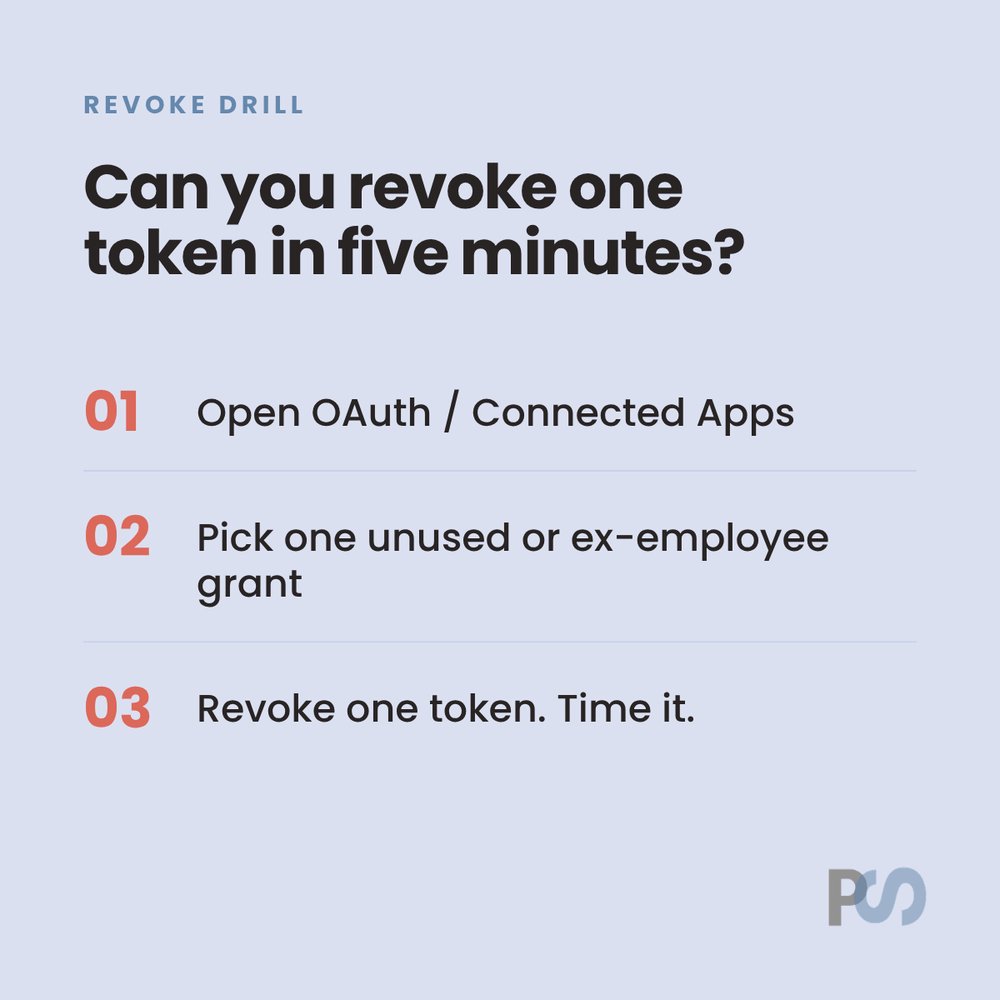
If you can't revoke a connected app in five minutes, you don't have a revoke capability.
Run the drill once:
1. Open OAuth Usage / Connected Apps (whatever your CRM or IdP calls it).
2. Pick one unused or ex-employee grant.
3. Revoke one token. Time it.
Name an owner for every MCP / OAuth grant. Installer-as-default only works if admins can reassign and the change lands in a log.
Revocation should follow user lifecycle: role change, offboard, project end. Not install date.
Orphaned tokens are the quiet failure mode.
@Matyas_Jirsa Hard agree. Most of the CRM handoffs I see should stay rules + webhooks. Save the model for judgment calls and messy language, not status updates.
Waterfall enrichment has a quiet failure mode.
A cheap provider that returns a confident bad email stops the chain early. That false positive rides into outreach and burns sender reputation harder than a blank field ever would.
What I'd lock before the next batch:
1. Treat every enriched email as a claim until a verifier labels it.
2. Valid goes to send. Invalid drops. Catch-all / Risky / Unknown sits in a separate bucket, not the same lane.
3. Filter ICP at the company level before you buy contact enrichment.
4. Recalibrate providers quarterly. Coverage drifts.
A waterfall is a system you tune, not a table you set once.
@BenNewton_Anico Yes, software isn’t one screen anymore. The hard part is making the handoffs explicit: what the agent can decide, what a human must approve in Slack, and what gets written back to the CRM so nothing drifts.
@AndrewBolis Useful frame. For GTM I’d add one test: if the output touches a customer or CRM write, it needs a clear owner and a kill switch and not just a better prompt. That’s where most “agent” pilots go sideways.
Five budget lines beat a seat-count slide.
Seats, usage, build, enablement, governance/contingency. Seats ~20%; enablement often $0.
One defendable metric + 90-day stop date. Capacity before next hire.
https://t.co/l8f9CPBYX1
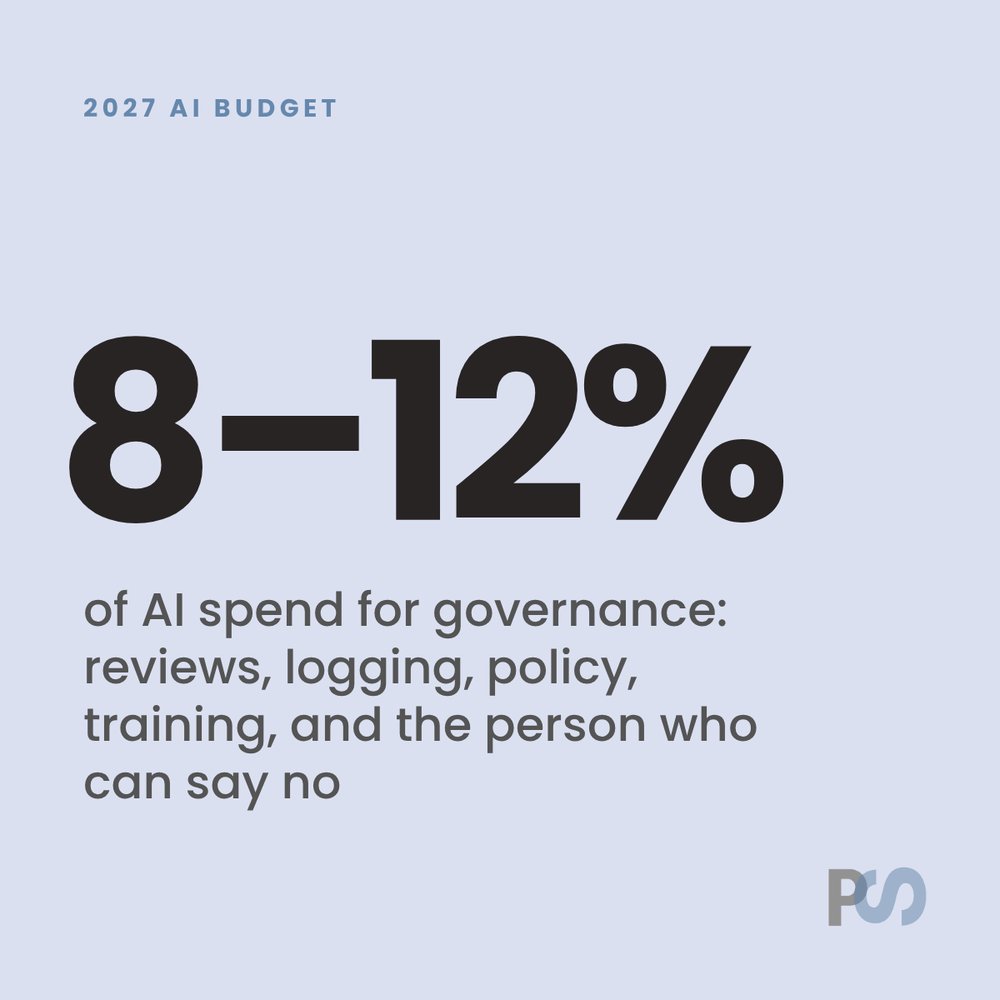
2027 AI budget tip for mid-market GTM:
Put governance on its own line. Roughly 8–12% of the AI spend, not a vague "we'll figure security out later" footnote.
That covers: access reviews, logging, policy ownership, training, and the person who can say no.
Tools without that line item are how unused licenses and messy Allow clicks show up in Q2.