Questions? Suggestions? Need help?
Our support team is ready to assist you!
Just drop us an email at 𝘁𝗶𝗺𝗲𝟮𝗵𝗲𝗹𝗽@𝗽𝗱𝗳𝟮𝗴𝗼.𝗰𝗼𝗺, and we will sort things out!
#pdf2go#pdf2gosupport
Seal deals, approve forms, or sign contracts — all online. Discover how to sign PDFs securely with #PDF2Go!
🖊️ Fast. Safe. Paperless.
📖 Read more: https://t.co/TmuK4awfvW
#SignOnline#PaperlessWorkflow
Say goodbye to multiple PDF subscriptions!
With 𝗣𝗗𝗙𝟮𝗚𝗼 𝗧𝗲𝗮𝗺𝘀, your whole team gets access to premium PDF tools under one shared plan.
Collaborate smarter. 💡
👉 Learn more: https://t.co/ZCG3VmL2XF
#PDF2Go#TeamTools#Productivity
Have you tried our new Sign PDF feature!?!
Scribble your signature digitally in seconds—no apps, no fuss.
Seal deals from anywhere! #PDF2Go#SignPDF#GoPaperless
Need to hide sensitive info before sharing a PDF? 🕵️♀️
Learn how to redact a PDF online — quick, easy, and secure.
📖 Read the full guide: https://t.co/meafbY7W6x
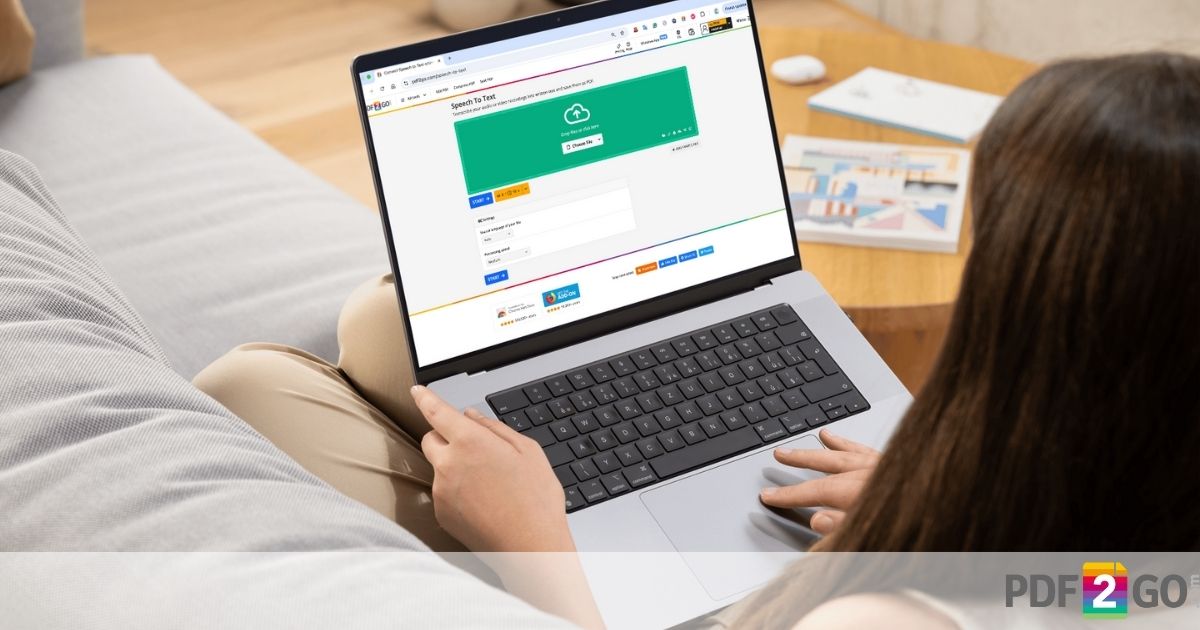
Turn your audio into text in a snap with PDF2Go's Speech to Text tool!
Transcribe recordings and save them as PDF with ease!
Try it now: https://t.co/zIabOj6RAp
#SpeechToText#AI#PDF2Go#FileConversion 🔄
Protect your PDFs with ease!
Check out our new blog: https://t.co/XAJO5uxCpy
Learn quick steps to watermark your files in minutes!
#PDF2Go#DocumentSecurity#WatermarkPDF#PDF
Just signed a deal... digitally! 🙌🏻
Discover PDF2Go's brand new 𝗦𝗶𝗴𝗻 𝗣𝗗𝗙 feature: Draw your sig, upload a pic, or type it out.
Drag & drop anywhere on your doc!
Secure & speedy. Who's ready to ditch the pen? #PDF2Go#SignPDF
📝 Your PDF2Go profile is more than just a nametag—it's your command center for smarter document management!
Learn how to customize your settings, boost efficiency, and unlock team features in our step-by-step guide: https://t.co/WwB0I6AnfG
Big news for #PDF2Go!
We dropped 5 new tools: Crop PDF, Compare PDF, Watermark PDF, PDF Asset Remover, and Website to PDF.
Edit PDFs like a pro!
Try them now: https://t.co/KdRztr0poO
🎓 Back to School with Free Tools!
Teachers & students—get your FREE Educational Account from PDF2Go!
Convert, edit, and manage your PDF's with ease—all year long.
✅ No cost
✅ Premium access
Apply now 👉 https://t.co/S36sCeQI6P
#BackToSchool#Pdf2Go
Want to study smarter, not harder?
Check out our latest blog: 10 Most Effective Study Methods for Students!
Boost focus, retention & productivity today: https://t.co/abbWPFSiwZ
#StudyTips#PDF2Go#Productivity
🎒✏️ Back to School with PDF2Go!
Students & teachers, get your Free Educational Account—edit, convert, and manage PDFs straight from your browser! ✅
Read more: https://t.co/i1plTBGlvM
Start the school year prepared!
#BackToSchool#PDFTools#Students#TeacherTools#PDF2Go 📄
📱 Got iPhone photos in HEIC format?
Learn how to convert them to PDF — fast and easy on Mac, Windows, or mobile!
📄✨ Turn your pics into shareable PDFs in no time!
👉 Read the guide: https://t.co/BBYQgOvDgd
#PDF2Go#HEICtoPDF#iPhoneTips#ConvertHEIC
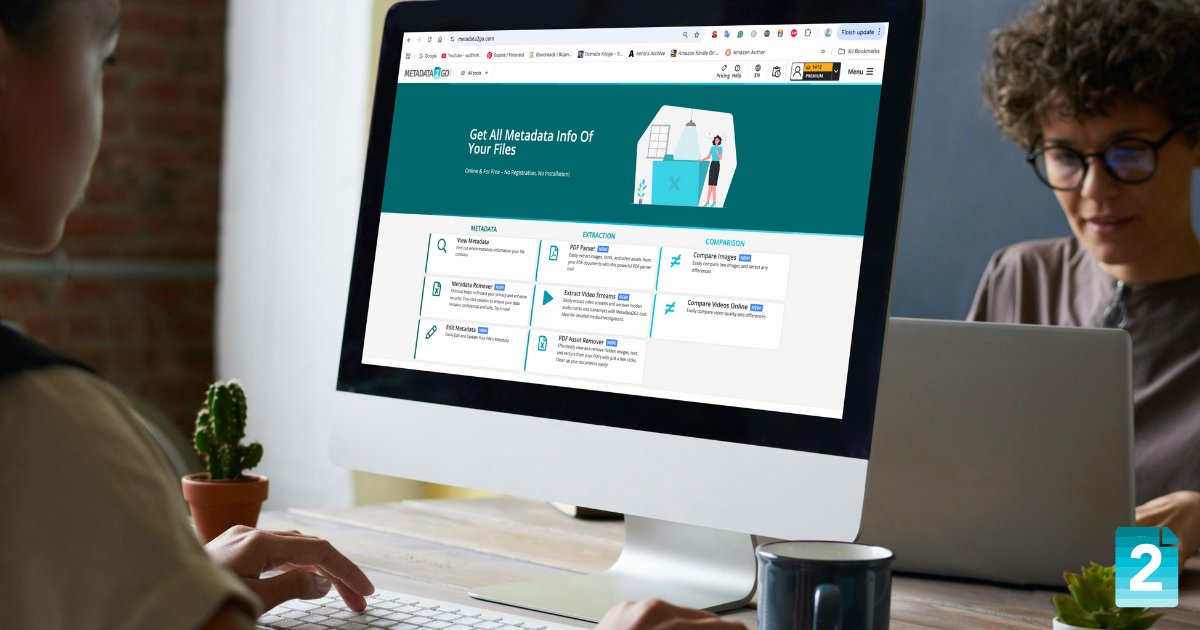
🔍 Want to see what's hiding in your files?
With #Metadata2Go, you can view, edit, or remove all metadata from images, videos, PDF's, and more — completely online!
Try it here 👉 https://t.co/RnUutmLOy2
#metadata#partnerproject#editmetadata#exifviewer
@alonehashibul Hi, Hasib! When someone signs up using your referral link, both you and your friend receive 50 free Credits on PDF2Go. It's a win-win — just share the link from your Dashboard and start earning!
Invite Your Friends & Earn Credits! 🤩
Love using #PDF2Go?
1️⃣ Log in, go to your 'Dashboard' & select "Refer a Friend".
2️⃣ Share your referral link with friends and colleagues.
3️⃣ Earn Credits when they sign up.
Start sharing today! #FreeCredits#ReferralProgram#PDF
📄 Easily Edit PDF Metadata on Any Device!
Take full control of your PDFs—titles, authors, keywords & more.
Edit anywhere, anytime. Learn how in our latest blog!
👉 https://t.co/bmYAFi1Gvb
#PDF2Go#Metadata#PDFeditor