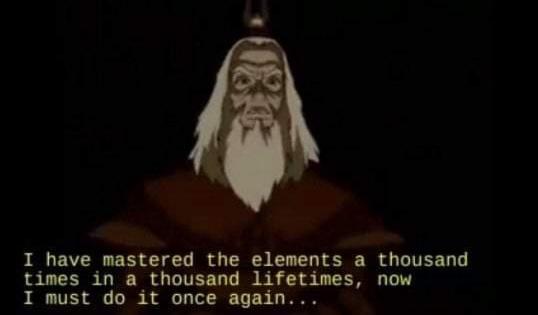
"I have mastered the elements a thousand times in a thousand lifetimes. Now I must do it once again" ~ @AvatarNetflix
Prompted the quote with @midjourney , SDXL (@StabilityAI ), DALL-E3 (@OpenAI ) and @ideogram_ai
Here're the results (A Thread...)
Day 3 / 30:
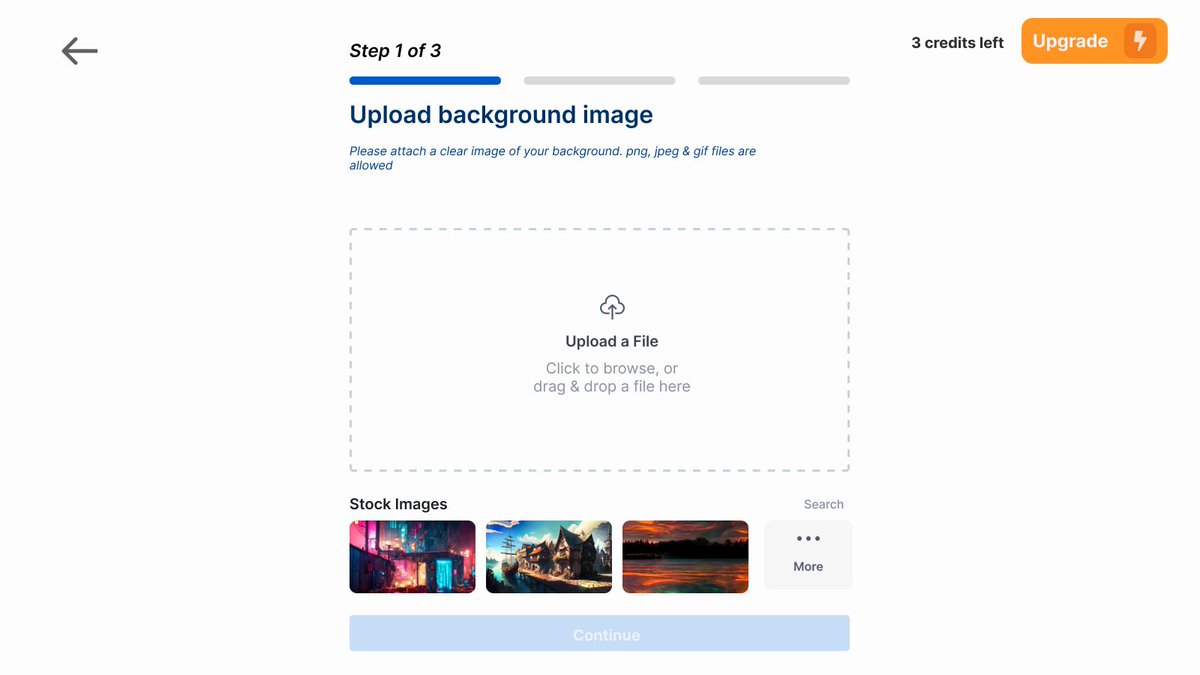
I redesigned Photoshift, an app that generates images w/ products on Midjourney background.
First thoughts:
1) Main objective - Get user to generate image,
2) Main friction for user
- User doesn't have any images to upload (have sample images to use)
- Image generation takes too long
BEFORE:
AFTER:
- Added emphasis on the upgrade button (changed it to different color & added an icon to make it look fancier :D )
- Added progress bar at the top to keep the user "in-the-loop" of how many steps they have left ((shows users they are making progress ))
- Added back button to give user option "safety" to go back
- Added subheadings to make it look more visually appear ((more hierarchy ))
- Have a “continue” button to hint that the user needs to upload an image before going to next step (( softly guides user to picking an image ))
- Having a row of sample images that the user can use (( reduces friction ))
A Big thanks to all the supporters. Here are the highlights from our ProductHunt launch -
1. Finished in Top 5 Products of the Day 😍
2. 200+ new signups and 1000+ images transformed 🤗
3. Photoshift got it first paid customer 🚀
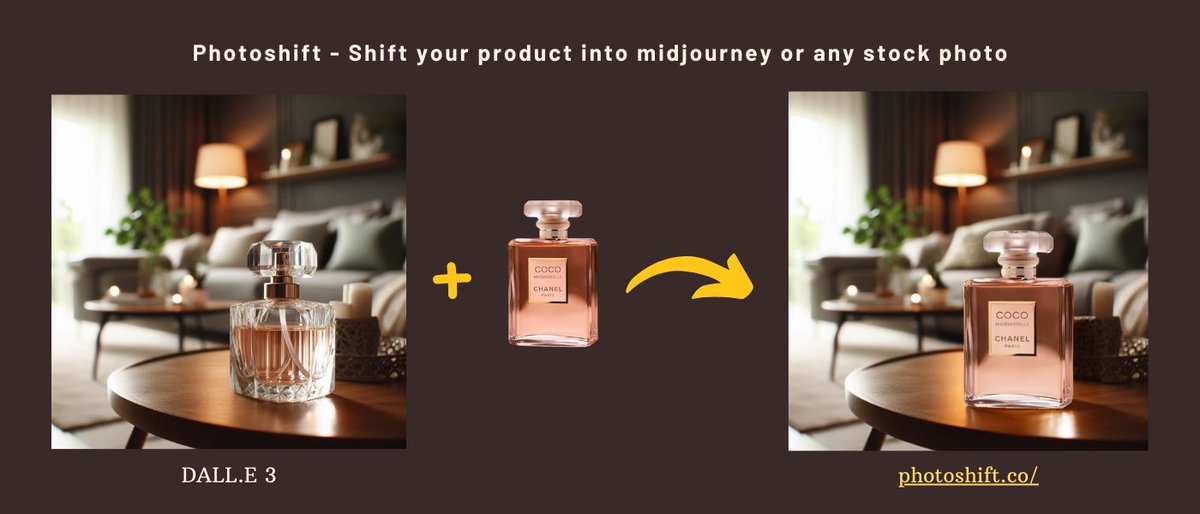
Photoshift: Shift your product into midjourney photo. Instantly blend your product into any stock photo for realistic imagery
https://t.co/E4lrE5jDcQ via @ProductHunt