Picmal is now on @raycast.
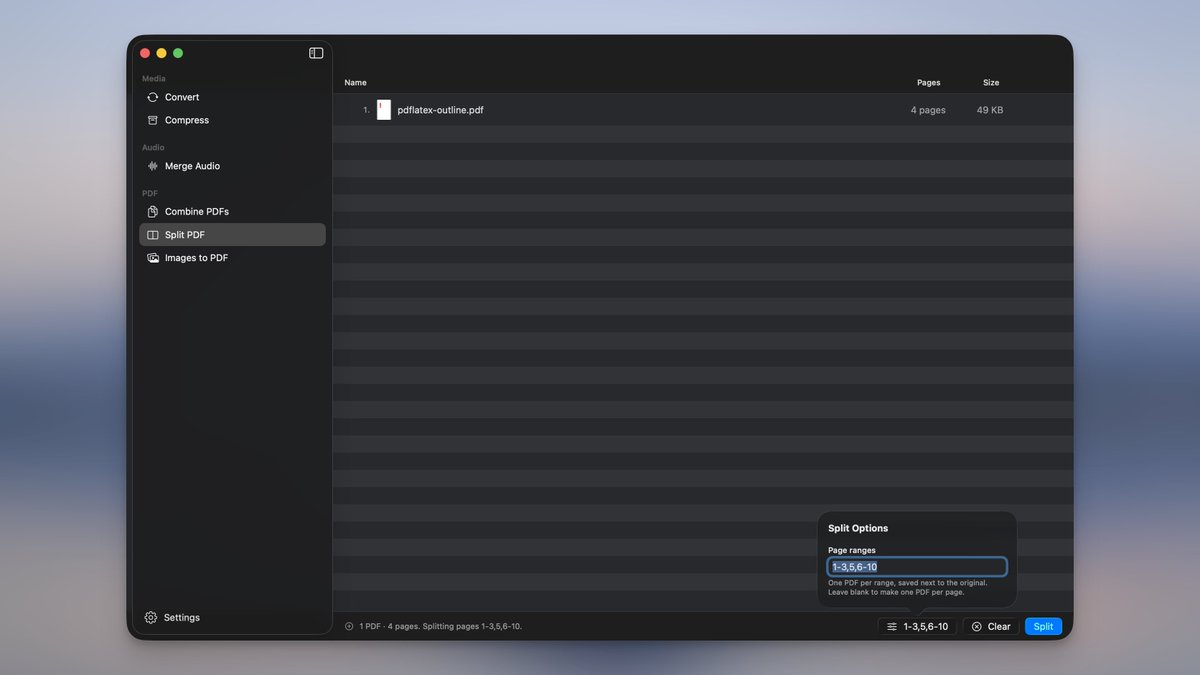
Convert, compress, merge PDFs, split PDFs, remove backgrounds, create app icons, and more without leaving your launcher.
All the file processing tools you need, right from Raycast.
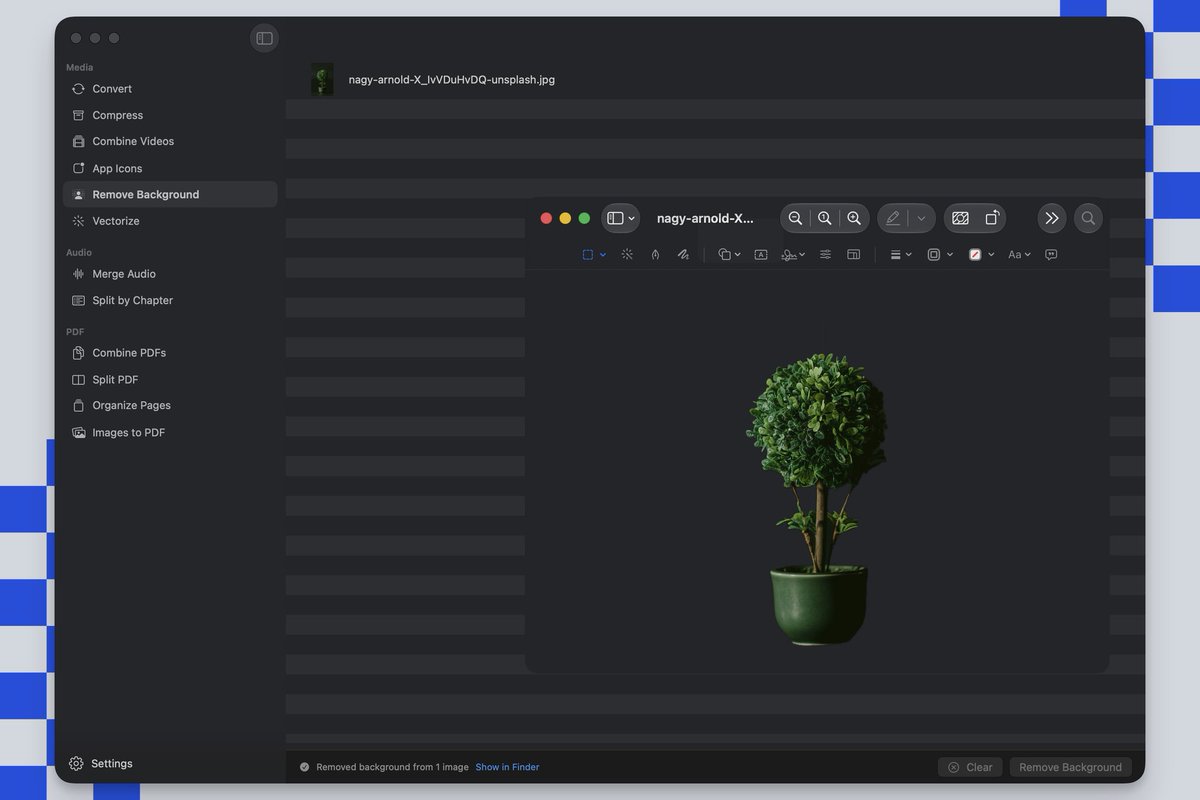
Picmal's Remove Background cuts the subject out onto a transparent PNG.
Drop an image and it finds the foreground, drops the rest to transparent. All on-device, nothing uploaded.
Works in the app, in Shortcuts, and from the terminal with picmal-cli.
Picmal's Vectorize turns raster images into real SVG vectors.
Drop PNGs, JPGs, GIFs, or WebPs in batches. Pick a style per image: Logo, Photo, or B&W, then trace them all at once.
You get true traced paths, not a bitmap wrapped in SVG. Perfect for logos, icons, and flat art.
Picmal now caps export resolution.
Downscale 4K to 1080p or 720p in one step. Choose from 2160p, 1440p, 1080p, 720p, 480p, or 360p. Only scales down, preserves aspect ratio.
Also new: rounded app icons for macOS tiles.
Available in Convert and Compress.
Picmal turns one 1024px image into app icons for every platform.
Get macOS .icns, Windows .ico, and iOS icon sets for Xcode with no presets.
Non-square images fit without cropping. iOS icons are flattened for App Store approval.
Also works via Shortcuts and the CLI.
Picmal merges multiple videos into one.
Drop clips in, reorder, and export. Matching codec/resolution? No re-encode, no quality loss. Mixed formats are scaled to match the first clip.
Also works via Shortcuts and the CLI.
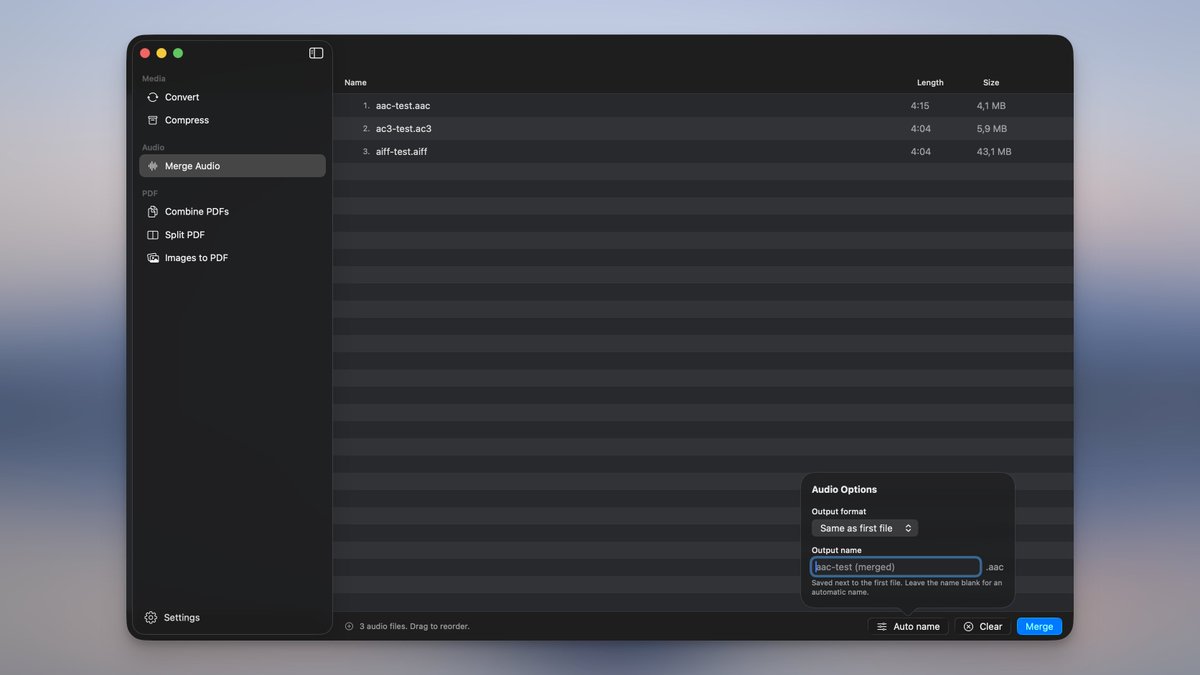
Picmal can now merge audio files into chaptered M4B audiobooks ✨
Each file becomes its own chapter, named automatically.
Perfect for turning your Audible or Libation exports back into one audiobook that scrubs by chapter.
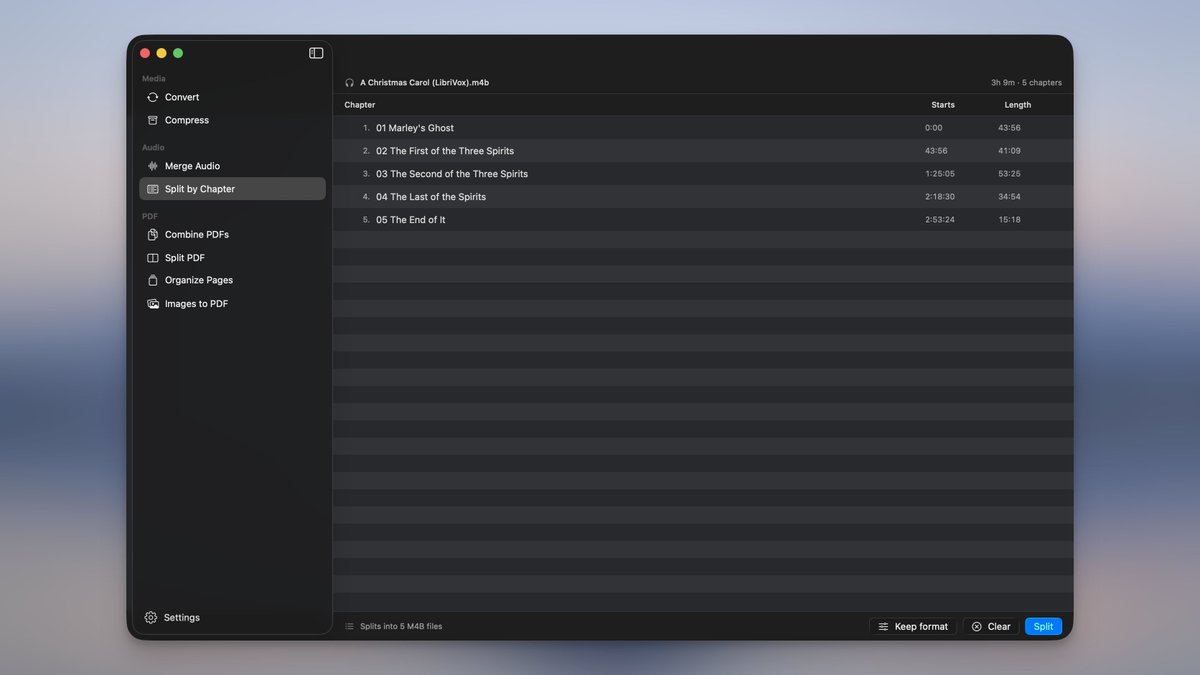
New audio tool: Split by Chapter ✨
Drop a chaptered audiobook and it breaks it into separate files — one per chapter.
Each file gets named and tagged automatically. Keep the original format or convert on the go.
New PDF tool in Picmal ✨
Drop in a PDF and reorder or delete pages with drag-and-drop.
See all pages as thumbnails, click any for a full preview, rearrange however you want, and save.
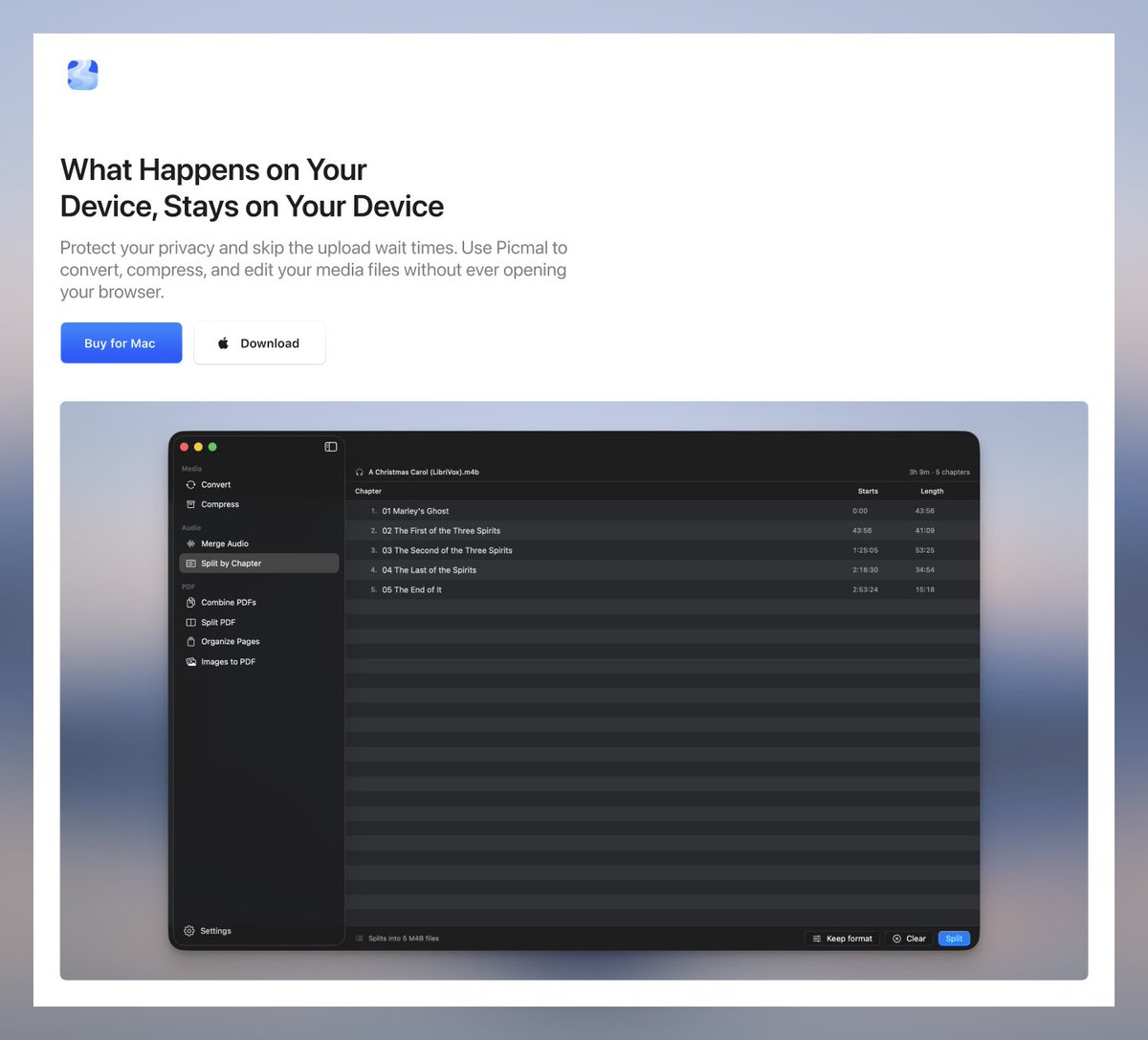
I started @picmalapp a year ago as a simple image converter. Customer feedback kept pushing it to become something bigger.
I keep saying "this is the last feature" but it never is. So I'm redesigning the landing page to match where it's going.
˗ˏˋ NEW FEATURE ˎˊ˗
Introducing target-size compression
Set a max file size and Picmal will compress your images to hit it—100 KB, 2 MB, whatever you need.
Works in Convert, Compress, watched folders, and the CLI.