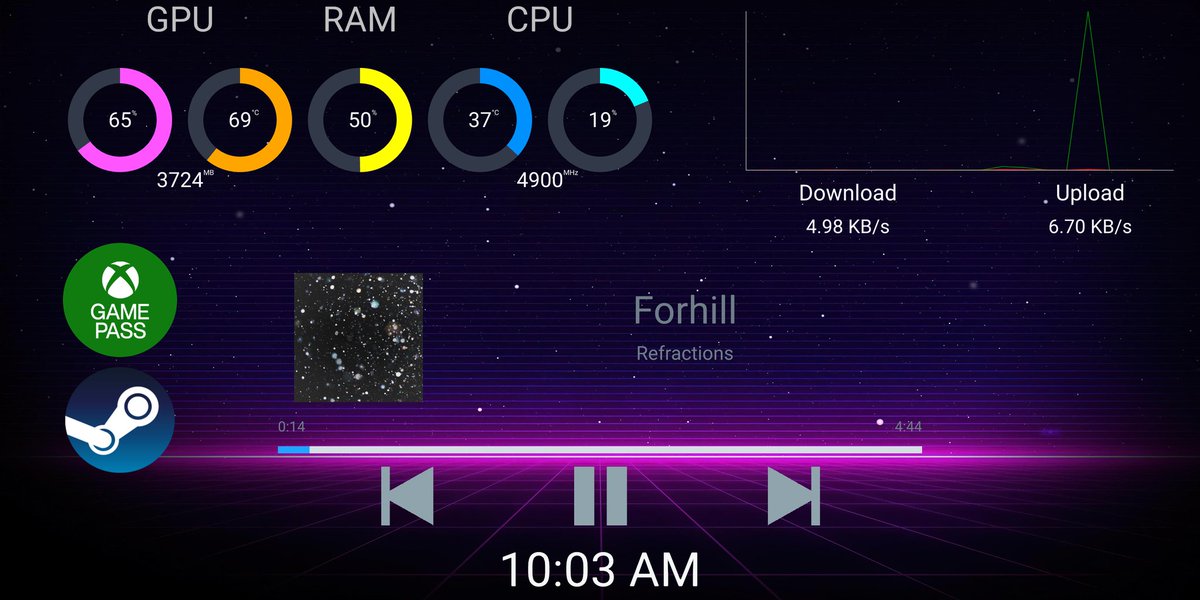
Pitikapp is a tool to interact with and monitor your computer from a mobile device.
It is available on Windows, Android, and iOS.
For more information, visit https://t.co/S02Fq5x04v.
#PCMasterRace
Pitikapp is a tool to interact with and monitor your computer from a mobile device.
It is available on Windows, Android, and iOS.
For more information, visit https://t.co/S02Fq5x04v.
#PCMasterRace
@Hiccup29O Absolutely! In the Download section of the website, there is a link to a Windows client. You can install it on another computer (still on the same local network) to monitor your server. Only Windows available for now, but maybe more platforms will come later.
@st_kleyer It looks like the shared memory layout has changed with the new version indeed. I'll have a look tonight or tomorrow. Thanks for the heads up!
Pitikapp 1.4.1 is now available!
Among the new features, you can now change your audio sources in one click or see if a device is online or not.
Download it now on https://t.co/S5HiW4nfpY and give it a try!
@sausje85 You can click on the "Add Device" button at the bottom and enter any IP. You will however need to configure port forwarding on your home router to access it from outside.
@gonzalu In theory it's a good idea, but then users complain and I can't really help them. I'll definitely look at this though! Meanwhile you can install it somewhere, copy the files, and uninstall it :)