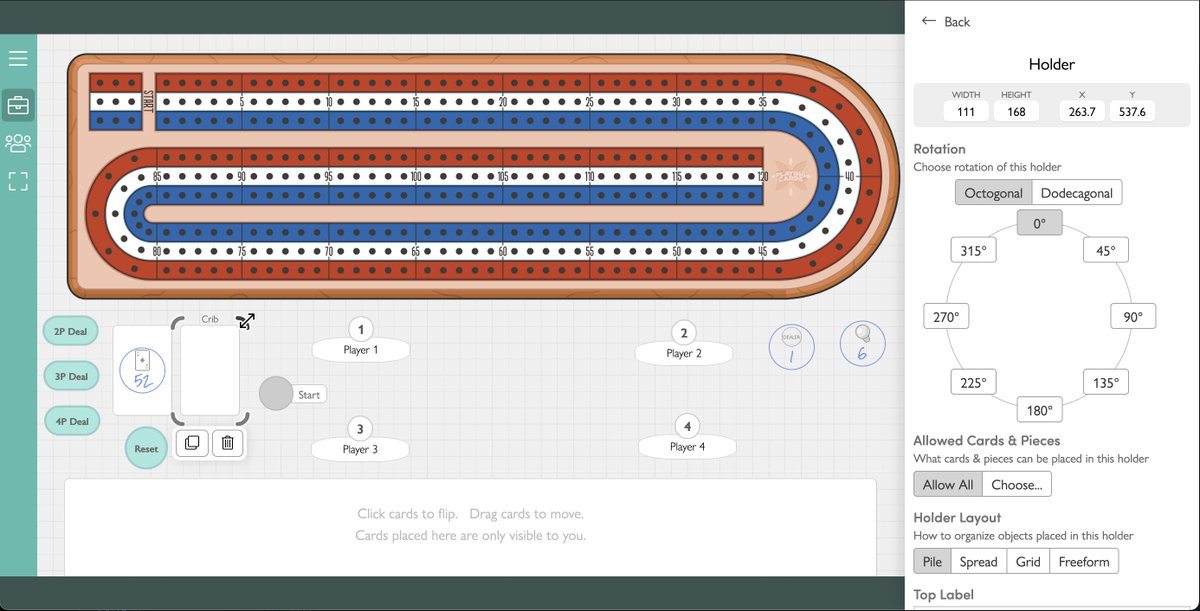
A new automation has entered the arena: Shift Objects
This automation moves objects along a path of ordered holders, or around a circle.
https://t.co/4qr0NFXAZI
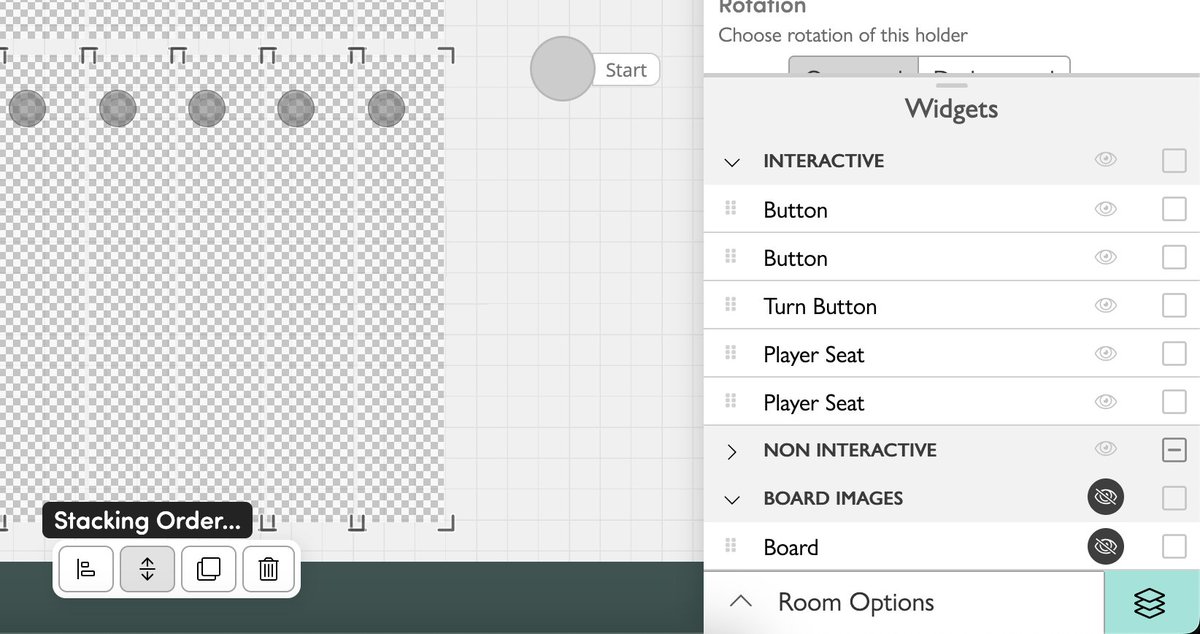
Further, clicking widgets in Edit Mode no longer brings them to the front/back. When a widget is selected the Stacking Order button can change the order.
As always, let us know what you think!
Hey look under there! (...)
With ever more complex games, including those with transparent holders, it can be a challenge to navigate widgets stacked on top of each other.
Our latest update adds a list of widgets to Edit Mode, along with options to select, reorder, and hide
In order to make this update possible, we've had to change the font used for in-game text. We've done our best to get the font change as close as possible but because individual letters are different sizes, some text may be shifted.
Happy new year everyone!
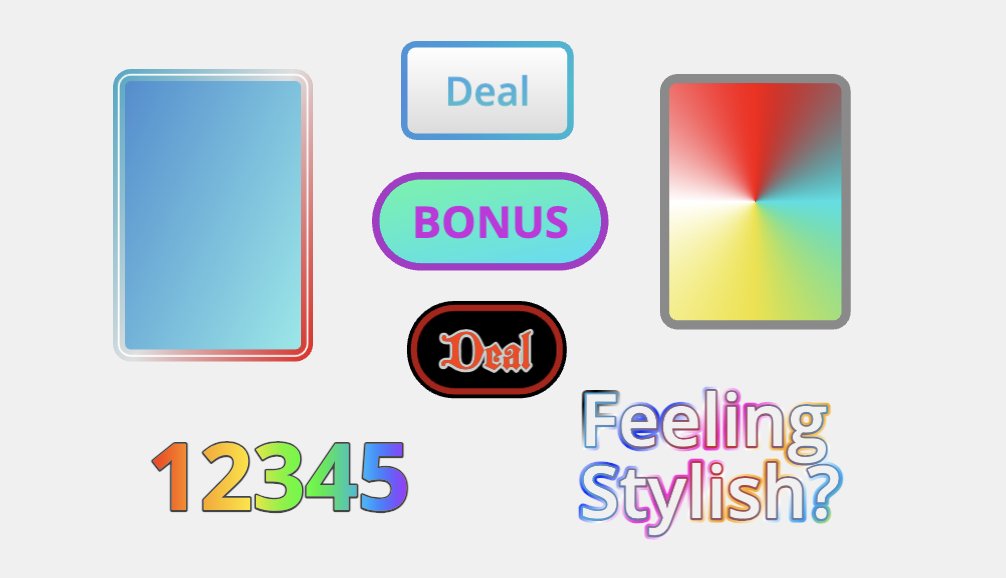
Feeling Stylish? 💅
We're excited to announce that Holders, Automation Buttons, and Label Text can now be styled with colors, gradients, and different fonts. Holders can also have an invisible background with or without a border, for use over custom board images.
Try this on for size
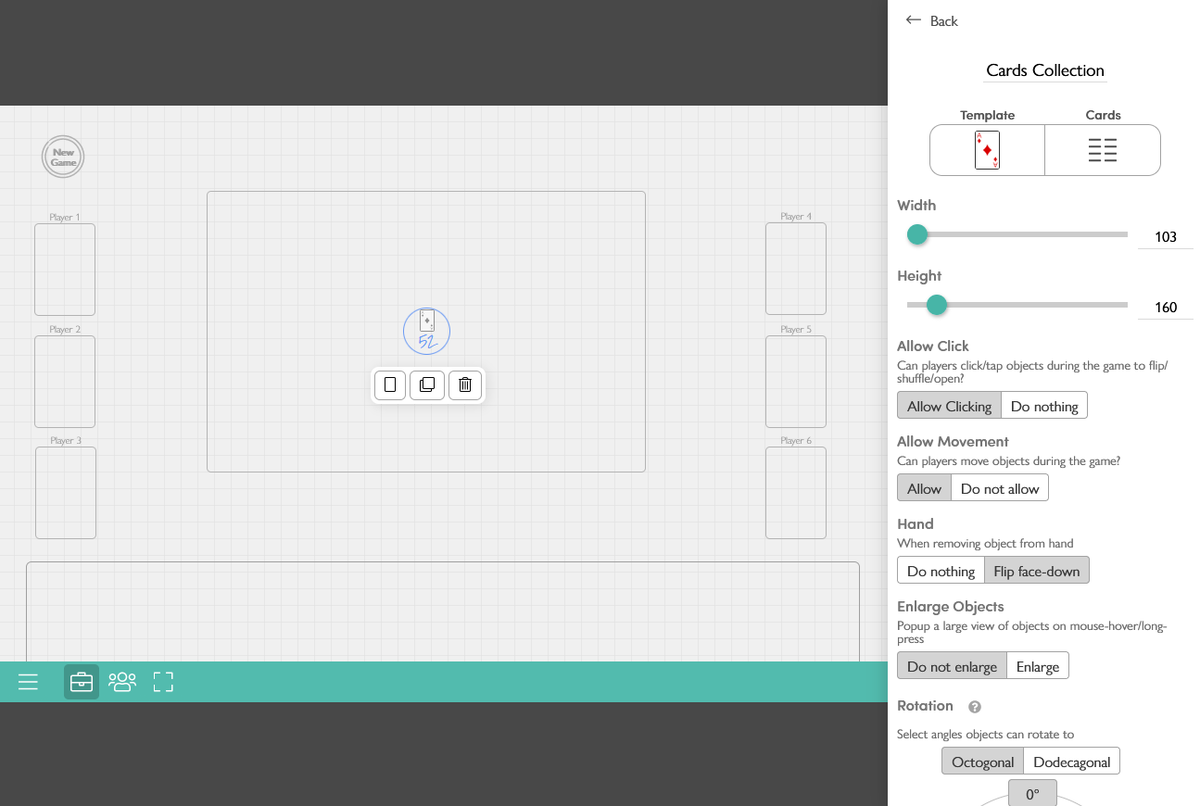
- Edit Mode looks a little different, widgets now appear as they do during the game, no more blue marker whiteboard.
- Widgets can now be resized directly.
- Automation Buttons can be resized 🙌
- Compact width/height inputs and added X/Y location editing.
Editor? I hardly know her!
You may notice the editor looks a little different. We've moved most edit popups into a unified sidebar (landscape screens) or bottom bar (portrait screens).
This allows editing multiple objects at once and viewing them as you make changes, which will be important in an upcoming update that adds control over the look and feel of objects.
Please let us know what you think as we'll be making some adjustments.
You spin me right round!
You can now rotate who gets dealt the first card by setting the "Starting Holder Offset" on the Move Objects Automation. (video)
We've also added a Rotate Objects automation, which includes an option to "Randomize" the rotation.
Happy new year everyone! We have a few updates to announce:
Enlarged cards/pieces can now rotate with rotated cards in-game.
Tweaked the timing of when the enlarged popup appears/disappears.
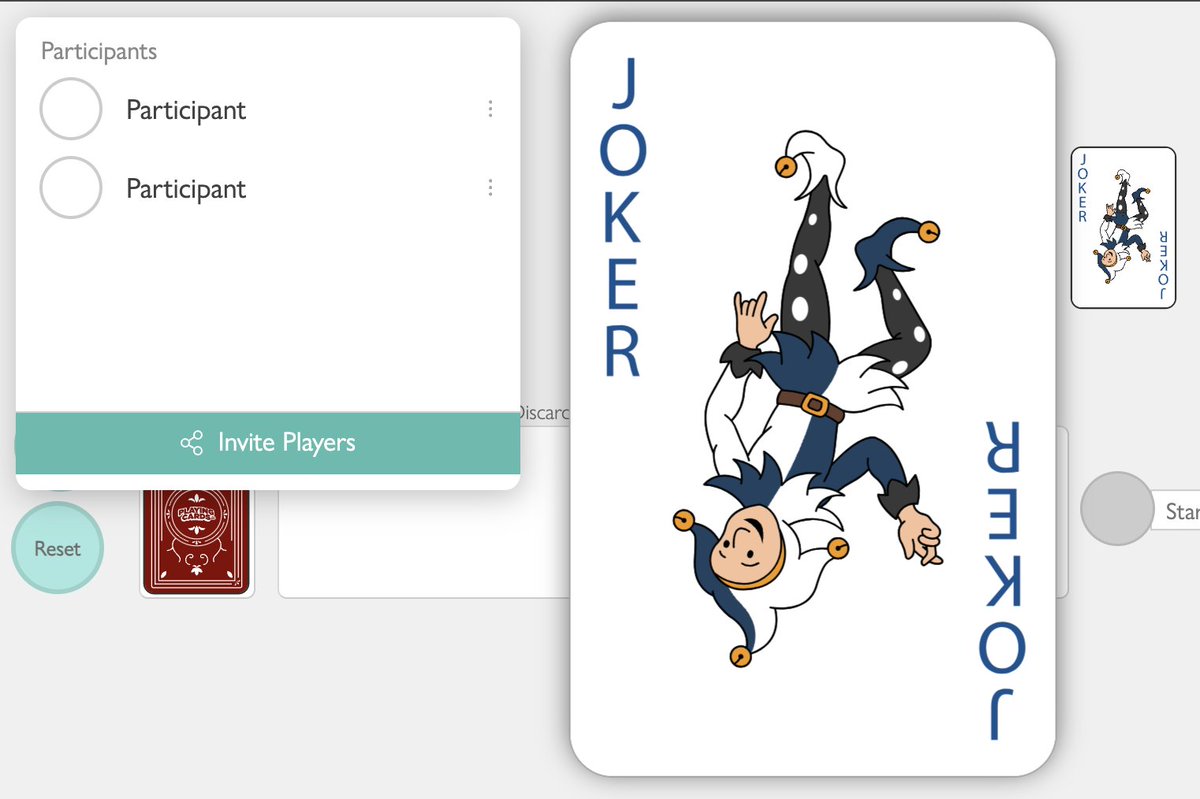
New Players & Sharing popup - this doesn't do much right now but we'll be adding to it.
Any questions?
Our latest update powers up Automation Buttons with Questions and References.
When an Automation Button is clicked, the player can enter a number or pick cards. Then the answers to these questions or Counter widget values can be used in the automation.
@Gameberhood Could you expand a bit more on what "reroll" does? Would you like to have counters "wrap around" from the highest and lowest numbers? Or something fancier?
@RoscoSchock@TannerOSimmons Thanks for the feedback! We've added an option to the Move Objects automation so objects can move to a new group. To create multiple groups with one button click, you can add multiple Move Objects steps. Let me know if that works for you
Also in this update, cards that are "spread" out in the hand/holders have improved. Players can now place cards between groups or create a new group at the beginning.