Plugin Trace Viewer (a.k.a. PTV) is a tool in @XrmToolBox for Power Platform. PTV is used for advanced analysis of plugin traces. By @rappen
Tweets by @rappen
Wonderful to receive this fantastic Christmas present from @powerwikinet and @CarinaMClaesson, with some bonus @rappen stickers thrown in 😍😍 Thank you for sending and for including my blog on the Wiki! Check out the site below if you haven’t already:
https://t.co/BhuP7TbYs9
📢Announcement📢
A recent update from Microsoft causes the Message Block of plugin traces to be empty if an exception was thrown.
The trace text will still be available at end of exception message.
This is not a bug in @PluginTraceView but in the platform.
Fix on the way from MS.
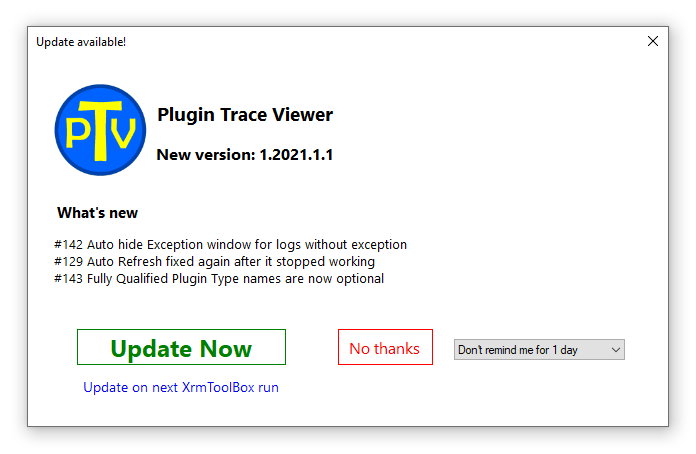
🚀 Release Alert! 🚀
🔵 Added option to show/hide the FQN of plugins (after recent MS change).
🟡 Only show Exception panel when log with exception is selected.
🔵 Auto Refresh feature now displays new log records again.
Update from the @XrmToolBox Tool Library!
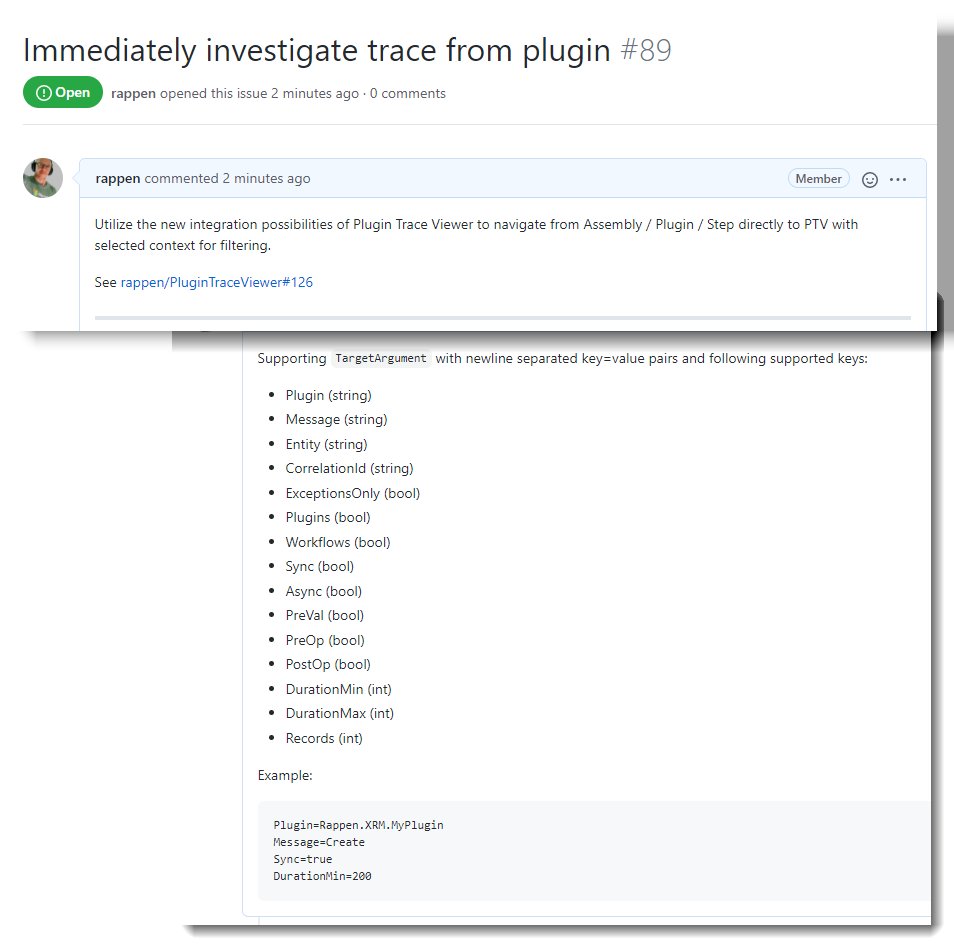
If you ever feel the urge to open @PluginTraceView for @XrmToolBox with specific filters applied - it will be possible from next release! 🚀🤓
Details 👇
https://t.co/EvYjX7EbV1
Is it time for an update?
What features are you missing?
What bugs are annoying you?
Let me know in a reply here, or submit an issue to the repo: https://t.co/ggCOR0GWiA
💥 NEW Release 💥
✅ Feature: Open trace message and exception with external editor for easier analysis
✅ Fix: Weird behavior when selecting cell with multiline content
✅ Fix: Scrollbars acting very scrolly when switching log record
Congratz @ddlabar@shytikov@anttipajunen!
@bwmodular @ddlabar@rappen@XrmToolBox Be smart.
Just don't.
Ever again.
Also, the MS guys and gals seem to like me too, so I don't really see any huge investments in this area from them anytime soon... 🙄