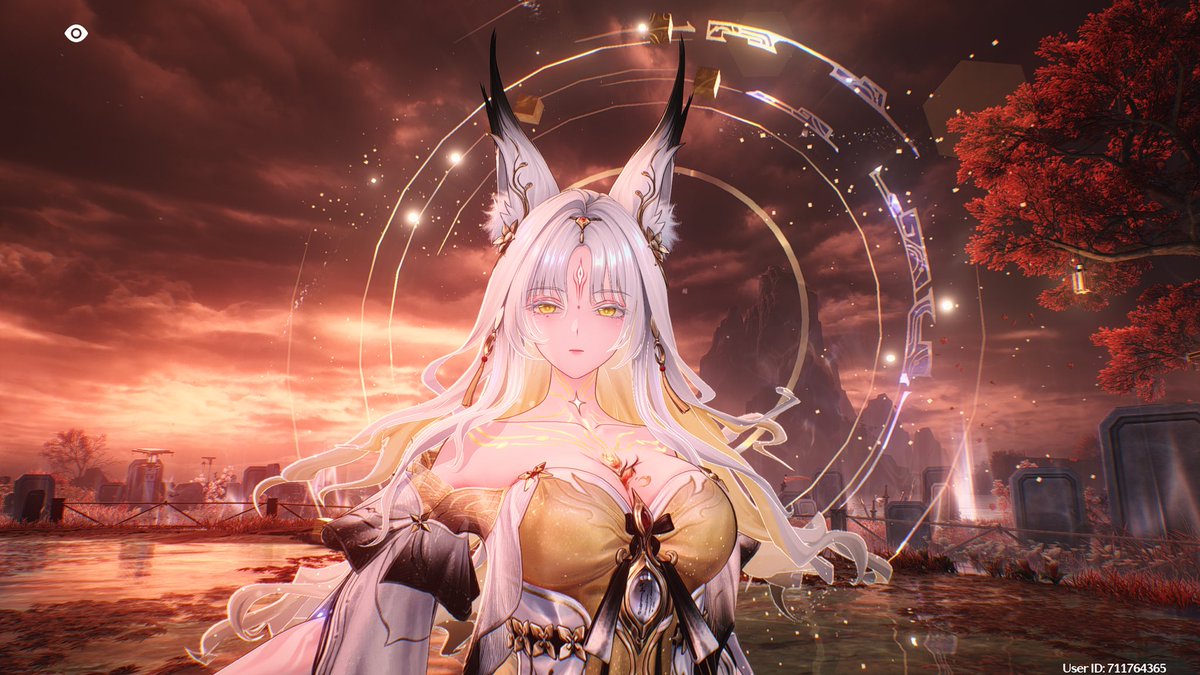
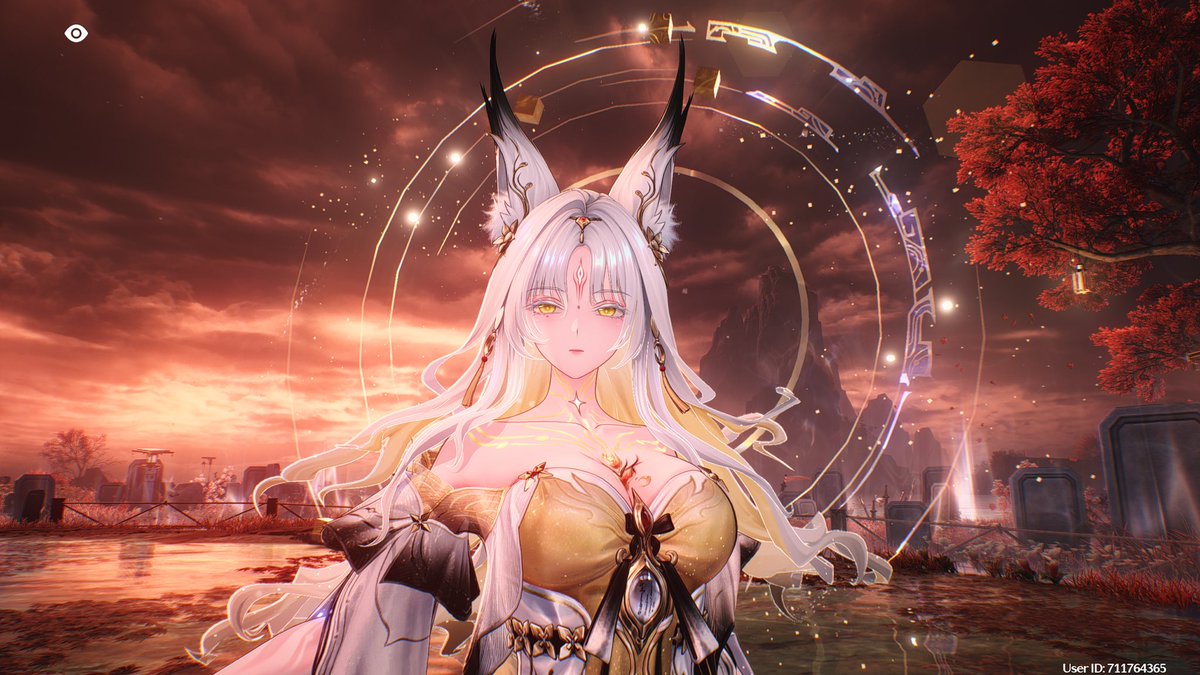
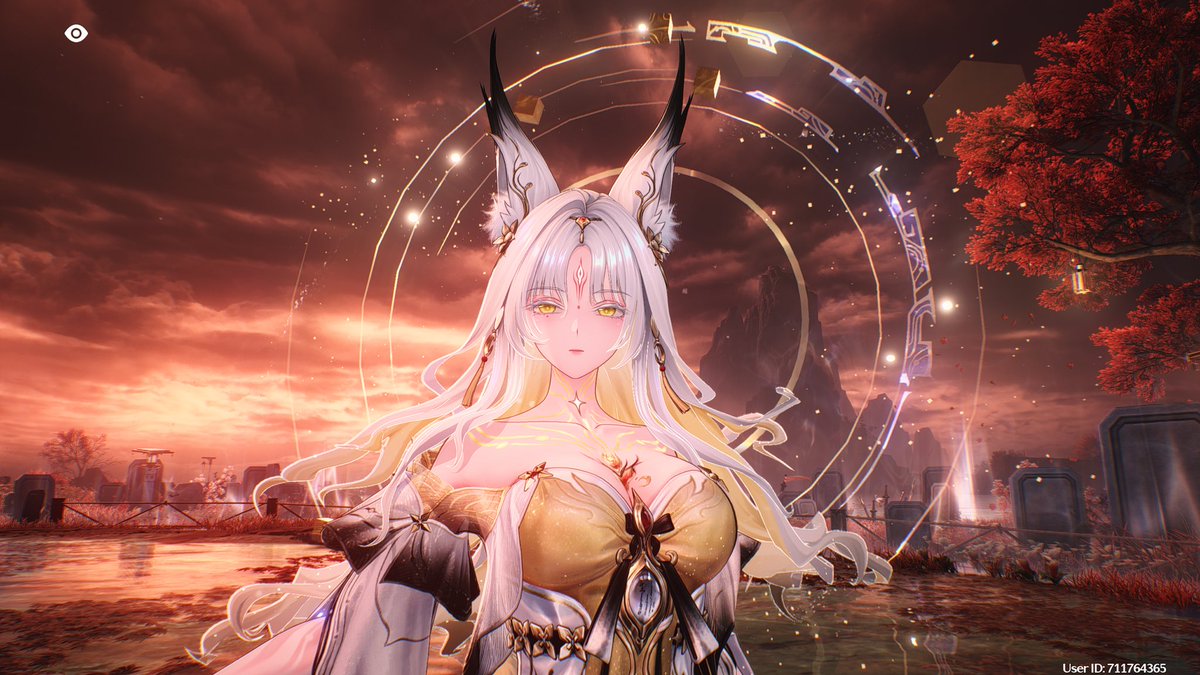
@RealWoosh_214 how t*twit is this guy. HAHAHA. U know why they have a lot of revenue? Because it is harder to C0R1 in Genshin compared to other games. Fate Point System, New Reactions/Shill that you really need to have because bosses need it. ABOVE ALL THEM REWARDS ARE SO LOW SO WE SPEND MORE
@bit_reactor@mnnsgmng well, I just told you what I did to fix the problem. suit yourself buddy. maybe it is an internal issue wherein you need to have a fresh copy of files to fix it. but yeah, you do you
@MesmerisingCube@mnnsgmng It’s a temporary fix. This is after I reinstalled the game completely. The new launcher has a blue start button now which has sd/hd/uhd options.
@bit_reactor@mnnsgmng Nah bro. I swear that’s what I did. This is after I reinstalled the game completely. The new launcher have the blue start button which has sd/hd/uhd options.
@Unreal_Dreamer Actually, the right fix for this is remove/uninstall the game. Reinstall the game again and then you’ll get the UHD option. After that, the game went absolutely more stunning than before. FPS increased as well.
The new launcher has a blue button right now.
@Sivasurya117@mnnsgmng No. The right fix for this is remove/uninstall the game. Reinstall the game again and then you’ll get the UHD option. After that, the game went absolutely more stunning than before. FPS increased as well.
@DaigronCDM@mnnsgmng No. The right fix for this is remove/uninstall the game. Reinstall the game again and then you’ll get the UHD option. After that, the game went absolutely more stunning than before. FPS increased as well.
@arleboo@mnnsgmng No. The right fix for this is remove/uninstall the game. Reinstall the game again and then you’ll get the UHD option. After that, the game went absolutely more stunning than before. FPS increased as well.
@MesmerisingCube@mnnsgmng The right fix for this is remove/uninstall the game. Reinstall the game again and then you’ll get the UHD option. After that, the game went absolutely more stunning than before. FPS increased as well.
@hkvthml9ve@mnnsgmng No. The right fix for this is remove/uninstall the game. Reinstall the game again and then you’ll get the UHD option. After that, the game went absolutely more stunning than before. FPS increased as well.
@trashsmokish@mnnsgmng No. The right fix for this is remove/uninstall the game. Reinstall the game again and then you’ll get the UHD option. After that, the game went absolutely more stunning than before. FPS increased as well.
@39Wolfgirl@mnnsgmng No. The right fix for this is remove/uninstall the game. Reinstall the game again and then you’ll get the UHD option. After that, the game went absolutely more stunning than before. FPS increased as well.
@wnzafir@mnnsgmng No. The right fix for this is remove/uninstall the game. Reinstall the game again and then you’ll get the UHD option. After that, the game went absolutely more stunning than before. FPS increased as well.
@bit_reactor@mnnsgmng No. The right fix for this is remove/uninstall the game. Reinstall the game again and then you’ll get the UHD option. After that, the game went absolutely more stunning than before. FPS increased as well.
@mnnsgmng The right fix for this is remove/uninstall the game. Reinstall the game again and then you’ll get the UHD option. After that, the game went absolutely more stunning than before. FPS increased as well.
@Demonking1YT @TheGachaAniGuy No. The right fix for this is remove/uninstall the game. Reinstall the game again and then you’ll get the UHD option. After that, the game went absolutely more stunning than before. FPS increased as well.