i am so excited to combine this technology stack. i am optimizing tabular editor scripts to include documentation, parameterization, error handling, modes including preview, validation, and progress reporting.
so many ideas.
🤯 @cursor_ai + @MSPowerBI tmdl + @TabularEditor3
Creating explicit measures for a time intelligence calculation group in #powerbi#dax#tabulareditor#microsoftfabric
There are several useful scripts out there but....I think this is the best so far. Let me know!
https://t.co/ZVXqrDUXRY
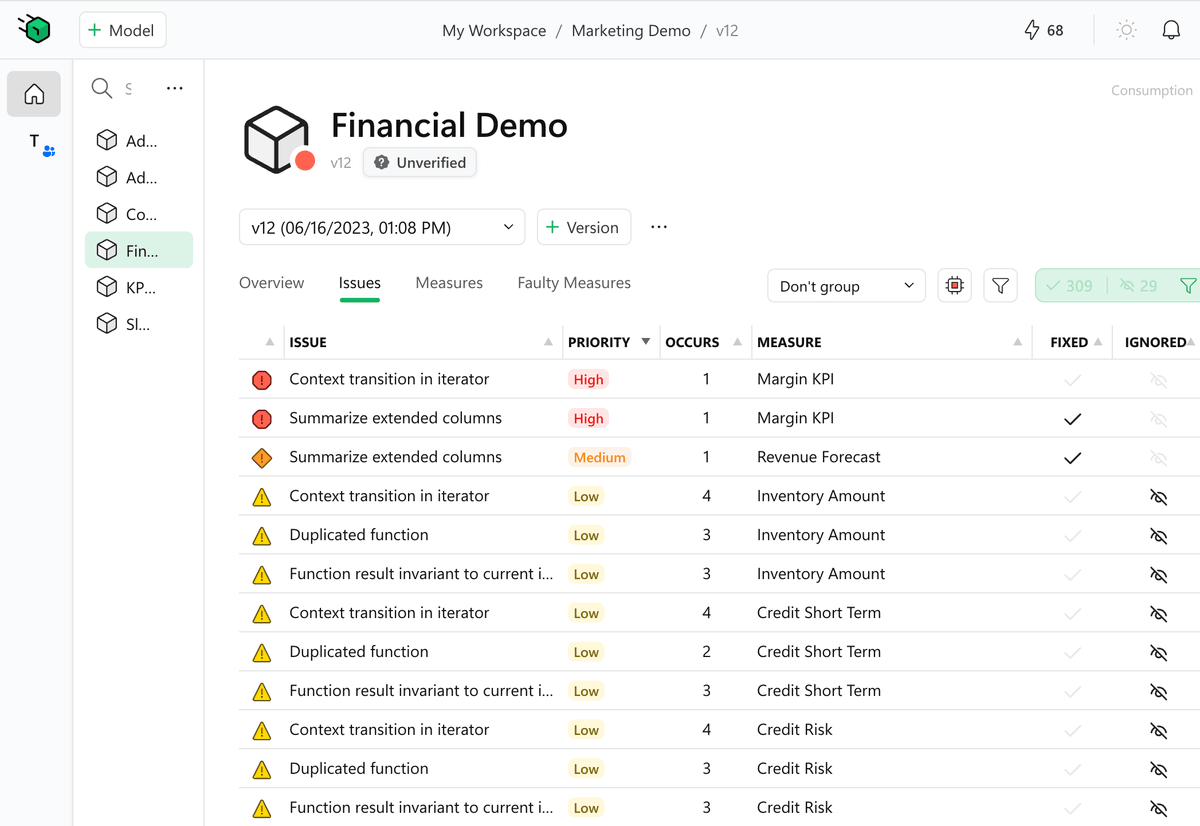
After years in “stealth mode,” we’re excited to introduce DAX Optimizer.
Dive deeper here: https://t.co/fNHF3fKMIN
DAX Optimizer is a tool – delivered as a service – that helps identify potential bottlenecks and suggests impactful solutions and priorities. You still write the code, but it is like you have a mentor on the side teaching you best practices, focusing on the most impactful area of your measures.
Spend your time where it matters, getting immediate improvements. For example, you may have 200 measures, many of which have similar coding practice issues: Where to start? DAX Optimizer guides you to the more important measures, which could be the ones that are more frequently used by other measures and not necessarily those that directly appear on any report.
Now that we are out of stealth mode, we have much to say: how it works, how it preserves sensitive data, how it works for teams and individual developers, and share the plans to improve it over time. We will do that in the coming weeks.
Where are we now? Our beta program is live, initial users are onboarded, and the waitlist is growing. We’re gradually rolling out invitation codes in the coming weeks. The service is functional, the UI for a single developer is polished, and the documentation is shaping up.
While we work towards our public release, we’ll be actively seeking your feedback to refine DAX Optimizer. We won’t be rolling out a major marketing campaign yet, as we’re committed to perfecting the tool. Do not expect videos or articles from us until public release.
That said, beta participants are welcome to share their experiences, as we do not require any NDA. Articles, videos, with the good and the bad – all are fair game. We believe in transparency!
Join us in shaping the future of coding with DAX Optimizer. Your code, optimized.
https://t.co/nZoqB683iR
Welcome to https://t.co/zTauiQb7Xe!
You can write and run DAX queries over a sample Contoso database using a web page: no setup, no dependencies.
You can also share #dax code in your blog posts using https://t.co/zTauiQb7Xe.
More info: https://t.co/A9HPErMSrZ
Have fun!
.
this is great! ETL run completes and need to kick off your #PowerBI dataflow? Need to initiate your dataset refresh when your dataflow completes? No custom connector required!
Announcing Dataflows Power Automate Connector public preview https://t.co/tGPvabwPIt via @MSPowerBI
Oh boy! DirectQuery Power BI models = composite models (import Excel alongside Power BI model or composite model using multiple Power BI models)
#PowerBI December 2020 Feature Summary https://t.co/zGo48JbOb4 via @MSPowerBI
@JSBaucke in scenario 1, you would not purchase a Power BI Premium capacity w/ only 250 users - the break point is 500 users - you would purchase 250 Pro licenses @ $10 each = $2500/month = $30k for the year
in scenario 2, 2xP3 is an overkill for 5k users
@cwebb_bi working through a model like this now - measure dimension required for role-->metric mapping, etc. - implemented calculation groups for formatting and int/decimal split for compression + performance improvements
really interesting project - #PowerBI