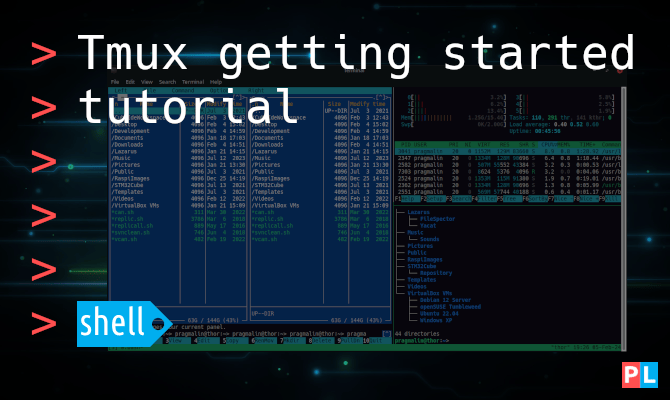
Looking for a way to display multiple terminals all in the same application window? Then the tmux terminal multiplexer might be right up your alley. This tmux tutorial helps you get started: https://t.co/yGtJar0zez #linux
Prefer accessing your GitHub repositories via HTTPS with a username and password? You'll need a personal access token for that. This tutorial shows you how to create one and store it on your PC: https://t.co/6fKd4rNZBr #git#linux
Looking for a way to quickly list all available serial ports on Linux? This article presents a terminal one-liner to do exactly that: https://t.co/yrisfDR7So #serialport#linux
Thinking about developing a GUI application for Linux? Consider using the Qt5 programming library. This article explains how to install the Qt5 library and the Qt Creator IDE on Debian, Ubuntu, Fedora and openSUSE: https://t.co/5KnaBm91Bm #qt#c++ #cmake
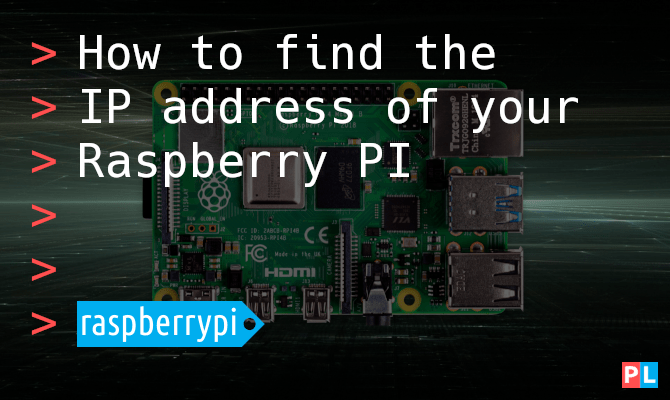
Planning on running your Raspberry PI as a server on your local network and looking for a way to find its IP address? This tutorial presents three methods: https://t.co/sIsjDGEdWu #linux#raspberrypi
Wouldn’t it be great if GIT supported a command like "svn export"? With the "svn export" command, you can obtain a clean directory tree of your repository. This article explains how to achieve something similar with GIT: https://t.co/go8pDSW9h4 #linux#git
Not a fan of the multiple window user interface of the Lazarus IDE? With just a few clicks you can reconfigure the Lazarus IDE for single window mode with support for window docking: https://t.co/B2K3j9QIhM #linux#lazarus
Want to write higher quality C and C++ code? Make it a habit of building your code with compiler warnings enabled. This article explains how to enable compiler warnings with CMake: https://t.co/uRszEALba8 #linux#cmake
Losing track of what Git branch you're working on and what its state is? Catch yourself typing "git status" a lot? This tutorial explains how to show colorful git branch and status info in your Bash terminal prompt: https://t.co/8gOgtAubTB #linux#git
Coming from Debian or Ubuntu and interested in building C or C++ software programs on Fedora? Instead of installing meta-package "build-essential", you install development groups. This article shows you how: https://t.co/CyKlqsS5C8 #linux#fedora
Enjoying the Gnome desktop, but just wish the font on the Gnome panel was just a tad smaller? This tutorial explains how to change the font of the Gnome top bar: https://t.co/fIdBSSzGNK #linux#gnome
Feel like trying out the newly released Ubuntu 22.04? Install it in a virtual machine. This article shows you how to install the VirtualBox guest additions afterwards, making it pleasant to work with: https://t.co/TpsPb8qHn7 #linux#ubuntu#virtualbox
Looking for a way to change a text file using a Python script? This tutorial explains how to both read and write a file line-by-line using Python: https://t.co/8lQw9sN0Yf #python#linux
Looking for a way to create and array of strings in Python? This hands-on article explains several ways, including examples on how to loop over the array elements as well: https://t.co/yw5VzkGAhu #python#linux
The new kid in town in Python land is pipx. With pipx, you install and run Python applications in a convenient way. Think of it as Flatpak for Python applications: https://t.co/1srsLVVy3b #linux#python
The Debian Backports repository enables you to install newer software, planned for the next Debian Stable release, on your current Debian Stable system. This article explains how this works: https://t.co/uwN6ynRsIr #linux#debian
Interested in using a shared library in your C or C++ application? Not sure how link the shared library when building with GCC? This hands-on article explains all you need to know: https://t.co/LcCKyBbEEI #linux#gcc#cmake
Curious about creating your own shared library using CMake and the C programming language? This hands-on tutorial shows you step-by-step how it's done: https://t.co/nRyeie7t0f #linux#cmake
This article shows you step-by-step how to install Xubuntu on your Raspberry PI, even though the @Xubuntu team does not offer an ARMv7/v8 installation image: https://t.co/ApqSl2Sw1T #raspberrypi#xfce#ubuntu