@mdtdamien Hello. That happens typically when a widget uses more than the RAM allowed for widgets which is very little. In total that’s around 25-30 MB, but Python and the widget already take a big part of that. As a workaround you can use in app widgets: https://t.co/SdxyjO05RC
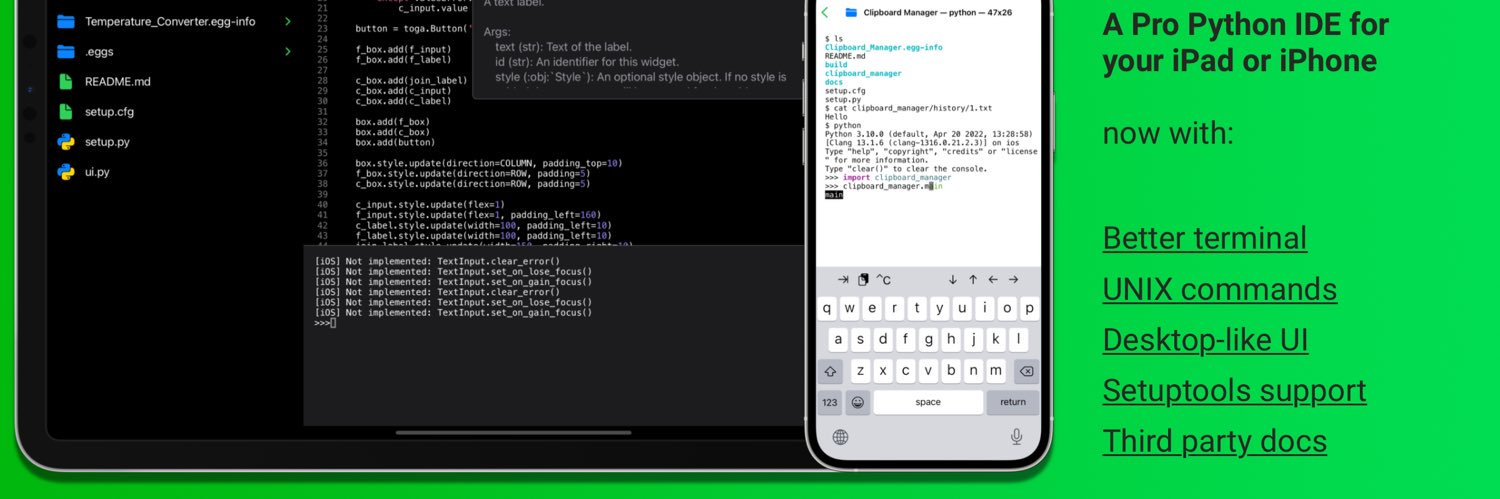
Pyto 17 is now available on the App Store, with Python 3.10 and exciting new features on a new UI. Run scripts in background with Picture in Picture, debug exceptions with a new UI for tracebacks and work with any type of data with the new pasteboard APIs. https://t.co/tyXq7HxXya
Enjoying experimenting with @pytoapp, a Python interpreter for all the iThings. You can even “pip install” externals such as Seaborn. Nice work! (I have no commercial relationship with them, just a fan)
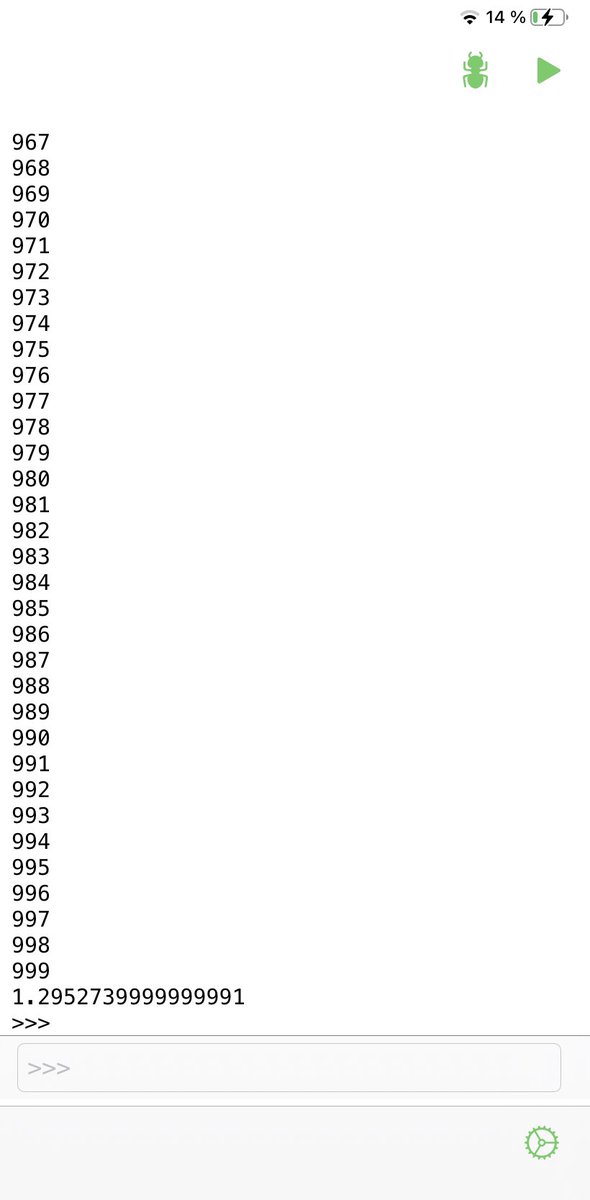
Pyto 16.1 is now available on the App Store! The terminal is now more performant and supports now more ANSI escape codes. Here is a video that shows how long it takes to print 1000 times now. (4 seconds)
Hey everyone. Thanks to users, we found the error that erase the Navigation Bar on the editor's screen. It is an iOS 13 bug and an update will be soon available.
Pyto 15.0.1 is now available!
- This version contains upgraded versions of all of the bundled libraries.
- scipy.stats is now complete and provides accurate data.
- SciPy was recompiled with Flang and includes its runtime library.
https://t.co/tyXq7HxXya
Now the framework is stored as “numpy-random-bit_generator.framework” and when the module is not found the app automatically searches for the framework and loads it. I removed so much code from that change and it will be a lot faster to add new libraries.