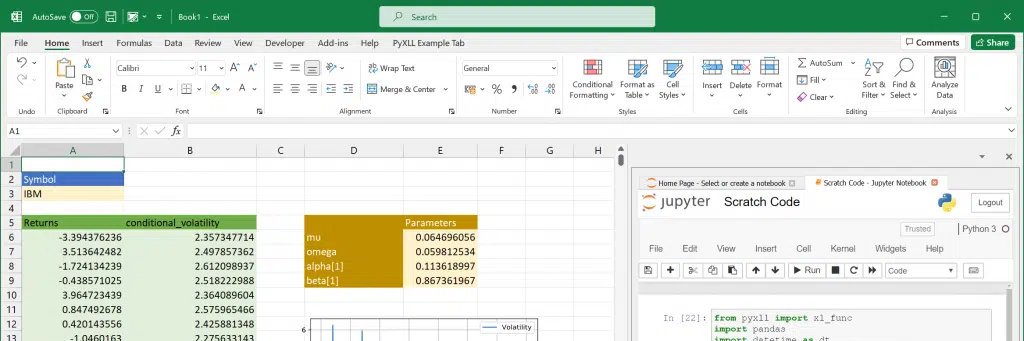
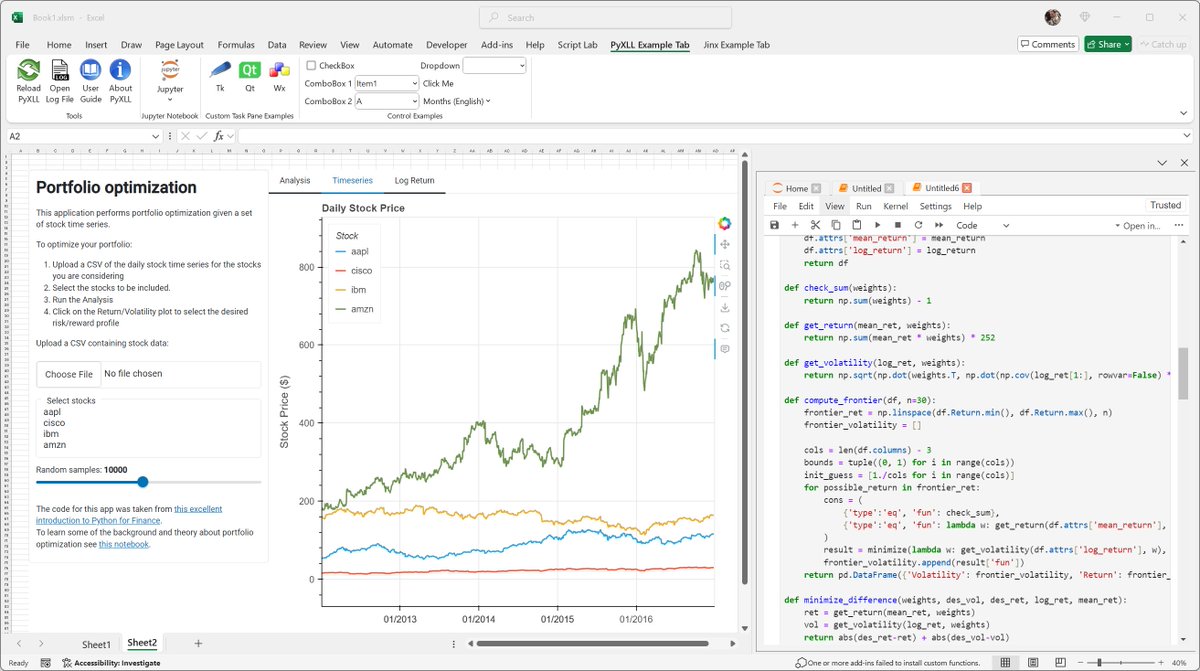
New for Excel - interactive HoloViz plots and panels! Display UI elements built using @HoloViz_org and @Panel_org directly in Excel as part of your Excel workflow and dashboards with PyXLL. See https://t.co/u98U9IWvOs for details, as well as https://t.co/zplO8JXtbf
🐍📊Explore the power of Python in Excel for YouTube Data Research using PyXLL. Uncover seamless integration, dynamic insights, and interactive analysis. Elevate your content strategy! 🎬💡https://t.co/D5hrvqW7a1 #Python#Excel#DataScience#PyXLL#YouTubeResearch#PythonInExcel
Check out this article on Python in Excel from AlgoTrading101! 🐍
Igor's article offers an overview of both Python in Excel and PyXLL, and a balanced comparison of the two 👏
https://t.co/zWlYM2OrOX
@jayzpio @didier_lopes@xlwingsorg @jayzpio Give it a go and let us know what you think! So many features that are not possible with xlwings it's hard to know where to start (as well as the massive performance difference), but of course it depends on what you need :) Check out this FAQ https://t.co/uLHiredzx0
If you're still working on the transition, PyXLL can help. I wrote about this tool a few weeks ago. It's a great product that embeds Python in Excel.
Here's the link:
https://t.co/OuwAEpQt7f
@phrrngtn @phrrngtn You can define a Python function in one cell and reference it from another (later) cell. Everything ends up in a single namespace and the cells are run in order. You can't call back into Excel like VBA, COM or OfficeScripts, so a macro wouldn't be able to do much.
Python is embedded in Excel.
And it's a disappointment.
And no one can take it seriously.
If you need to use Python in Excel, you don't need MSFT's version that runs in their own Azure container...
You need PyXLL:
Is something going on with Python in Excel? 🤔
PyXLL downloads are up 4000%! 🤯
To really use Python in Excel (not just Python snippets in cells) using your own local Python (import whatever you like) take a look at https://t.co/MqW4v0BCbt
#pythoninexcel#python#pyxll