Liquid Glass tab bar not minimizing as you scroll? The native UI needs to know which list to track, and React Native doesn’t always get it right. 🤷
ScrollViewMarker in react-native-screens 5 lets you point at the right view instead of fighting the heuristic. Learn the details from @tomaboro_👇
https://t.co/W3q4ZHhu3j
Exploring a simpler API for this.
Essentially:
- Import a context that gives you a promise that resolves if the screen was focused, or preloaded
- Get the context with `use`, then use that promise with `use`
Still thinking about the exact nomenclature, but this essentially requires a single line of code which would seamlessly integrate with any data fetching code using suspense in the screen.
You can now use SVG icons in native tabs! ✨
React Navigation 8 includes support for custom SF Symbols on iOS and Vector drawables on Android for icons.
With React Native Nano Icons by @stachbial, this lets you use SVG icons in native tabs without sacrificing performance.
Check out our docs for more details https://t.co/z09ovTvlNF
react-navigation 🤝 react-native-nano-icons 🔬
Frankly, that’s just a fraction of what @reactnavigation and react-native-screens bring to the table.
A must-read 👇🤓
React Native Screens 4.30.0 released!
Stack v4 supports iOS 27 and iPhone Duo, opaque headers work on iOS 26+, and Tabs gain prominentScreenKey.
https://t.co/MXatnvahyt
React Native Screens 5.0.0-alpha.4 released!
Tabs move to the UITab API on iOS 26.1+, custom tab-bar icons arrive, and Stack v5 header items gain new props.
https://t.co/sX9F7C4Mid
Apple changed how the prominent search tab works in iOS 27
iOS 26: UITabBarItem + UITabBarSystemItem.search
iOS 27: UISearchTab + automaticallyActivatesSearch
To achieve this React Navigation's native tabs on iOS 26+, you can now do:
tabBarRole: 'search'
tabBarSearchAutoFocus: true
If your tab isn't for search, and you just want the special styling:
tabBarRole: 'prominent'
Available in React Navigation 7 & 8, thanks to React Native Screens 👏
https://t.co/haQhtuQwdg
This one will enable all of react-native-screens consumers to easily adopt custom native symbols in tab bars using 🔬react-native-nano-icons.
And that’s just a grain of sand in what rn-screens are constantly shipping to provide top-tier native experiences in React Native 🫡
Thanks @kafara_kacper and @kligarski!
Totally worth upgrading! New icons API in Tabs by @stachbial is IMHO a banger.
FYI: We'll have a follow-up release coming early next week with some additional patches listed here: https://t.co/RnMVSmbcaY
React Native Screens 4.29.0 released!
iOS Tabs move to UITab and gain search, sidebar placement and custom icons, plus Android fragment fixes.
https://t.co/5seLnx8NQO
Here's some more iPhone Duo interactions in 𝚛𝚎𝚊𝚌𝚝-𝚗𝚊𝚝𝚒𝚟𝚎-𝚜𝚌𝚛𝚎𝚎𝚗𝚜
✅ Split Columns adapt to the half-folded mode
✅ Tabs move to the side also when nested inside other containers
✅ Search Field moves to the trailing edge when half-folded
iPhone Duo in react-native-screens:
✅ Tabs on the side
✅ New default header behavior
✅ FormSheet that adapts to folded screen
✅ SearchTab with automatic activation
That’s what native containers give you. And there’s going to be much more.
What does it take to build React Native's navigation system? 🧭
@satya164 goes behind the scenes of React Navigation 8 at reactnativeCon Berlin.
Learn more: https://t.co/inO7y2yx04
#nextapp26#ReactNative
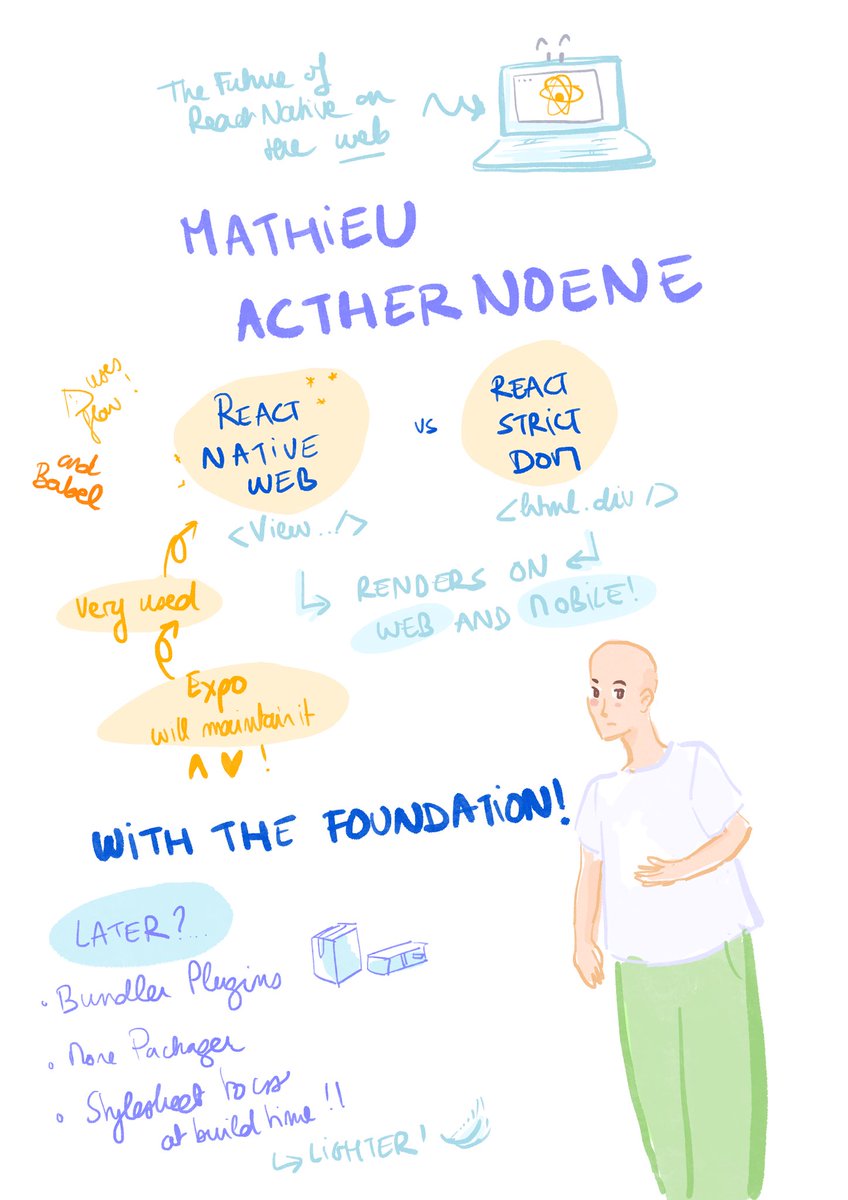
@ReactNativeConn 2026 is a wrap! This year’s theme was Monet and Impressionism so obviously the drawings came back; this time with a focus on the speakers, who truly did an amazing work for all of their talks 💙 cheers to @FilipKaminski@ziusko@zoontek & @uffoltzl !
We're adding an AI Usage Policy to the React Navigation repo.
AI helps us move fast, but we believe humans should still have understanding of systems they are working on. It also must not replace human interaction.
Open Source is about collaboration. Let's keep it that way.
https://t.co/zSzEauqaKg