What's Remotion? A way to compose your video with code!
• Use React, a powerful frontend technology, to build sophisticated videos with code.
• Put together building blocks - like <Video>, <Img>, <Audio> as well as your custom components, in any way you want!
• Break down problems into smaller components and re-use them for all your videos.
Bringing all the nice things about frontend programming to video creation - that's what Remotion is all about!
What's Remotion? A way to compose your video with code!
• Use React, a powerful frontend technology, to build sophisticated videos with code.
• Put together building blocks - like <Video>, <Img>, <Audio> as well as your custom components, in any way you want!
• Break down problems into smaller components and re-use them for all your videos.
Bringing all the nice things about frontend programming to video creation - that's what Remotion is all about!
@sumit_zip You don't!
We enable the flag by default and compiled a custom version of Canary that also satisfies our other requirements (media codecs). Cheers!
Hello World!
$ npx create-video@latest --blank -y glitch
$ cd glitch && npm i
$ claude
> use remotion html-in-canvas best practices. create a sample composition and apply a glitch effect to it!
To preview the video, you need Chrome Canary and to enable a flag once. Rendering works out of the box.
Mediabunny 1.42.0 is now out, adding THE most requested feature: full read/write support for HLS! 🚀
It's truly a game changer for client-side media processing. Here, I'm creating 5 renditions from a 40-second video in ~10 seconds, fully client-side, without a transcode server:
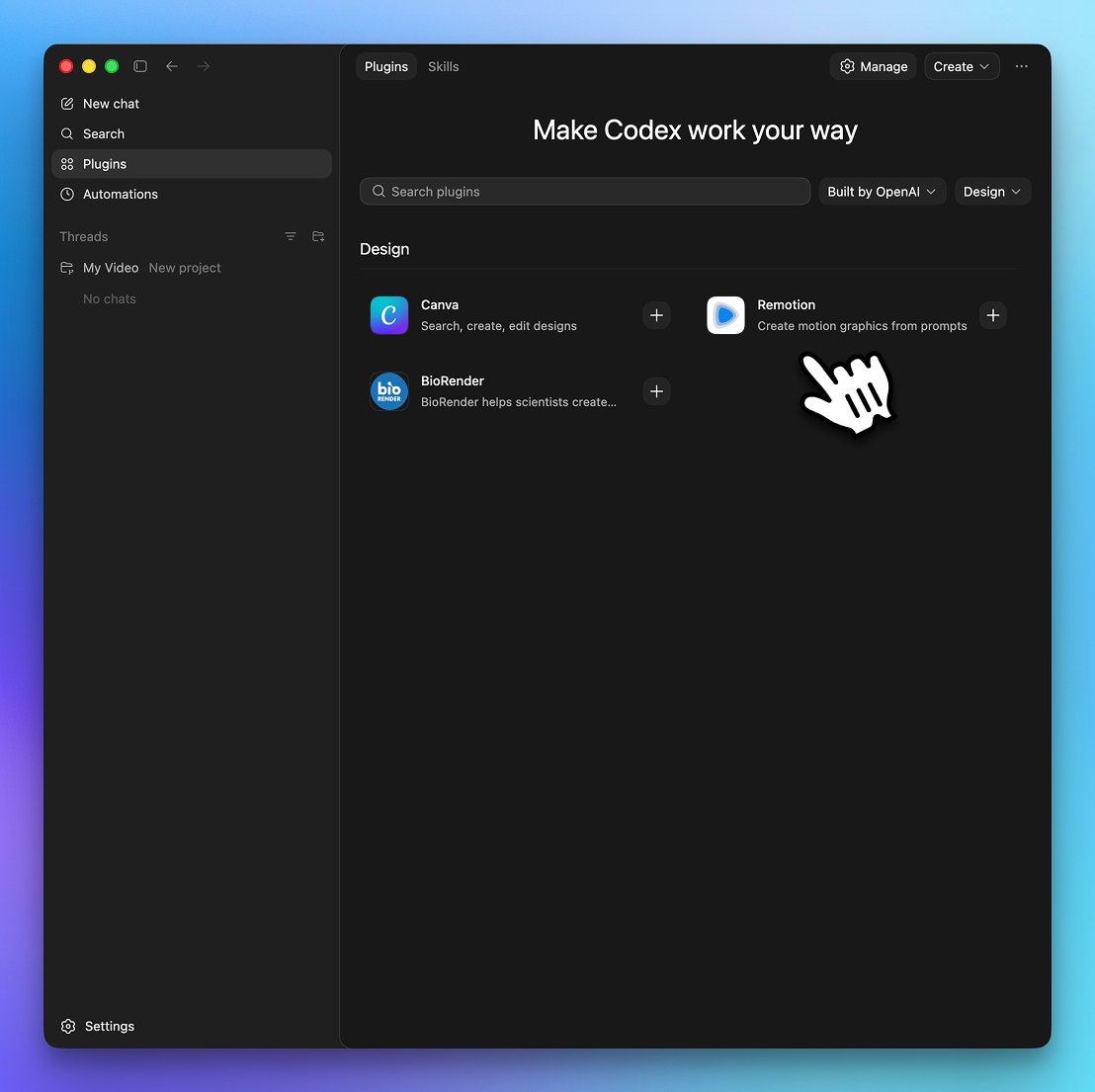
We’re adding more plugins to Codex to give it more ways to gather context and take action across your stack.
New plugins include @coderabbitai, @Remotion, @CircleCI, and more.
Check out the new Codex Plugins, you can find us there!
Within your Codex app you can now install the Remotion Skill with one click, skipping the CLI installation.
https://t.co/kazdgkdv6w
Codex for (almost) everything.
It can now use apps on your Mac, connect to more of your tools, create images, learn from previous actions, remember how you like to work, and take on ongoing and repeatable tasks.