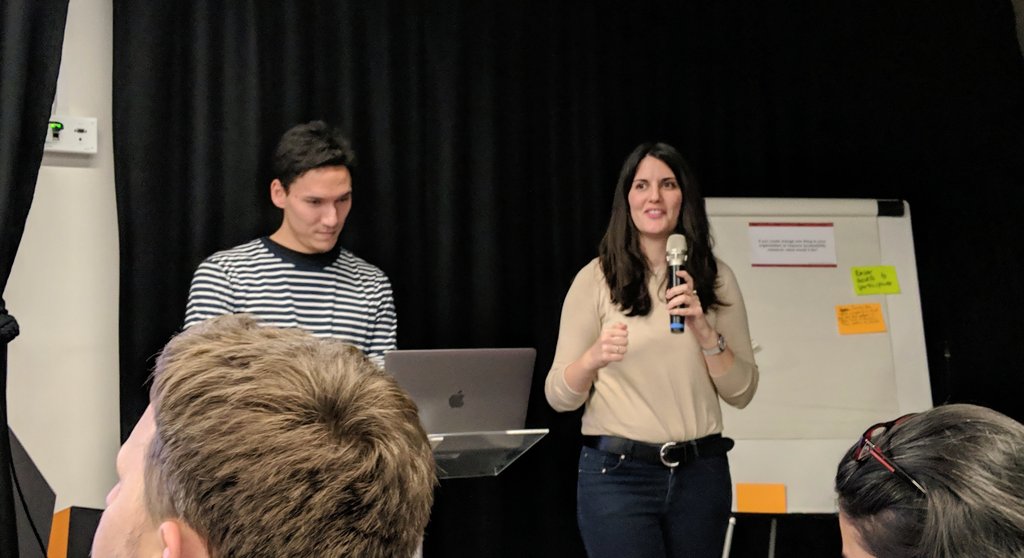
Tips from @AvivaUK for getting #accessibility buy-in.
1) find out who else in org is looking into it, forge alliances.
2) learn how the tech is developed to understand where to make it happen
3) score your company now with accessibility maturity model #researchhuddle
How to get buy-in for #accessibility research?
- Get someone like @Abilitynet to come and give an experience talk. Seeing is believing.
- Make accessibility everyone’s responsibility, including tech, legal, marketing. Get trainers to come in-house #researchhuddle
“As designers you have such power. Doctors might not be able to fix someone’s impairment but you can make their experience better” @Abilitynet#accessibility#researchhuddle
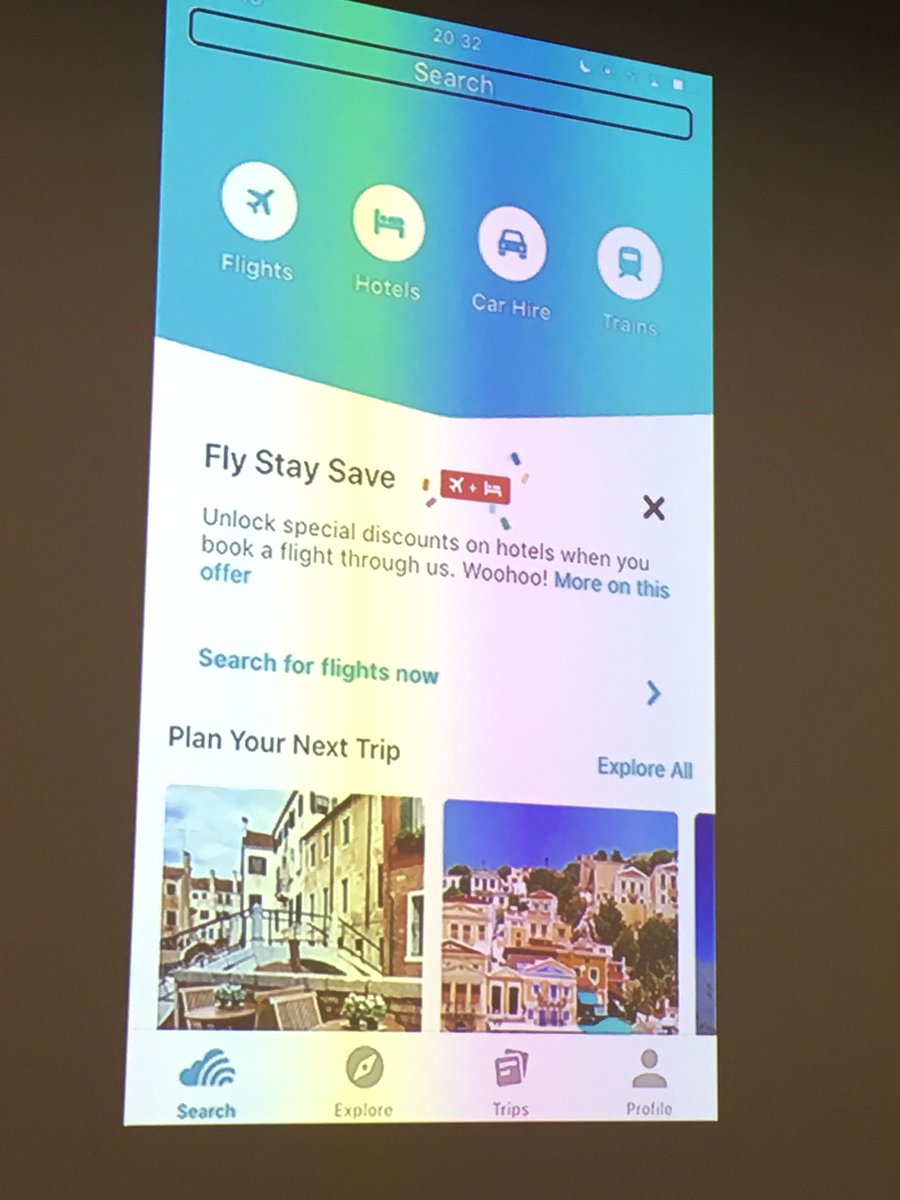
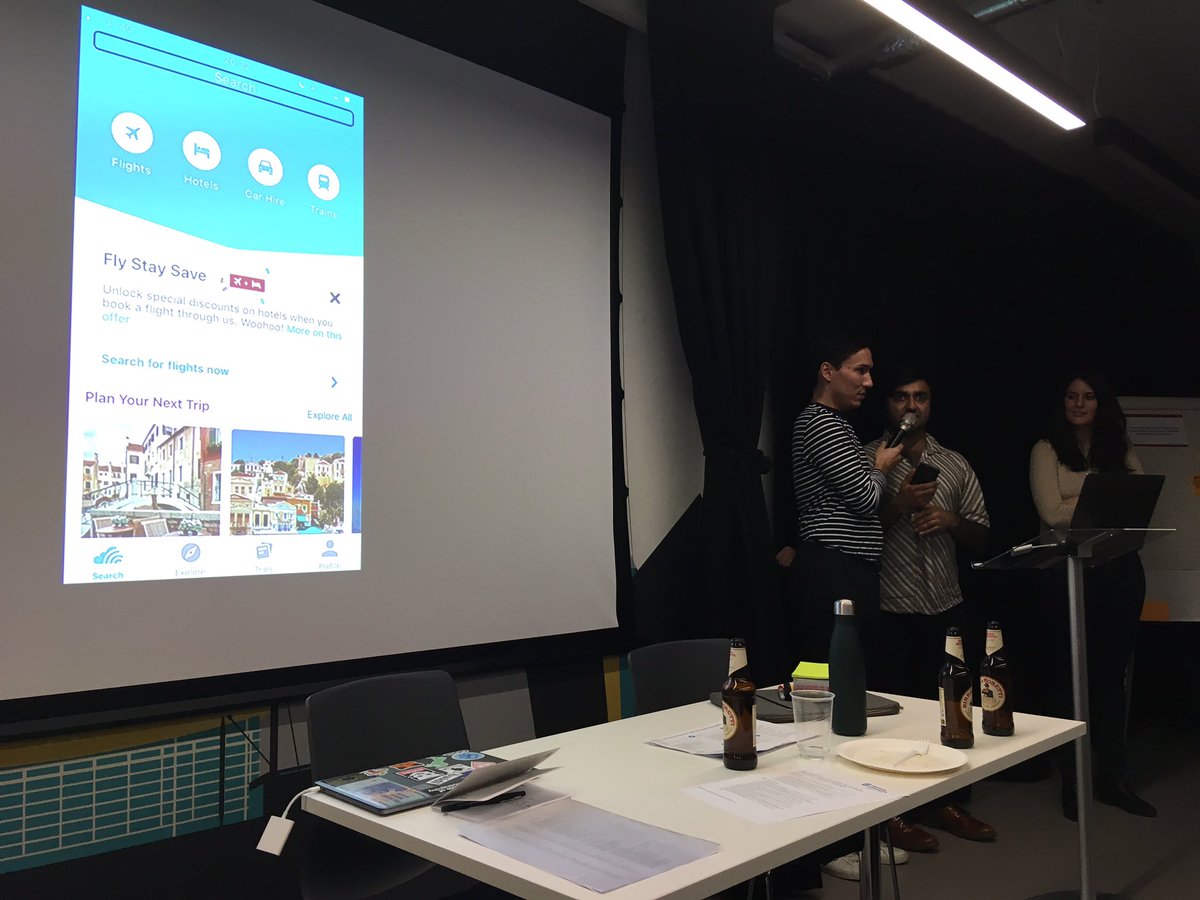
Adi from @Abilitynet naming and shaming some services that *wont* make their app able to be used by people using a screen reader... recognise the app in the photo? #accessibility#researchhuddle
We must avoid creating a socio-technical divide when designing products and services. Services which are cheaper online but more expensive when picking up the phone could be discriminatory #researchhuddle
The poster of which users with access needs to research when, by me & @HODigital mentioned at @ResearchHuddle meetup is available at https://t.co/qwmf36doYe #researchhuddle
Don’t creat a “disability persona” alongside your other customer personas. Disability is incredibly varied and will be part of your core group of users #researchhuddle
Getting started with accessibility design? Check out wcag 2.1 to see if your product passes or fails, and how, to start doing research in that specific area #researchhuddle
Where possible, allow participants to bring in their own equipment with their own browser/tech calibrated to their needs. Impossible to replicate in a lab setting #researchhuddle
Offer your elbow when meeting a participant who has visual impairments, and describe the route, doors, steps etc as you navigate them #userresearch#researchhuddle