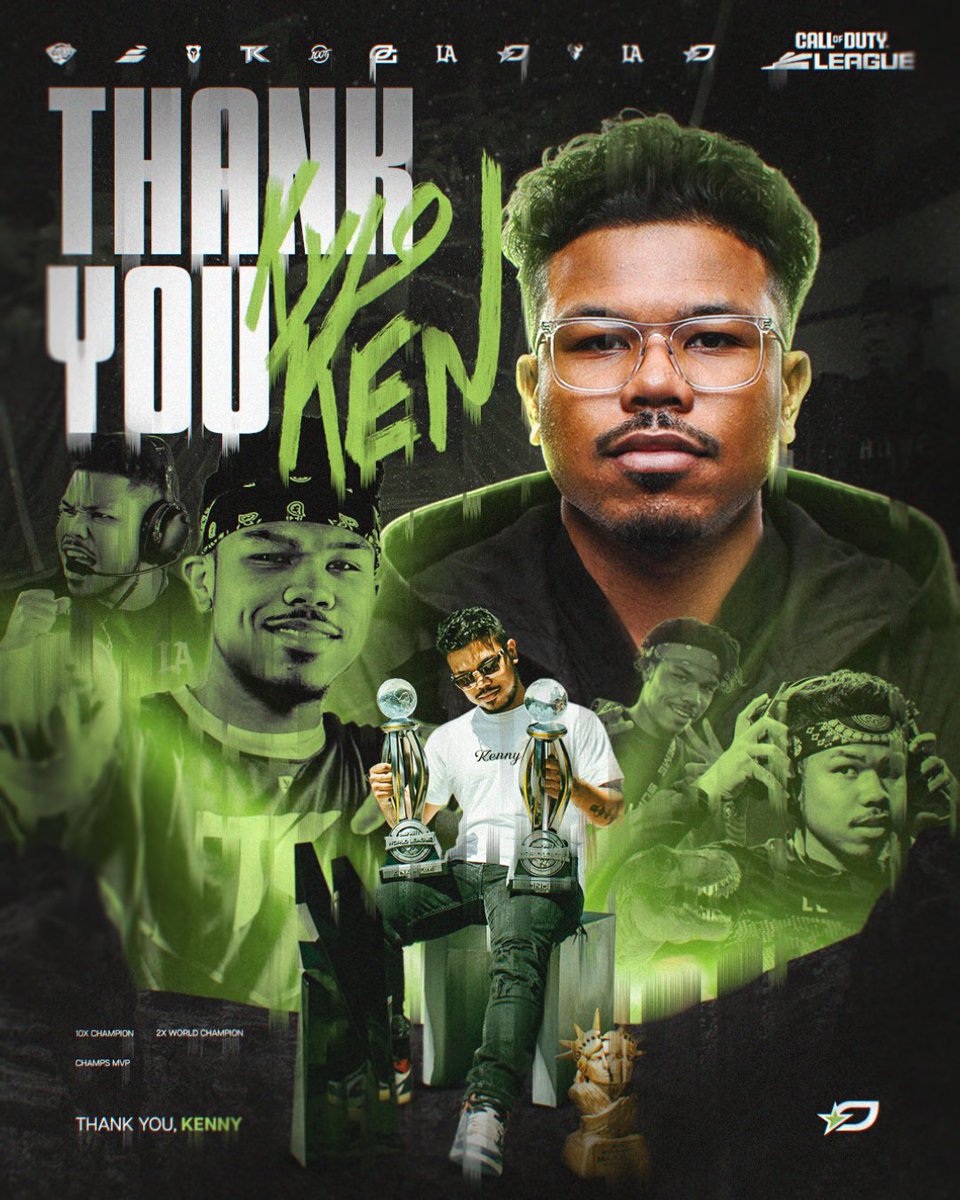
It’s time. It’s honestly been time for a cool minute but as you can tell there was GOOD bit of thinking going on.
First off I just want to say how much I appreciate the CoD community from the bottom of my heart. Even if you’re a hater or you’re a full on a supporter, it’s been a crazy ride.
I simply just fell out of love with the game and nothing about playing CoD has brought me happiness in the last 2 years. I never wanted to go out with a bad ending but I guess we can’t all end on a high. Still feel my career is one to be very proud of and I’m grateful for all of the friendships and trophies I was able to get while competing.
This past year of doing the watch party/content has simply just rejuvenated all the fun and happiness I was missing out on while also still keeping me a part of something that I’ll always care about (CoD). Thank you to everyone who continues to support through this new time in my life, I’m excited and I look to still possible compete in something🦖 Love you guys..
GGs Miami…
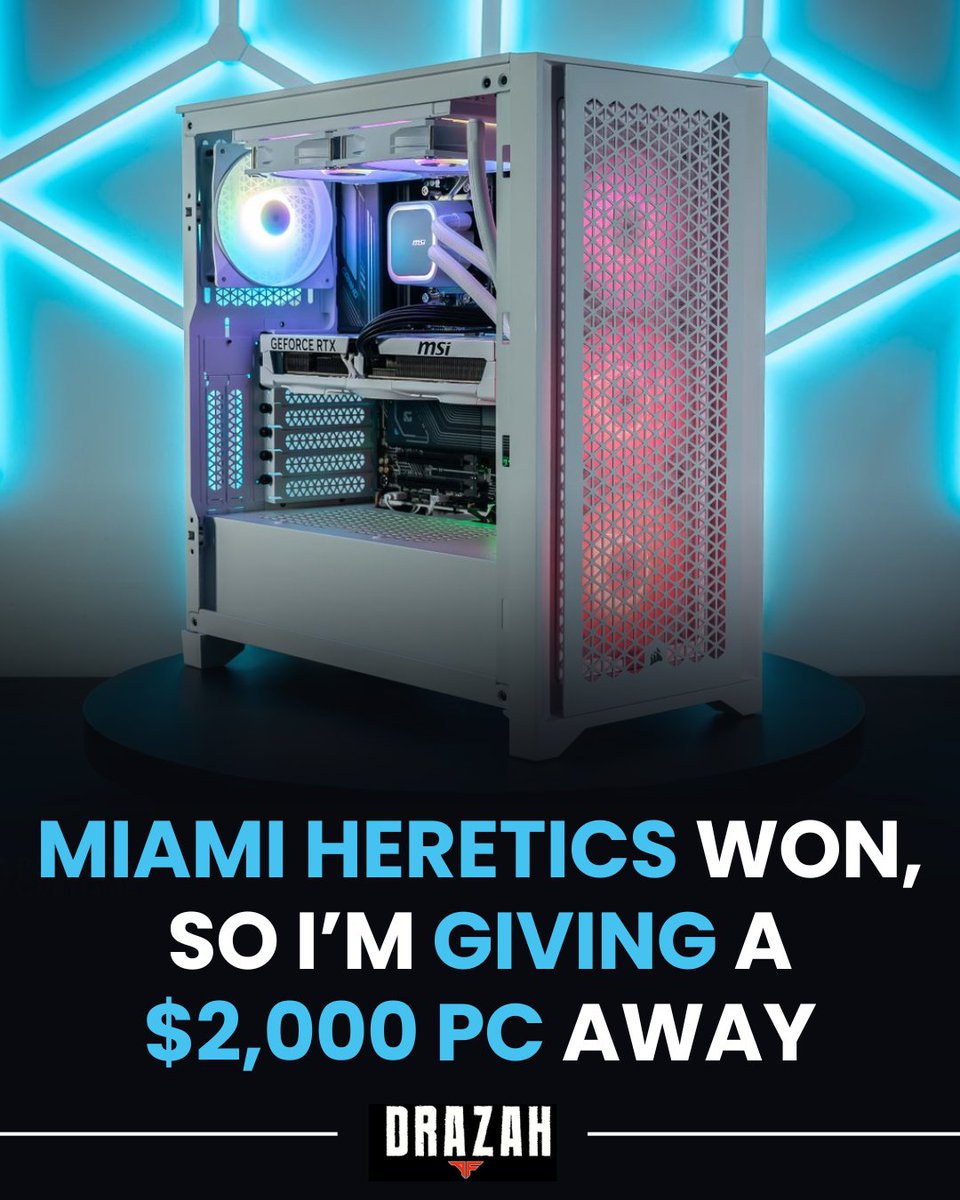
As promised, I’m giving away a $2,000 PC with Paradox Customs!!
To enter:
- Follow me and @Brparadox
- Retweet and Like this post
- Tag 2 friends
Giveaway ends May 14th at 3PM EST
🚨DLSS 4 vs 4.5 – Black Ops 7 Performance 🚨
MUST READ if you’re on an NVIDIA GPU
Short version:
DLSS 4.5 is not for everyone
🟥 RTX 20 & 30 Series Users
❌ Avoid DLSS 4.5
✅ Use Fidelity CAS or DLSS 4.0
🟩 RTX 40 & 50 Series Users
✅ DLSS 4.5 is worth it
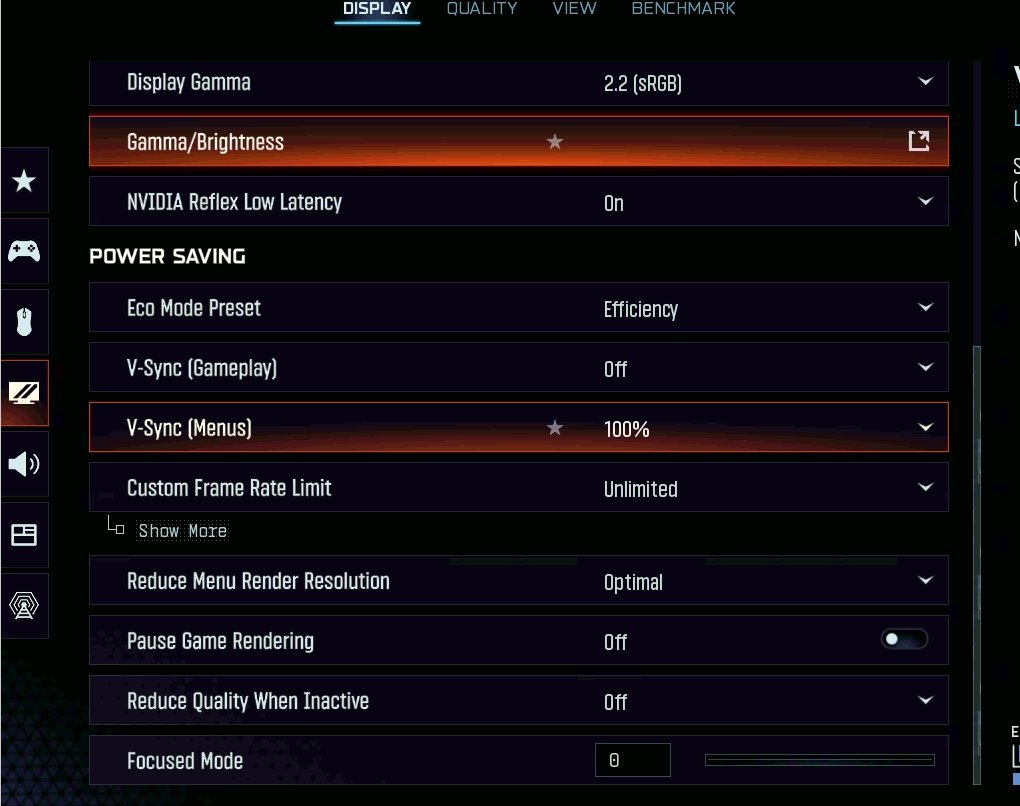
Instant FPS Boost in COD Black Ops 7:
1. Open File Explorer
2. In the address bar at the top, go to this folder (replace YOUR_USERNAME with your Windows username):
C:\Users\YOUR_USERNAME\AppData\Local\Activision\Call of Duty\players
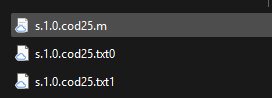
3. In the players folder, find and delete your three files named: "s.1.0btcod25.txt"
4. Paste the 3 files that I provided you in the link down below in that players folder.
5. Enjoy the FPS