Run, Hike, Bike and Train with your Samsung Watch ! Free download at https://t.co/UTRc8Gm8DX. Compatible with Strava, Runalyze, Smashrun, Fitnessyncer and Dopbox.
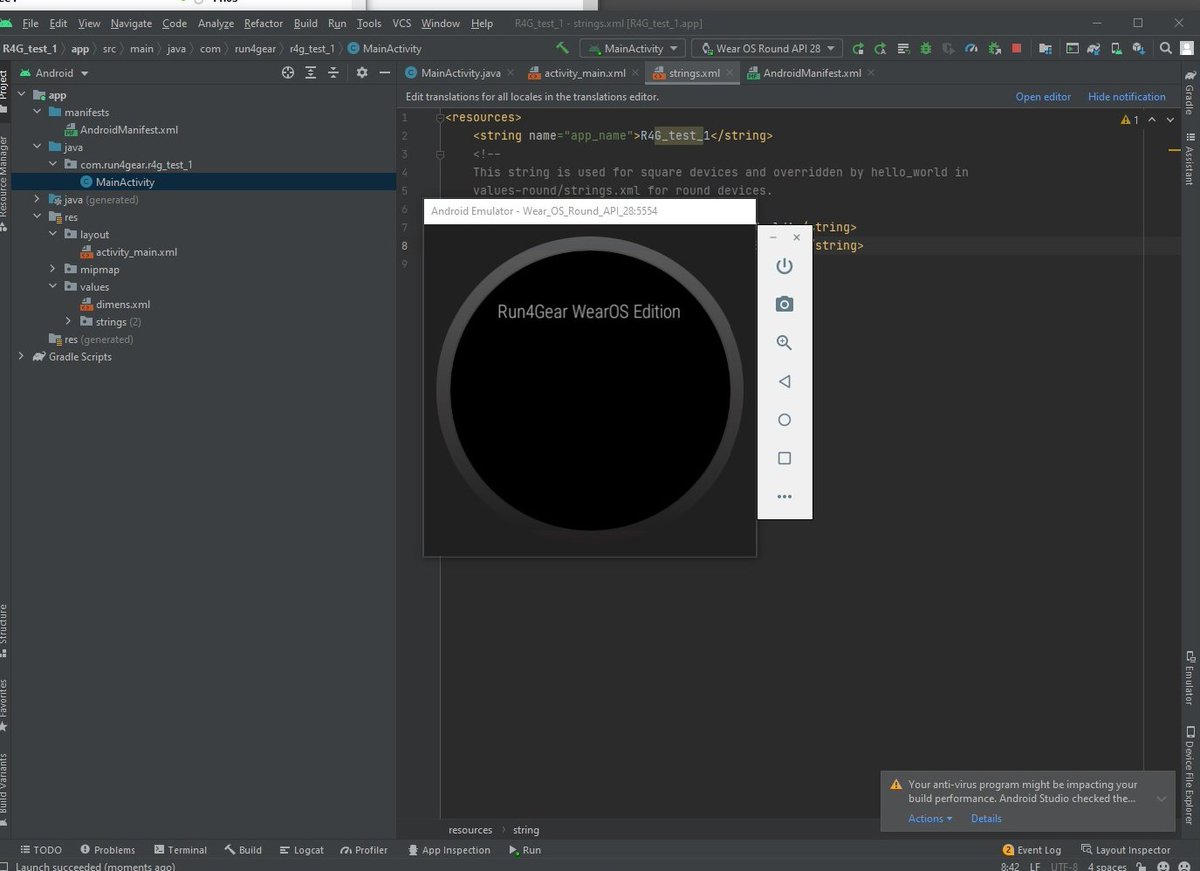
I just installed Latest Android Studio, Development seems to be a lot easier compared to Tizen Studio ... I'll give you some update. We are lucky, I code in Java as well as in C++. It is just a matter of learning the wear OS API.
@demeester_jonas@rt141264 It should work fine with your H10. R4G III has got a better support of BTLE devices. Remove battery from you H10 (reset it) and then retry
UPDATE : It seems that if you reset the watch it solves the certificate problem. Be carefull, it will remove all your files. You should first save them to your computer or phone and then restore them.
@mgm1001001 I'm sorry but it seemq that I can't do nothing for gears3. The only solution I have is:
- pay for a non free certificate (I already pay the server for all of you and I win absolutly 0$ for that ...)
- release a special version for gear s3 with no ssl certificate.
Sorry ...
Update: I read many things about the "DST Root CA X3 Expiration Problem". If one of you succeed to sync with a watch version (GWA2 for instance) there is no reason that others failed. Do you have the problem with direct WIFI (no phone connexion) ?
Please you that link to convert your json file to tcx file.
Just press browse button to select your json file form you computer and then press convert.
https://t.co/zw26P93IvE
@run4gear I have been able to resolve this issue for my GWA.
- Use file transfer to export json files to phone.
- Reset watch
- Reinstall R4G
- Reconnect with Strava
- Copy json files to R4G folder on GWA
- BINGO!!!