Check out my latest @VueMastery course! In the course, we build an AI powered app using OpenAI, Deepgram, Replicate, and LangChain!
@OpenAI, @DeepgramAI, @replicatehq, and @langchain
https://t.co/pJ2Z3JVz2A
Ready to build your own AI-powered App?
Join @sandra_rodgers_ as she guides you through the exciting world of AI and teaches you how to build truly intelligent apps.
Start learning now👇
https://t.co/poMHFIXquZ
@BekahHW I made an open source contribution a few years ago to a little vue package; the owner worked for a startup. He had his CTO reach out to me through linked in. I interviewed and they wanted to hire me but I decided to stay where I was. Great experience though!
@wesbos@geteslint@slicknet@syntaxfm Oh of course! Definitely could make this with a speech-to-text API, but a human editor is still going to be more accurate than AI - for the time being at least.
@wesbos@donnell@DeepgramAI Anything you do would be programmatic to change the label of the speaker (speaker 0, etc) rather than training the actual AI to recognize the speaker. That's why we're trying to improve diarization to be more accurate. It's a really popular feature and there are so many use cases
@wesbos@donnell@DeepgramAI No, we don't have a way to recognize the speaker by name yet. That would be amazing.
We're actually working on an improved version of diarization that we're looking for beta testers for. Would you be open to testing that and giving feedback?
@wesbos@donnell@DeepgramAI Hi Wes! Deepgram DX engineer here.... So happy that you're trying us out!
We just came out with a playground (it's still in beta) that might help you quickly try out some of the features and find the one that works for what you're trying to do.
https://t.co/4kLDAwUwIs
New video tutorial 🚀
How to use OpenAI's Whisper but get word-level timestamps and speaker diarization using @DeepgramAI's API?
And how to generate a subtitle file (.srt) file with word-level timestamps and create Instagram-style fast word-scrolling text videos?
Full tutorial along with code and easy-to-try Google colab notebook are available as well!
https://t.co/r40UK6rUEM
How to use OpenAI's Whisper and get word-level timestamps using @DeepgramAI 's API?
And how to generate a subtitle file (.srt) file with word-level timestamps and create Instagram-style fast word-scrolling text videos?
Video tutorial coming soon!
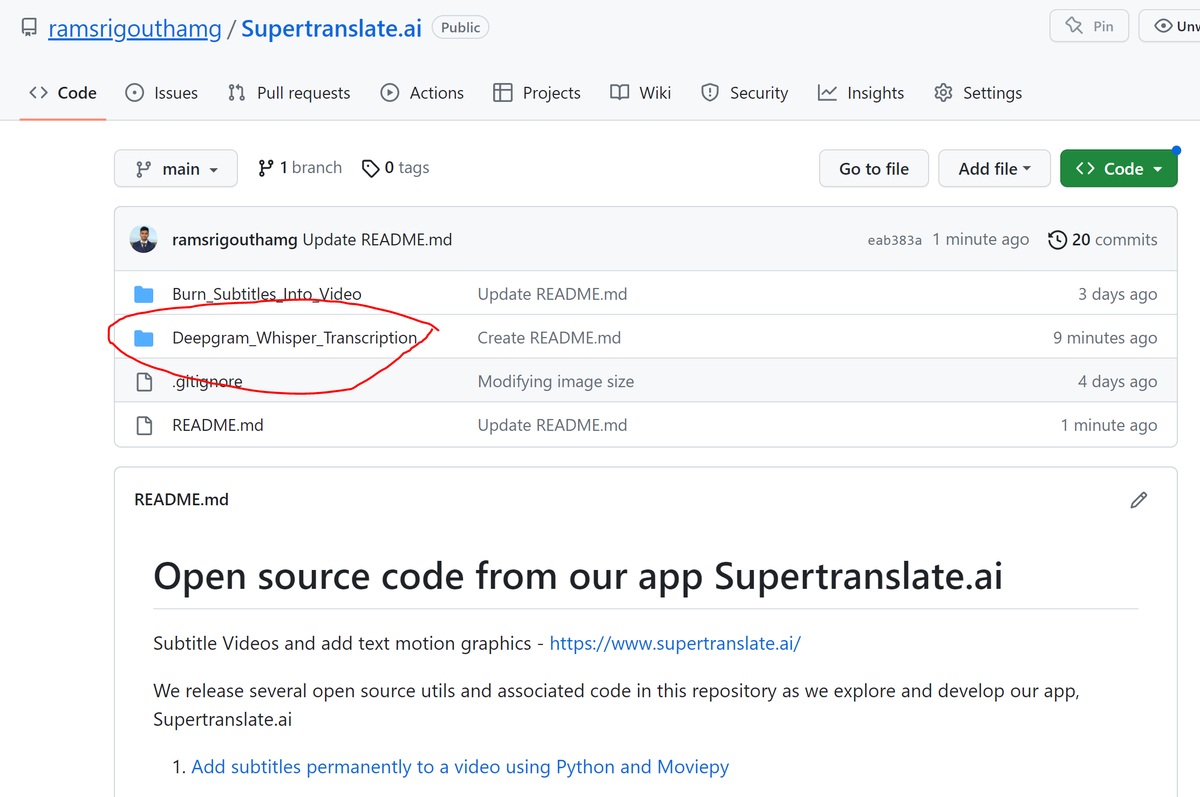
But the code and easy-to-try Google colab notebook are ready at our app's open-source repo:
https://t.co/AL9vzLSJ1D
Yesterday @DeepgramAI made two interesting announcements in the speech-to-text world!
1. Custom OpenAI's Whisper API with built-in speaker diarization and word-level time stamps. This is definitely HUGE!
2. Their newest model (Nova) for English speech to text that is claimed to be the best out there even better than Whisper in WER (word error rate)
@ramsri_goutham@DeepgramAI@ramsri_goutham I'm curious. Have you tried whisper through openAI's API? How did it do with Hindi? I would like to know if you get similar results when you try it with Deepgram's Whisper.
It's definitely a nice feature that you get diarization, since OpenAI doesn't give that!