SEO & AI visibility tools for marketers & agencies:
🛠️ SEO, GEO, Local SEO & GBP Audits
🔑 Keyword Research & Tracking
🔗 Backlink Research
🕵️ SEO Crawler
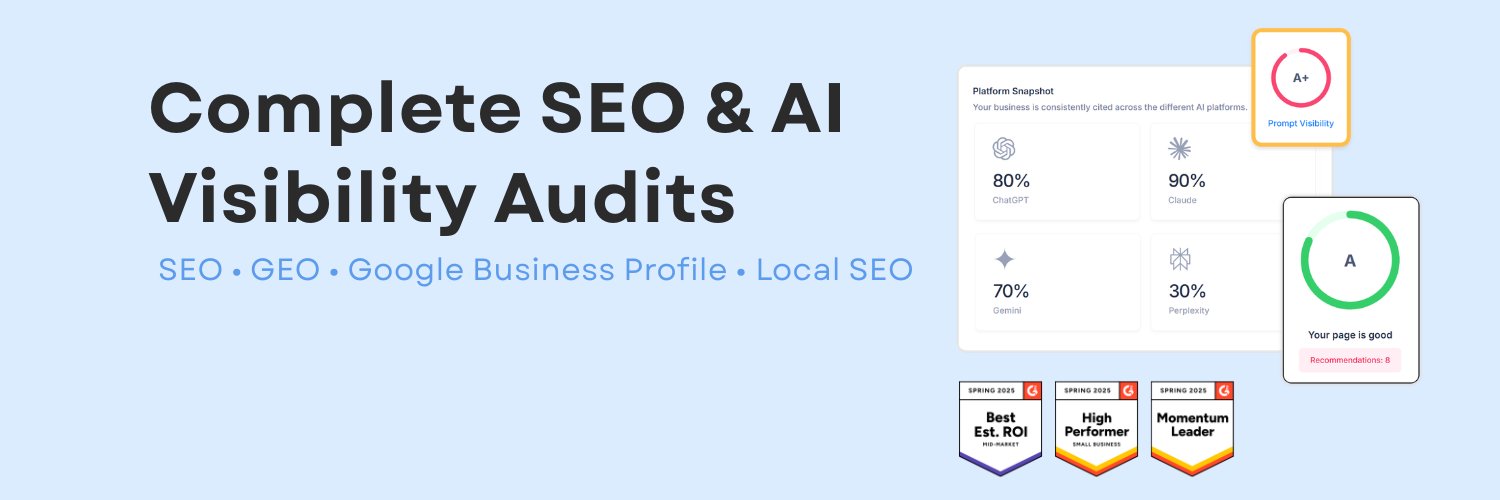
Traditional rankings no longer tell the whole story.
People are increasingly turning to AI for answers, comparisons and recommendations—creating a new layer of search visibility for businesses to understand.
Here’s how the SEOptimer GEO Audit helps 🧵
Ready to try them yourself?
Explore these four tools alongside SEOptimer’s collection of 60+ free SEO tools for keyword research, website checks, and more. 🚀
Bookmark your favourites 👇
https://t.co/eyTzVmwKB8
Four free keyword tools worth adding to your workflow 🔎
Explore your AI Overview citations, organize keyword lists, research competitor ad keywords, and understand search intent
Here’s what you can do with each 🧵👇
What does someone searching your keyword actually want? 🧭
Use SEOptimer’s free Keyword Search Intent Tool to identify informational, commercial, transactional, or navigational intent and help shape your content.
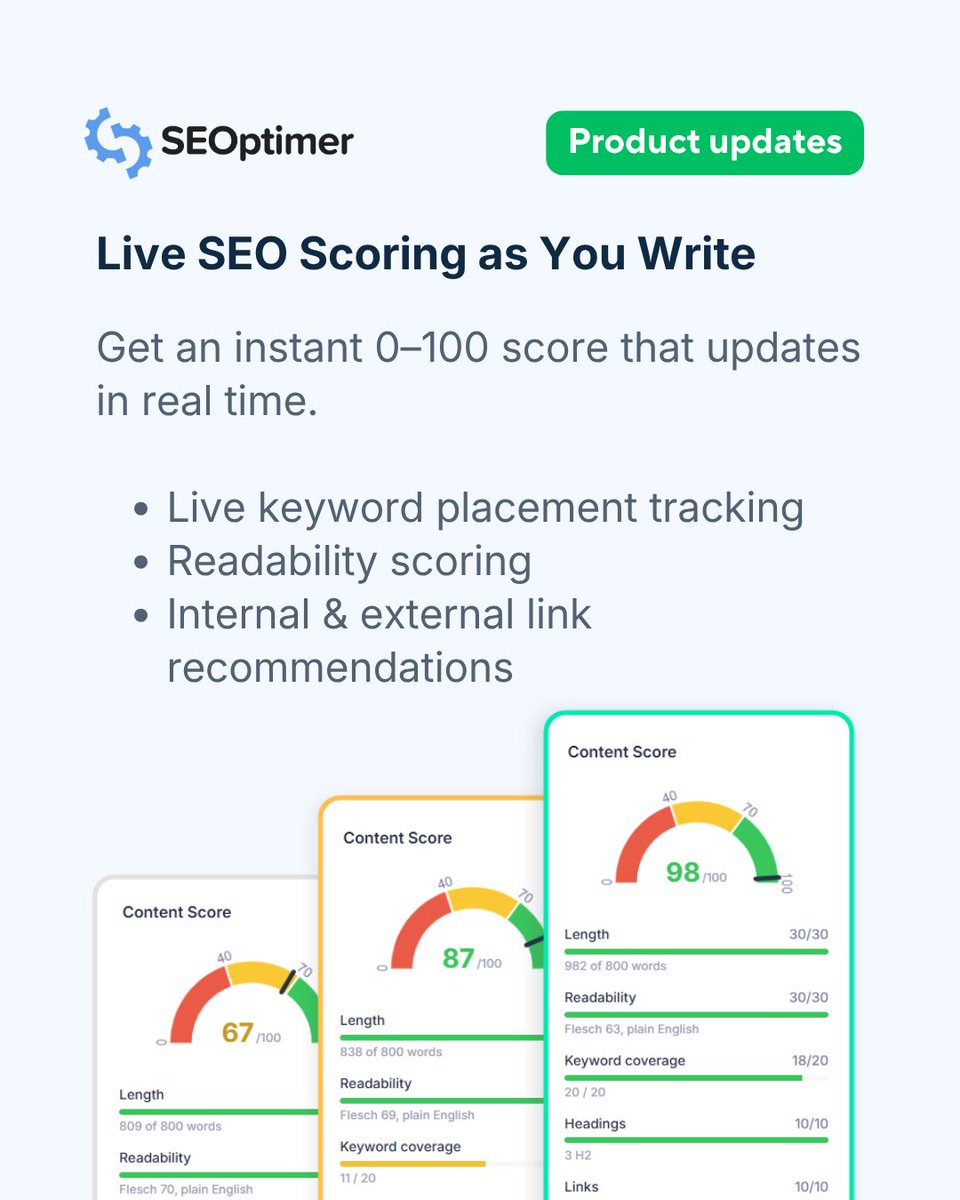
Use your Content Score to guide your edits, from filling gaps in coverage to making your writing easier to follow.
Try SEOptimer’s AI Writer and see how your next article measures up. 🚀
https://t.co/RXUxYVPVGn
Great SEO content has these 5 elements. Does yours? 👀
SEOptimer’s AI Writer brings them together in one Content Score to help you spot opportunities to improve.
Here’s what each check covers. 🧵👇
🔗 Links — 10% of your Content Score
Connect your article to useful information. This check counts your internal and external links.
Help readers explore related pages on your site and follow your sources for further context.
How does your Google Business Profile measure up across these 4 areas?
Run an instant audit with SEOptimer to uncover hidden optimization gaps, get your profile score, and see actionable steps to improve your local rankings: 🔗 https://t.co/uWvJauCZyM
Most local businesses have a set-it-and-forget-it kind of mindset when it comes to their Google Business Profile.
In reality, it’s often the very first touchpoint a potential customer sees. When you break down top-ranking profiles, high visibility usually comes down to four core pillars:
4️⃣ Relevant Keyword Usage
Incorporate specific service terms naturally within your business description.
Using phrases your customers actually search for (e.g., "leak repairs" or "drain cleaning") helps Google match your profile to high-intent queries.
Say goodbye to generic AI text and hello to content built to rank.
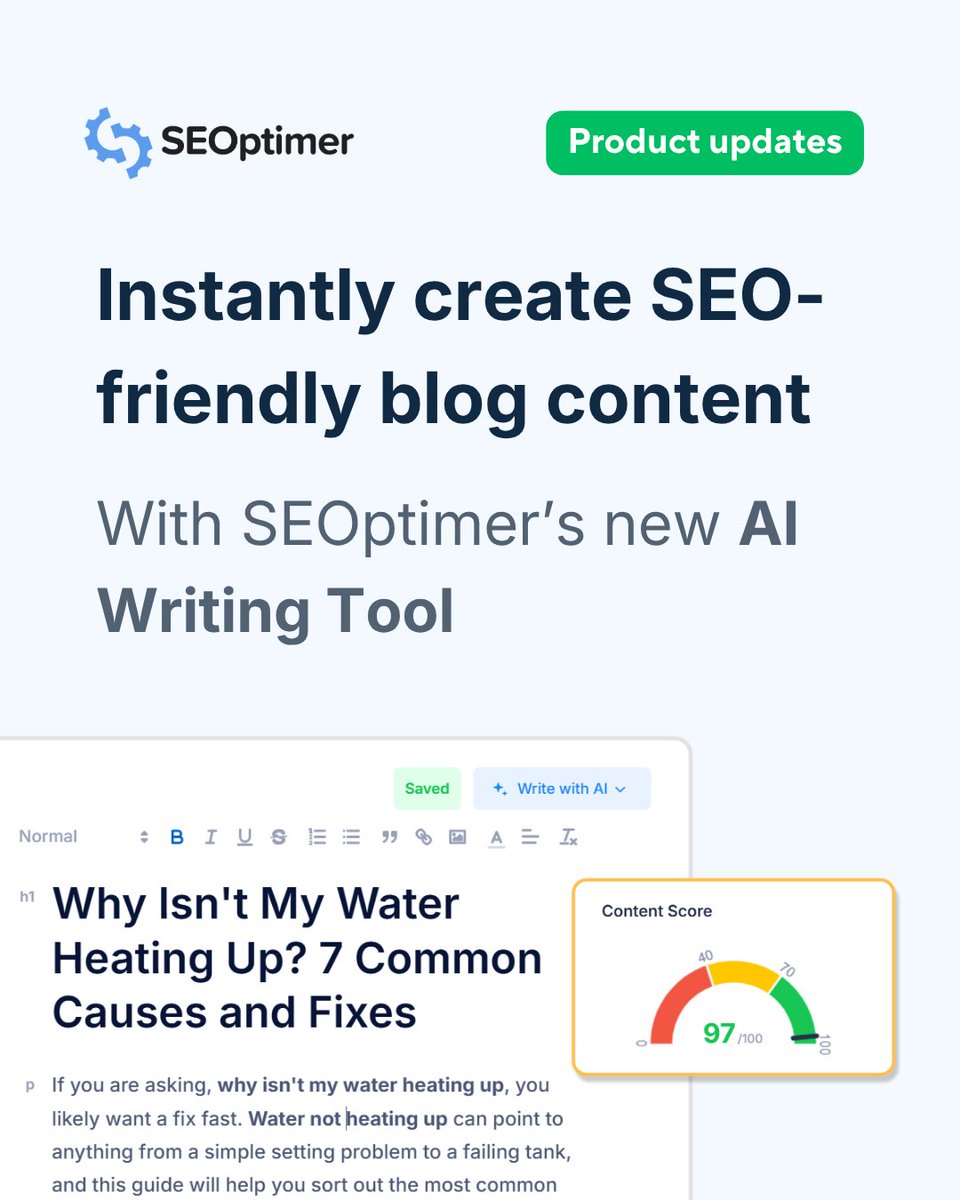
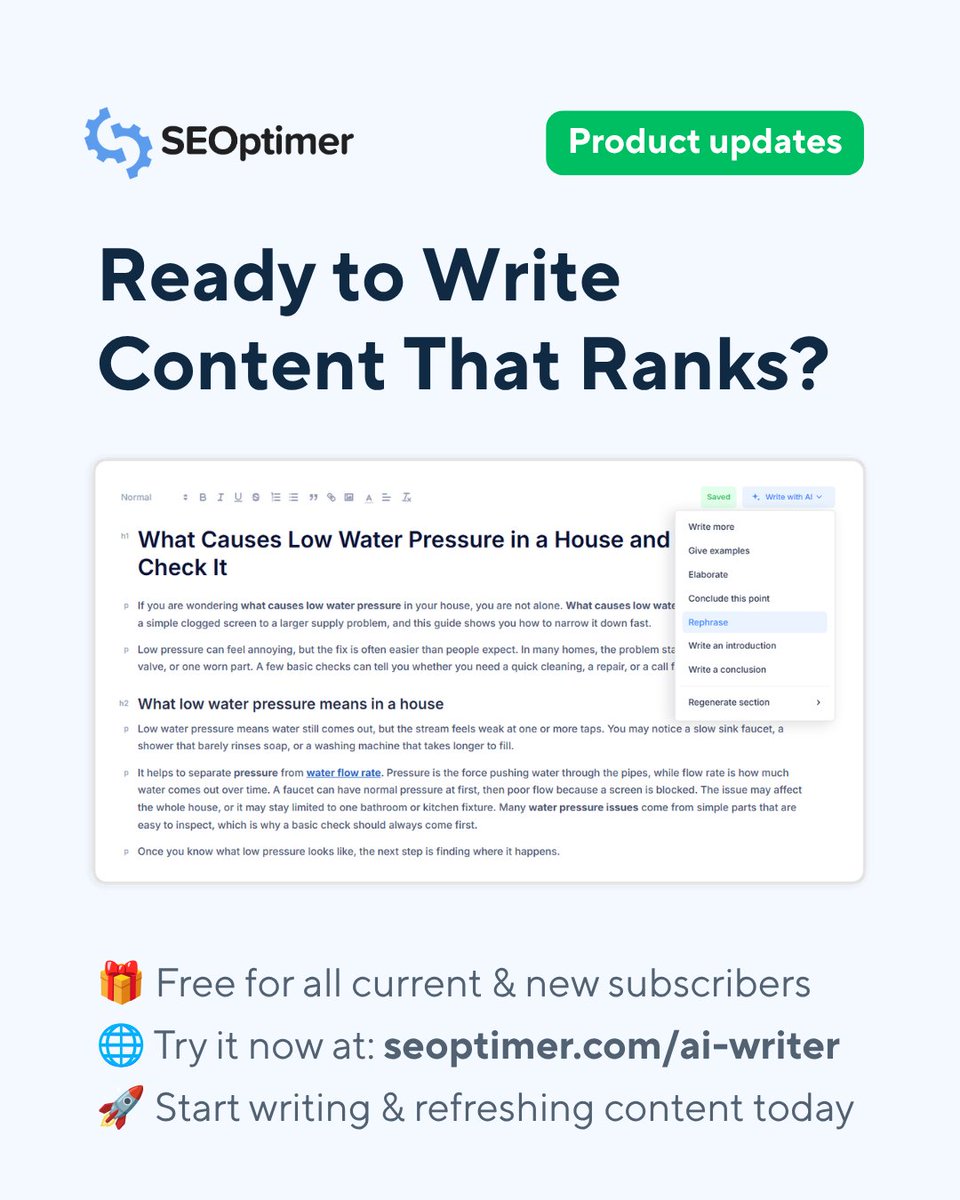
We launched SEOptimer’s new AI Writer this week, designed specifically to help you create, optimize, and publish high-ranking blog posts faster than ever. 📈
Unlike standard writing tools or just plain ChatGPT, our AI Writer combines live SERP intelligence with several years of SEO expertise to help you write content that search engines actually love.
Here’s what you can do with it:
🔍 Live SERP Research: Automatically scans current Google search results for your target keyword and country before drafting.
📊 Real-Time Content Score: Get an instant 0–100 score measuring keyword placement, readability, internal/external links, and word length.
🔗 Smart Internal Link Suggestions: Add your website URL to get relevant internal linking recommendations as you edit.
🌐 Global SEO & 49 Languages: Target specific country search engines and write content in up to 49 languages.
✍️ Flexible Creation Modes: Choose between generating a full article draft, generating a structured outline, or writing yourself with live AI assistance.
🔄 1-Click Content Refresh: Import published blog posts, spot missing keyword gaps, and update outdated content with full version history.
Best of all? It’s included completely FREE across ALL SEOptimer plans! 🎉
👉 Check it out at https://t.co/6g7Dhh5fA8
#seoptimer #aiwriting #aicontent #freetools