Created our first coupon code, sent it out to my personal newsletter, realised it was the wrong code 🤦♂️ 🤦♂️
So if you want to get 50% off your first month with the Standard plan, you can now use either SERP50 or SERP10.
Take your pick!
Excited about this... our awesome dev team found a way for SERP Lens to function more like a normal browser (now able to open/close the analysis panels).
This was previously a big limitation to our Chromium installation/app build, but they've found a workaround.
Coming soon!
I challenge you to find a Chrome extension that would find this same technical issue - this had me scratching my head while completing an audit.
Discovered a subset of pages that were excluded in GSC due to having a "noindex" tag, but haven't been crawled in months.
No noindex tag. No issues with canonicals or hreflang. But then I saw this alert in @serplens.
The issue was very subtle, where the canonical URL was different to what was being referenced in the hreflang (is missing the additional /news sub-folder).
So it may be true that the page had a noindex tag at one point, but because of the hreflang issue and duplicate URL, the page was being missed by Google completely.
It seems that the additional "news" sub-folder was removed, but the duplicate was left as a remnant, and then it had trickle-down effects for indexing.
Now, back to my audit... glad I was able to pinpoint this issue because it was confusing me. All with the help of my browser!
Nicely done @SamUnderwoodUK 👏
NEW: 'SERP Previews' are now live.
Especially useful for previewing snippet changes for clients when you want to make updates.
Use the desktop/mobile previews to show how it will look in Search, with the ability to copy/paste output or use our screenshot functions.
How to take SERP screenshots, annotate, and share to social media in seconds with SERP Lens.
Tip: screenshot shortcuts are a superpower once you learn them. Also, don't 'download', just use 'copy' for your marked-up graphics.
Were ads a hidden contributor to the impression spikes in Google Search Console all along?
Earlier this week, I received an interesting message that led me down a rabbit hole...
Learn about what the theory is based on, impressions in GSC history & more: https://t.co/Nb70yWxheu
Our screenshot capabilities are improving 👀
Will now be able to use shortcuts e.g. ⌥⌘5 (capture app window) to quickly access the markup panel.
You can then use the 'copy' button to share your findings directly to social media.
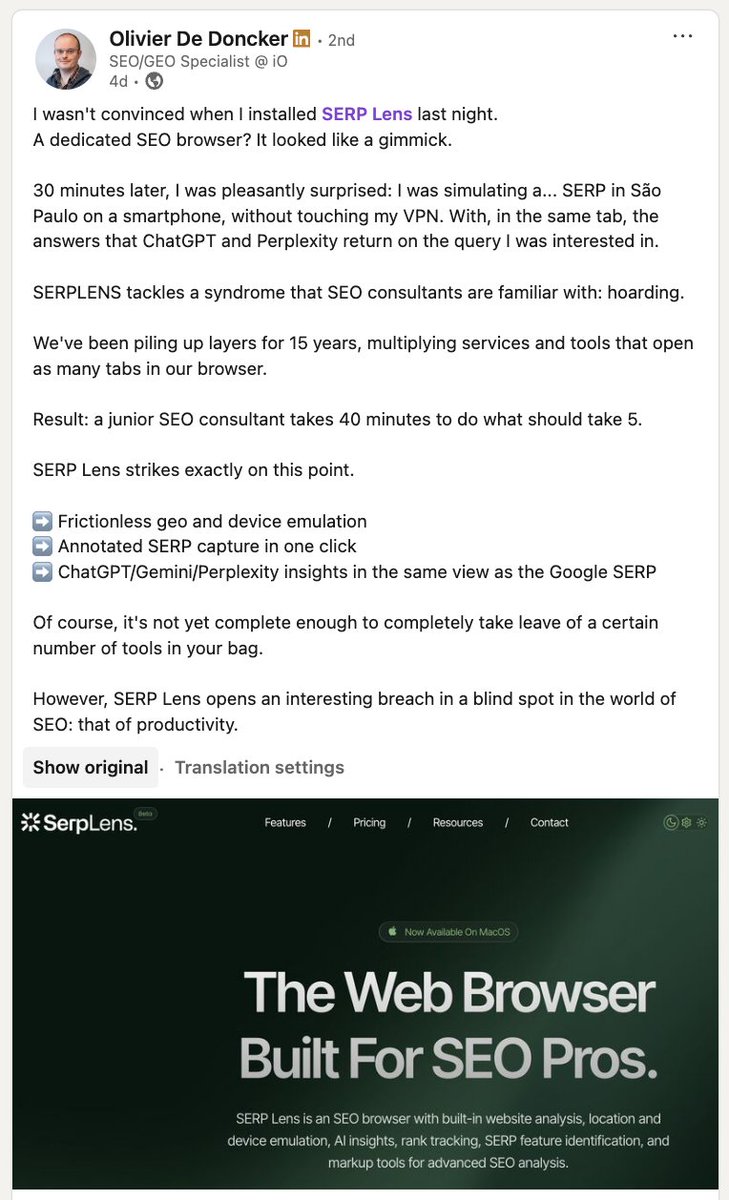
Excellent interpretation of what we're going for at SERP Lens.
To quote @odedoncker:
"We've been piling up layers for 15 years, multiplying services and tools that open as many tabs in our browser. Result: a junior SEO consultant takes 40 minutes to do what should take 5. SERP Lens strikes exactly on this point."
Read here: https://t.co/sBzYwDAWB9
Have you seen the new #SEOForLunch section:
“Cool Stuff AI Didn’t Ruin Yet”?
No affiliate links or paid placements. Just what I think is cool and worth your time. This week...
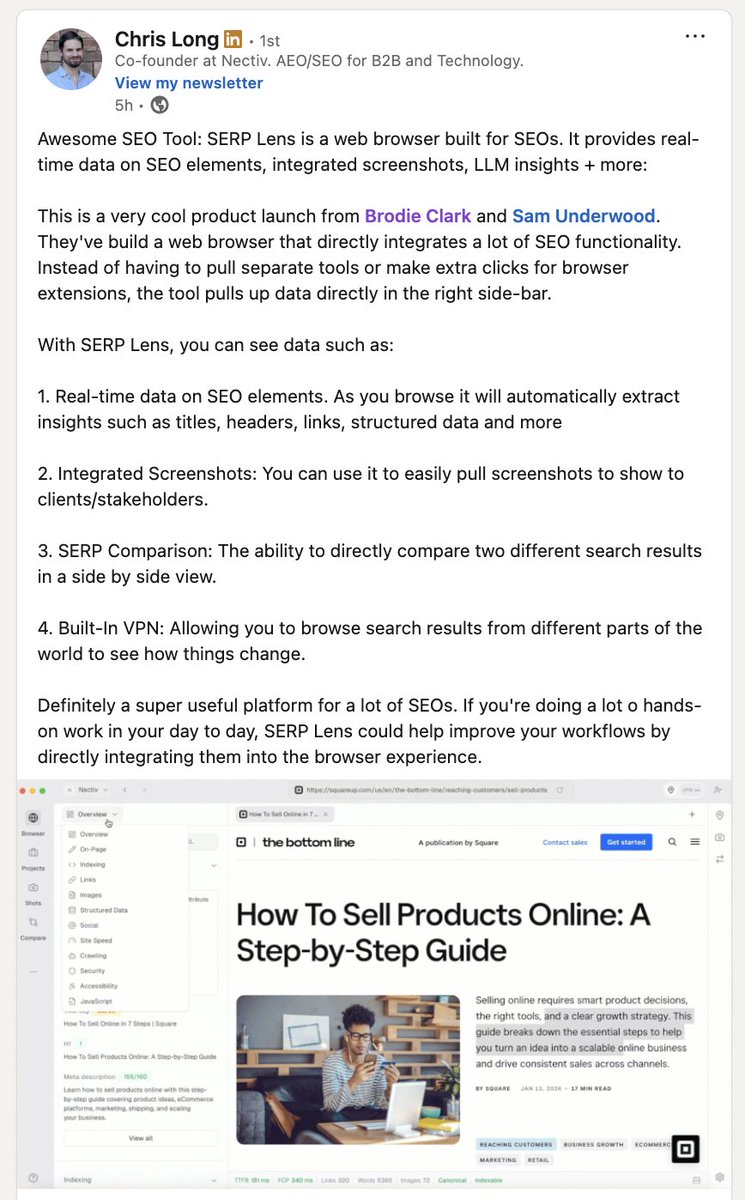
• SerpLense (@brodieseo + @SamUnderwoodUK )
• LLM Content Visibility Scanner (via @lilyraynyc )
Enjoy 👇 https://t.co/BiXI9cimpt
No more copy and pasting into https://t.co/cq4Fjupcbh.
The latest @serplens release adds full structured data validation in milliseconds as you browse + some nice new visual refinements.
→ 921 types checked
→ @ id refs resolved
→ Tree + JSON view
What do you want next?
DevTools is accessible in SERP Lens in the same ways you can access it in Chrome.
In addition to right-click functions and shortcuts, there is a handy icon to quickly open and shut the panel.
SEO Tip: if you're seeing 'learn why' appear for a page that you don't manage in search results, use our robots.txt parser to pinpoint the reason.
It will show you the exact line that is being blocked within the 'raw' tab for the crawling tool. Super useful for technical SEO.